Documentation /Seating
Selling seats at an event
Halls are an Elite feature.
Drawing a hall does nothing on its own. It starts selling when an event uses it.
Open the event and go to the Seating tab.
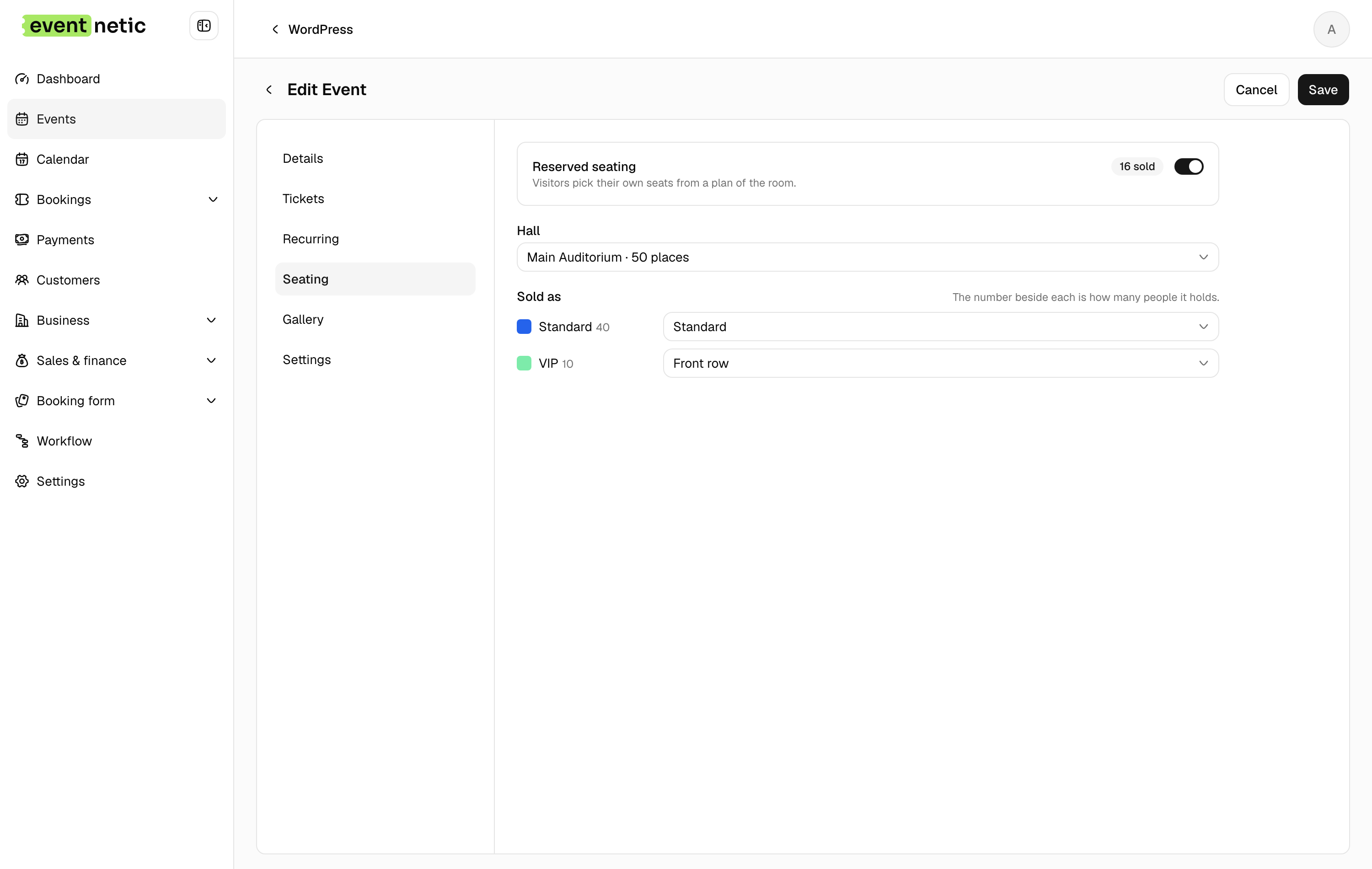
Turning it on
Reserved seating : The switch. On, the booking form asks for chairs instead of quantities.
Hall : Which room this event is in.
Sold as : For each seat category in the hall, which of the event's ticket types it sells as. Stalls → Standard, Balcony → Front row. Any category left unmapped cannot be sold.
The tab also reconciles the numbers for you, saying so plainly when the event's capacity and the room disagree:
The event's capacity is 50 but the room holds 60.
What the customer sees
The Tickets step of the booking form is replaced by the plan. Seats are coloured by category, taken ones are not selectable, and the total updates as chairs are chosen. Held seats — someone else mid-checkout — are also blocked, and released when their hold expires.
Per date
Seats are sold per date. The same chair is a separate thing on every night of a repeating event, so Friday selling out has no effect on Saturday.
A booking for several dates
A course, a pass, or a customer who ticks three evenings keeps the same chair on every date of the booking. The plan tells them so, The same seat for all 3 dates, and shows only the seats that are free on every one of those dates. A chair taken on one of them is shown as taken. See Courses and passes.
A package seats the tickets inside it: a family ticket of four asks for four chairs.
On the ticket and in messages
A seat travels with the attendee. The Seat and Seat section placeholders put it on the ticket PDF and in emails, which is how somebody at the entrance can point.