Documentation /Settings
Integrations
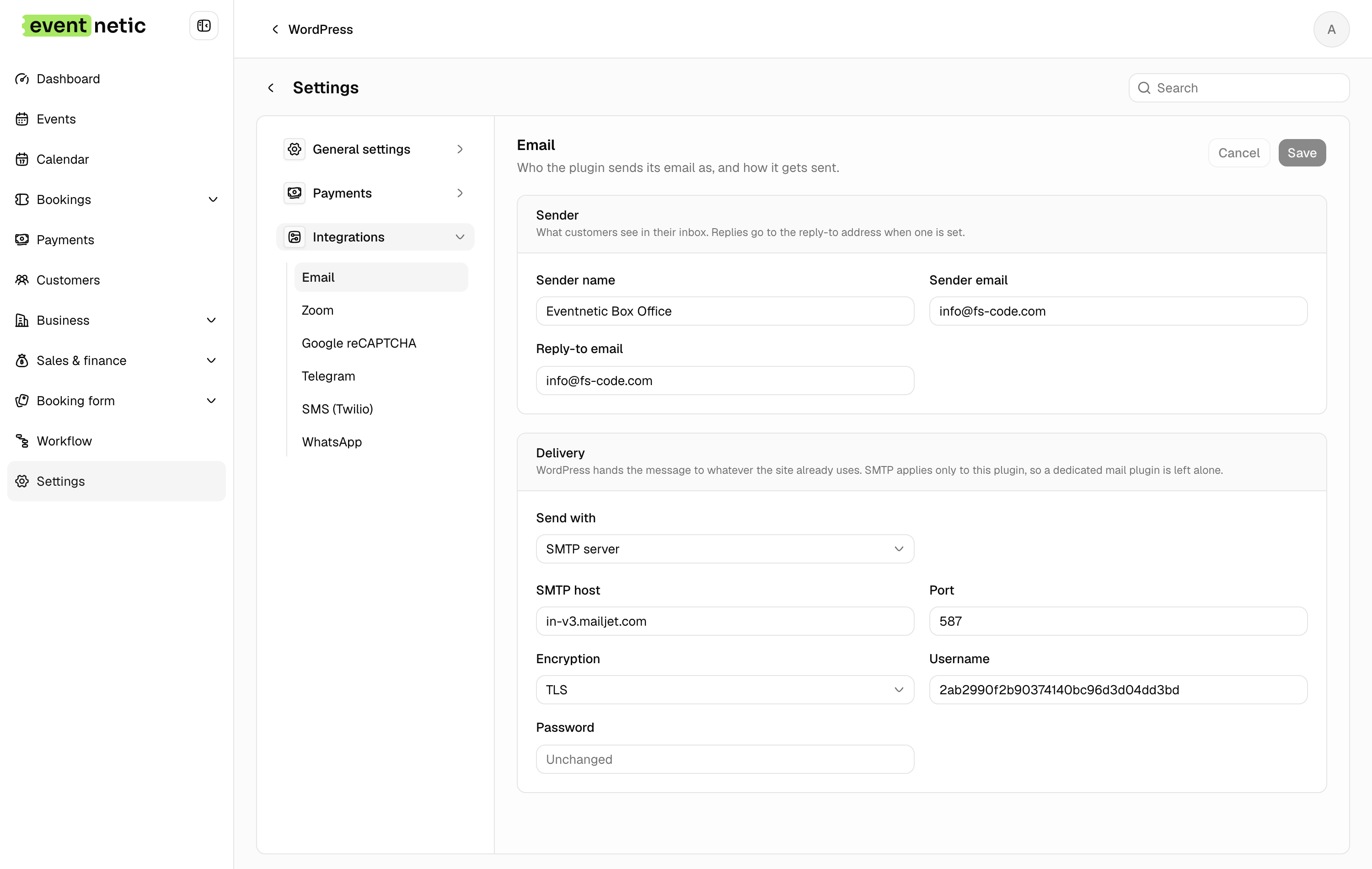
Sender name, Sender email, Reply-to email : Who the message appears to come from.
Send with : WordPress (wp_mail) uses whatever your site already does. SMTP server asks for SMTP host, Port, Encryption (TLS, SSL or None), Username and Password.
Use SMTP with a real provider. Mail sent straight from a web server is the most common reason confirmations land in spam or vanish.
Google reCAPTCHA
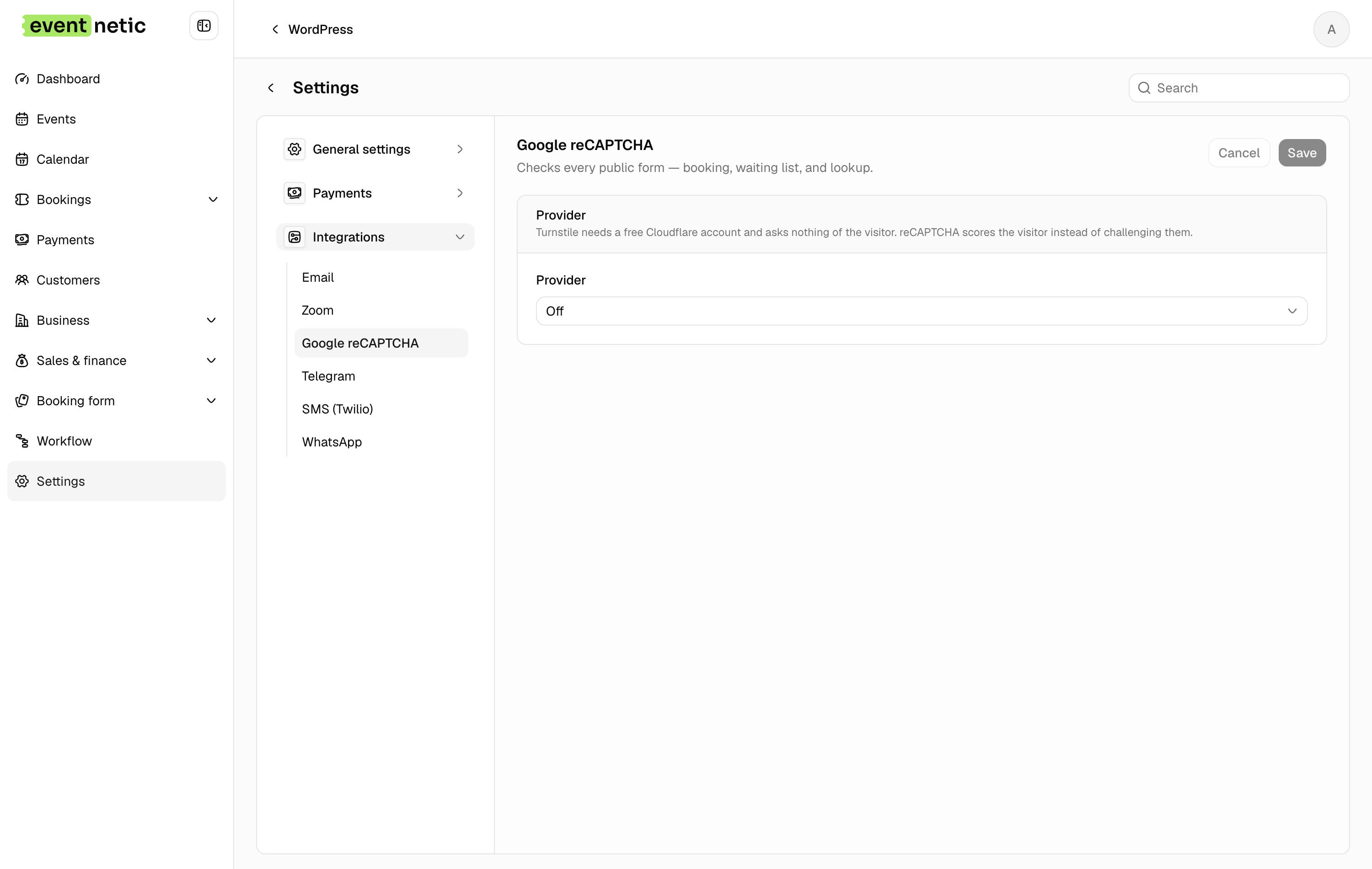
Provider : Off, Cloudflare Turnstile, or Google reCAPTCHA v3.
Site key and Secret key, plus a Minimum score (0 – 1) for reCAPTCHA.
It protects the booking form, the waiting list form and the booking lookup. Holding tickets or seats asks for it as well, so a bot cannot lock an evening by filling baskets. Worth turning on for a free event, which is what bots find.
Turnstile usually decides without showing anything. Only when Cloudflare is unsure does a confirm you are human box appear, in the middle of the screen; reCAPTCHA v3 never shows one and scores the visitor instead.
Zoom
Paid. Covered in Online events.
Connection: App type (Server-to-Server OAuth or OAuth), Account ID, Client ID, Client secret, and Test the connection. Defaults: whether a new event makes a Zoom meeting or a Zoom webinar, who hosts, and how many days ahead meetings are created.
Telegram
Paid. A Bot token, a Test connection that answers Connected as @name, and a Recent chats list with Refresh chats so you can copy the id of the group you want.
SMS (Twilio)
Paid. Account SID, Auth token, the sending Number, Test connection, Send a test, and a Messages per month ceiling shown next to this month's usage. Set the ceiling.
Paid. A Twilio Messaging service and the same monthly ceiling. Messages you start must use templates approved by WhatsApp; the action fetches them from your account.