Documentation /Events and dates
Categories and gallery
Categories
Events → Categories is a flat list: a Name, a Slug and a Colour.
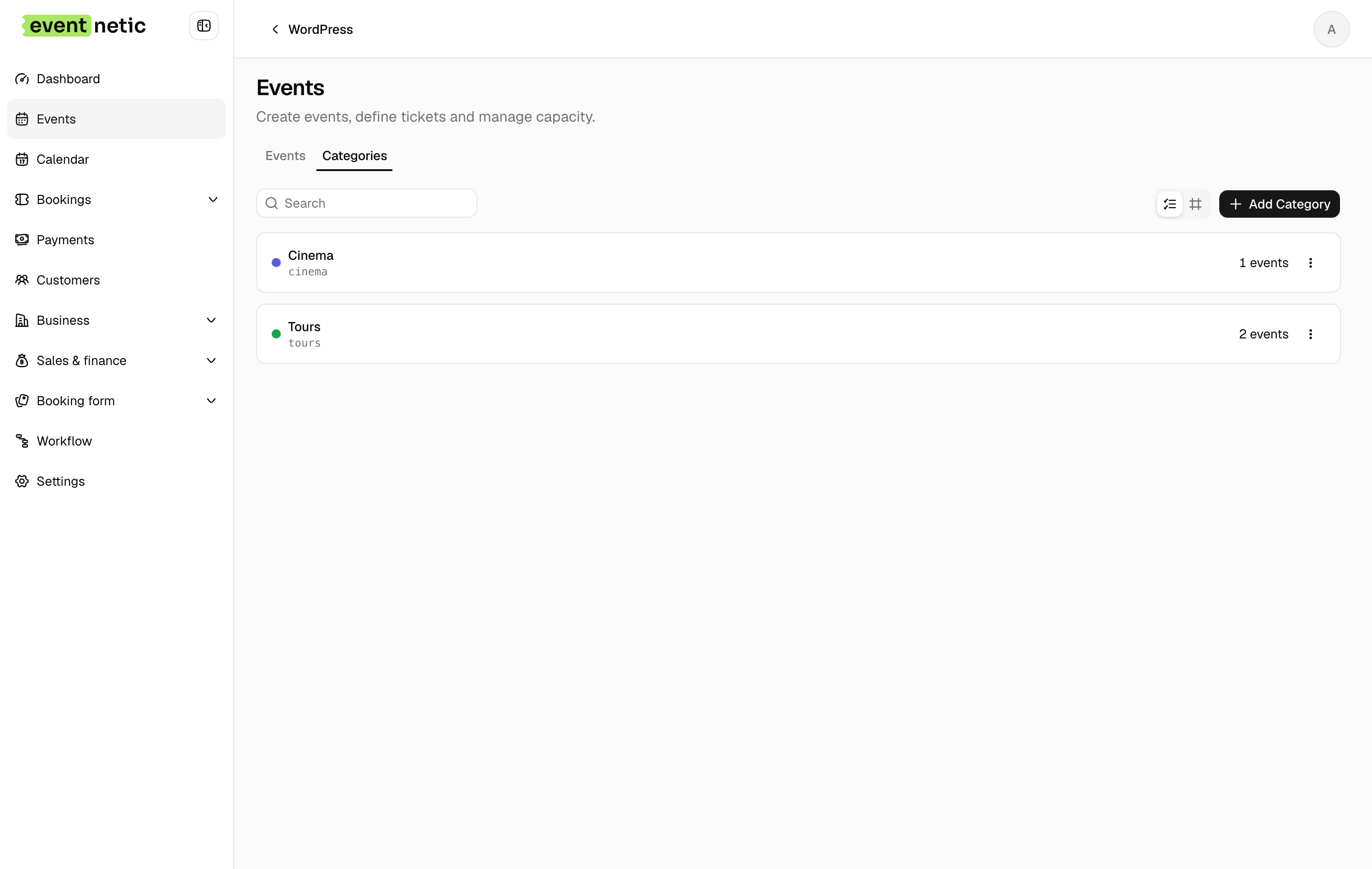
An event can be in several. They do four jobs:
- filter the events list in the admin
- colour the event on the public catalogue
- scope a discount code or a tax to a kind of event rather than to each one by hand
- pin an events shortcode to one part of your programme:
[eventnetic_events category="cinema"]
A category with events in it cannot be deleted out from under them; empty one first.
Gallery
The Gallery tab on an event holds a set of pictures for it. Add them from the media library and remove what you no longer want; they stay in the order you added them.
The gallery is not shown on the booking page, and the public REST API does not
return it. You see it in the admin, on the Gallery tab when you open the
event. A theme that wants to show it can read it from the admin endpoint,
GET /wp-json/eventnetic/v1/events/{id}, which needs an authenticated request
and returns each picture's url under gallery.
The cover on the Details tab is a separate thing: it is the single image used on cards and in listings.