Documentation /Money
Payments and orders
A booking is a promise to come. An order is what it costs, and the Payments screen is where the money lives.
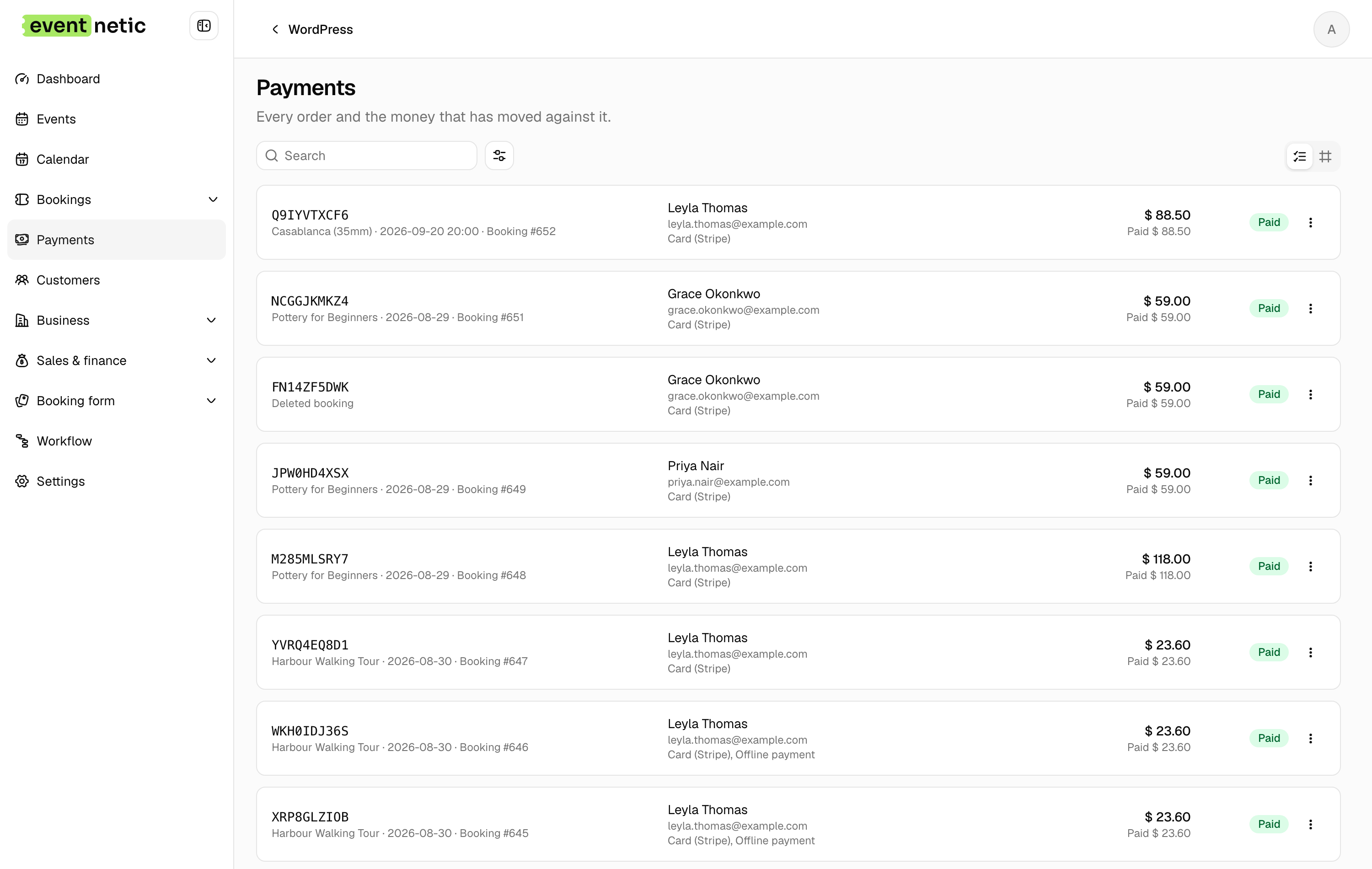
The columns
Order, Customer, Event, Event date, For, Total, Paid, Due, Method, Status.
Due is the number that matters at the desk: total minus what has been paid, after any refund.
The info dialog
Info on a row opens the whole story:
Summary : Subtotal, Discount, Surcharges, Tax, Total, Paid, Refunded, Due, Status, Customer, For, Created.
Lines : What was bought — ticket type, quantity, price.
Transactions : Every movement of money. A fresh order says so:
No money has moved yet.
Two buttons sit under it: Record payment and Refund.
Transaction statuses
In progress · Completed · Failed · Canceled
A card payment that the customer abandoned stays In progress and then fails; it never becomes Paid.
Void and delete
Void closes an order without deleting it, which is the right move for a mistake you still want a trace of. Delete removes it. Both are on the row.