Documentation /Settings
General settings
General
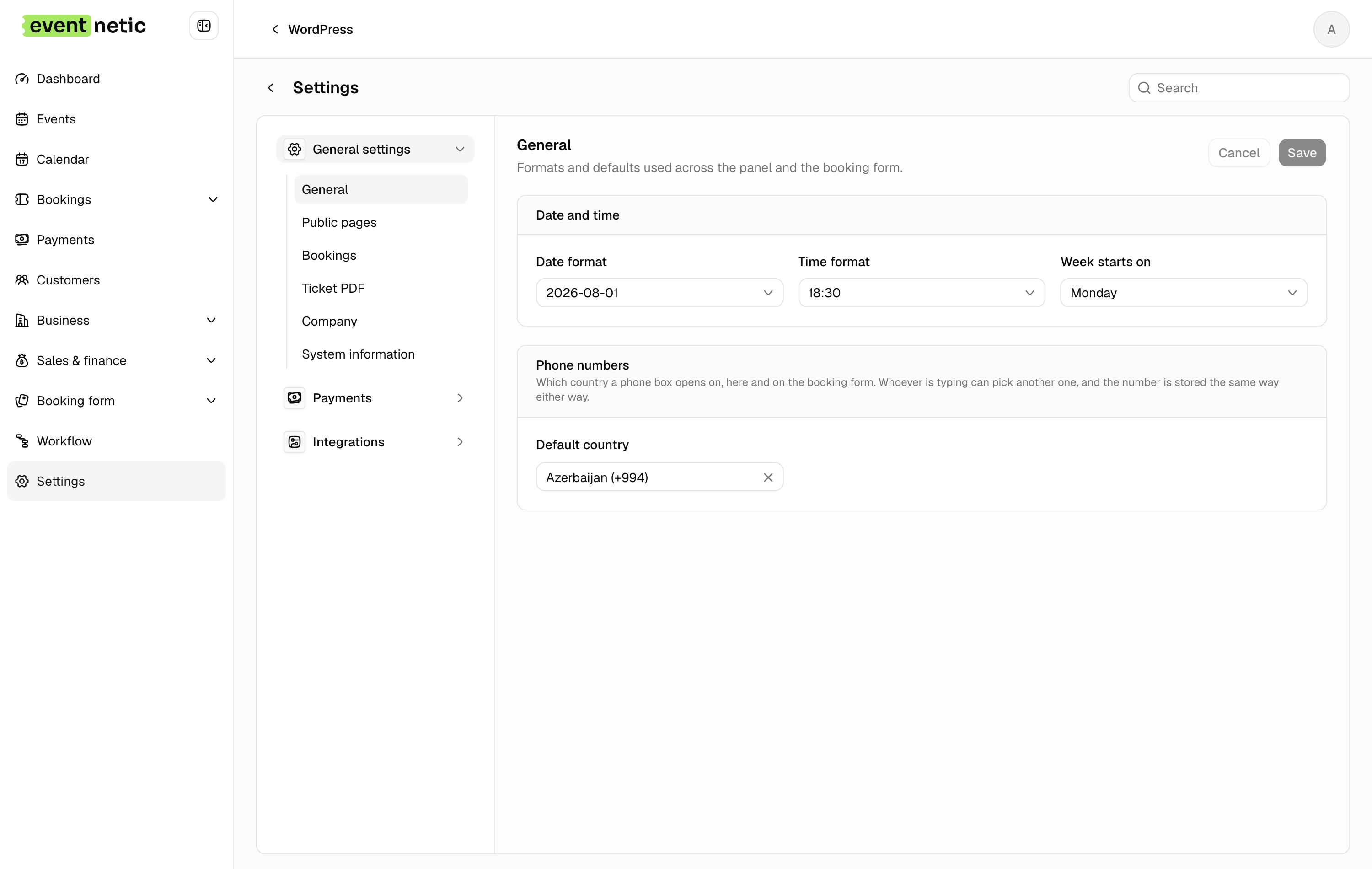
Date format, Time format, Week starts on : Used everywhere: the admin, the calendar, the booking form, the ticket.
Default country for phone numbers : Or Let the browser decide, which is usually right for an international audience.
Public pages
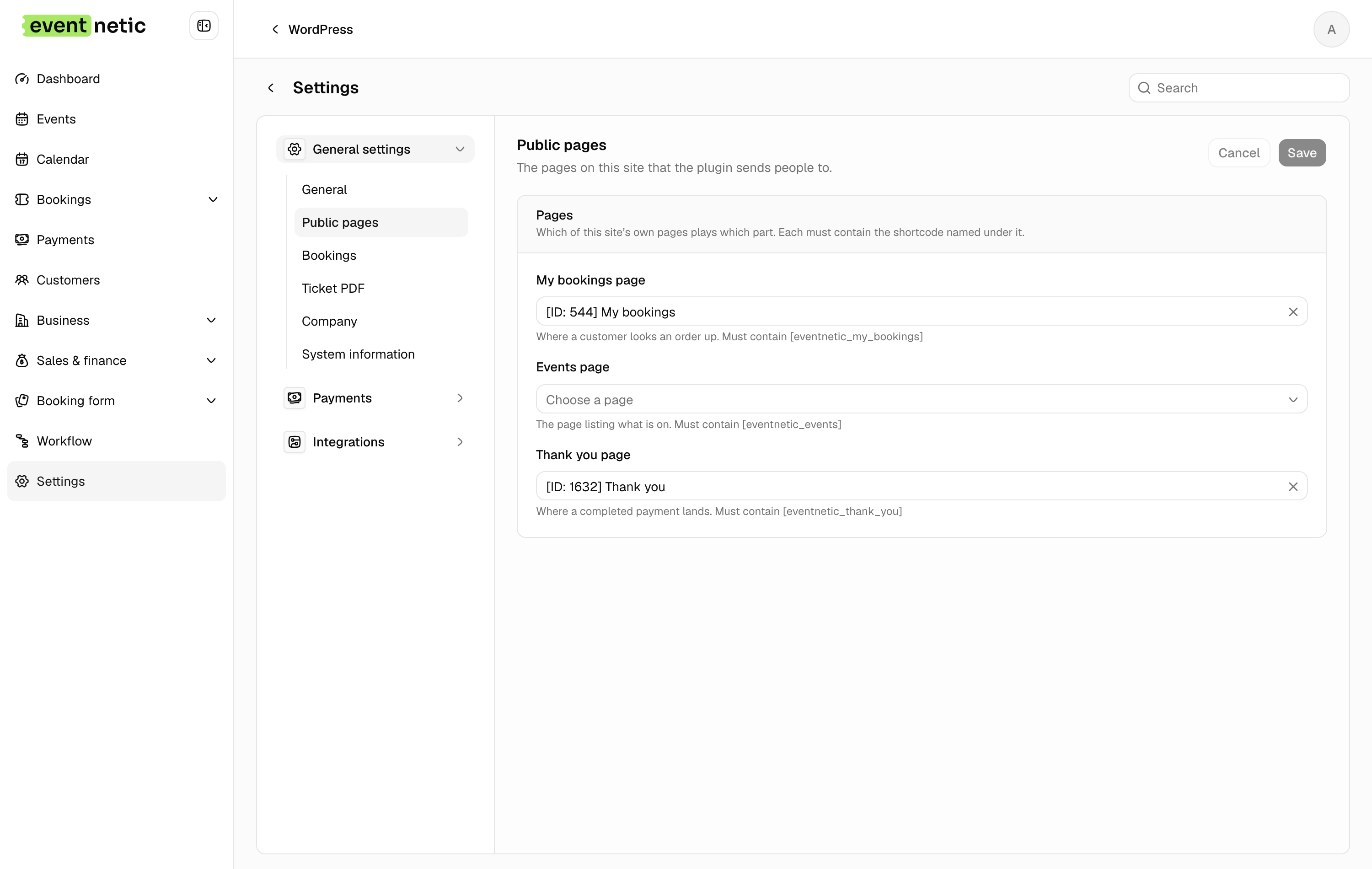
My bookings page, Events page, Thank you page — each must contain its shortcode, and the screen names which. Covered in The pages your site needs.
Bookings
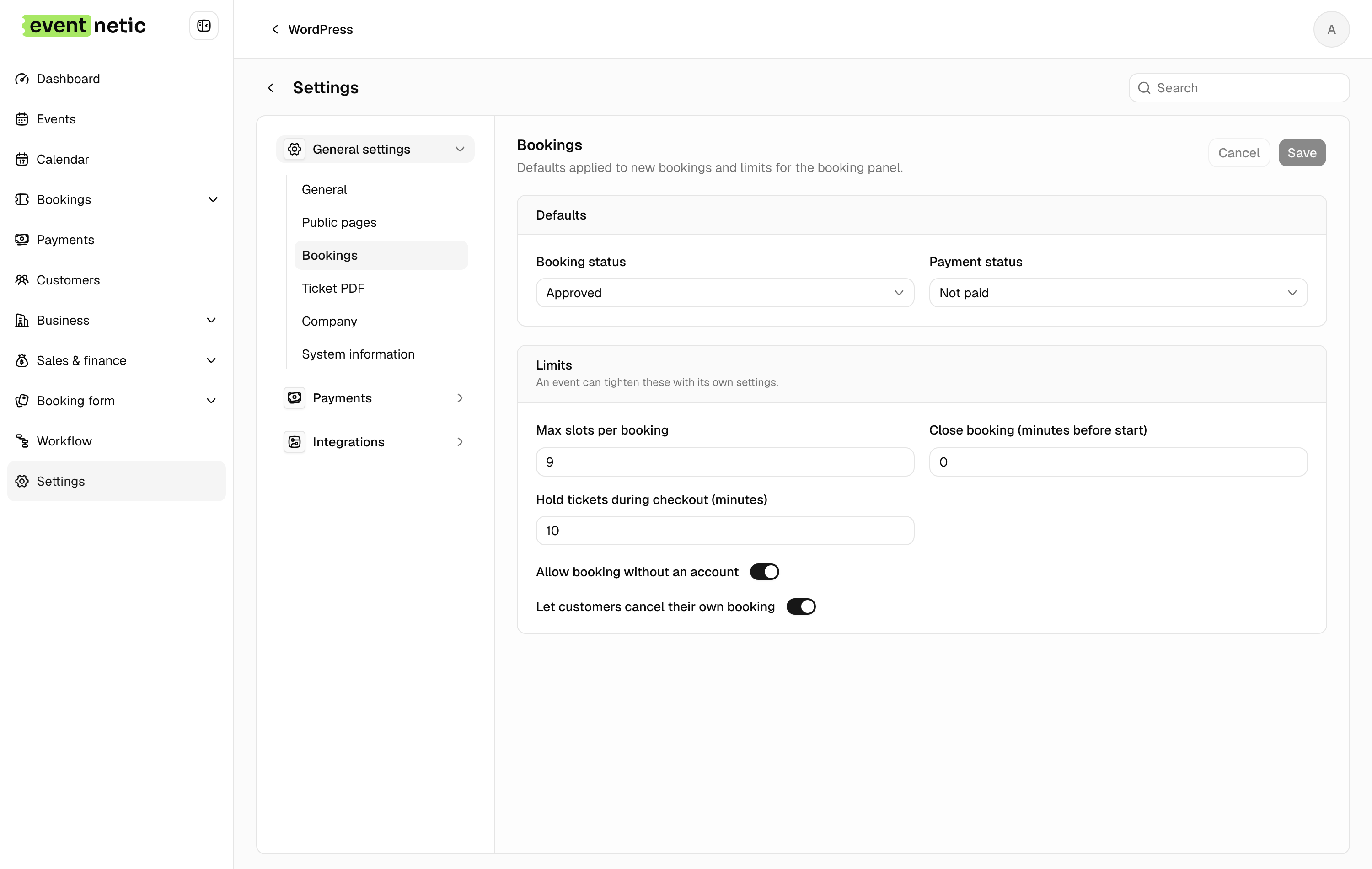
Booking status and Payment status : What a new booking starts as. Set the status to Pending if you approve by hand.
Max slots per booking : A ceiling across all events, 1 to 100. An event can be stricter, never looser.
Close booking (minutes before start) : Stop selling shortly before the doors, so nobody buys a ticket while standing outside them.
Hold tickets during checkout (minutes) : How long places are reserved while somebody pays, 1 to 120. Too short and slow payers lose their seats; too long and a sold-out event looks full when it is not.
Allow booking without an account : Almost always yes for a public event.
Let customers cancel their own booking : Adds a Cancel booking button on their booking page.
Ticket PDF
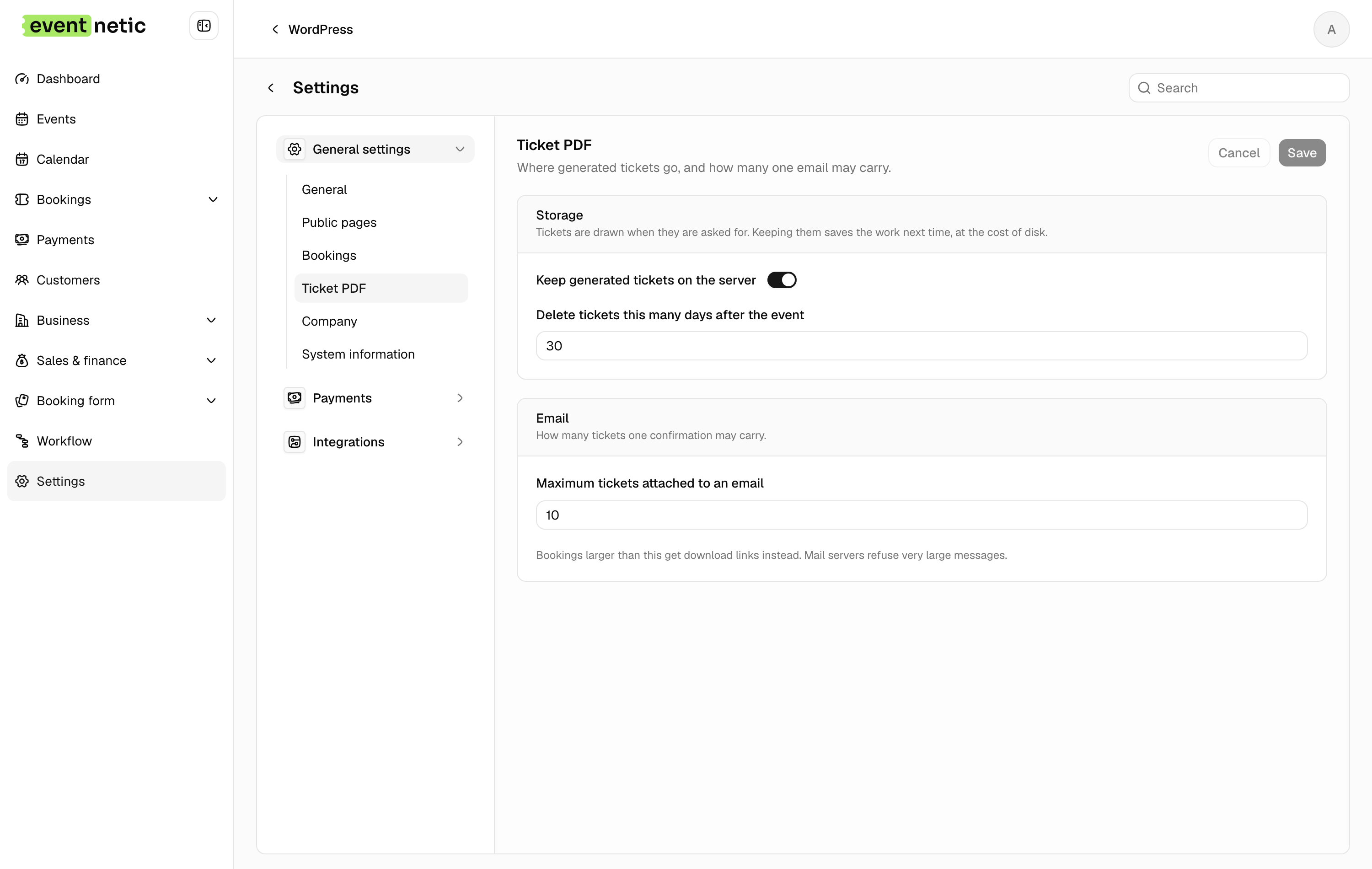
Keep generated tickets on the server, and Delete tickets this many days after the event : Housekeeping. Keeping them lets you re-send; deleting old ones keeps the disk honest.
Maximum tickets attached to an email : Above it, the customer gets download links instead of attachments. Mail servers reject large messages, and a school trip booking forty tickets is a large message.
Customer panel
Pro and Elite. Give every customer a WordPress account: on, every new customer gets an account to sign in with and see their bookings on the My bookings page. Add a workflow on A customer gets a sign-in account before turning it on, or nobody will receive their password. Covered in The customer panel.
Company
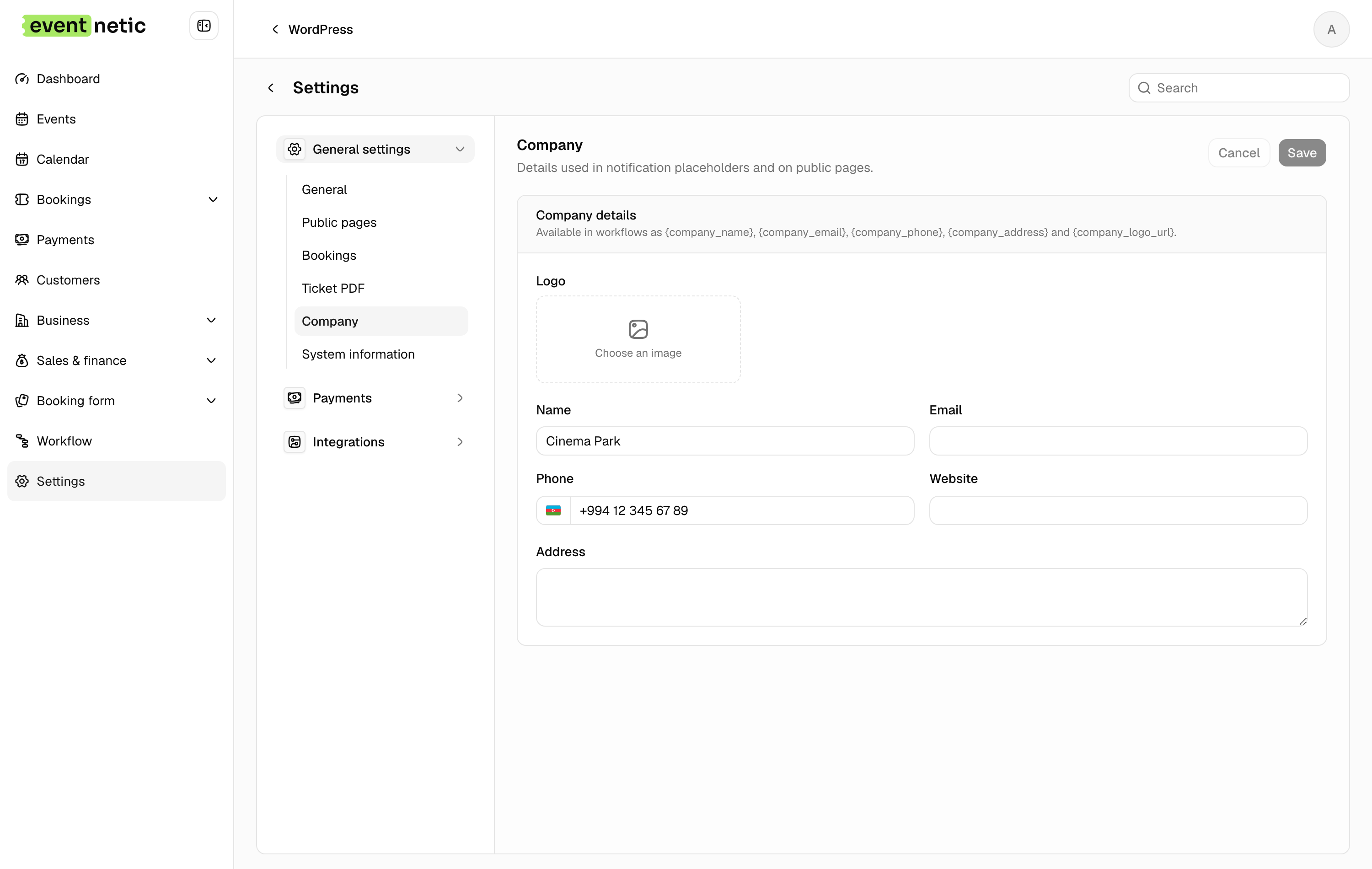
Logo, Name, Email, Phone, Website, Address.
These are not decoration: they are the {company_*} placeholders, so they end
up on tickets, invoices and every email. Fill them in before writing templates.
System information
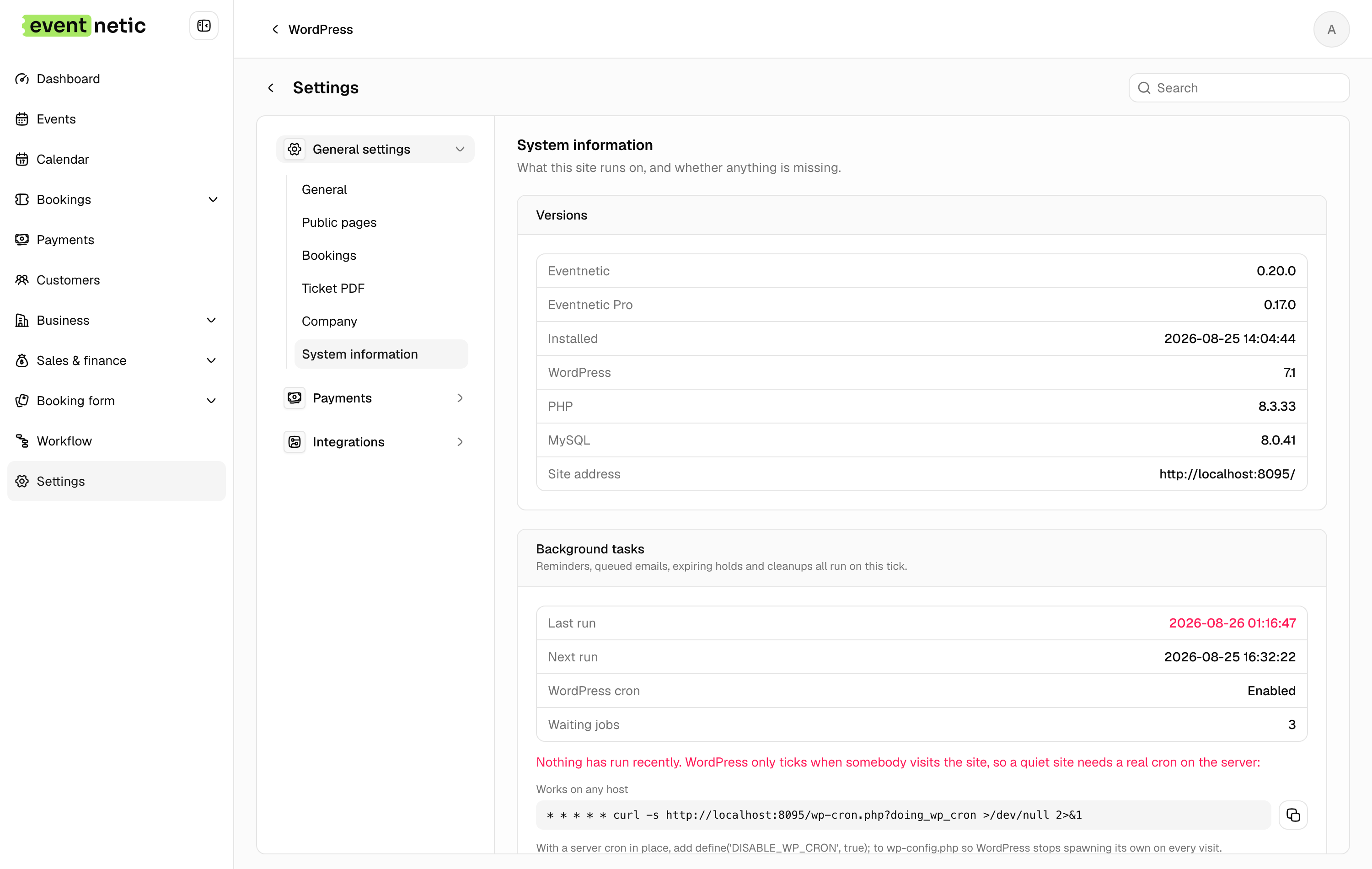
Read-only, plus one button. Versions of Eventnetic, Pro, WordPress, PHP and MySQL; your site address; and the state of background tasks — whether cron is enabled, when it last ran, when it runs next, and how many jobs are waiting.
Run tasks now empties the queue by hand. If Waiting jobs keeps climbing, read Install and activate.