
Eventbrite is easy to start with. Create an account, fill in your event details, and you have a live ticketing page in under an hour. The catch is the fee structure that runs on every ticket you sell. The standard Eventbrite fees include a service charge per ticket on top of a separate payment processing fee per order, and for recurring organizers those amounts compound quickly across a year of events.
A WordPress ticketing plugin changes that calculation. Your Stripe or PayPal account receives the full ticket price. You own the booking data and your attendee list. Your checkout happens on your own domain. The Eventbrite discovery engine is no longer in the picture, but for most organizers running their own marketing, that is a trade worth making.
This guide covers eight WordPress plugins that serve as practical Eventbrite alternatives in 2026, ranked by how well they replace what Eventbrite provides for a self-hosted WordPress site. It also covers the scenarios where Eventbrite remains the better choice, because not every event organizer should switch. For a direct head-to-head look at Eventbrite against a single leading WordPress plugin, see Eventbrite vs WordPress event ticketing; for the broader plugin category beyond Eventbrite alternatives specifically, see best WordPress event plugins.
What Separates a Good Eventbrite Alternative for WordPress
Moving from Eventbrite to a WordPress plugin means giving up a hosted platform and gaining control over fees, data, and the checkout experience. A replacement that actually competes needs to deliver on several fronts:
Zero or low platform commission. The main reason to leave Eventbrite is cost. Any alternative that adds its own percentage cut on top of payment gateway fees partially recreates the problem. See the WordPress ticketing fee comparison for a full breakdown of what each plugin actually costs per ticket.
QR ticket delivery. Eventbrite sends attendees a scannable QR code. Buyers expect this. Alternatives that only send a booking confirmation email with no scannable attachment fall short of what attendees are used to.
Seat reservations. Eventbrite supports general admission capacity management and, on higher tiers, reserved seating. WordPress alternatives vary widely here: some include seat maps from their entry paid plan, others require expensive add-ons.
Recurring events. Many organizers run weekly classes, monthly dinners, or multi-date tours. Eventbrite handles recurring dates natively. So should any serious alternative.
Payment gateway range. Eventbrite processes payments through its own system. Self-hosted alternatives need to connect to Stripe, PayPal, or WooCommerce at minimum, ideally without a per-transaction platform fee on top.
Ease of setup. Eventbrite's biggest advantage for newcomers is speed. The best WordPress alternatives get you from installation to live event in under an hour without developer help.
Quick Comparison: Eventbrite Alternatives for WordPress
| Plugin | Free plan | Entry paid plan | Commission | QR tickets | Seat reservations | Recurring events |
|---|---|---|---|---|---|---|
| Eventnetic | Yes (offline payments) | $99/yr (Starter) | None | Starter | Starter | Starter |
| Event Tickets (TEC) | Yes (2% fee on Stripe/Square) | Free; fee waived via Event Tickets Plus (paid) | 2% on Stripe/Square (free tier) | Event Tickets Plus (paid) | TEC Elite (paid) | Events Calendar Pro (paid) |
| FooEvents | No (requires WooCommerce) | $169/yr (Basic Bundle) | None | All plans | $249/yr Premium Bundle | All plans |
| Tickera | No (paid plugin) | $149/yr (Standard) | None | All plans (Checkinera app) | Bundle add-on | Limited |
| Eventin | Basic only | $89/yr (Standard Pro) | None | Pro | Pro | Pro |
| Sugar Calendar | Yes (3% fee on Stripe) | Free Lite; fee removed from $99.50/yr Plus | 3% on Lite/Basic | No native scanner | No | Paid plans |
| Event Espresso | PayPal only (3% fee on Decaf) | $129/yr (Core) | 0% on paid plans | Mobile add-on | Via add-on | Yes |
| Events Manager | Registration only | $99/yr (Pro) | None | Pro | No | Free |
8 Best Eventbrite Alternatives for WordPress
1. Eventnetic
Best for: WordPress organizers who want the Eventbrite workflow with no per-ticket fee, and a free plan worth using before paying
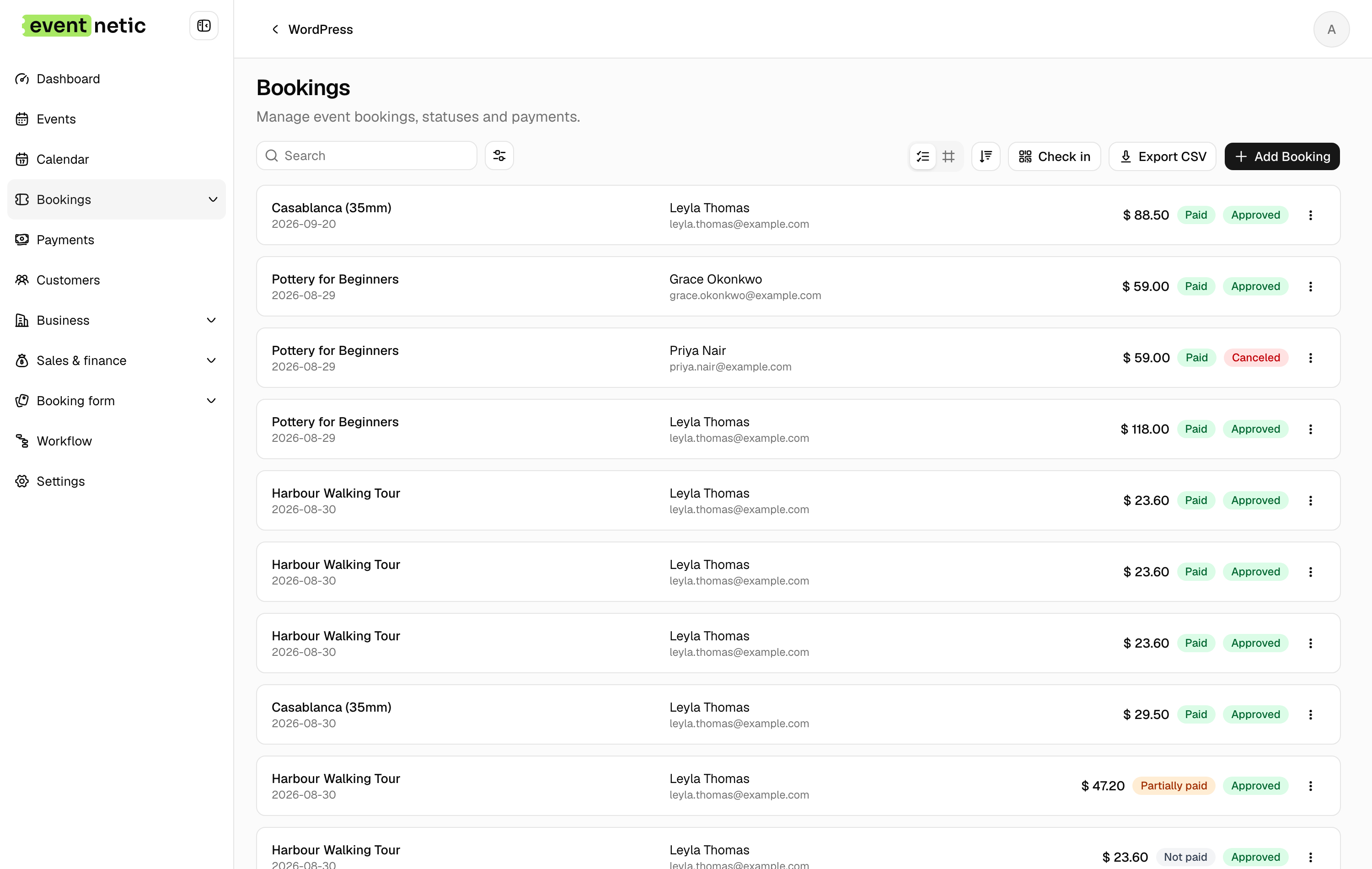
Eventnetic covers the workflow Eventbrite covers, without the per-ticket fee and without sending buyers off your site. The free plan is the strongest starting point in this list: unlimited events and bookings, ticket types at custom prices, capacity management, email automation across 15 triggers, check-in by name or booking code, and an analytics dashboard, with no cap and no expiry.
Starter at $99/yr adds Stripe and PayPal, PDF tickets with QR codes, recurring dates with per-date capacity, taxes, deposits and discount codes. Pro at $199 adds seat maps, per-date pricing, invoices and waiting lists. Between the two that covers what a typical Eventbrite organizer uses, plus assigned seating, which Eventbrite only supports on its more expensive plans.
Where Eventbrite keeps your attendee list on its own servers, every booking here sits in your WordPress database as a CSV download away. Timed entry caps attendance per window for tours and museums, and the free plan guide sets out what costs nothing.
Key features:
- Unlimited active events and bookings on the free plan, with no expiry
- Stripe and PayPal checkout on your own domain, zero commission (Starter)
- PDF tickets with a QR code per seat or booking, plus a camera scanner (Starter)
- Recurring series with per-date capacity (Starter) and per-date pricing (Pro)
- Seat maps tied to the venue and reused across events (Pro)
- Timed entry slots with capacity per window (Starter)
- Deposits, discount codes and custom attendee forms (Starter)
- Every booking held in your own WordPress database
Pricing: Free plan with offline payment and no expiry. Starter $99/yr first year (1 site, renews at $199) or $199 lifetime. Pro $199/yr first year (5 sites, renews at $299) or $399 lifetime, where seating starts. Elite $299/yr (25 sites) or $599 lifetime. 14-day money-back guarantee.
Limitations: Card payment requires a paid Starter license. The plugin is newer than older alternatives like Event Espresso, so the third-party integration ecosystem is still expanding. The plugin is distributed directly from eventnetic.com, not via the WordPress.org plugin directory.
2. Event Tickets by The Events Calendar
Best for: WordPress sites already using The Events Calendar that want to bolt on Stripe, PayPal, and Square ticket sales to an existing event listing setup
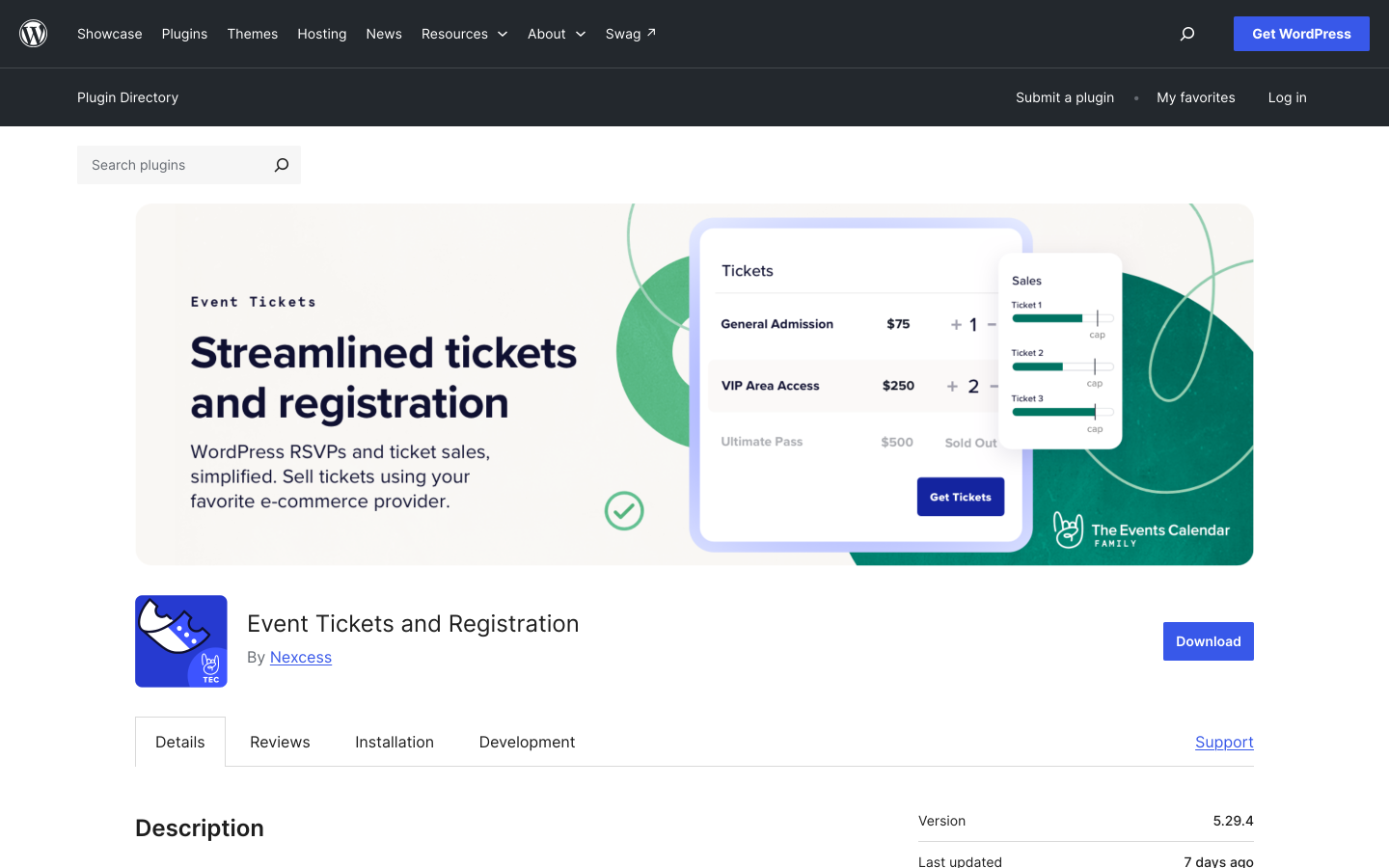
Event Tickets by StellarWP is the most widely deployed WordPress ticketing companion plugin, running alongside The Events Calendar (700,000-plus active installs). The core plugin is free and adds RSVP collection and paid ticketing via Tickets Commerce, which connects to Stripe, PayPal, and Square without requiring WooCommerce. The catch: Tickets Commerce applies a 2% platform fee per transaction on Stripe and Square in the free tier, on top of the gateway's standard fees. This fee is removed when the paid Event Tickets Plus add-on is installed.
Compared to Eventbrite, the free Event Tickets setup gets you Stripe and Square ticket sales on your own site at zero plugin cost. The 2% Tickets Commerce fee is lower than Eventbrite's total fee structure, though upgrading to Event Tickets Plus (removing the fee entirely) is the better long-term move for any organizer doing meaningful volume.
QR code scanning and PDF ticket delivery require Event Tickets Plus. Recurring events require Events Calendar Pro. Assigned seating requires TEC Elite. Each of those is a separate purchase. For organizers who only need basic ticket sales without advanced features, the free tier works as a starting point. For organizers who need the full feature parity with Eventbrite (QR tickets, recurring events, seating), the add-on cost can exceed that of an all-in-one alternative.
Key features:
- RSVP and paid ticket sales via Tickets Commerce (free plugin)
- Stripe, PayPal, and Square support in the free tier
- 2% platform fee on Stripe and Square in the free tier, waived with Event Tickets Plus
- QR code scanning and PDF tickets (Event Tickets Plus, paid)
- Recurring events (Events Calendar Pro, paid)
- Reserved seating (TEC Elite, paid)
- Attendee management and basic order tracking (free)
- 4.2/5 rating from 2,444 WordPress.org reviews on TEC core
Pricing: Event Tickets plugin is free. Tickets Commerce (included) applies a 2% fee on Stripe and Square transactions. Event Tickets Plus removes the fee and adds QR check-in and advanced ecommerce. Check theeventscalendar.com for current paid add-on pricing. Events Calendar Pro and TEC Elite are separate purchases for recurring events and seating.
Limitations: The 2% Stripe and Square fee in the free tier requires a paid upgrade to remove. QR scanning, PDF tickets, recurring events, and seating are each behind separate paid add-ons. Sites that need all of these features may find an all-in-one plugin more cost-effective.
3. FooEvents for WooCommerce
Best for: WooCommerce stores that want to convert existing product pages into ticketed events and leverage their existing payment gateway setup
FooEvents for WooCommerce transforms WooCommerce products into ticketed events. Because the ticketing runs through WooCommerce, buyers check out using whatever gateway your store already supports: Stripe, PayPal, Square, and 100-plus other WooCommerce-compatible gateways, with no FooEvents commission on any transaction. Every paid plan includes custom branded PDF tickets with QR codes, free iOS and Android check-in apps (the FooEvents Check-ins app), multi-day event support, and calendar display.
For organizers already running a WooCommerce store, this is the path of least resistance. Your gateway is already configured, your customers know your checkout, and you gain event ticketing without switching infrastructure. For organizers running a WordPress site without WooCommerce, adding it solely to support FooEvents introduces meaningful overhead: setup time, plugin weight, and ongoing maintenance of an e-commerce engine for a pure ticketing use case.
Seat maps (numbered reserved-seat events with a visual layout) require the Premium Bundle at $249/year. Walk-up ticket sales from a physical POS terminal are available in the Point of Sale Bundle at $399/year.
Key features:
- WooCommerce products become ticketed events
- 100-plus payment gateways via WooCommerce (no FooEvents commission)
- Custom branded PDF tickets with QR codes (all plans)
- Free iOS and Android check-in apps included on all plans
- Multi-day events, recurring dates, and custom attendee forms
- Seating maps for numbered reserved-seat events (Premium Bundle)
- Point of sale terminal for walk-up sales (Point of Sale Bundle)
Pricing: Basic Bundle $169/year (core plugin, PDF tickets, calendar, check-in app). Bookings Bundle $199/year (adds booking customization and custom attendee fields). Premium Bundle $249/year (adds seating). Point of Sale Bundle $399/year (adds POS system, seating, and all add-ons). 14-day money-back guarantee. WooCommerce is required and not included.
Limitations: WooCommerce is a hard dependency. The $169/year entry price is higher than some all-in-one alternatives. Seat maps require the $249/year Premium Bundle.
4. Tickera
Best for: event organizers who want zero-commission ticket sales, the widest range of built-in payment gateways, and the option of a one-time lifetime license
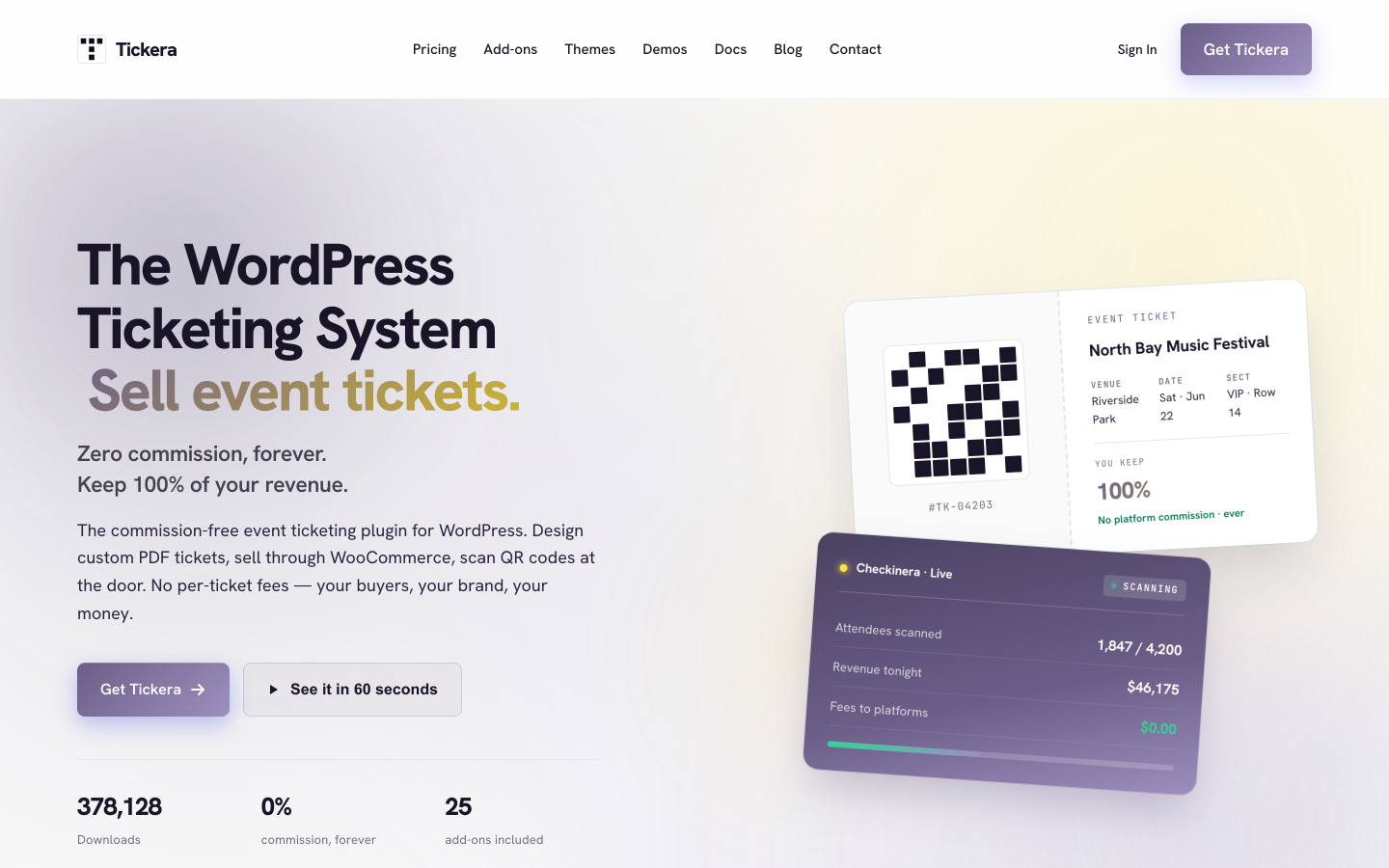
Tickera is built around one promise: your payment gateway processes every transaction directly into your account, and Tickera takes nothing from ticket revenue. With 2,000-plus active installs and a 4.5/5 rating from 286 reviews on WordPress.org, it is a focused tool. Every Tickera plan covers unlimited sites, unlimited events, unlimited attendees, PDF tickets with email receipts, and free iOS and Android check-in apps (Checkinera) for QR scanning at the door.
Nineteen payment gateways are built into the core plugin without requiring WooCommerce. The Bundle plan adds WooCommerce via the Bridge add-on, expanding gateway options to hundreds more, including Square and Klarna. Seating maps for assigned-seat events are included in the Bundle and Lifetime plans. A one-time Lifetime license is available at $399, covering unlimited sites and every Tickera add-on with no annual renewal.
Tickera does not ship a polished public-facing event calendar for browsing upcoming events. Sites that want a visual listing page for their events alongside ticket sales typically pair Tickera with a separate calendar plugin.
Key features:
- 19 built-in payment gateways, no WooCommerce required
- Zero platform commission on all plans
- Unlimited sites, events, and attendees
- PDF tickets with QR codes and email receipts
- Checkinera iOS and Android check-in apps (free, all plans)
- Seating Charts add-on (Bundle and Lifetime)
- Discount codes and custom attendee forms (Bundle)
- WooCommerce Bridge for 100-plus additional gateways (Bundle)
- Lifetime license with no renewal required
Pricing: Standard $149/year first year (renews at $99/year). Bundle $199/year first year, includes all 25 add-ons (renews at $149/year). Lifetime $399 one-time (all add-ons, unlimited sites, no renewal). 7-day money-back guarantee.
Limitations: No polished public event calendar frontend for audience browsing. Recurring events are limited compared to dedicated event management plugins. The 7-day refund window is shorter than most competitors in this list.
5. Eventin
Best for: conferences, workshops, and structured multi-track events that need speaker profiles and session schedules alongside paid ticket sales
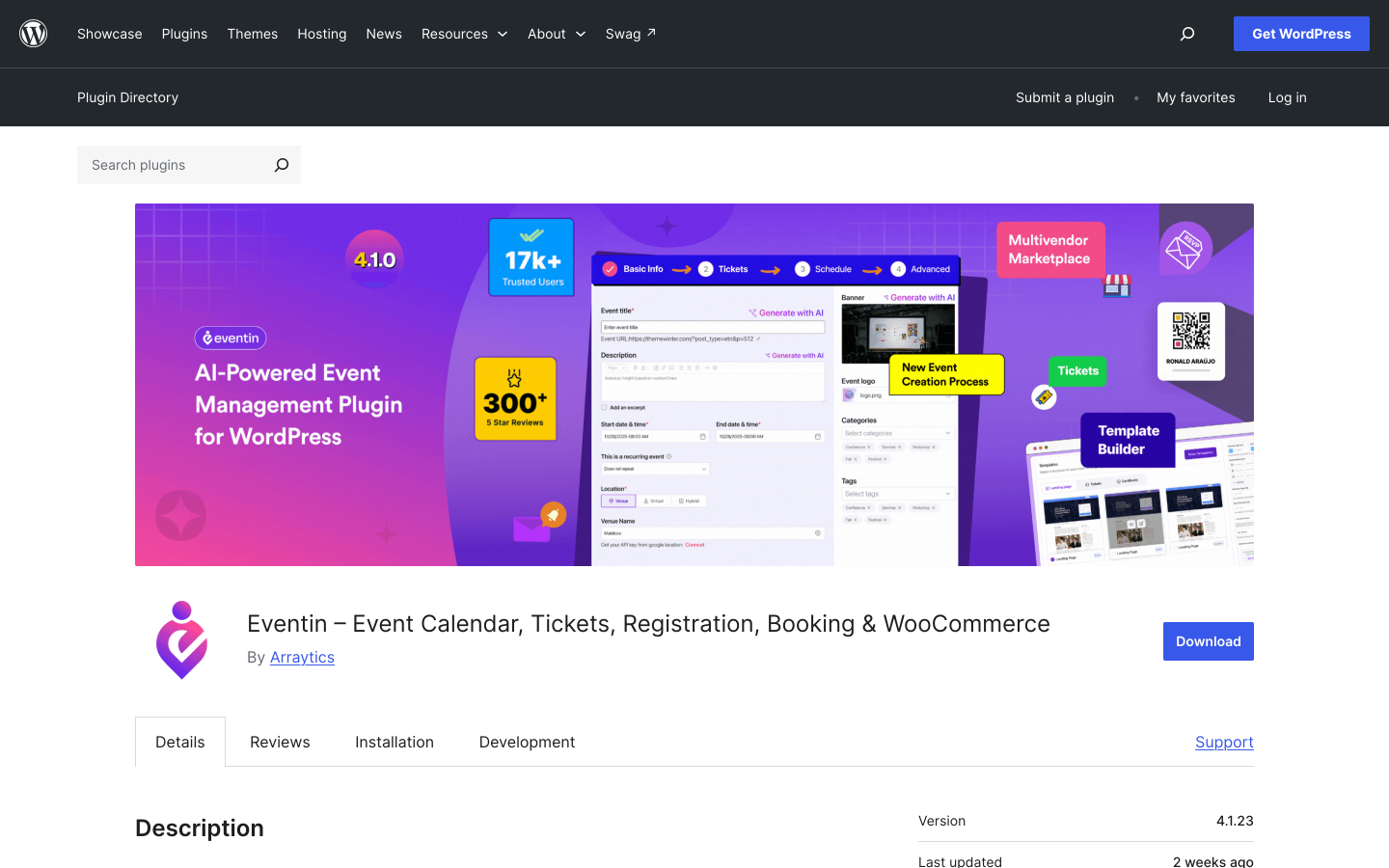
Eventin by Arraytics is the strongest option here for conference-style event management. With 10,000-plus active installs and a 4.5/5 rating from 388 reviews on WordPress.org, it covers speaker management, session scheduling, event tracks, multi-tiered ticket types, QR code check-in, and seat maps in a single plugin. The free version provides a basic event calendar. Multi-tier ticket pricing, assigned seating, and the check-in app require a Pro license.
Multi-tiered ticket types (Early Bird, VIP, General Admission, Group, and custom tiers) with per-tier capacity controls mean you can sell 50 Early Bird tickets and then 200 General Admission tickets with the plugin managing availability across each tier automatically. This is genuinely difficult to replicate cleanly in Eventbrite's standard tier structure.
For events that are purely about selling access to a show, performance, or class, Eventin's conference management layer adds complexity that is not needed. For multi-speaker, multi-track events where agenda management is as important as ticket sales, it is the best-structured option in this list.
Key features:
- Multi-tiered ticket types with per-tier capacity and availability windows
- Speaker profiles with photos, bios, and session assignments
- Event schedule with session time blocks, tracks, and filtering
- QR code ticket generation and mobile check-in app (Pro)
- Visual seat plans for assigned-seat events (Pro)
- RSVP forms and recurring event support (Pro)
- AI-assisted event description writing
Pricing: Free version on WordPress.org. Pro: Standard from $89/year (2 domains); Small Business from $165/year (100 domains); Agency from $179/year (unlimited domains). Promotional discounts regularly available. 15-day money-back guarantee.
Limitations: The features that differentiate Eventin from simpler plugins all require a Pro license. Payment gateway range is narrower than Tickera or FooEvents. Conference features add unnecessary complexity for single-track or venue-based events.
6. Sugar Calendar
Best for: WordPress sites that want Stripe ticket selling with a low upfront cost, accepting a 3% platform fee on the free tier or removing it by upgrading to the Plus plan at $99.50/year
Sugar Calendar offers Stripe ticket selling in its free Lite version, making it one of the few plugins on this list where you can start taking real payments without purchasing a license first. The trade-off is a 3% platform fee applied per Stripe order on top of Stripe's standard processing fees. This fee is removed on the Plus plan ($99.50/year) and above.
Compared to Eventbrite, the free Sugar Calendar Lite tier with the 3% platform fee still typically results in a lower total cost per ticket at lower price points, while removing the discovery network and branded Eventbrite ticketing page. Upgrading to Plus removes the fee and adds recurring events and RSVP management for roughly the same annual cost as Eventnetic's Starter plan.
Sugar Calendar does not include native QR scanning or PDF ticket delivery. If a scannable ticket at the door is a requirement, this is a gap. The plugin is strongest for simple events where calendar presentation and a clean Stripe checkout matter more than door-scanning infrastructure.
Key features:
- Stripe ticket selling available in the free Lite version (3% platform fee applies)
- 3% fee removed on Plus plan ($99.50/year) and above
- Month, week, and day calendar views via Gutenberg blocks or shortcodes
- Google Maps venue display (requires Google Maps API key)
- Attendee management and CSV export (free)
- iCal/ICS feeds and Add to Calendar buttons for Google, Outlook, and Apple Calendar (free)
- Recurring events with daily, weekly, monthly, and custom patterns (paid plans)
- RSVP management with dashboard (paid plans)
- One-click migration from The Events Calendar
Pricing: Lite is free on WordPress.org (Stripe ticket selling with 3% fee). Basic: $49.50/year (1 site, 3% fee still applies). Plus: $99.50/year (1 site, fee removed, recurring events and RSVP added). Pro: $199.50/year (3 sites). Elite: $299.50/year (10 sites). 14-day money-back guarantee.
Limitations: The 3% fee in Lite and Basic applies on top of Stripe's standard processing rate. No native QR scanner or PDF ticket delivery. Recurring events and RSVP are not in the free version. Smaller third-party integration ecosystem than TEC.
7. Event Espresso
Best for: established WordPress sites running complex, multi-day programs with a need for a deep add-on ecosystem and a mature registration platform
Event Espresso is one of the longest-running dedicated event ticketing plugins for WordPress. The free Decaf plan includes unlimited events and registrations with PayPal payments, but applies a 3% platform fee per transaction. The Core plan ($129/year) removes the commission, unlocks compatibility with 30-plus add-ons, multi-day event support, and advanced form customization. The All Access plan ($399/year) unlocks every available add-on including additional payment gateways, an affiliate program module, and mobile app branding.
Event Espresso is more configuration-intensive than newer tools in this list. The interface reflects its age: functional and reliable, but not as polished as more recently built plugins. For organizations running complex event structures, long multi-day programs, and a need for add-on depth, the maturity of the platform is a genuine advantage. For organizers who want a fast setup and a modern checkout experience, the newer alternatives on this list are a better fit.
Key features:
- Unlimited events and registrations on all plans
- PayPal payments on Decaf (free); 30-plus gateway options via add-ons on Core and above
- Multi-day event support and advanced form customization (Core)
- Custom registration fields, ticket types, and early-bird pricing
- Discount codes and promotional pricing
- CSV export and attendee management reports
- Mobile app for on-site check-in (add-on)
- 0% commission on Core and All Access plans
Pricing: Decaf (free): PayPal only, 3% per-ticket platform fee. Core: $129/year (0% commission, 30-plus add-on compatibility). All Access: $399/year (all add-ons, affiliate module, premium support). 14-day money-back guarantee.
Limitations: The Decaf plan applies a 3% fee per ticket. The admin interface is more complex than newer alternatives. All Access at $399/year is significantly higher than entry-level competitors.
8. Events Manager
Best for: community events and recurring class programs where free registration with attendee management is the primary need, and payments are secondary
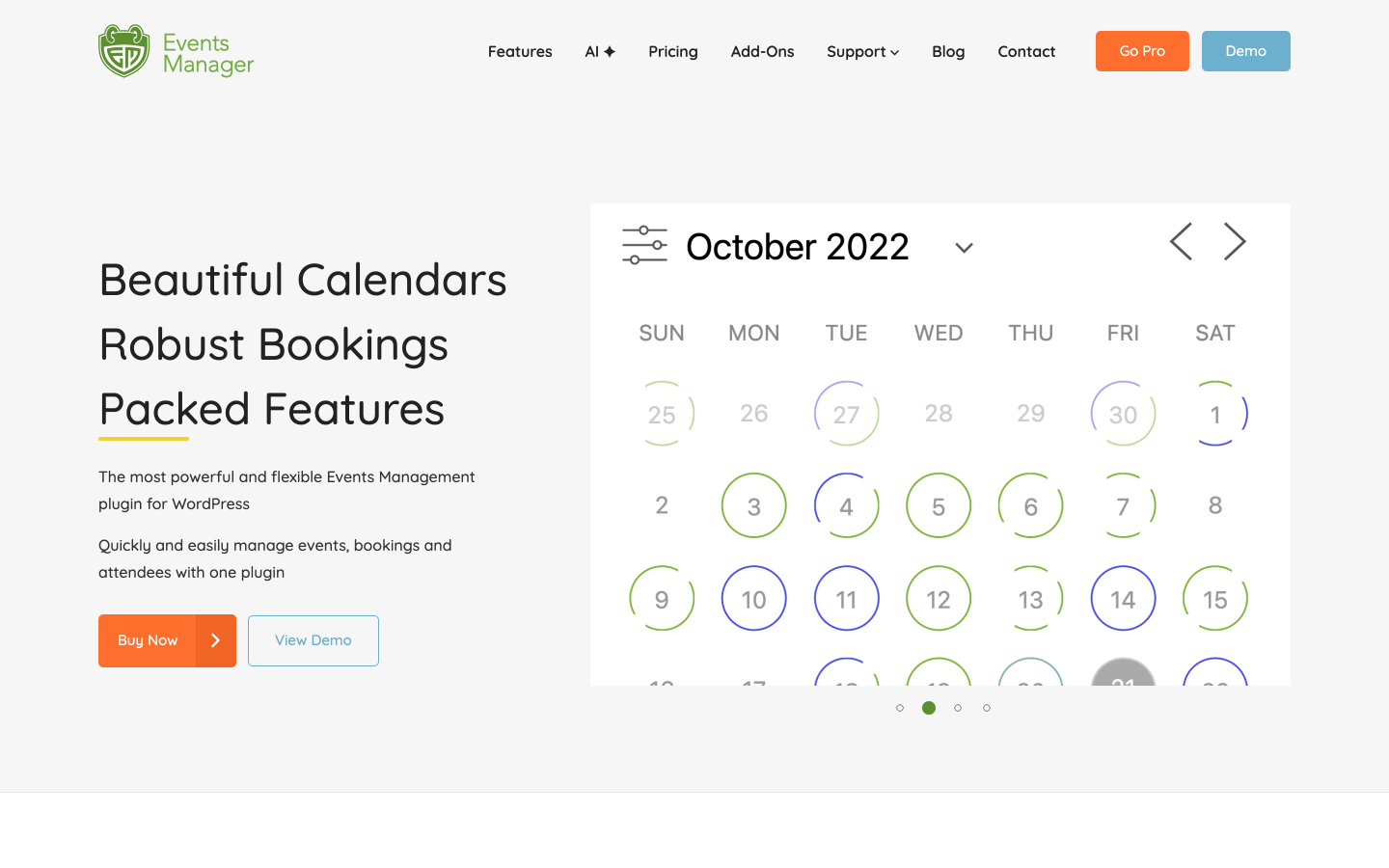
Events Manager offers the most complete free event registration workflow of any plugin in this list. The free plugin has 70,000-plus active installs and a 4.2/5 rating from 547 reviews on WordPress.org. It covers booking management, unlimited recurring events, Google Maps venue integration, attendee limit controls, and custom confirmation emails. It also includes basic waiting list support, Zapier integration, and CSV import from Google Sheets, iCal, Zoom, and Meetup, all at no cost. Payment processing (Stripe, PayPal, Authorize.net) and PDF tickets with QR codes require the Pro license at $99/year.
As an Eventbrite alternative for organizations that primarily need free registration and only occasionally collect payments, Events Manager is the strongest free starting point. For organizations where online payments and QR check-in are central to every event, upgrading to Pro delivers that workflow at a competitive price.
Key features:
- Booking management and attendee tracking (free)
- Unlimited recurring events with daily, weekly, and monthly patterns (free)
- Google Maps venue integration and multi-location support (free)
- Google Calendar export and CSV import from Google Sheets, iCal, Zoom, and Meetup (free)
- Zapier and webhook automation for CRM sync (free)
- Stripe, PayPal, and Authorize.net payment gateways (Pro)
- PDF ticket generation and QR code delivery (Pro)
- WooCommerce cart checkout for events (Pro)
Pricing: Free core plugin on WordPress.org. Events Manager Pro from $99/year (1 site, no add-ons) or $129/year (1 site, all add-ons). Multi-site licenses at higher tiers. Check the official pricing page for any active promotions.
Limitations: Payment gateways and PDF/QR tickets require the Pro license. No visual seating maps at any plan level. The admin interface is visually older than newer tools like Sugar Calendar or Eventin.
When Eventbrite Is Still the Better Choice
Switching to WordPress self-hosted ticketing is the right move for most organizers running regular events. But Eventbrite has genuine advantages in specific situations. It is worth being honest about when staying on the platform, or at least keeping it as a supplement, makes more sense.
Your audience discovers events through Eventbrite search. Eventbrite operates a high-traffic events discovery platform. For public events in cities where attendees actively browse Eventbrite to find things to do, organic traffic from the Eventbrite search results is real marketing you do not get from a WordPress plugin. If a meaningful share of your ticket sales comes from Eventbrite discovery rather than your own marketing, that channel has value worth quantifying before you move.
You do not have a WordPress site and are not ready to build one. Eventbrite gets you from zero to live event in an afternoon with no hosting, no plugin setup, and no domain required. If your organization does not already have a WordPress presence and is not committed to building one, the setup overhead of self-hosted ticketing is a real barrier.
Your events involve major sponsors or brands that specify Eventbrite. Some corporate event programs, conference sponsors, or venue partnerships have Eventbrite built into their standard requirements. In those cases, using a different platform creates friction regardless of the fee difference.
You run large-scale events where Eventbrite's infrastructure and compliance matter. Eventbrite manages PCI compliance, fraud screening, and high-volume ticket sales infrastructure as part of its platform. For events selling tens of thousands of tickets in short windows, Eventbrite's infrastructure is purpose-built for that load. A self-hosted WordPress site on standard managed hosting needs additional configuration (caching, CDN, load testing) to handle ticket sale spikes of that scale.
You sell tickets across multiple currencies and countries. Eventbrite handles multi-currency ticket sales and country-specific compliance out of the box. WordPress plugins with Stripe and PayPal do support multi-currency, but the configuration and compliance burden sits with you.
For the majority of recurring event organizers, venue operators, community programmers, and course instructors running events on their own audience, none of these scenarios apply. The self-hosted route wins on cost, data ownership, and checkout experience.
Frequently Asked Questions
What is the best free Eventbrite alternative for WordPress?
Events Manager is the most complete free event registration plugin, covering unlimited recurring events, attendee management, Zapier integration, and waiting lists at no cost, with payments unlocked via the $99/year Pro license. Eventnetic's free plan also covers unlimited events and bookings with offline payments, email automation, and check-in by booking reference, with Stripe and PayPal unlocked at the Starter tier ($99/year). Sugar Calendar Lite provides free Stripe ticket selling but applies a 3% platform fee per order, removed from the Plus plan ($99.50/year). The Event Tickets companion plugin (TEC) offers free Stripe, PayPal, and Square ticket sales via Tickets Commerce with a 2% fee on Stripe and Square transactions, waived by upgrading to Event Tickets Plus.
Which WordPress event plugin has zero commission on ticket sales?
Eventnetic, FooEvents, Tickera, Events Manager Pro, and Event Espresso Core all operate with zero platform commission. Stripe or PayPal processing fees (typically 2.9% plus $0.30 per transaction with Stripe) apply regardless of which plugin you use, as those go to the payment gateway rather than the plugin. Event Tickets (TEC) applies a 2% fee on Stripe and Square in the free tier, removed with Event Tickets Plus. Sugar Calendar Lite and Basic apply a 3% fee on Stripe orders, removed from the Plus plan. Event Espresso's free Decaf plan applies a 3% fee, removed on Core and All Access. For platforms beyond WordPress plugins that also avoid per-ticket fees, see ticketing platforms with no transaction fees.
Do WordPress ticketing plugins support QR code tickets like Eventbrite?
Yes. Eventnetic (Starter plan), FooEvents (all paid bundles), Tickera (all plans via the Checkinera app), and Eventin Pro all include QR code ticket generation and scanning. Events Manager Pro includes QR PDF tickets. Event Tickets (TEC) requires the paid Event Tickets Plus add-on for QR check-in. Sugar Calendar and Event Espresso offer QR functionality only via optional mobile add-ons or external tools.
Can I accept seat reservations on a WordPress ticketing plugin?
Yes. Eventnetic includes a full seating chart module with sections, tiers, and date-specific availability, on the Pro plan at $199 per year for the first year. FooEvents supports assigned seating in the Premium Bundle ($249/year). Tickera includes seating in the Bundle and Lifetime plans. Eventin includes visual seat plans from its Premium tier at $149 per year; the $89 Standard plan does not. Events Manager Pro does not include seating maps at any tier. For theatre, cinema, and venue-based events where row-and-seat selection matters, Eventin Premium is the cheapest way in at $149. Eventnetic Pro and Tickera Bundle both sit at $199 and differ on what surrounds the seat map: Tickera covers unlimited sites, Eventnetic ties maps to venues so they are reused across every event held there.
Is it worth switching from Eventbrite to a WordPress plugin?
For organizers running their own audience, promoting events through their own channels, and selling tickets regularly, the cost saving is substantial. The full breakdown of what Eventbrite charges per transaction across different ticket prices and event volumes is in the Eventbrite fees post. The short version: for any organizer doing moderate annual volume, a $99/year plugin license pays for itself in a handful of sold-out events. The additional benefit is that your attendee data stays on your own server rather than on Eventbrite's platform.
Can I run recurring events (weekly classes, monthly dinners) on a WordPress ticketing plugin?
Yes. Eventnetic (Starter), Events Manager (free), Events Calendar Pro (paid add-on), Sugar Calendar Plus, and Event Espresso Core all support recurring event series. Each has a different implementation: Eventnetic allows per-date pricing and capacity within a recurring series, which is useful for events that vary pricing by day or session.
Does switching from Eventbrite mean losing access to its attendee data?
Eventbrite's attendee data (names, emails, ticket purchase history) lives on Eventbrite's servers. When you switch platforms, you need to export that data before closing your Eventbrite account. Most organizers export their CSV attendee lists before migration. Going forward, every booking on a self-hosted WordPress plugin is stored in your own database, so you have direct access to all attendee records without depending on a third-party platform's export tools.
Final Verdict
For most WordPress organizers, Eventnetic is the clearest replacement for Eventbrite on a self-hosted site. The free plan covers the complete ticketing workflow for offline and cash events, and a single $99/year Starter upgrade adds Stripe, PayPal, QR tickets, recurring dates, taxes, and discount codes, with zero commission at every tier. Seat maps and waiting lists are on Pro at $199 for the first year. Either way it is your own domain, and your attendee data stays in your own database.
If you are already running The Events Calendar on your WordPress site, Event Tickets is the natural bolt-on for free Stripe, PayPal, and Square ticket sales. The 2% Tickets Commerce fee makes Event Tickets Plus worth evaluating as soon as ticket volume picks up. FooEvents is the right pick for WooCommerce stores that already have a payment gateway configured and want to use it for event sales. Tickera suits organizers who want the widest gateway choice, no commission, and the option of paying once with a lifetime license. Eventin is the best fit for conferences and multi-track events where speaker management and session schedules matter. Sugar Calendar works for simple events where a clean calendar display and low-cost Stripe entry are the priorities. Event Espresso serves complex multi-day programs where the depth of the add-on ecosystem justifies the price. Events Manager is the strongest free registration platform when payments are a secondary need.
To get step-by-step guidance on setting up your first self-hosted ticketing workflow, the sell tickets on WordPress without fees guide covers installation, event setup, gateway connection, and QR ticket delivery from start to finish.


