Best WordPress Event Plugins in 2026: Management & Ticketing
9 Sep 2026 · Eventnetic Admin

WordPress event plugins give you control that hosted platforms do not. Eventbrite takes a percentage of every ticket sold and sends your audience to a third-party site. A self-hosted event plugin processes payments straight to your own gateway and keeps attendee data inside WordPress. It also lets you customize the booking experience without restrictions. The Eventbrite fees on a well-attended event add up faster than most organizers expect, and you are building your audience on someone else's platform.
This guide evaluates 11 actively maintained WordPress plugins covering the complete event workflow: ticketing with zero commission, attendee registration and management, QR code check-in at the door, reserved seating for theaters and venues, WooCommerce integration, recurring events, and venue and class management. Each entry is based on official documentation, WordPress.org listings, and pricing pages verified in 2026. Pricing is accurate at time of writing; check each plugin's official site before purchasing.
How These Plugins Were Evaluated
WordPress event plugins do not all solve the same problem. Some are built primarily as event calendars, others as ticketing engines, and others as registration and attendee management tools. A plugin that works well for a community concert calendar may be the wrong choice for a theater selling reserved seats or a yoga studio managing recurring weekly classes.
Each plugin in this list was assessed on:
- Event creation workflow: How straightforward is it to create an event, set a date, and publish it to a usable frontend?
- Ticket sales and payment gateways: Which gateways are supported, on which plan, and does the plugin take a commission?
- Registration and attendee management: Can you collect attendee details, track capacity, and manage bookings from the admin?
- QR check-in: Does the plugin issue QR codes per booking and provide a scanner or dashboard for door check-in?
- Calendar display: Does the plugin provide calendar views visitors can actually navigate? (For plugins focused specifically on calendar display and browsing, see the guide to best WordPress calendar plugins.)
- Recurring events: Can you create a weekly class, monthly meetup, or annual event that repeats without manual re-entry?
- WooCommerce integration: Does the plugin work with an existing WooCommerce store, and is that required?
- Seating: Does the plugin support visual seat maps for theaters, cinemas, and seated venues?
- Venue and class management: Does the plugin support reusable venue profiles, location pages, or class-style scheduling?
- Free plan utility: What can you do without paying, and what is the minimum cost for a fully working setup?
- Install base and reputation: Active installs and WordPress.org rating depth as signals of plugin stability.
Quick Comparison: Best WordPress Event Plugins
| Plugin | Best for | Free plan | Entry paid plan | QR check-in | Seating | Recurring events |
|---|---|---|---|---|---|---|
| Eventnetic | All-in-one ticketing, seating, recurring, check-in | Yes (unlimited events and bookings) | $99/yr (Starter) | Starter | Yes (Starter) | Starter |
| The Events Calendar | Most widely installed calendar and ticketing platform | Yes (calendar, venue pages) | Paid add-ons for recurring and ticketing | Event Tickets Plus (paid) | TEC Elite (paid) | Events Calendar Pro (paid) |
| Events Manager | Most complete free registration workflow | Yes (registration, recurring) | $99/yr (Pro) | Pro | No | Free |
| Eventin | Conferences, workshops, speaker events | Yes (basic calendar) | $89/yr (Standard, 2 domains) | Pro | Yes (Pro) | Pro |
| Sugar Calendar | Clean block-editor calendar with Stripe ticketing | Yes (Stripe with 3% fee) | $49.50/yr (Basic); $99.50/yr (Plus, fee removed) | No native | No | Plus and above |
| Modern Events Calendar | Venues, class schedules, rich calendar views | No (premium-only plugin) | From $89/yr (Pro, 1 site) | Pro | No native | Yes |
| FooEvents for WooCommerce | WooCommerce stores selling event tickets | No (WooCommerce required) | $169/yr (Basic Bundle) | Yes (iOS/Android apps, all plans) | Yes (Premium Bundle) | Yes |
| Tickera | Zero-commission ticketing, 19 gateways, no WooCommerce | No (paid plugin) | $149/yr first year | Yes (Checkinera apps) | Bundle add-on | Limited |
| Event Organiser | Multilingual events, European markets | Yes (recurring, venue management) | £50/yr (Personal) | No | No | Free |
| Event Espresso | Complex multi-day events with deep add-on catalog | Yes (Decaf: PayPal only, 3% fee) | $129/yr (Core) | Add-on | No native | Yes |
| WP Event Manager | Lightweight event directory with Ajax filtering | Yes (listings, location filtering) | $99/yr (Plus) | Add-on | No | Yes |
The 11 Best WordPress Event Plugins (Ranked)
1. Eventnetic
Best for: WordPress sites that want a full ticketing workflow from day one, with a free plan worth using and one paid upgrade for card payments and QR check-in
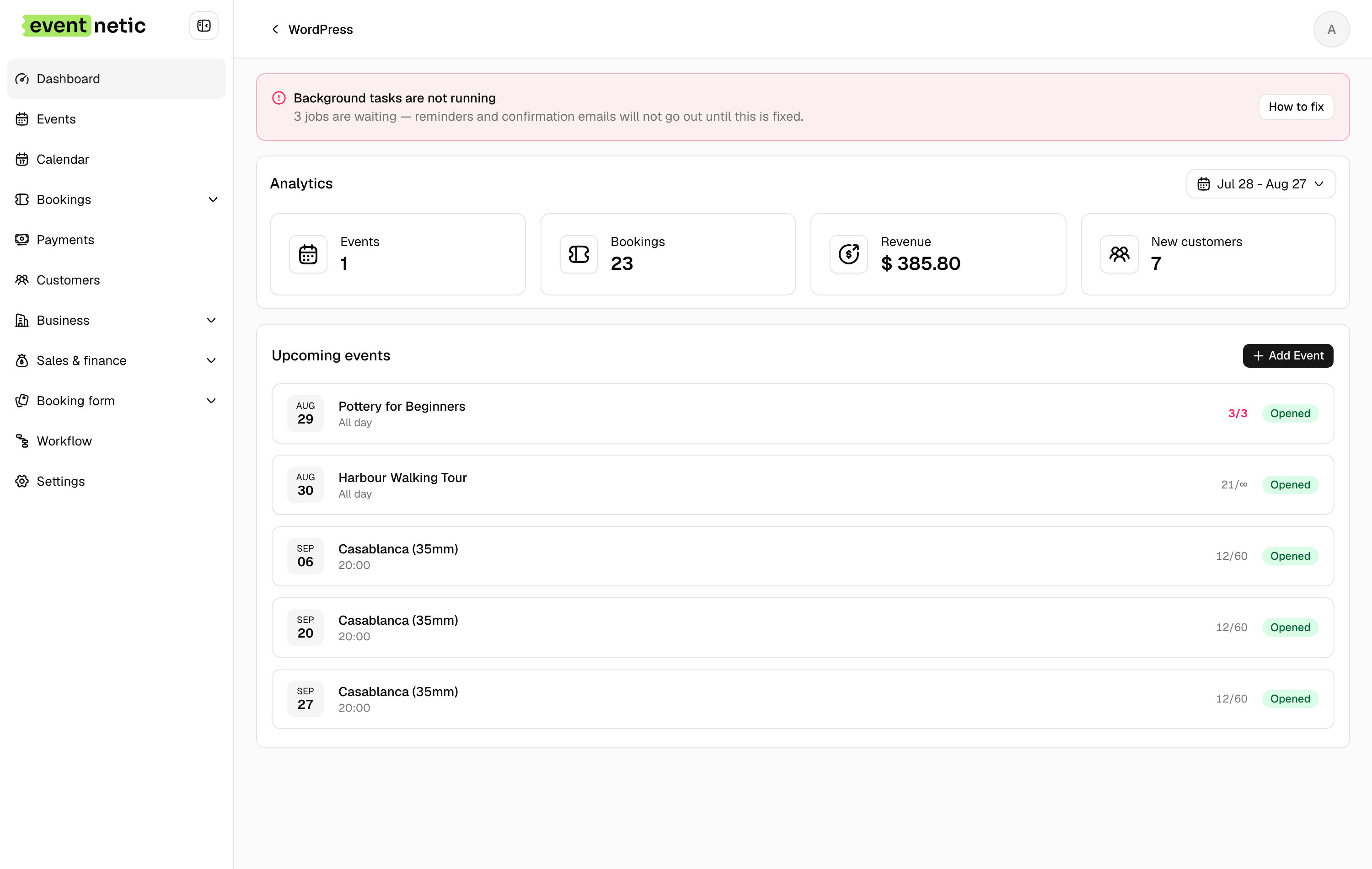
Eventnetic sells tickets directly from your site with zero platform commission and full control of attendee data. The free plan covers unlimited active events and bookings, ticket types with individual pricing, an appearance editor, offline and cash payment, 15-trigger email automation and check-in by name or booking reference.
Starter at $99 for the first year adds Stripe and PayPal, PDF tickets with QR codes, a camera scanner and recurring dates with per-date capacity. Pro at $199 adds seat maps, per-date pricing, invoices and waiting lists, and Elite adds WooCommerce checkout with the Telegram, SMS and WhatsApp channels. Every tier takes 0% of ticket revenue.
Key features:
- Unlimited active events and bookings on the free plan, with no expiry
- Standalone checkout with Stripe and PayPal, no WooCommerce dependency (Starter)
- PDF tickets with a QR code per seat or booking, plus a camera scanner (Starter)
- Recurring series with per-date capacity (Starter) and per-date pricing (Pro)
- Seat maps tied to the venue and reused across events (Pro)
- Timed entry slots with capacity per window (Starter)
- Deposits, discount codes and custom attendee forms (Starter)
- Waiting lists and numbered invoices (Pro)
- Zero platform commission on every plan, free one included
Pricing: Free plan with offline payment and no expiry. Starter $99/yr first year (1 site, renews at $199) or $199 lifetime. Pro $199/yr first year (5 sites, renews at $299) or $399 lifetime, where seating starts. Elite $299/yr (25 sites) or $599 lifetime. 14-day money-back guarantee.
Limitations: Card payments need a paid license. Launched in 2026, so there is no WordPress.org listing, install count or review history. There is no month-grid calendar view, and QR scanning runs in the browser rather than a native app.
2. The Events Calendar
Best for: any WordPress site that needs the most widely supported event calendar plugin as a starting point, with optional paid add-ons for recurring events and advanced ticketing
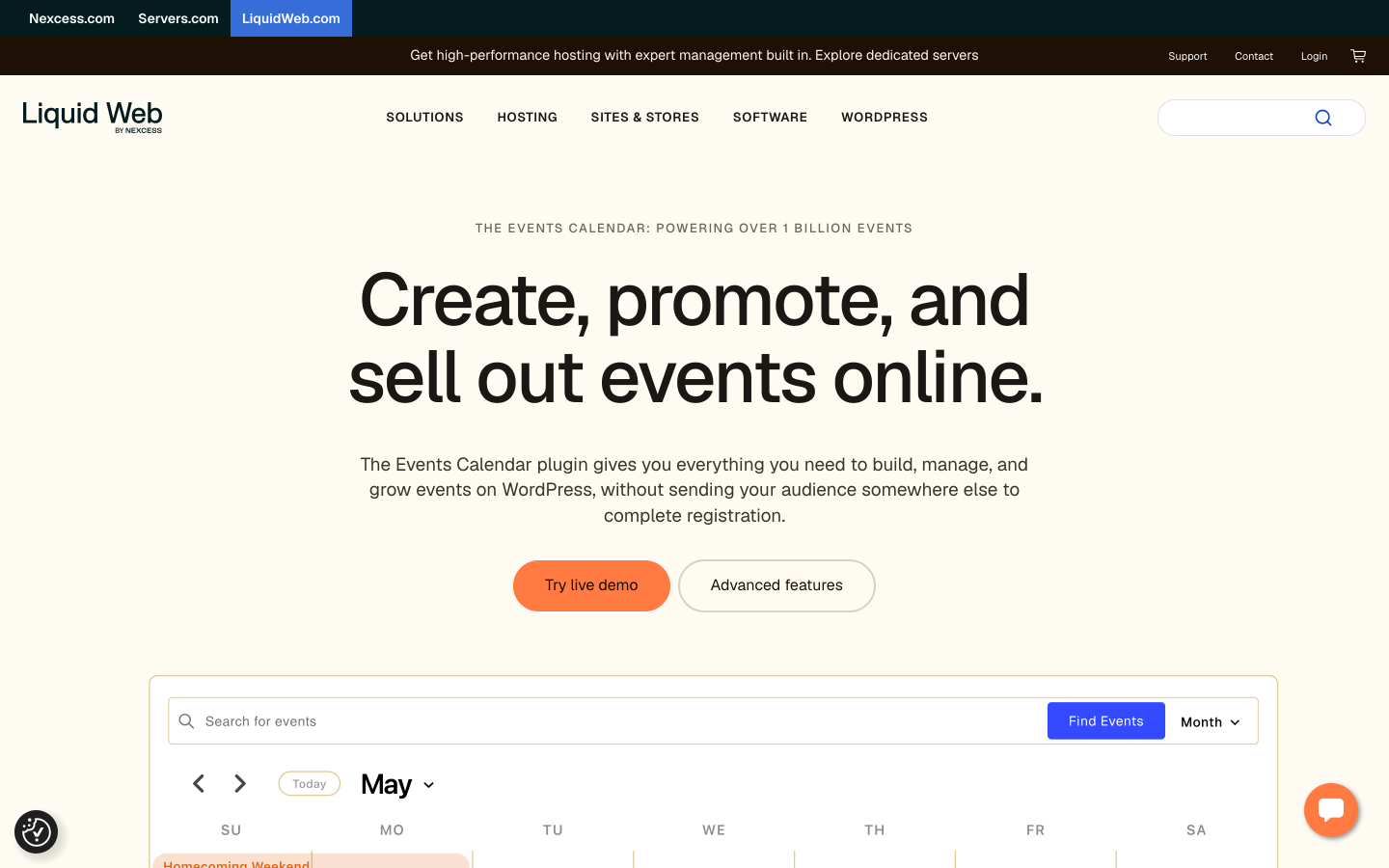
The Events Calendar, now published by Liquid Web after StellarWP was retired in April 2026, is the most widely installed WordPress event plugin by a large margin: over 700,000 active installs on WordPress.org, with a 4.2/5 rating from more than 2,400 reviews. The free plugin provides a solid event calendar foundation with month, list, and day views, plus event creation with venue and organizer management and Google Maps. The companion free Event Tickets plugin adds RSVP collection and basic paid ticket sales via Tickets Commerce, which supports Stripe, PayPal, and Square. Stripe and Square transactions via Tickets Commerce carry a 2% platform fee in the free tier; this fee is waived when the paid Event Tickets Plus add-on is installed. Recurring events, week view, and additional calendar views require the paid Events Calendar Pro add-on.
The practical consideration for most setups is cost architecture. Removing the Tickets Commerce fee, adding recurring events, QR check-in, and WooCommerce checkout each require separate paid add-ons from StellarWP. For teams already in the TEC ecosystem, these incremental upgrades are natural. For teams starting fresh, a single-license plugin like Eventnetic may be a simpler entry point.
Key features:
- 700,000-plus active installs; widest theme and builder compatibility
- Month, list, and day calendar views in the free plugin
- Venue and organizer pages with Google Maps integration (free)
- RSVP and basic paid ticket sales via free Event Tickets companion plugin (Tickets Commerce)
- Stripe, PayPal, and Square via Tickets Commerce; 2% platform fee on Stripe and Square (waived with Event Tickets Plus)
- Recurring events and extended calendar views (Events Calendar Pro, paid)
- QR check-in and WooCommerce ticketing (Event Tickets Plus, paid)
- Reserved seating and email marketing automation (Elite plan)
Pricing: The Events Calendar core plugin is free. The companion Event Tickets plugin is also free on WordPress.org and includes both RSVP and basic paid ticket sales via Tickets Commerce. Stripe and Square transactions in the free tier carry a 2% platform fee, waived with the paid Event Tickets Plus add-on. Visit theeventscalendar.com for current Pro, Event Tickets Plus, and Elite pricing.
Limitations: Recurring events and week view are not in the free plugin; they require the paid Events Calendar Pro add-on. Removing the 2% Tickets Commerce fee, adding QR check-in, and enabling WooCommerce checkout each require separate paid add-ons. Multi-add-on setups can cost more than comparable all-in-one competitors.
3. Events Manager
Best for: event organizers who need the most complete free event registration and recurring event workflow in WordPress, with payments unlocked via a single affordable Pro license
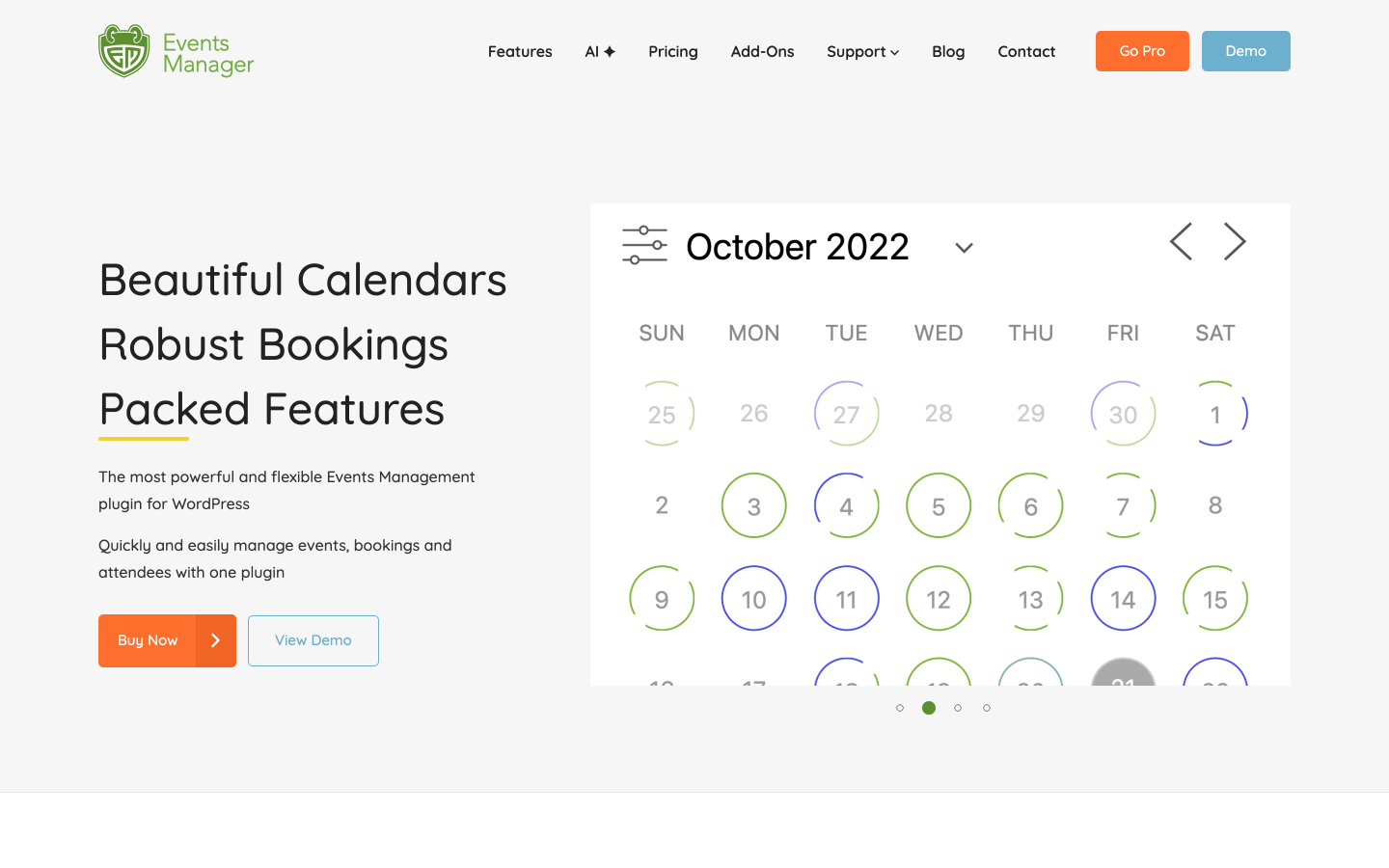
Events Manager offers the most generous free version of any event plugin in this list. The free plugin has 70,000-plus active installs and a 4.2/5 rating from 547 reviews on WordPress.org. It covers booking management, Google Maps integration, Google Calendar export, and unlimited recurring events. Attendee limit controls, custom confirmation emails, basic waitlist support, and Zapier and webhook automation all come without a paid license. Payment processing (Stripe, PayPal, Authorize.net), QR code ticket generation, PDF ticket delivery, and WooCommerce cart checkout require the paid Pro license. For organizers running community events, recurring classes, or registration-focused programs where payment is secondary, Events Manager's free version covers more than almost any competing free plugin.
Key features:
- Unlimited events and attendee bookings in the free version
- Unlimited recurring events with daily, weekly, and monthly scheduling (free)
- Booking forms with custom fields, capacity limits, and attendee-level data
- Google Maps venue integration and multi-location support
- Google Calendar export and CSV import from Google Sheets, iCal, Zoom, and Meetup
- Zapier and webhook automation for external CRM sync (free)
- Stripe, PayPal, and Authorize.net payment processing (Pro)
- QR code tickets and PDF delivery (Pro)
- WooCommerce cart checkout for events (Pro)
Pricing: Free core plugin on WordPress.org. Events Manager Pro from $99/year (1 site, no add-ons) or $129/year (1 site, all add-ons included). Multi-site licenses available at higher tiers.
Limitations: The admin interface looks noticeably older than newer competitors such as Sugar Calendar or Eventin. Payment gateway support and PDF ticket delivery require the Pro license. Seating maps and timed entry are not available at any tier.
4. Eventin
Best for: conferences, workshops, and structured professional events that need speaker schedules, multiple ticket tiers, and QR attendee check-in
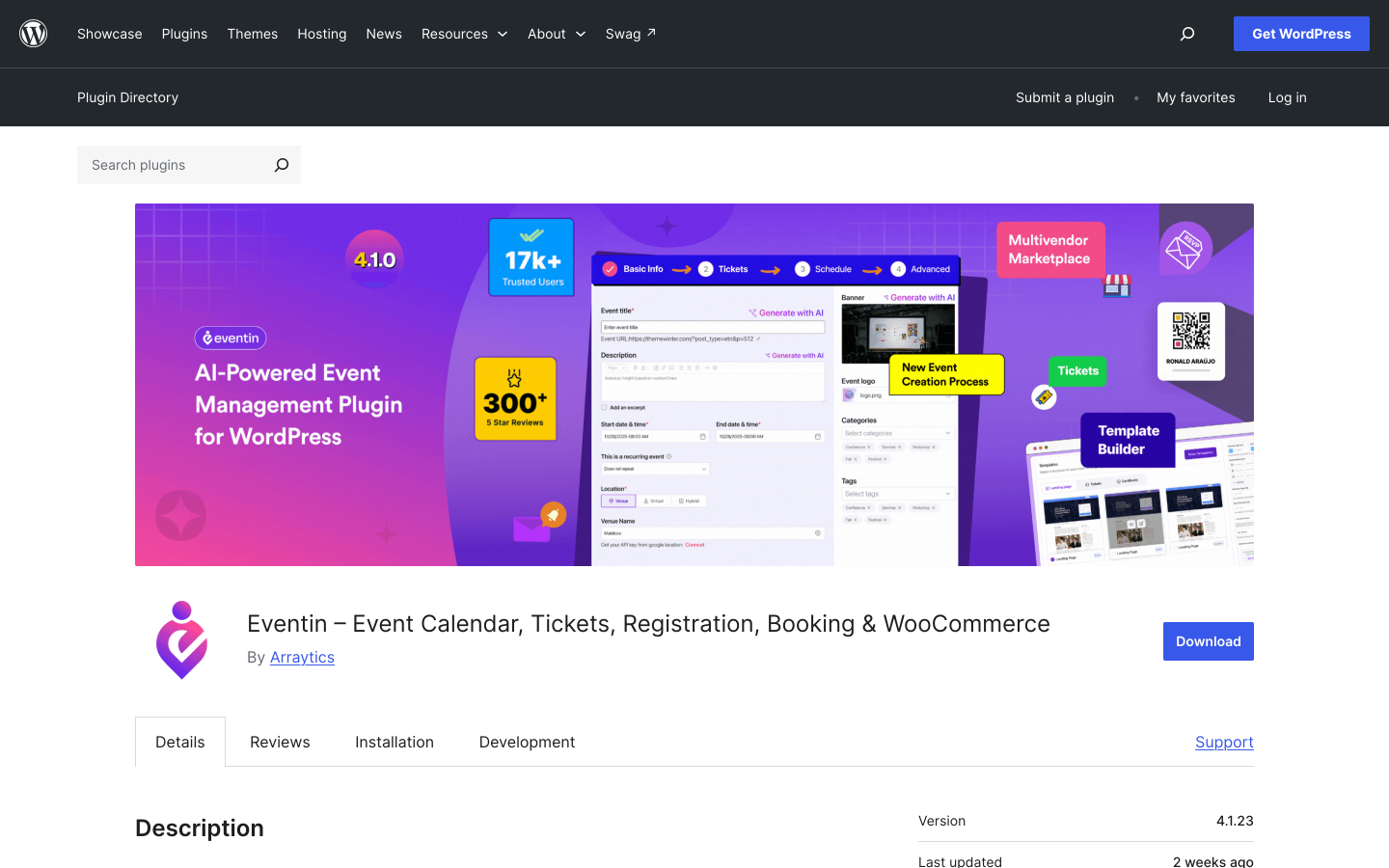
Eventin by Arraytics is the strongest plugin in this list for structured events that need more than a calendar and a ticket form. Eventin has 10,000-plus active installs and a 4.5/5 rating from 388 reviews on WordPress.org. It handles the detail conference organizers need: speaker profiles with bios and session assignments, multiple event tracks, and a visual session agenda. On the ticketing side it covers multi-tiered pricing with per-tier capacity controls. QR code check-in and assigned-seat visual plans both start on the Premium tier at $149 per year. An AI-powered event description generator reduces the writing burden for organizations running many events per year.
Multi-tiered ticket types (Early Bird, VIP, General Admission, Group) with individual capacity controls are rare among WordPress event plugins at this price point. The free version provides a basic event calendar; the features that differentiate Eventin, including seating, speaker management, and advanced ticketing, require a Pro license.
Key features:
- Conference-style event schedule with sessions, time blocks, speakers, and track filtering
- Speaker profiles with photos, bios, and session assignments
- Multi-tiered ticket types with per-tier capacity and availability windows (Pro)
- QR code ticket generation and mobile check-in app (Pro)
- Visual seat plans for assigned-seat events (Pro)
- RSVP forms with attendee detail collection
- Recurring events and multi-day event support (Pro)
- Frontend event submission forms for community event calendars
- AI-assisted event description writing
- 4.5/5 from 388 WordPress.org reviews
Pricing: Free version available on WordPress.org. Pro plans: Standard from $89/year (2 domains); Small Business from $165/year (100 domains); Agency from $179/year (unlimited domains). Promotional discounts of up to 70% off are currently active. 15-day money-back guarantee.
Limitations: Speaker management, seat plans, advanced ticket tiers, and the check-in app all require the Pro license. For events that do not need speaker or schedule management, the additional complexity adds overhead. Payment gateway range is narrower than Tickera or FooEvents.
5. Sugar Calendar
Best for: WordPress sites that want a clean block-editor calendar with Stripe ticket selling, with the 3% platform fee removed from the Plus plan upward
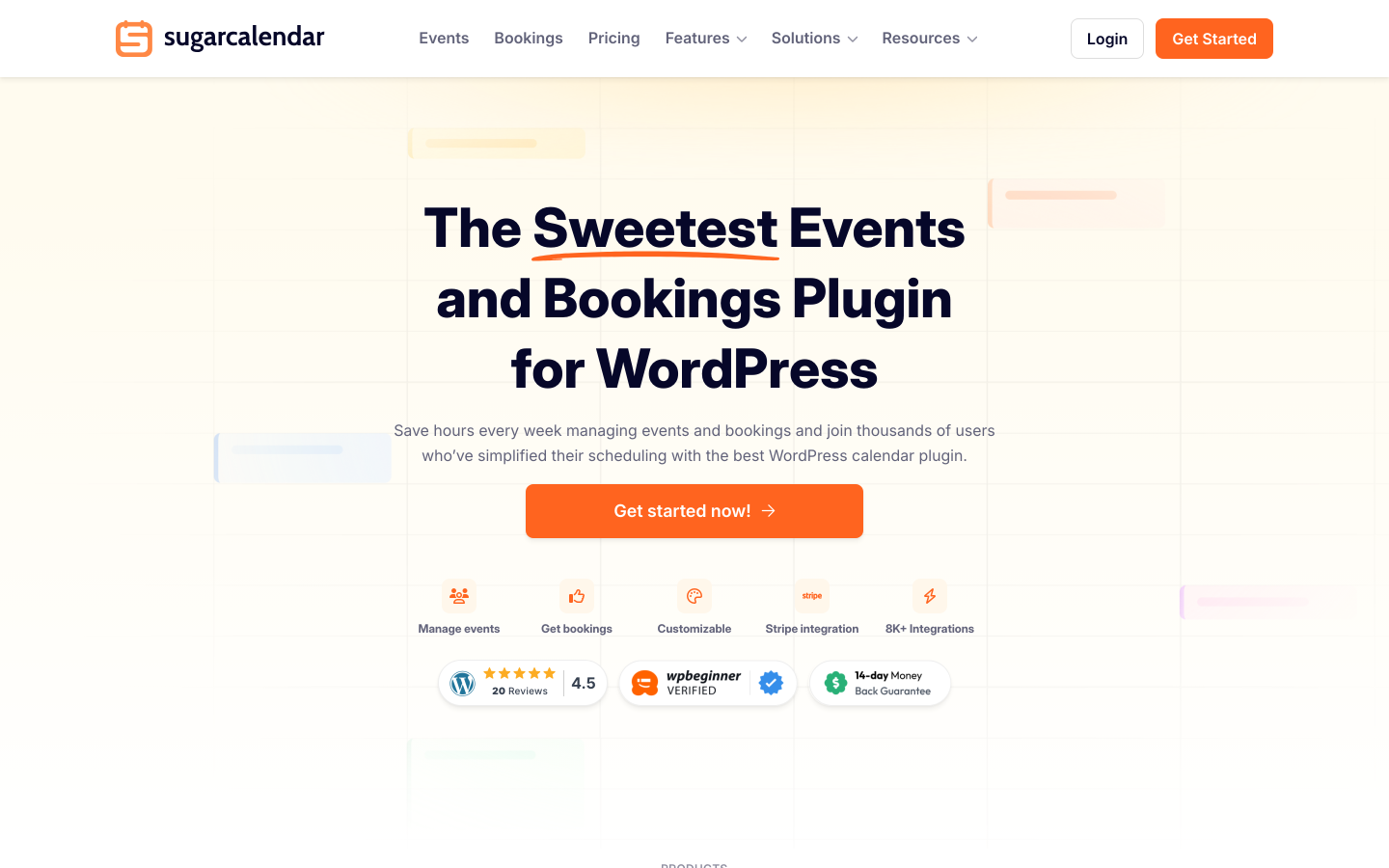
Sugar Calendar stands out as the only plugin in this list whose free version (Sugar Calendar Lite, 10,000-plus active installs on WordPress.org, 4.4/5 from 23 reviews) includes both Stripe ticket selling and Google Maps integration. You can create events, sell paid tickets via Stripe, display a Google Map on the event page, show a month, week, and day calendar view, manage a basic attendee list, and export to CSV, all without a paid license. The catch is a 3% platform fee applied per Stripe order on top of Stripe's standard processing fees. This fee is removed when you upgrade to the Plus plan ($99.50/year) or above. The WPBeginner team backs Sugar Calendar, and a one-click migration from The Events Calendar simplifies switching for existing TEC sites.
Key features:
- Stripe ticket selling available in the free Lite version (3% platform fee applies; removed on Plus and above)
- Google Maps venue display on event pages (free Lite, requires Google Maps API key)
- Month, week, and day calendar views via Gutenberg blocks, Elementor widgets, or shortcodes (free)
- Attendee management and CSV export (free)
- iCal/ICS feeds and Add to Calendar buttons for Google, Outlook, and Apple Calendar (free)
- Recurring events with daily, weekly, monthly, and custom patterns (paid plans only)
- RSVP management with dedicated dashboard (paid plans only)
- Venue pages and speaker profiles (paid plans only)
- One-click migration from The Events Calendar
Pricing: Sugar Calendar Lite is free on WordPress.org and includes Stripe ticket selling with a 3% platform fee per order. Basic plan: $49.50/year (1 site, 3% fee still applies). Plus plan: $99.50/year (1 site, 3% fee removed, recurring events and RSVP unlocked). Pro: $199.50/year (3 sites). Elite: $299.50/year (10 sites). 14-day money-back guarantee.
Limitations: The 3% platform fee applies in the Lite and Basic tiers on top of Stripe's standard processing fees; upgrading to Plus is required to remove it. Recurring events and RSVP management are not available in the free version. No native QR code scanner or PDF ticket delivery included. Smaller install base means fewer third-party integrations compared to The Events Calendar.
6. Modern Events Calendar
Best for: venues, class organizers, and event directories that need multiple calendar display formats, recurring schedules, and a frontend event submission workflow
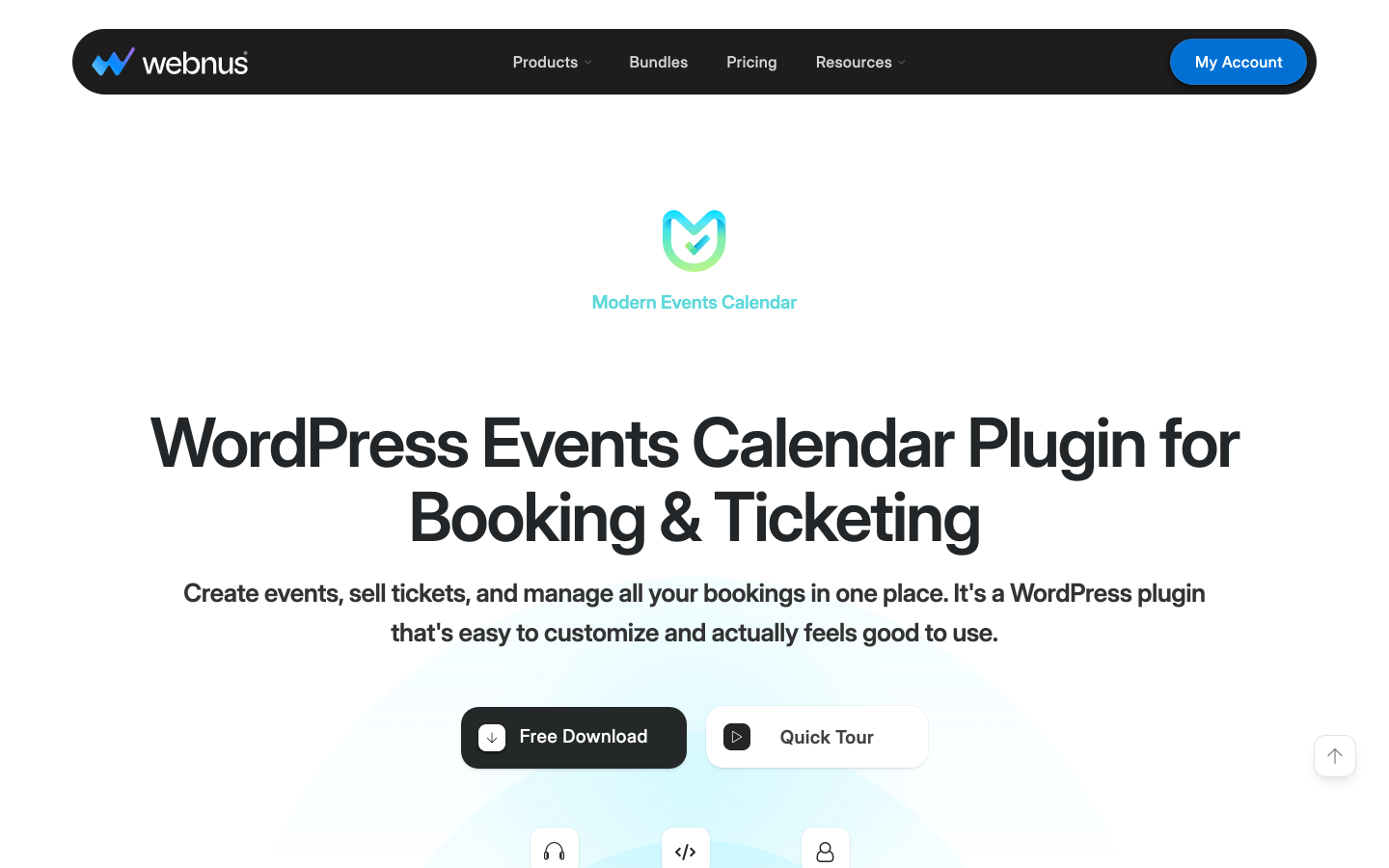
Modern Events Calendar (MEC) by Webnus is a premium-only WordPress event calendar plugin, available exclusively through Webnus.net. The earlier free version (MEC Lite) was removed from WordPress.org in 2022; all current plans are paid. MEC is the view-richest event calendar plugin in this list: the free-tier functionality is now part of the premium package, which includes grid, list, monthly, agenda, timeline, slider, masonry, and geolocation map views. This breadth of display options makes MEC a strong fit for venues and event directories where visual presentation matters alongside functionality.
Recurring events are supported, covering daily, weekly, monthly, and custom scheduling patterns, which makes MEC practical for class studios, training centers, and community centers managing a busy weekly schedule. The Pro version adds WooCommerce ticket sales, Stripe direct payment, virtual event support (Zoom, Google Meet), a frontend event submission form, and a mobile app for organizers. Location-based filtering and geolocation event maps make it particularly useful for multi-venue or city-wide event directories.
Key features:
- Multiple calendar views: grid, list, monthly, agenda, timeline, slider, masonry, and map
- Recurring events with daily, weekly, monthly, and custom patterns
- Frontend event submission with form builder
- WooCommerce ticket sales and Stripe direct payment
- Virtual event support with Zoom and Google Meet integration
- Geolocation map view and location-based filtering
- Mobile app for organizer event management
- Elementor, Divi, and Beaver Builder widget support
- Import from Google Calendar, iCal, and Facebook Events
- Premium-only plugin: sold through Webnus.net, not available on WordPress.org
Pricing: From $89/year for a single-site license. Developer and Agency plans available at higher tiers. Verify current pricing at webnus.net as promotional rates are frequently updated.
Limitations: No free version is available; MEC was removed from WordPress.org in 2022. Ticket sales and payment processing require a paid plan. The breadth of display options can require configuration time for teams who need a specific calendar layout.
7. FooEvents for WooCommerce
Best for: WooCommerce-first WordPress sites that want to convert their existing product pages into ticketed events with full attendee management and iOS/Android check-in apps
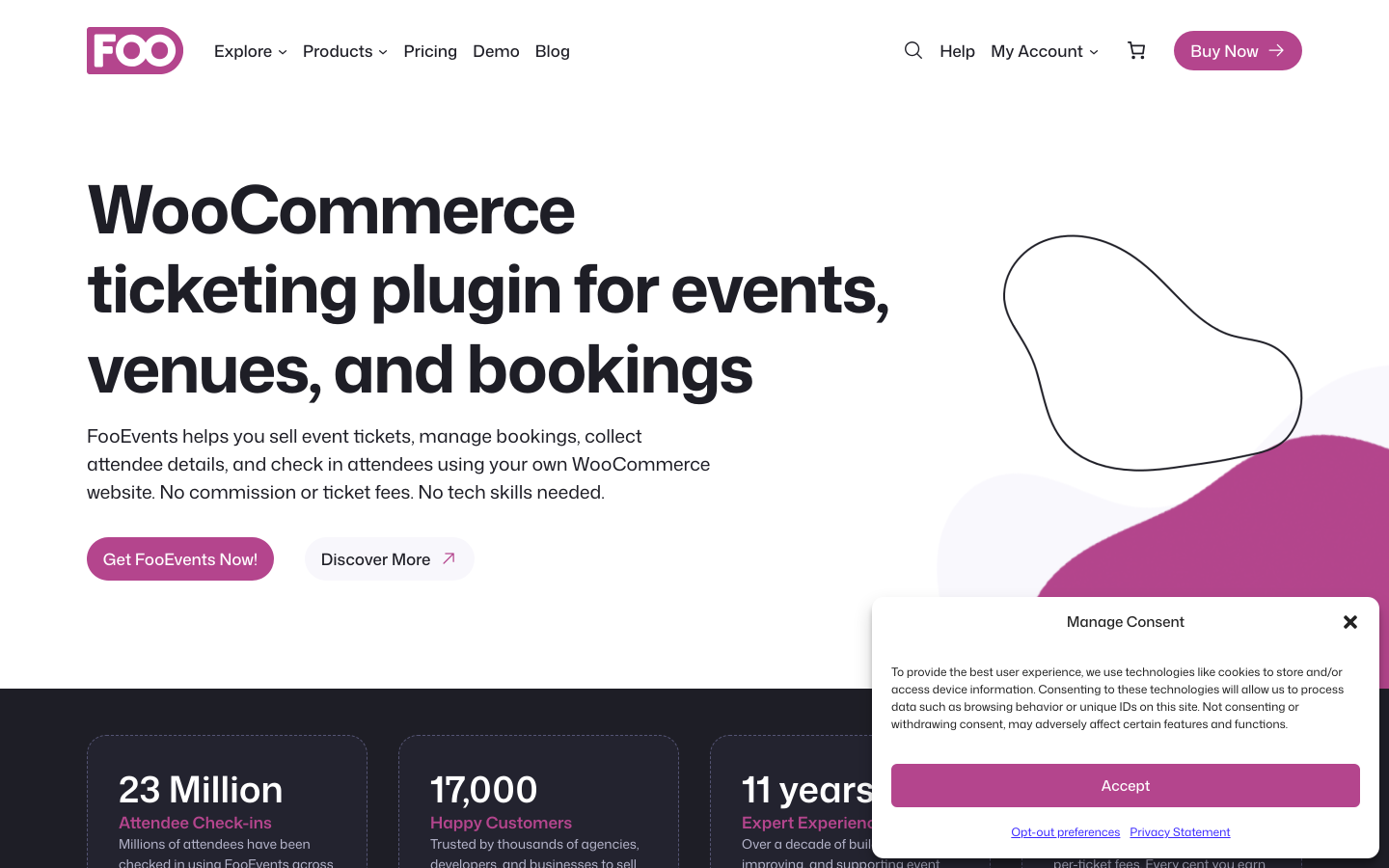
FooEvents for WooCommerce converts any WooCommerce product into a ticketed event. Because it runs on top of WooCommerce, buyers use whatever payment gateway your store already supports: that covers 100-plus options including Stripe, PayPal, Square, and most regional gateways, with no per-ticket commission from FooEvents. Every plan includes unlimited ticket sending, custom branded PDF tickets, QR code generation, and free iOS and Android check-in apps (the FooEvents Check-ins app). The plugin ships with multi-day event support, attendee field collection, and a calendar display add-on included in most bundles. Seating with a visual reserved-seat map is available in the Premium and Point of Sale bundles.
WooCommerce is a hard dependency. If your WordPress site does not already run WooCommerce, adding it solely to support FooEvents introduces meaningful overhead in configuration, hosting load, and ongoing maintenance. For sites with an existing WooCommerce store looking to add event ticketing alongside their existing products, FooEvents is the most natural fit.
Key features:
- Converts WooCommerce products into ticketed events
- 100-plus payment gateways via WooCommerce; no FooEvents commission
- Custom branded PDF tickets with QR codes on all plans
- Free iOS and Android check-in apps included on all plans
- Multi-day events, recurring dates, and custom attendee forms
- Seating maps for numbered reserved-seat events (Premium Bundle and above)
- Point of sale terminal for walk-up ticket sales (Point of Sale Bundle)
- Calendar display add-on included in most bundles
Pricing: Basic Bundle $169/year (core plugin, PDF tickets, calendar, check-in app, express check-in). Bookings Bundle $199/year (adds bookings and custom attendee fields). Premium Bundle $249/year (adds seating). Point of Sale Bundle $399/year (adds POS system, seating, and all add-ons). All bundles include 12 months of support and updates and a 14-day money-back guarantee. WooCommerce is required and not included.
Limitations: WooCommerce is a hard dependency. The entry price of $169/year is higher than several competing plugins that include payment gateways at a lower cost. Seating requires the $249/year Premium Bundle.
8. Tickera
Best for: event organizers who want zero-commission ticket sales with the widest range of built-in payment gateways, without requiring WooCommerce
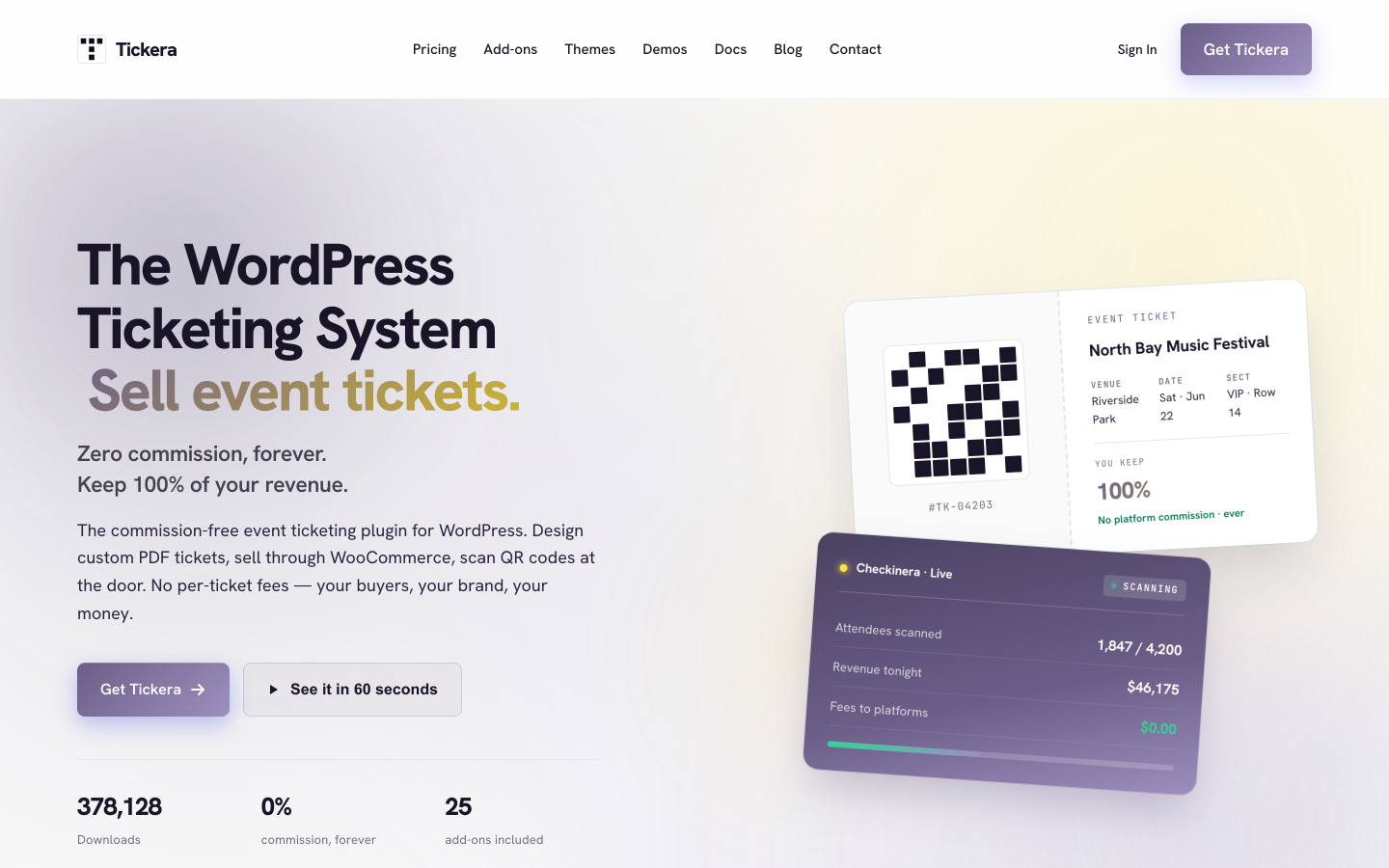
Tickera is built around one core promise: sell tickets from your WordPress site with zero platform commission. Your payment gateway processes each transaction directly into your account. With 2,000-plus active installs and a 4.5/5 rating from 286 reviews on WordPress.org, it has a smaller footprint than the top options but a focused and satisfied user base. Every Tickera plan includes unlimited sites, unlimited events, unlimited attendees, PDF tickets with email receipts, and free iOS and Android check-in apps (Checkinera) for QR code scanning at the door. Nineteen payment gateways are built in without requiring WooCommerce. A Lifetime license is available for $399, covering unlimited sites and every Tickera add-on with no renewal required.
Tickera is specifically a ticketing and checkout plugin. It does not ship a public-facing event calendar for browsing upcoming events the way dedicated calendar plugins do.
Key features:
- 19 built-in payment gateways; no WooCommerce required
- Zero platform commission on all plans
- Unlimited sites, events, and attendees on all plans
- PDF tickets with QR codes and email receipts
- Checkinera iOS and Android check-in apps (free, all plans)
- Seating Charts add-on (Bundle and Lifetime)
- Discount codes and custom attendee forms (Bundle)
- WooCommerce Bridge for 100-plus additional gateways (Bundle)
- Lifetime license at $399
Pricing: Standard $149/year first year ($50 one-time activation included; renews at $99/year). Bundle $199/year first year (all 25 add-ons; renews at $149/year). Lifetime $399 one-time (all add-ons, unlimited sites, no renewal). 7-day money-back guarantee.
Limitations: No built-in event calendar frontend for public browsing. Recurring events are limited compared to dedicated event management plugins. The 7-day refund window is shorter than most competitors. Tickera is paid from day one; there is no free tier.
9. Event Organiser
Best for: multi-language WordPress sites and European event organizers who want a free-to-start booking plugin with 40-plus language support built in
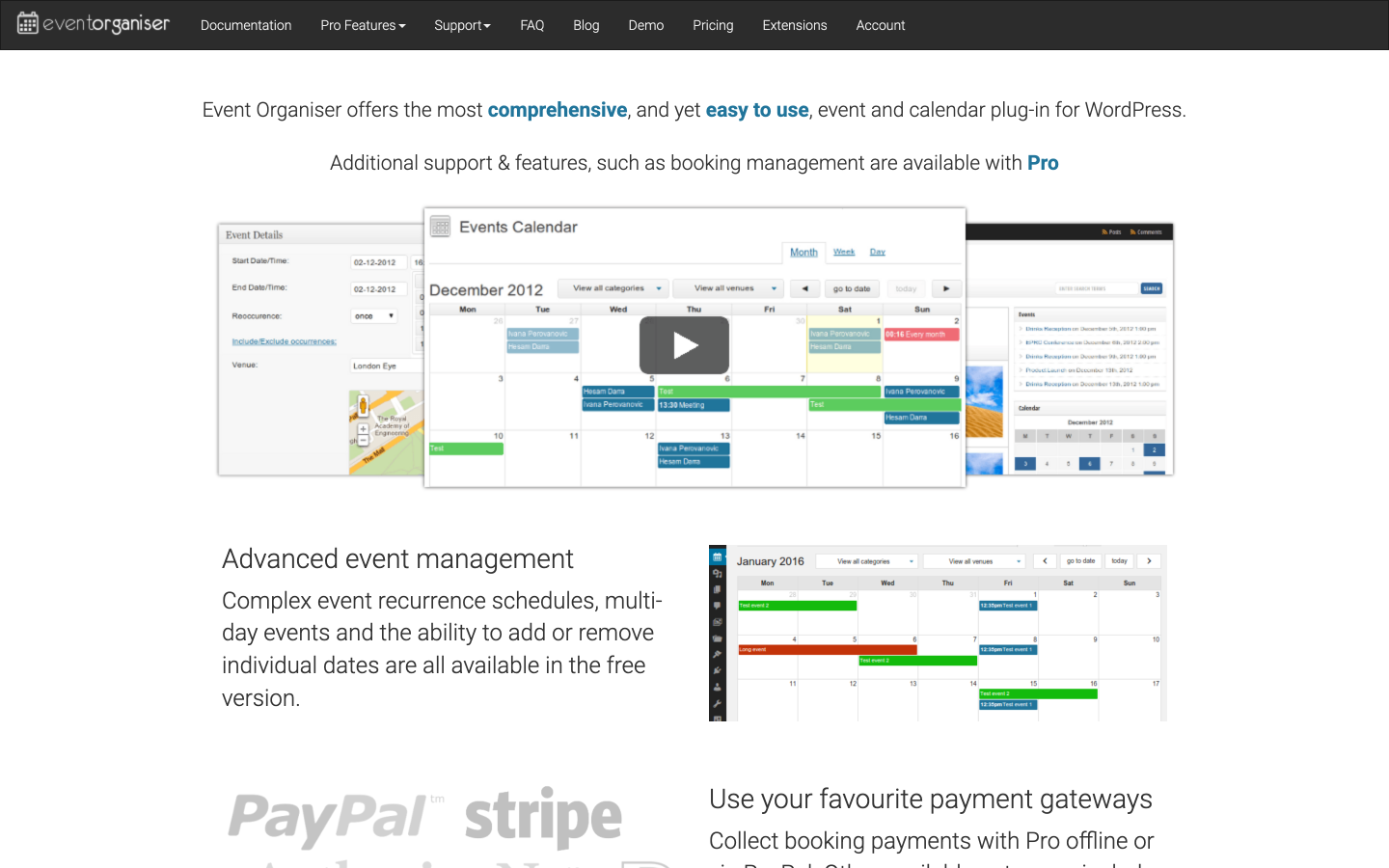
Event Organiser is one of the most highly rated event plugins on WordPress.org: 4.6/5 from 139 reviews and 20,000-plus active installs. The free version handles recurring events with granular scheduling rules, venue management, a frontend calendar, event listing pages, and CSV import and export. The Pro version adds Stripe payment processing, customizable booking forms, discount codes, venue map markers, and iCal sync. The plugin natively supports over 40 languages without requiring WPML or Polylang, making it one of the strongest choices for European event organizers running multilingual WordPress sites. Licensing is pay-once: the plugin continues to work after the license expires and renewal at a discount restores updates and support.
Key features:
- 4.6/5 from 139 reviews; 20,000-plus active installs on WordPress.org
- Recurring events with granular scheduling in the free version
- Multi-venue support with dedicated venue pages
- Frontend calendar with agenda and list views via shortcode or widget
- 40-plus language support built in, without WPML or Polylang
- Custom booking forms with per-event field configuration (Pro)
- Stripe payment processing for paid events (Pro)
- Discount codes for promotional pricing (Pro)
- iCal sync and venue map markers (Pro, Business and Developer licenses)
- CSV import and export for attendee data management
Pricing: Free core plugin on WordPress.org. Pro licenses: Personal from £50/year (1 site, no extensions); Business from £90/year (5 sites, selected extensions including iCal sync, venue markers, and discount codes); Developer from £120/year (10 sites, all extensions). The plugin continues to function after license expiry; renewal at a discount restores updates and support.
Limitations: The frontend calendar and admin design look older than Sugar Calendar or Eventin. Payment gateway options in the Pro tier are more limited compared to Events Manager Pro or Tickera. Seating maps are not supported at any tier.
10. Event Espresso
Best for: established WordPress sites running complex, multi-day event programs that need a mature platform with a deep add-on catalog and custom registration forms
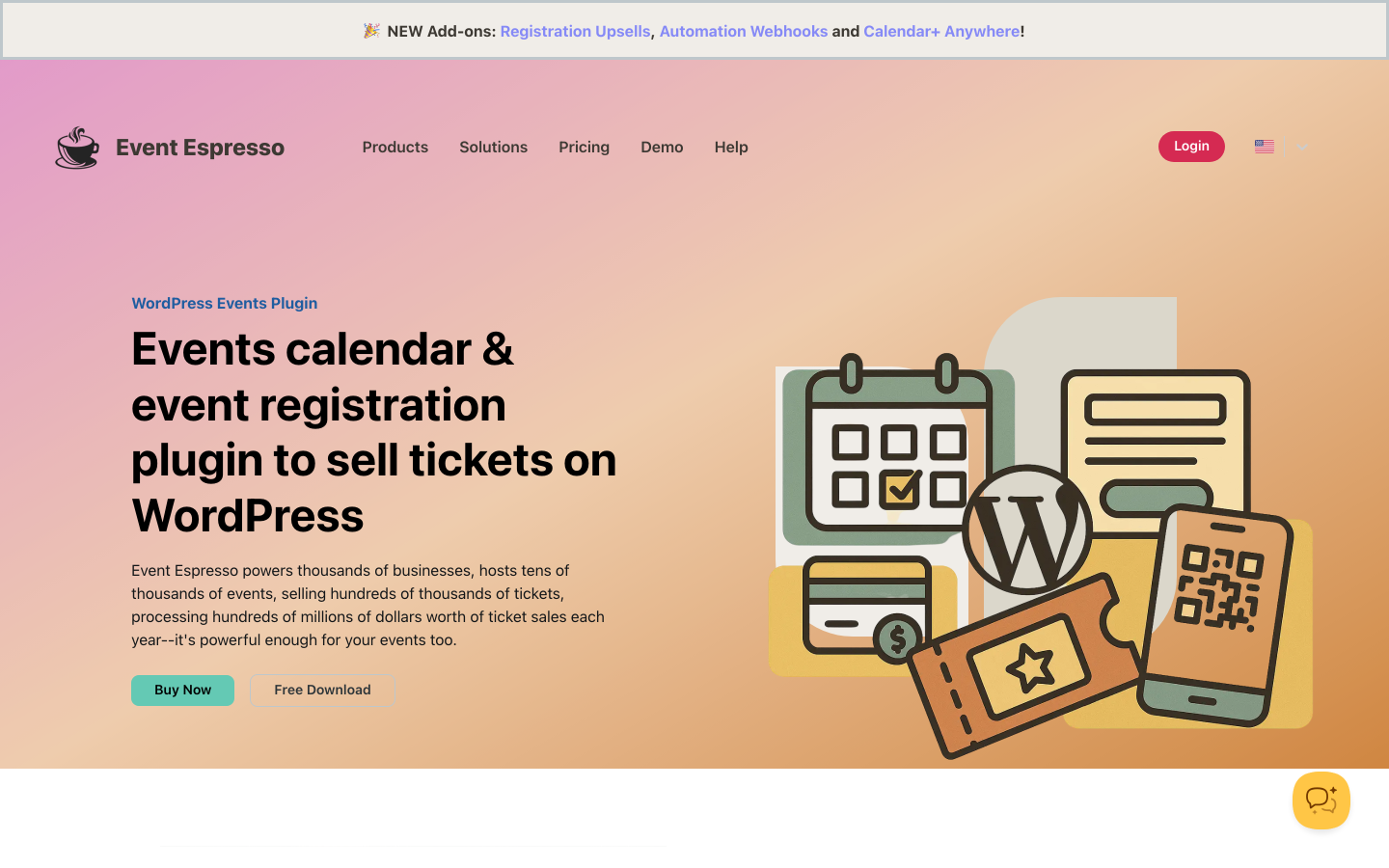
Event Espresso is one of the longest-running dedicated event ticketing plugins for WordPress, with a deep add-on ecosystem built for complex event setups. The Decaf (free) plan includes unlimited events and registrations with PayPal payments but applies a 3% platform fee on each transaction. The Core plan ($129/year) removes the commission, adds compatibility with 30-plus add-ons, multi-day event support, and advanced form customization. The All Access plan ($399/year) unlocks every available add-on, including additional payment gateways, an affiliate program module, and mobile app branding.
Event Espresso is more configuration-intensive than newer plugins. The interface reflects its age: functional and reliable but without the onboarding simplicity of more recent tools. For organizations with complex event structures, multi-day programs, and a need for the full add-on catalog, the depth of the platform justifies the investment.
Key features:
- Unlimited events and registrations on all plans
- PayPal payments on Decaf (free); 30-plus gateway options via add-ons on Core and All Access
- Multi-day event support and advanced form customization (Core and above)
- Custom registration fields, ticket types, and early-bird pricing
- Discount codes and promotional pricing
- CSV export and attendee management reports
- Mobile app (add-on) for check-in and on-site event management
- 0% commission on Core and All Access plans
Pricing: Decaf (free): PayPal only, 3% per-ticket platform fee. Core: $129/year (0% commission, 30-plus add-on compatibility). All Access: $399/year (all add-ons, affiliate module, premium support). 14-day money-back guarantee.
Limitations: The Decaf plan applies a 3% fee per ticket. The admin UI is more complex than newer alternatives. The All Access plan at $399/year is significantly higher than entry-level competitors for comparable functionality. Seating maps are not available natively.
11. WP Event Manager
Best for: lightweight event listing directories with Ajax location filtering, developer-friendly architecture, and optional WooCommerce ticket sales
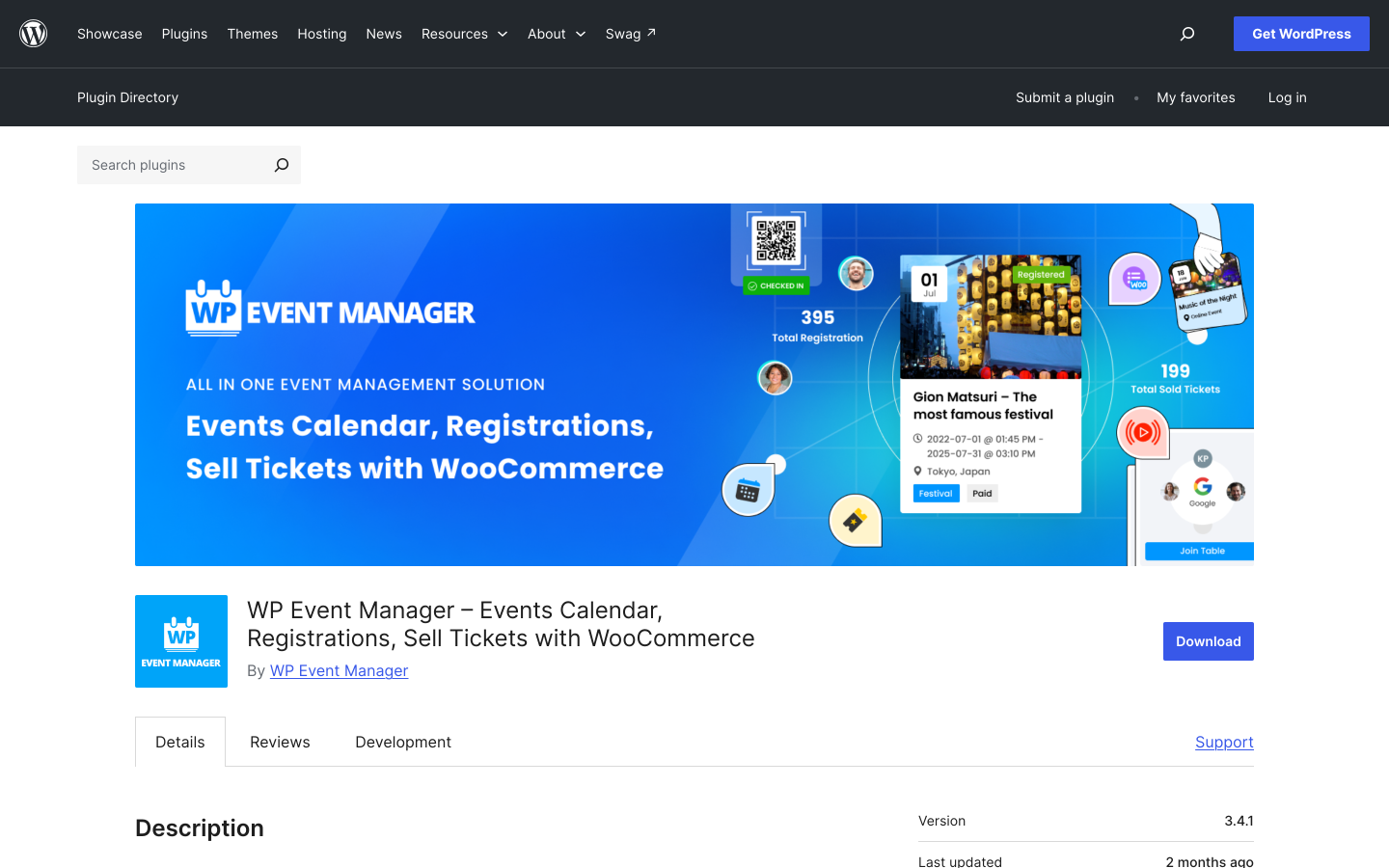
WP Event Manager takes a job-board-style approach to events: the free plugin provides event listing submission and display with Ajax-based filtering by location, category, and type. With 20,000-plus active installs and a 4.0/5 rating from 246 reviews on WordPress.org, it has a clear niche as a fast, filterable event directory engine. Add-on packs extend the plugin into ticket sales via WooCommerce, Zoom virtual events, Google Maps venue display, QR code check-in, and a mobile app for organizers. It is developer-friendly, with a public API, shortcode system, and hook architecture that makes it practical for agencies building custom event directory sites.
Key features:
- Ajax-powered event listing with location, category, and keyword filtering
- Frontend event submission by registered users or guests
- Google Maps venue display (add-on)
- WooCommerce ticket sales with per-event ticket types (Pro add-on)
- QR code ticket generation and scanning (add-on)
- Recurring events and multi-day events
- Zoom integration for virtual and hybrid events (add-on)
- Mobile app for organizer event management
- Developer API with shortcodes and hooks
Pricing: Free core plugin on WordPress.org. Add-on plans: Plus $99 (core add-ons), Pro $199 (includes WooCommerce Tickets and most add-ons), Virtual Pro $299 (adds Zoom and virtual event tools), All Pro $399 (all add-ons). Pricing is annual; check the official website for current pricing.
Limitations: Event registration and ticketing require WooCommerce and a paid add-on. WP Event Manager works best as an event listing or directory engine rather than a standalone ticket sales tool. The Ajax-based listing frontend is strong for browsing but does not include the rich calendar views of dedicated calendar plugins.
Which Plugin Is Right for Your Event Type?
Every plugin in this list covers the basic event creation and registration flow. The meaningful differences show up when your event has specific requirements: reserved seats, a conference schedule, recurring class dates, online-only delivery, or high-volume door check-in. Use this section to match the plugin to what your event actually needs.
Theaters, cinemas, and venues with reserved seating
If buyers need to choose a specific seat from a visual map, not just a quantity of general admission tickets, your options narrow quickly. Eventnetic includes visual seat maps with section and tier pricing from its Pro plan, $199 per year for the first year, and the seat layout can be drawn once per venue and reused across every show. FooEvents Premium Bundle ($249/year) and The Events Calendar Elite both include reserved seating, though at higher price points. For more detail on the seating-specific options, see the guide to WordPress seat reservation plugins.
Conferences and seminars
Conferences need more than a single event page with a buy button. They need a speaker list with bios, a session agenda with time slots and tracks, multi-tiered ticket pricing (Early Bird, VIP, General Admission), and check-in that works across hundreds or thousands of attendees. Eventin is the strongest fit here: speaker management, session scheduling, and multi-tier tickets are core to the plugin. For conferences where seat assignment matters on top of session scheduling, Eventnetic handles both in one license.
Classes, workshops, and fitness studios
Recurring weekly or monthly programs need dates that auto-generate without manual duplication, with separate capacity per date and the ability to price each date individually. Events Manager handles the most complete recurring event workflow at no cost (free plugin). Modern Events Calendar Pro is the richest for visual variety in a class schedule. Eventnetic's Starter plan handles recurring dates with per-date capacity, and adds Stripe and QR check-in; per-date pricing and seat maps are on Pro, in a single upgrade. For workshops where the checkout experience and attendee data matter as much as the calendar, Eventnetic or Events Manager Pro are the practical choices.
Webinars and online events
Online events need a Zoom (or equivalent) link delivered per attendee after purchase. Eventin, Modern Events Calendar Pro, WP Event Manager (Zoom add-on), and Eventnetic (Zoom link per date, Pro) all cover this. The clearest differentiator is whether you need the Zoom link as a one-time meeting link for all attendees or as a unique per-attendee link with a registration gate. Eventnetic's per-date Zoom link fits recurring online classes or webinar series. Eventin's virtual event tools are designed for live-streamed conferences with a speaker schedule attached.
Registration without ticket sales
Some events are free but need confirmed registration: community workshops, school orientations, charity events. Events Manager's free plugin covers unlimited registration, custom booking forms, capacity limits, confirmation emails, and recurring events without any payment setup. Sugar Calendar Lite includes free RSVP alongside its Stripe ticketing. The Events Calendar plus the free Event Tickets plugin handles RSVP collection without requiring a paid plan.
WooCommerce stores adding event tickets
For sites already running WooCommerce, FooEvents is the most natural add-on: every WooCommerce product can become a ticketed event, using your existing payment gateways with no commission. Events Manager Pro, Modern Events Calendar Pro, and The Events Calendar with Event Tickets Plus all add WooCommerce checkout alongside their own workflows. Eventnetic includes WooCommerce checkout on its Elite plan, without requiring WooCommerce as a base dependency.
High-volume events with door check-in
When you are scanning hundreds of QR codes at the door, you need a purpose-built check-in tool, not a desktop dashboard. FooEvents bundles free iOS and Android check-in apps on every plan. Tickera includes the Checkinera mobile check-in apps with all plans. Eventnetic's QR check-in dashboard works from any browser, including mobile, from its Starter plan. Eventin's mobile check-in app is part of the Pro tier.
Event Plugins vs. Appointment Booking Plugins
Event plugins and appointment booking plugins solve different problems. An event plugin manages fixed-date events where multiple people register or buy a ticket for the same session: a concert, a class, a conference, or a community meetup. An appointment booking plugin routes individual customers to an available staff member at a specific time slot, as used by salons, clinics, coaching practices, and consulting services.
The workflows are distinct. Event plugins are not designed to route a single customer to a specific staff member at an available slot. Appointment plugins are not designed for fixed-capacity group events where many attendees buy the same ticket. If your site needs both, run each plugin type separately: a dedicated event plugin for group events and a dedicated appointment plugin for individual bookings. Booknetic handles the appointment side, covering individual and group bookings, staff availability, calendar sync, automated reminders, and payment collection. For a deeper comparison of appointment-specific tools, see the best WordPress appointment booking plugins guide.
Frequently Asked Questions
What is the best WordPress event plugin overall?
Eventnetic is the strongest all-around option for most WordPress sites starting fresh. The free plan covers unlimited events and bookings with offline payment. A single $99/year Starter upgrade adds Stripe, PayPal, PDF tickets with QR check-in, and recurring dates. Seat maps and waiting lists with no platform commission. For sites already using The Events Calendar, the free Event Tickets companion plugin adds Stripe, PayPal, and Square ticket sales through Tickets Commerce. Stripe and Square transactions carry a 2% platform fee in the free tier, which the paid Event Tickets Plus add-on waives. The Events Calendar remains the widest deployed option for pure calendar display and theme compatibility.
Which WordPress event plugin is best for recurring classes and workshops?
Events Manager, Event Organiser, and Modern Events Calendar all support recurring events and are strong starting points for studios and training centers. Events Manager handles the most complete registration workflow at no cost. Event Organiser is strong for multilingual class programs. Modern Events Calendar is the richest for visual calendar variety and frontend display. For sites that also need WooCommerce ticket sales on recurring dates, Modern Events Calendar Pro or Eventnetic Elite cover this. Eventnetic handles recurring dates with per-date capacity from its $99/year Starter plan, and per-date pricing from Pro.
Which plugin handles WooCommerce event tickets?
FooEvents for WooCommerce is the most dedicated WooCommerce-native event ticketing plugin: it converts any WooCommerce product into a ticketed event using your existing store's payment gateways. Events Manager Pro, Modern Events Calendar Pro, and The Events Calendar with Event Tickets Plus also add WooCommerce checkout alongside their own workflows. Eventnetic includes WooCommerce checkout on its Elite plan. WP Event Manager's Pro add-on pack includes a WooCommerce Tickets module for simpler setups.
Which WordPress event plugin has no commission on ticket sales?
Eventnetic, FooEvents, Tickera, Events Manager Pro, and Event Espresso Core all charge zero platform commission. The Event Tickets companion plugin (The Events Calendar) applies a 2% fee on Stripe and Square transactions via Tickets Commerce; installing Event Tickets Plus removes that fee. Sugar Calendar Lite applies a 3% platform fee per Stripe order, removed on the Plus plan ($99.50/year). Event Espresso's Decaf plan carries a 3% per-ticket fee, removed on the Core plan. Payment gateway processing fees (typically 2.9% plus $0.30 with Stripe) apply regardless of which plugin you use and go to the gateway, not the plugin.
What is the best free WordPress event plugin?
For the most registration capability without paying, Events Manager is the strongest free option: the free version includes booking management, unlimited recurring events, attendee limits, confirmation emails, and Zapier integration. The Events Calendar free plugin is the best free calendar display option by install base and theme compatibility. Sugar Calendar Lite includes Stripe ticket selling at no plugin cost, with a 3% platform fee per order. Eventnetic's free plan covers unlimited events and bookings with offline payment collection and email automation, with card payments requiring a Starter upgrade.
Final Verdict
For most WordPress sites starting a new event setup, Eventnetic is the clearest starting point. The free plan covers unlimited events and bookings without a commission or cap, and a single $99/year Starter upgrade adds Stripe, PayPal, PDF tickets and QR check-in, with seat maps, per-date pricing and waiting lists on Pro.
If your site already runs The Events Calendar, the free Event Tickets companion plugin adds Stripe, PayPal, and Square ticket sales immediately. Stripe and Square carry a 2% platform fee in the free tier, waived by the paid Event Tickets Plus add-on. The Events Calendar remains the widest deployed WordPress event plugin by install count, and for teams already in that ecosystem, the incremental add-on approach is practical.
Events Manager is the right choice when you need the most from a free plugin: recurring events, booking management, and Zapier integration at no cost, with payments added via a $99/year Pro license. Modern Events Calendar is the strongest pick for venues and class studios that need visual variety in their calendar display, with the caveat that it is now a premium-only plugin available from Webnus.net. Sugar Calendar is the cleanest block-editor option if you want Stripe ticket selling with a simple setup and are comfortable with the 3% fee in the free tier or willing to upgrade to Plus. Eventin is purpose-built for conferences and speaker events. FooEvents is the natural fit for existing WooCommerce stores. Tickera is the cleanest zero-commission ticketing choice without a WooCommerce dependency. Event Organiser is the best pick for multilingual and European event sites. Event Espresso suits established sites with complex multi-day programs. WP Event Manager is the right engine for a lightweight, filterable event directory.
Choose based on your event type and what the first paid upgrade unlocks. A recurring yoga class needs recurring dates and Stripe, not a conference agenda module. A seated theater production needs visual seat maps and per-show pricing, not a job-board-style listing directory. Match the plugin to the actual workflow, and you will spend less time configuring and more time running events.


