
Not every "free" event ticketing plugin is actually free in any useful sense. Some process card payments for free but take a percentage cut of every ticket sold on top of the gateway's own fee. Others hand you a calendar and a registration form but stop short of processing any payment at all. A few lock the most basic features behind a paid license from the start.
This roundup compares seven WordPress event ticketing plugins that have a genuine free plan. For each one, you will see exactly what the free tier covers, where the paid wall sits, and what upgrading actually costs. If you are weighing your options before committing to a license, the free WordPress event ticketing guide covers the core questions worth asking before you install anything.
What "Free" Actually Means in This Space
Three patterns show up repeatedly when you look at free tiers for event ticketing plugins:
Free with offline or cash payments only. The plugin lets you create events, collect bookings, track attendees, and send confirmation emails at no cost. Card payment processing requires a paid upgrade. This suits community events with cash on arrival, workshops where attendees pay via bank transfer, and nonprofits that collect fees offline.
Free with online payments plus a platform fee. The plugin processes Stripe, PayPal, or Square in the free tier but takes a percentage of each sale on top of the gateway's own processing fee (typically 2.9% + $0.30 per transaction with Stripe). On a $25 ticket with a 3% platform fee, that is $0.75 extra per sale before Stripe's cut. At 500 tickets, that is $375 in platform fees alone. The event ticketing fees breakdown shows how these percentages compound across a full sold-out event.
Free event listing only. The plugin displays your event pages and handles basic event management, but registrations, ticketing, and payments all require a paid add-on or license upgrade.
Quick Comparison: What Each Free Plan Covers
| Plugin | Free events and bookings | Free online payments | Platform fee (free tier) | First paid upgrade |
|---|---|---|---|---|
| Eventnetic | Unlimited | Offline/cash only | None | Stripe, PayPal, QR tickets from $99/yr (Starter); seat maps from $199/yr (Pro) |
| Event Tickets by TEC | Unlimited | Stripe, PayPal, Square | 2% on Stripe and Square | Event Tickets Plus removes fee, adds QR check-in and PDF tickets |
| Sugar Calendar Lite | Unlimited | Stripe | 3% per order | Plus ($99.50/yr) removes fee, adds recurring events |
| Events Manager | Unlimited | None | N/A | Pro ($99/yr) adds Stripe, PayPal, QR tickets |
| Event Espresso Decaf | Unlimited | PayPal only | 3% per ticket | Core ($129/yr) removes fee, adds 30-plus gateways |
| Eventin | Unlimited | WooCommerce (all gateways), Stripe, PayPal | None | Pro add-ons for seat maps, advanced PDF designer, AI tools |
| WP Event Manager | Unlimited listings | None | N/A | Registration, ticketing, and payments all require paid add-ons |
The 7 Best Free WordPress Event Ticketing Plugins in 2026
1. Eventnetic - Most Complete Free Tier with Zero Commission
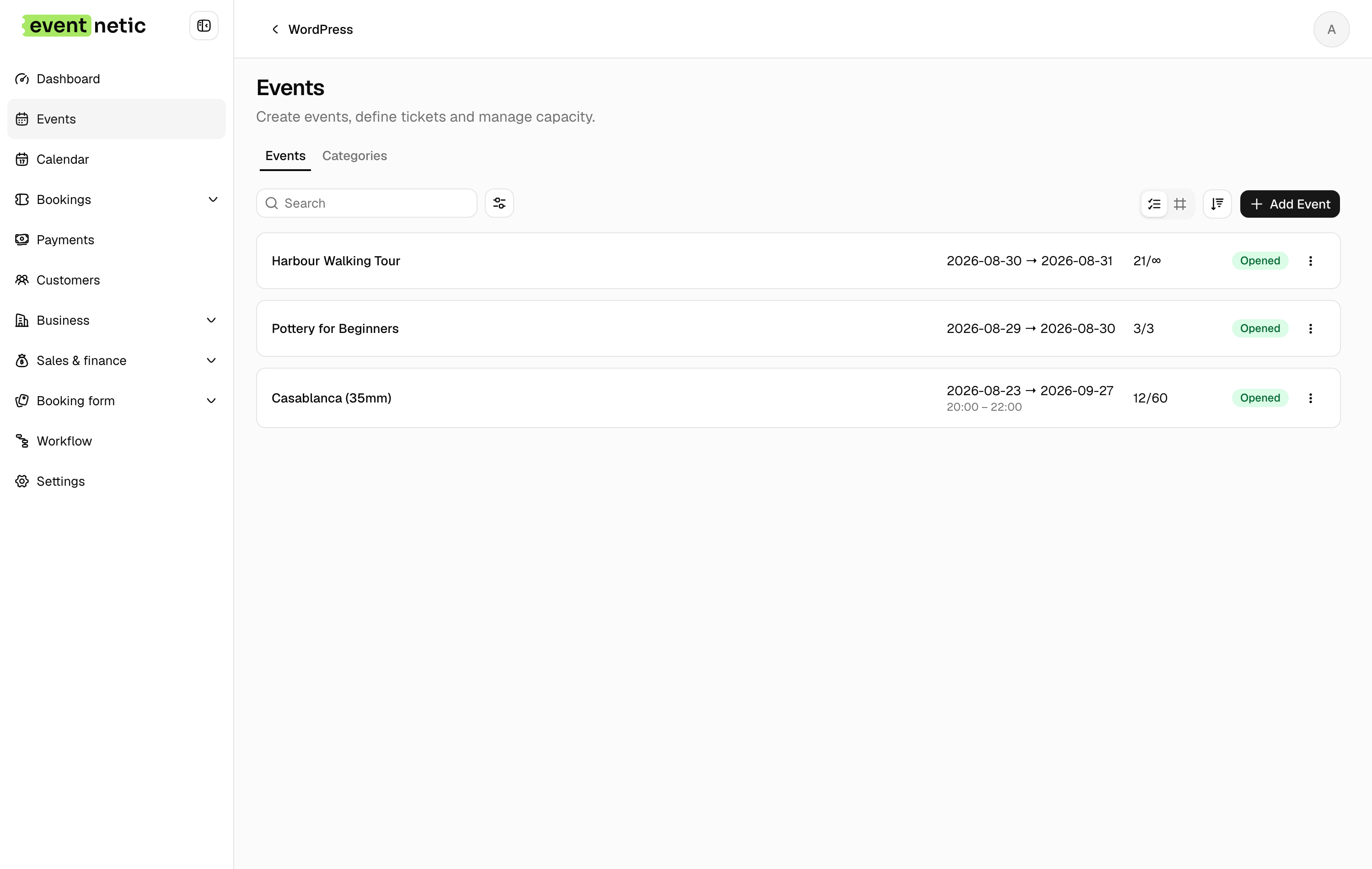
Eventnetic has the most generous free plan of any purpose-built WordPress ticketing plugin here. It covers unlimited active events and unlimited bookings, ticket types at custom prices with capacity controls per type, an analytics dashboard, and email automation across 15 triggers. Check-in works by name or booking reference, and payment is collected offline or in cash.
There is no cap on events or bookings and no expiry, so a venue can run its whole season on the free plan and only pay when it wants to take a card online. That is where the wall sits: Stripe and PayPal checkout starts on Starter at $99 for the first year, and seat maps and waiting lists on Pro at $199. Everything before the card is free and stays free.
That split is unusually clean. Most free tiers here withhold something in the middle of the workflow, so the free version is a demonstration rather than a tool. Here the entire non-payment side is complete at no cost: create events, sell places, collect payment at the door or by invoice, check people in by name or booking reference, and email them automatically at 15 points in the booking lifecycle.
PDF tickets with QR codes, the camera scanner and recurring dates with per-date capacity all begin on Starter. Seat maps, per-date pricing, invoices and waiting lists are a tier further up, on Pro at $199 for the first year.
For a community group, a church hall or a club running free or door-paid events, the free plan is the whole job. For anyone selling online it is still the place to build and test the event before the license is bought.
2. Event Tickets by The Events Calendar - Free Stripe, PayPal, and Square with a 2% Platform Fee
Event Tickets is a free companion plugin for The Events Calendar (TEC), published by Liquid Web, which took it over from StellarWP in April 2026. Installing both plugins gives you a public event calendar plus ticket sales. The free version includes RSVP collection and paid ticketing via Tickets Commerce, which supports Stripe, PayPal, and Square as its built-in gateways. With 700,000-plus active installs on The Events Calendar core and a 4.2/5 rating from more than 2,400 WordPress.org reviews, this is the most widely deployed WordPress event ecosystem available.
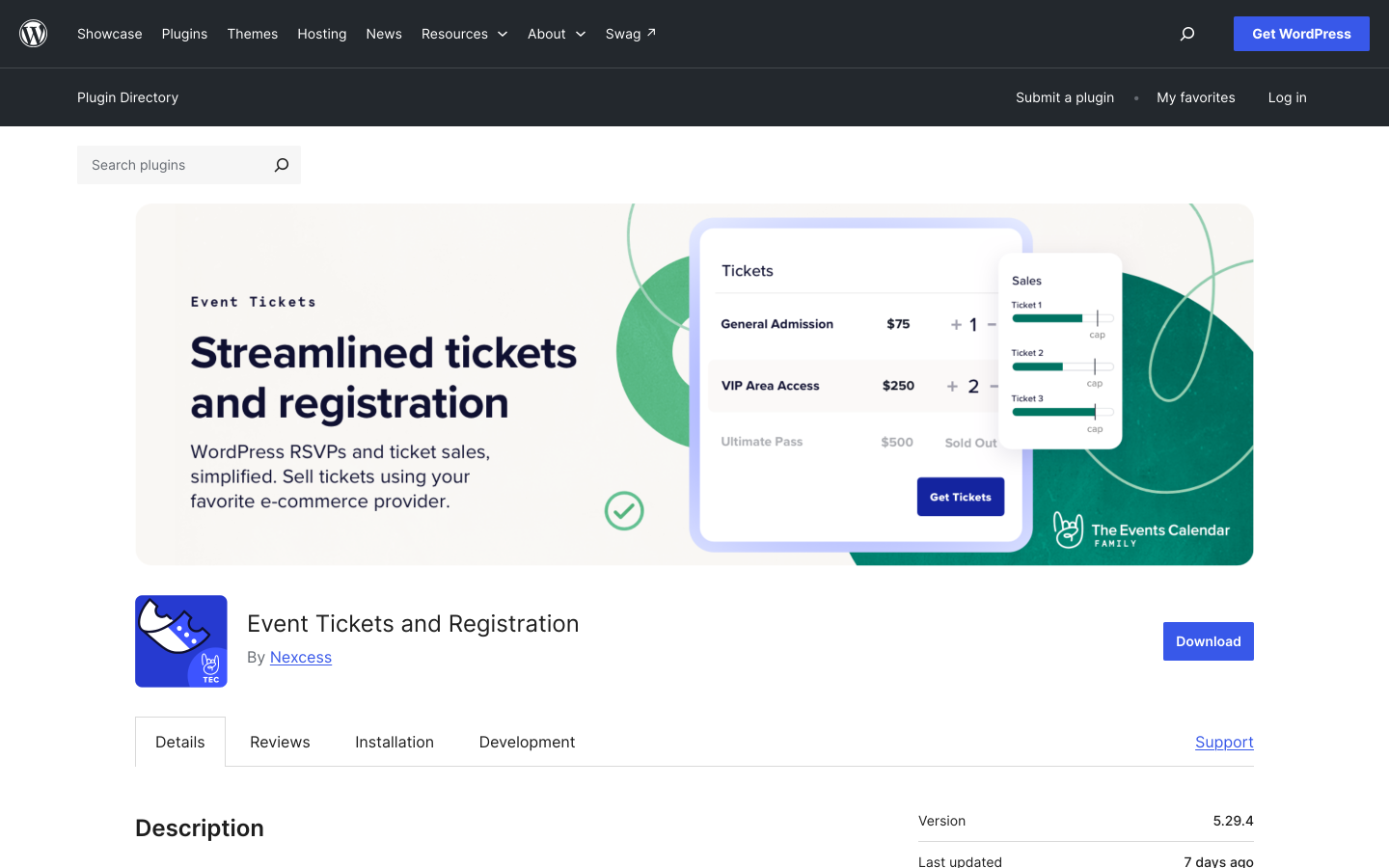
The key limitation in the free tier is a 2% platform fee applied to every Stripe and Square transaction. StellarWP charges this on top of Stripe's or Square's own standard processing fees. PayPal Standard checkout does not carry the same commission in the base setup. On a $25 ticket, a 2% platform fee adds $0.50 per sale. Across 500 tickets at that price, the fee adds up to $250 before the gateway takes its own cut.
The 2% fee is removed when you install the paid Event Tickets Plus add-on. Event Tickets Plus also adds QR code scanning, PDF ticket delivery, and a WooCommerce-powered checkout. Recurring events require the separate Events Calendar Pro add-on. Sites that need the full feature set may find it simpler and more cost-effective to compare the total add-on cost against an all-in-one plugin priced at a single annual rate. For a broader look at paid alternatives to the Event Tickets Plus add-on specifically, the Event Tickets Plus alternatives comparison covers other single-licence options.
What the free plan includes:
- Ticket sales via Stripe, PayPal, and Square through Tickets Commerce
- RSVP collection and attendee management
- Order tracking and capacity controls per event
- Email confirmation with booking reference
What requires a paid plan:
- Removing the 2% Stripe and Square platform fee (Event Tickets Plus)
- QR code scanning and PDF ticket delivery (Event Tickets Plus)
- Recurring events (Events Calendar Pro)
- WooCommerce checkout and advanced registration fields (Event Tickets Plus)
- Reserved seating (TEC Elite)
- Mobile check-in app (Event Tickets Plus)
Pricing: Event Tickets is free on WordPress.org. Paid add-ons (Event Tickets Plus, Events Calendar Pro, TEC Elite) are sold separately on theeventscalendar.com. Check the official site for current pricing as rates change.
Best for: WordPress sites already running The Events Calendar that want free Stripe, PayPal, or Square ticket sales and can absorb the 2% Stripe and Square platform fee, or plan to upgrade Event Tickets Plus to remove it.
3. Sugar Calendar Lite - Free Stripe Ticketing with a 3% Platform Fee
Sugar Calendar Lite is the free version of Sugar Calendar, a calendar and event plugin designed around WordPress's block editor. The free Lite tier and the $49.50/year Basic plan both include Stripe ticket selling, with a 3% platform fee charged per order on top of Stripe's own processing fees. That fee is removed when you upgrade to the Plus plan at $99.50/year.
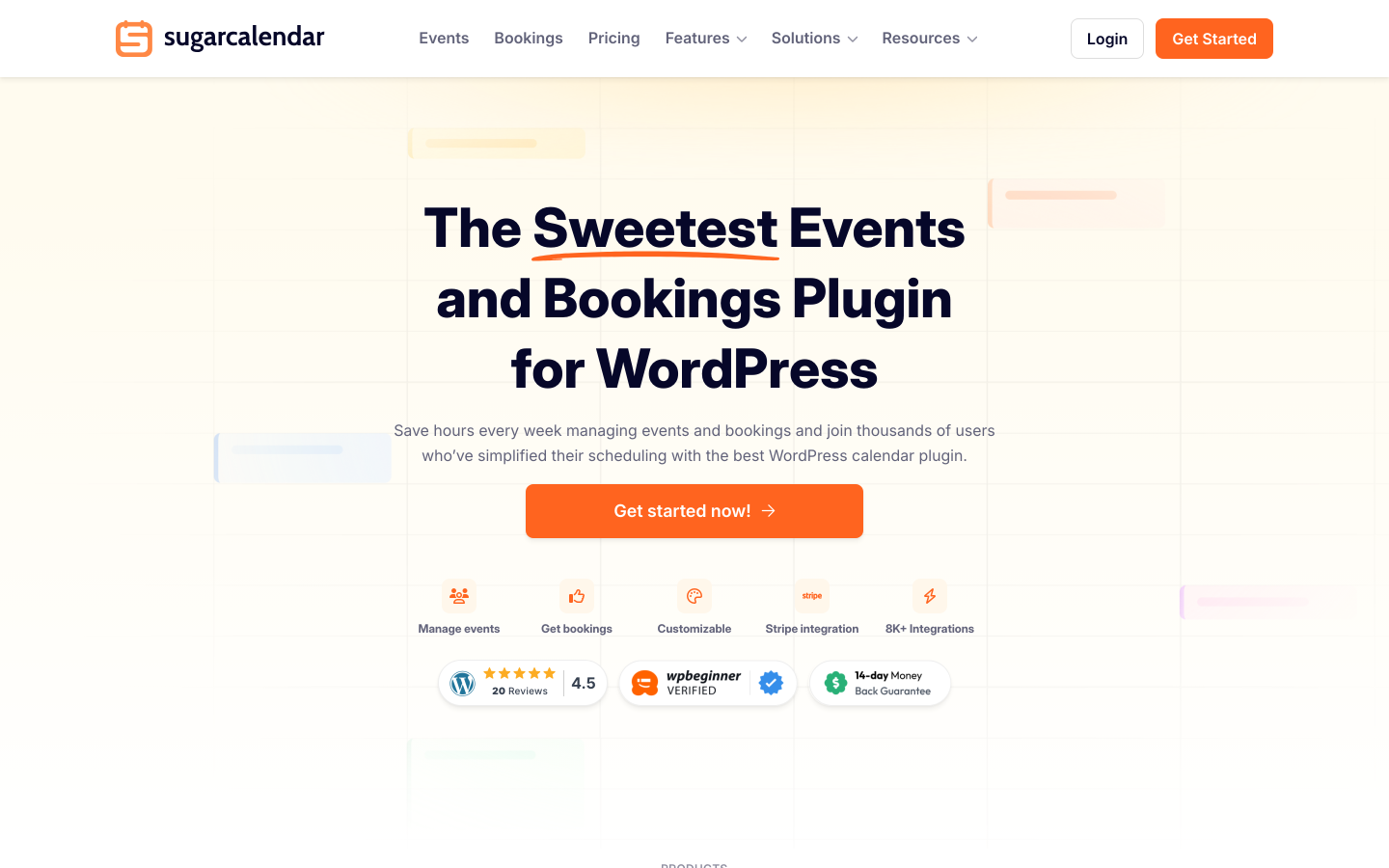
The free tier includes month, week, and day calendar views rendered as Gutenberg blocks, Elementor widgets, or shortcodes. Attendee list management and CSV export are included at no cost. iCal and ICS feeds and Add to Calendar links for Google, Outlook, and Apple Calendar are also part of the free version. Google Maps venue display is available in Lite but requires a Google Maps API key.
The main free-tier gaps beyond the platform fee are recurring events and RSVP management: both are locked to the Plus plan and above. For one-off events where a 3% fee on Stripe sales is acceptable, Lite is a functional starting point. For regular programs or situations where the fee cannot be absorbed, the Plus plan at $99.50/year removes both restrictions and adds recurring event patterns.
What the free plan includes:
- Stripe ticket selling with a 3% platform fee per order
- Month, week, and day calendar views (Gutenberg blocks, Elementor, shortcodes)
- Attendee management and CSV export
- iCal and ICS feeds, Add to Calendar buttons
- Google Maps venue display (requires Google Maps API key)
What requires a paid plan:
- Removing the 3% Stripe platform fee (Plus, $99.50/year)
- Recurring events with daily, weekly, monthly, and custom patterns (Plus)
- RSVP management dashboard (Plus)
- Speaker and venue profiles (Plus)
Pricing: Sugar Calendar Lite is free on WordPress.org. Basic: $49.50/year (3% fee still applies on Stripe). Plus: $99.50/year (fee removed, recurring events and RSVP unlocked). Pro: $199.50/year. Elite: $299.50/year. 14-day money-back guarantee.
Best for: WordPress block-editor sites that want a clean free Stripe ticketing option and can accept a 3% platform fee per order, with the ability to remove it by upgrading to Plus.
4. Events Manager - Best Free Registration and Recurring Events, No Free Payments
Events Manager has one of the most capable free tiers of any event plugin on WordPress. The free plugin has 70,000-plus active installs and a 4.2/5 rating from 547 WordPress.org reviews. It handles booking management, unlimited recurring events with daily, weekly, and monthly patterns, attendee limit controls, and custom confirmation emails. It also covers waiting list support, Google Maps venue integration, and Zapier and webhook automation for CRM sync. There are no event caps, booking fees, or platform commissions in the free version.
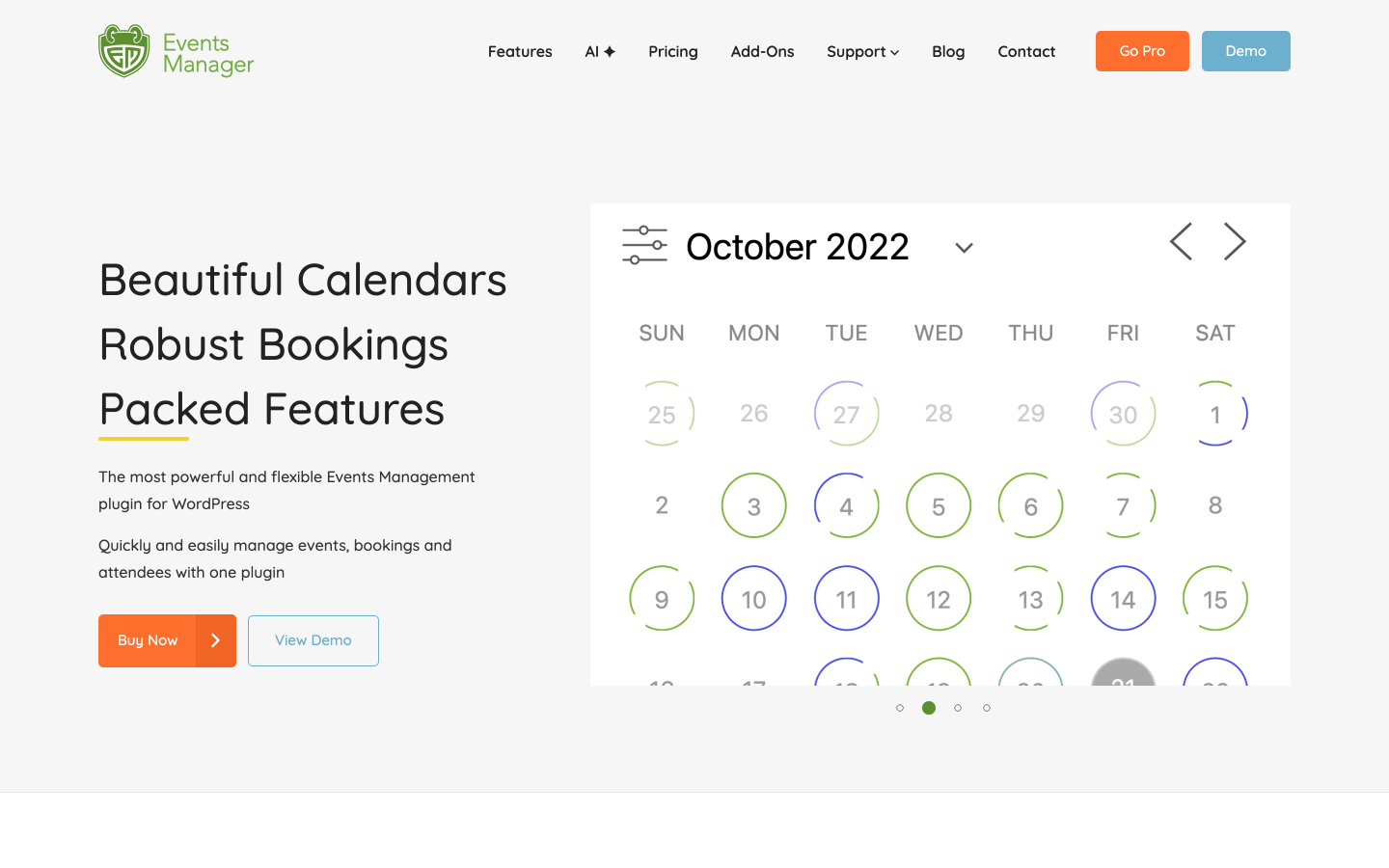
The critical limitation for any organizer selling tickets is that the free plugin processes no card payment at all. Stripe, PayPal, and Authorize.net require the Pro license at $99/year per site. PDF tickets with QR codes also require Pro. The free version handles registration, confirmation emails, and attendee tracking but stops at the payment step.
For organizers whose primary need is registration tracking rather than card sales, the free tier is one of the strongest available: it covers more in the free plan than most paid plugins offer at their entry tier. For paid events where card payment is the requirement from day one, the $99/year Pro license adds payments and QR tickets at a lower entry price than several alternatives in this comparison.
What the free plan includes:
- Booking management and attendee tracking with no caps
- Unlimited recurring events with daily, weekly, and monthly patterns
- Google Maps venue integration and multi-location support
- Google Calendar export, iCal, Zoom, and Meetup import
- Zapier and webhook automation for CRM sync
- Custom confirmation emails and waiting list support
- Zero platform fees
What requires a paid plan:
- Stripe, PayPal, and Authorize.net payment processing (Pro, $99/year)
- PDF tickets with QR code delivery (Pro)
- WooCommerce cart checkout for events (Pro)
Pricing: Free core plugin on WordPress.org. Events Manager Pro: $99/year (1 site, no add-ons) or $129/year (1 site, all add-ons). Multi-site licenses available at higher tiers.
Best for: Organizers whose primary need is free event registration, recurring event management, and attendee tracking rather than card payment processing in the free tier.
5. Event Espresso Decaf - Free PayPal Payments with a 3% Per-Ticket Fee
Event Espresso is one of the longest-running dedicated event registration plugins for WordPress. The Decaf plan is a permanently free tier that includes unlimited events and registrations with PayPal Standard payments. A 3% platform fee applies per ticket on every Decaf transaction. The Core plan at $129/year removes the commission and adds compatibility with 30-plus payment gateway add-ons, multi-day event support, and advanced form customization.
The Decaf plan is most practical for organizers who need free PayPal checkout and can absorb the 3% per-ticket fee. At low ticket volumes or low price points the fee is manageable. At scale it compounds: on $30 tickets across 300 sales, the 3% adds $270 in platform fees. At that point, the $129/year Core plan starts to offset itself.
Event Espresso's interface reflects its history as one of the first major WordPress ticketing plugins. It is functional and well-documented but requires more initial configuration than newer options like Eventnetic or Eventin. The full add-on ecosystem, covering additional payment gateways, affiliate management, and a mobile check-in app, is accessible only on the Core and All Access plans.
What the free plan includes:
- PayPal Standard payments for ticketed events
- Unlimited events and registrations
- Multiple ticket types and pricing levels
- Custom registration forms and attendee data collection
- CSV export of attendee data
What requires a paid plan:
- Removing the 3% per-ticket platform fee (Core, $129/year)
- Additional payment gateways beyond PayPal (Core with add-ons)
- Multi-day event support and advanced form customization (Core)
- Mobile check-in app (paid add-on)
- Affiliate management module (All Access, $399/year)
Pricing: Decaf plan is permanently free with PayPal and a 3% per-ticket fee. Core: $129/year (0% commission, 30-plus add-on compatibility). All Access: $399/year (all add-ons, premium support). 14-day money-back guarantee.
Best for: Organizers who need free PayPal payment processing for paid events and can absorb a 3% per-ticket platform fee in the free tier.
6. Eventin - Free WooCommerce Ticket Sales, QR Check-in, and Recurring Events
Eventin by Arraytics is a WordPress event management plugin with 10,000-plus active installs and a 4.5/5 rating from 388 WordPress.org reviews. The official WordPress.org plugin listing shows a wide free feature set. Payments run through WooCommerce, which means every WooCommerce gateway, including Stripe and PayPal. Every booking gets a QR code check-in ticket. Recurring events support daily, weekly, monthly, and custom patterns. Zoom integration is free, with automatic join link delivery. The listing also covers RSVP and registration management, automated email confirmations, speaker profiles, session scheduling with event tracks, and Google Calendar, iCal, and Outlook sync. WooCommerce must be installed as a dependency for the payment processing features.
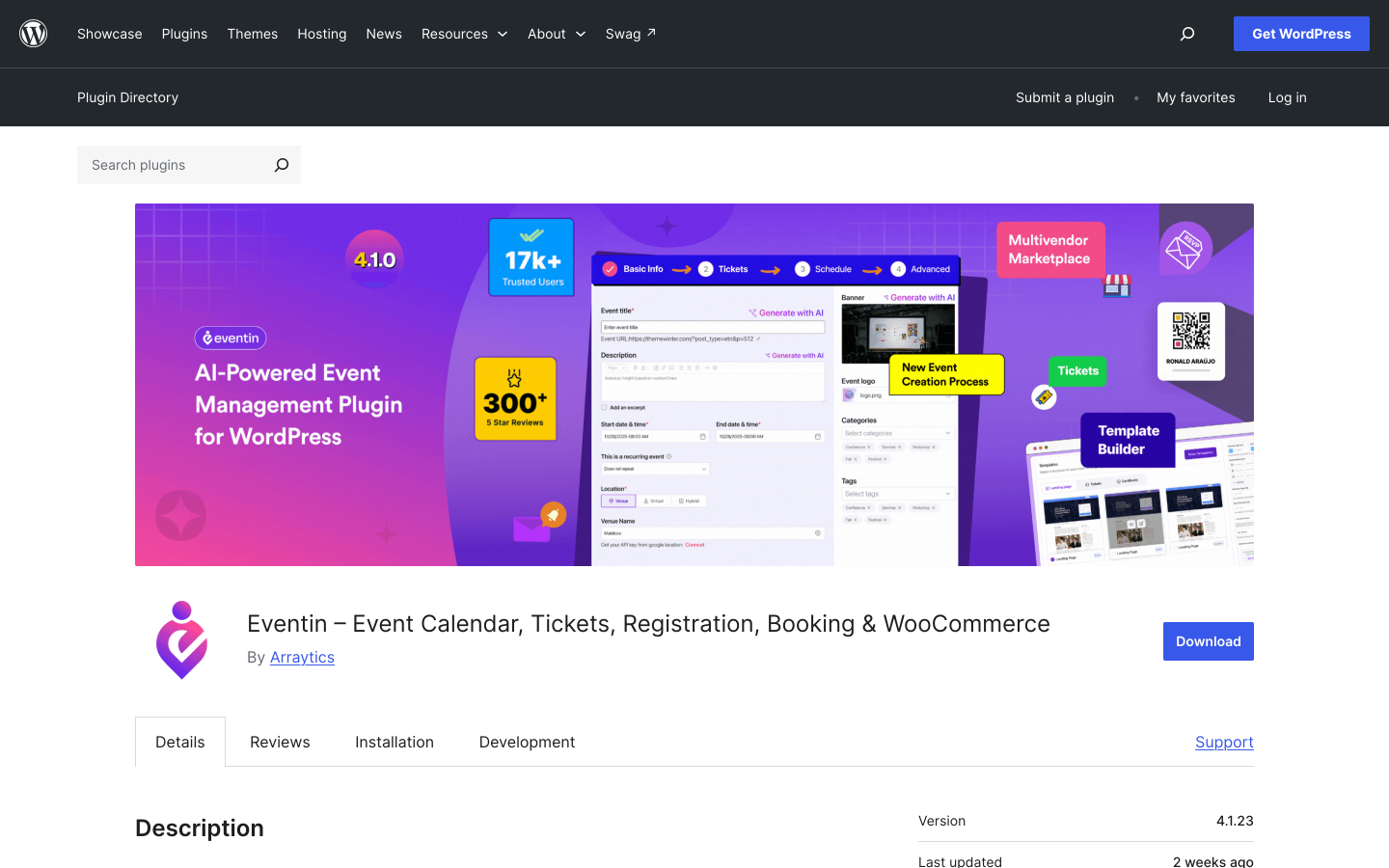
The advanced features that require paid add-ons (priced separately) include visual seat maps for assigned-seat events, a branded PDF ticket template designer, AI-assisted content generation, a certificate builder for attendees, and multivendor marketplace support via Dokan integration. These are available as individual add-ons through the Eventin Pro ecosystem rather than bundled in a single annual license.
Eventin's free tier is one of the most capable in this comparison for organizers who already use WooCommerce or are willing to install it. The free version combines WooCommerce ticket sales with no platform commission, QR code generation, and recurring event support. That makes it a strong option for conference organizers, workshop hosts, and community event managers who want to avoid an upfront license cost.
What the free plan includes (per official WordPress.org listing):
- WooCommerce ticket sales via all WooCommerce payment gateways (WooCommerce required)
- QR code check-in ticket generation for every booking
- Recurring events with daily, weekly, monthly, and custom patterns
- Free Zoom integration with automatic join links delivered to registrants
- RSVP and registration management
- Speaker profiles with photos, bios, and session assignments
- Session scheduling with time blocks and event tracks
- Automated email confirmations
- Google Calendar, iCal, and Outlook sync
- Zero platform commission
What requires a paid add-on:
- Visual seat maps for assigned-seat events
- Branded PDF ticket template designer
- AI-assisted event content generation
- Certificate builder for attendees
- Multivendor marketplace (Dokan integration)
Pricing: Free version on WordPress.org. Pro add-ons are available individually or as bundles; check eventin.co for current pricing. 15-day money-back guarantee.
Best for: Organizers who already use WooCommerce and want free ticket sales with no platform commission, QR check-in generation, and recurring event support in the free tier. Particularly strong for conferences and structured multi-session events.
7. WP Event Manager - Free Event Directory with Paid Registration and Ticketing
WP Event Manager is a modular event listing plugin with a free core on WordPress.org. The free version handles public event listing pages, event detail display, front-end event submission forms, filterable event search, recurring events, iCal support, Google Maps integration, and REST API access. Payment processing, ticketing, and event registration are not included in the free core: the official site confirms that registrations require the premium Event Registration add-on, and ticket sales require the separate Sell Tickets add-on.
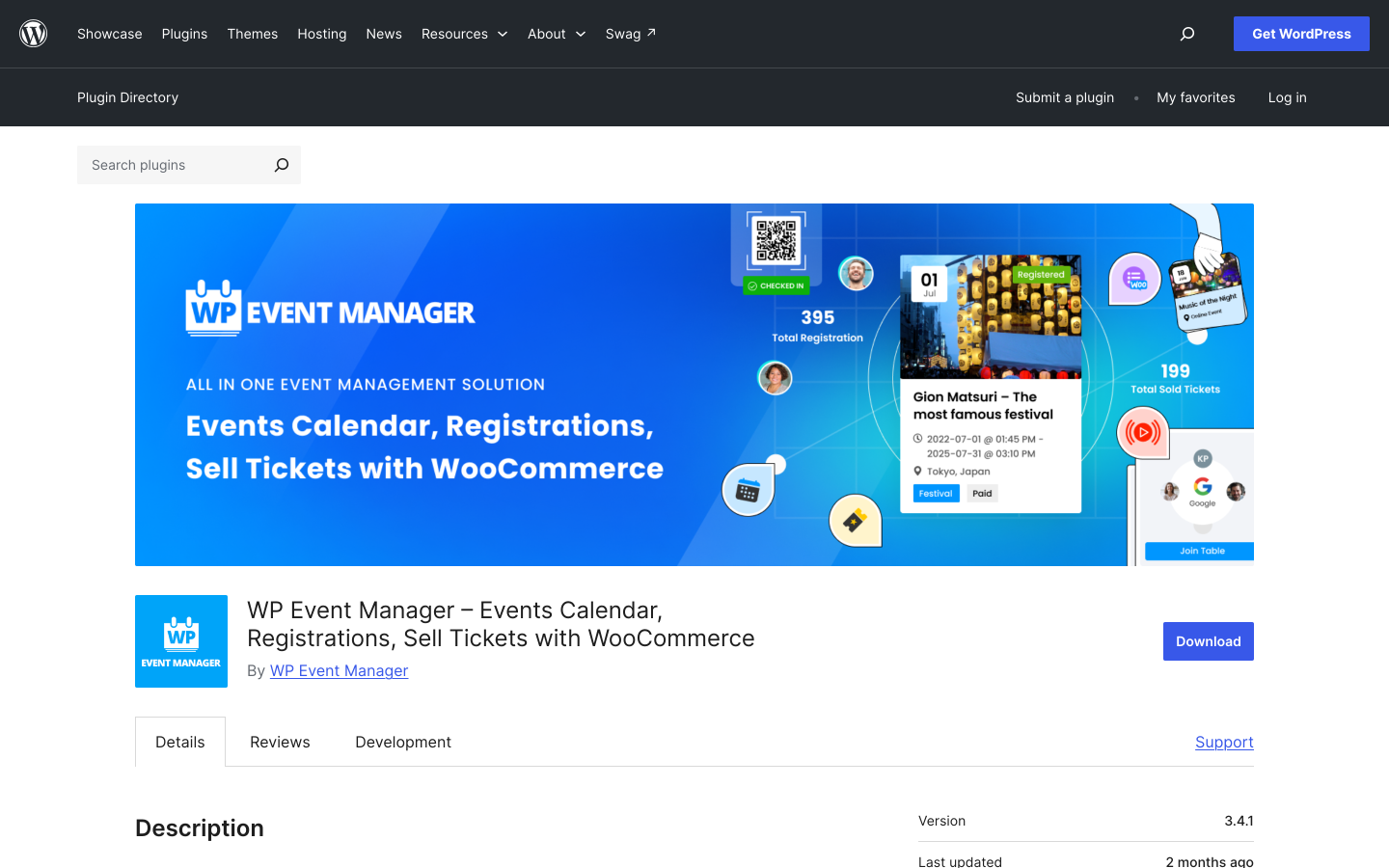
The plugin's architecture is modular by design. The free core provides the event directory and front-end listing functionality. More than 37 premium add-ons extend it with ticketing, registrations, calendar views, Zoom integration, seating charts, and CRM connections. This approach gives sites flexibility to add only the capabilities they need, but it means the core free plugin is an event directory rather than a ticketing system. Organizers who need ticket sales or attendee registration from their first event will need at least one paid add-on before going live.
What the free plan includes:
- Public event listing pages and event detail displays
- Front-end event submission forms
- Filterable event search
- Recurring events
- iCal support
- Google Maps integration
- REST API access
What requires a paid add-on:
- Event registration and attendee management (Event Registration add-on)
- Ticket sales and payment processing (Sell Tickets add-on)
- Calendar view display (Calendar add-on)
- QR code tickets and check-in (Sell Tickets add-on)
- Zoom integration (Virtual Events add-on)
Pricing: Free core plugin on WordPress.org. Paid add-ons are sold individually or as bundles. Check wp-event-manager.com for current pricing.
Best for: Sites that need a free public event directory with front-end submission and listing management, where ticketing and registrations will be added later via paid add-ons.
How to Choose Based on Your Situation
Choose Eventnetic if you want unlimited events and unlimited bookings at no cost with zero platform commission, and are ready to run events with offline or cash payments before deciding to pay for Stripe or PayPal. The free plan is the most complete standalone ticketing setup in this comparison for organizers who are not yet ready to commit to a paid license.
Choose Event Tickets by The Events Calendar if your WordPress site already runs The Events Calendar and you want free Stripe, PayPal, or Square ticket sales today. Factor the 2% Stripe and Square platform fee into your per-ticket cost when projecting revenue.
Choose Sugar Calendar Lite if you are building inside the WordPress block editor and want clean Stripe ticket selling at no upfront cost. The 3% platform fee applies per order; the Plus plan at $99.50/year removes it.
Choose Events Manager if your primary need is free recurring event management, attendee tracking, and registration, and online card payment is not required in the free phase. The Pro license is the lowest-cost entry to Stripe and PayPal payments in this comparison at $99/year.
Choose Event Espresso Decaf if you specifically need free PayPal payment processing for paid events and can absorb a 3% per-ticket commission. No other plugin in this comparison provides free PayPal checkout without a WooCommerce dependency.
Choose Eventin if your site already runs WooCommerce and you want free ticket sales through all WooCommerce payment gateways, QR code ticket generation, and recurring event support at no license cost. The free tier is particularly strong for conferences and structured multi-session events.
Choose WP Event Manager if you need a free public event directory with front-end submission forms, and ticketing and registrations are later requirements you will add via separate paid add-ons.
Frequently Asked Questions
Which WordPress event ticketing plugin has the best free plan?
Eventnetic has the most complete standalone free tier in this comparison. It provides unlimited active events, unlimited bookings, multiple ticket types with custom pricing, offline and cash payment collection, check-in by name or booking code, email automation with 15 event triggers, and a full analytics dashboard at no cost. The only capability locked behind a paid plan is online card payment via Stripe or PayPal, which requires the $99/year Starter license. Eventin's free version also offers strong free capabilities if WooCommerce is already installed, including WooCommerce ticket sales and QR code ticket generation at no cost.
Can I sell tickets for free on WordPress?
Yes, with some nuance. Event Tickets by The Events Calendar processes Stripe, PayPal, and Square in its free tier, though Stripe and Square orders carry a 2% platform fee. Sugar Calendar Lite processes Stripe orders with a 3% fee per order. Event Espresso's free Decaf plan handles PayPal checkout with a 3% per-ticket commission. Eventin's free version processes ticket sales through WooCommerce and all WooCommerce payment gateways at no platform commission, though WooCommerce must be installed. Eventnetic's free tier covers unlimited bookings with offline or cash collection at zero cost, with card payments unlocked by the $99/year Starter license.
Which free plan charges no platform fee on ticket sales?
Eventnetic's free plan collects unlimited bookings with offline and cash payments and takes no commission. Eventin's free tier also charges no platform commission on WooCommerce ticket sales, though WooCommerce is required. Events Manager's free tier has no platform fee but processes no online payment. Among plugins that process card payments in the free tier, Event Tickets by TEC charges 2% on Stripe and Square, Sugar Calendar Lite charges 3% on Stripe, and Event Espresso Decaf charges 3% per ticket on PayPal.
Do any free WordPress ticketing plugins include QR code check-in?
Yes. Eventin's free version generates QR code check-in tickets for every booking, per the official WordPress.org plugin listing. Eventnetic includes door-list check-in by name or booking reference in the free plan; QR code tickets and scanning require the $99/year Starter license. Event Tickets Plus (paid add-on for TEC) adds QR scanning. Events Manager Pro (paid) adds QR ticket delivery.
What is the difference between this list and a general event ticketing plugin comparison?
A general comparison ranks plugins by overall capability across paid and free tiers. This roundup focuses specifically on what each plugin's free plan includes, where the paid wall sits, and what the first upgrade costs. If you want to compare full feature sets across all plan levels, the breakdown of the best WordPress event plugins covers each plugin across all tiers.
What happens to event ticketing fees when I upgrade from a free plan?
Platform fees charged by the plugin vendor (2% on Stripe/Square with Event Tickets TEC; 3% on Stripe with Sugar Calendar Lite; 3% per ticket on PayPal with Event Espresso Decaf) are removed when you upgrade to the corresponding paid plan. Standard gateway processing fees from Stripe, PayPal, or Square apply regardless of which plugin you use and are charged by the gateway, not the plugin. Eventnetic and Eventin charge no platform fee at any plan level: their revenue comes from license fees, not ticket revenue.
Conclusion
For organizers who want unlimited events and bookings with no platform fee and no time limit on the free plan, Eventnetic is the clearest starting point. Offline and cash payments work at no cost, and upgrading to the $99/year Starter plan is a single step to unlock Stripe, PayPal, PDF tickets with QR codes and recurring event tickets. Seating charts and waiting lists are one tier up, on Pro at $199 for the first year.
For organizers who want free online ticket sales with no platform commission and already have WooCommerce installed, Eventin's free version is a strong option: WooCommerce ticket sales, QR code ticket generation, recurring events, and Zoom are all available at no license cost. For free card payments with a platform fee, Event Tickets by The Events Calendar (2% on Stripe/Square) and Sugar Calendar Lite (3% on Stripe) are the main options. Event Espresso Decaf provides free PayPal checkout with a 3% per-ticket fee. For free registration and recurring events without any online payment, Events Manager remains the most capable free option.
The right choice depends on one question: do you need card payment in the free tier, or is offline collection enough for now? If WooCommerce is already on your site, Eventin also deserves a close look. Answer those two questions, and the shortlist above will narrow quickly.


