
Event Tickets Plus was the add-on that made The Events Calendar ecosystem work properly for serious ticket sellers. The roughly $49 per year upgrade removed the 2% Tickets Commerce application fee that applied on every Stripe and Square transaction. It also unlocked QR code check-in through a dedicated mobile app, added PDF ticket generation, and let buyers save tickets to Apple Wallet or Google Wallet. For event organizers who already had The Events Calendar running on their WordPress site, Event Tickets Plus was the obvious next step once ticket volume made the platform fee a meaningful cost.
That calculation changed in 2026. Nexcess (the current owner of The Events Calendar, having rebranded from StellarWP) retired the individual add-on sales model and replaced it with bundled subscription tiers. The features that Event Tickets Plus once delivered at approximately $49 per year are now part of the Pro plan, priced at $399 per year. The intermediate Essentials plan at $259 per year does not waive the commission on Stripe and Square, making it a poor stopping point for organizers with meaningful ticket volume. To reach zero commission today, the minimum spend is $399 annually.
The price shift prompted a straightforward question from many WordPress event organizers: are there alternatives that cover what Event Tickets Plus did, without the higher annual cost and without the recurring-event ticket limitation that remains unresolved in TEC's own official documentation? For a broader look beyond Event Tickets Plus specifically, see the guide to The Events Calendar alternatives.
This guide covers seven WordPress event ticketing plugins that work as practical Event Tickets Plus alternatives in 2026. I ranked them on the four things Event Tickets Plus was actually used for: cutting ticket fees, QR check-in, reserved seating, and keeping attendee data on your own WordPress site.
What Made Event Tickets Plus Worth Paying For
Before comparing alternatives, it helps to be specific about what the add-on actually delivered and where it fell short.
Zero commission on ticket revenue. The core reason most users upgraded. The Events Calendar's Tickets Commerce integration applies a 2% application fee per Stripe and Square transaction in the free tier, confirmed in Nexcess's official documentation. On a $30 ticket, that is $0.60 per sale on top of Stripe's own processing fee. For an organizer selling 200 tickets per event across 20 events a year, that 2% adds up to a real annual cost before gateway fees even enter the calculation. Event Tickets Plus removed it. The new Pro plan removes it too, at $399 per year versus the old approximately $49 per year.
QR code check-in. Event Tickets Plus unlocked the Event Tickets App for iOS and Android, which scanned QR codes on printed or digital tickets at the door. This is the workflow most event attendees expect. Without Event Tickets Plus, the free tier offered an email confirmation with a booking reference number and relied on manual staff verification rather than a scanner.
PDF ticket delivery. Buyers received a downloadable PDF with their ticket details, which they could print or display on a phone. The free tier sends a confirmation email but no attached PDF file.
Reserved seating. This was not included in Event Tickets Plus. It still requires the most expensive TEC tier, Elite at $599 per year, which includes the custom seating map builder. This is an important point: organizers who moved from Event Tickets Plus hoping to find reserved seating covered at a reasonable price were looking in the wrong place within the TEC ecosystem. The alternative plugins in this guide address this directly.
The recurring event limitation. Regardless of which TEC tier you use, the official Nexcess documentation states: "Creating tickets for recurring events is not currently supported." A weekly yoga class, a monthly dinner series, or a cinema running three weekly screenings of the same film cannot have separate per-date ticket inventory, per-date pricing, or per-date attendee lists in The Events Calendar system. This is a structural limitation, not a pricing tier issue.
What Separates a Good Event Tickets Plus Alternative
Replacing the Event Tickets Plus workflow means matching what it delivered while addressing the specific gaps that pushed organizers to look elsewhere.
Zero or near-zero platform commission. The replacement should not recreate the commission problem. Any plugin that adds its own percentage cut on top of payment gateway fees is a lateral move at best.
QR ticket delivery and door scanning. Buyers expect a scannable ticket. Alternatives that send only a booking reference number without a QR code create a worse checkout experience and slower entry at the door. The door-scanning workflow, whether via a dedicated app or a browser-based scanner, should be included in the entry paid plan rather than gated behind an upgrade.
Reserved seating at a reasonable price. TEC gates seating behind its $599 per year Elite plan. For theaters, cinemas, seated dining events, and venues with numbered rows, a seat map feature accessible without a top-tier license is a clear differentiator. Any alternative that includes seating at the entry paid tier wins this comparison by default.
Support for recurring events with tickets. The TEC limitation on this point is genuine and unresolved. An alternative that treats each date in a recurring series as an independent unit, with its own capacity, its own price, and its own attendee list, solves a real workflow problem that no amount of TEC license upgrading currently fixes.
WordPress data ownership. With self-hosted plugins, every booking, attendee name, email address, and payment record lives in your own WordPress database. No third-party platform controls export permissions or holds attendee data behind login gates. Event Tickets Plus delivered this; so do all seven alternatives below.
Manageable setup complexity. Event Tickets Plus required The Events Calendar as a base plugin plus the Plus add-on maintained separately. Plugins that bundle ticketing, payment processing, QR check-in, and seating into a single installation reduce that overhead.
Quick Comparison: Event Tickets Plus Alternatives for WordPress
| Plugin | Free plan | Entry paid plan | Commission | QR check-in | Seat reservations | Recurring event tickets | Data on your site |
|---|---|---|---|---|---|---|---|
| Eventnetic | Yes (unlimited events, offline payments) | $99/yr first yr (Starter) | None | Starter | Starter (venue-level) | Starter (capacity); Pro (pricing) | Yes |
| FooEvents | No (requires WooCommerce) | $169/yr (Basic Bundle) | None | All paid plans | Premium Bundle ($249/yr) | All plans (multi-date) | Yes |
| Tickera | Limited (offline and 2Checkout only) | $149/yr first yr (Standard) | None | Paid plans (Checkinera app) | Bundle ($199/yr) | Limited | Yes |
| Eventin | Basic calendar only | $89/yr (Standard Pro, 2 domains) | None | Standard Pro | Standard Pro | Standard Pro | Yes |
| Sugar Calendar | Yes (3% fee on Stripe) | $49.50/yr (Basic, fee not removed) | 3% on Lite and Basic | No native scanner | No | Paid plans | Yes |
| Event Espresso | PayPal only (3% fee) | $129/yr (Core) | 0% on paid plans | Via add-on | No | Core | Yes |
| Events Manager | Registration only | $99/yr (Pro) | None | Pro | No | Free | Yes |
7 Best Event Tickets Plus Alternatives for WordPress
1. Eventnetic
Best for: WordPress organizers who want zero-commission sales, QR check-in, seat reservations and per-date recurring events in one plugin, with attendee data on their own site
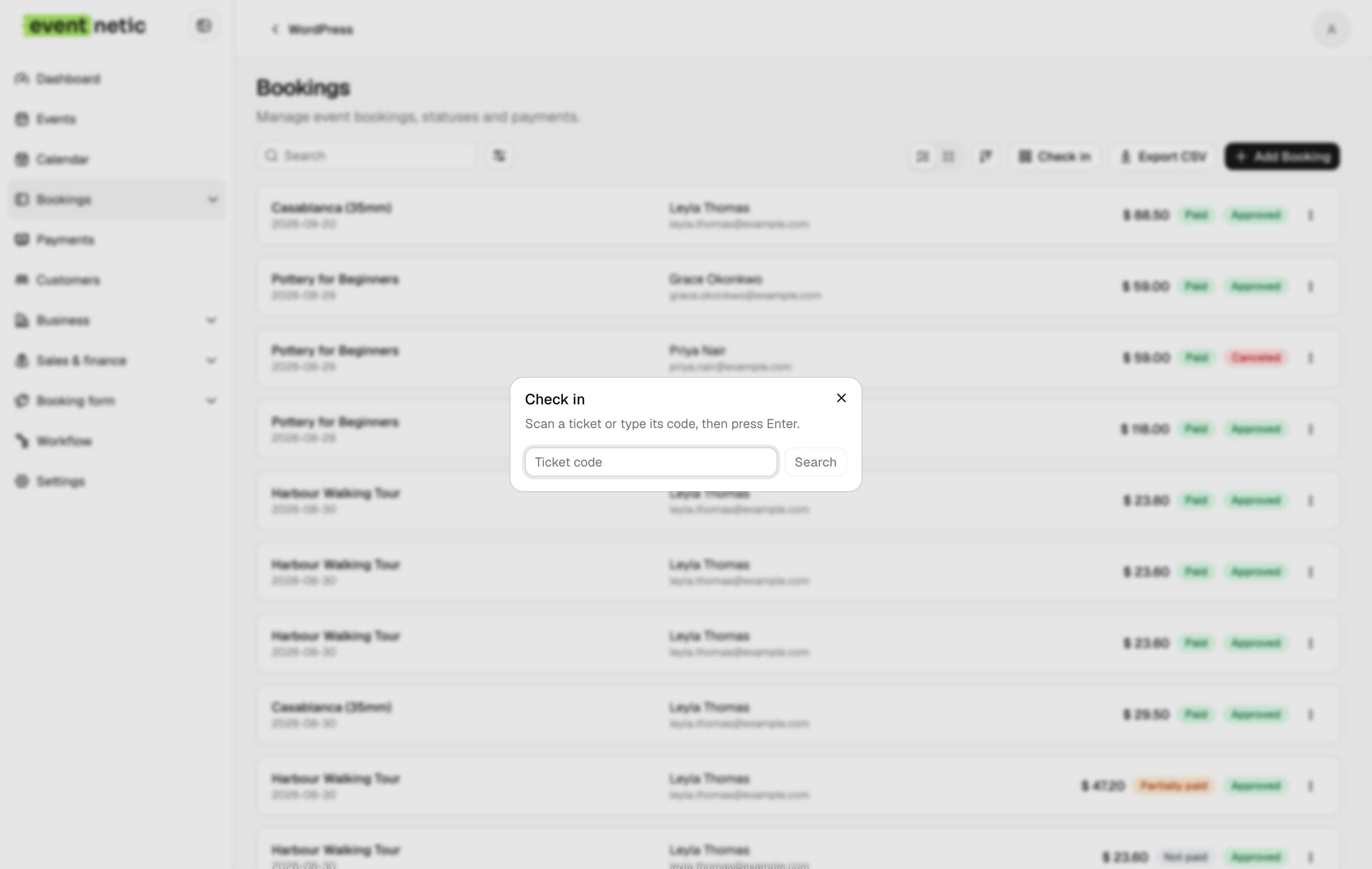
Eventnetic is a standalone WordPress ticketing plugin built around the four things Event Tickets Plus was actually used for, and it covers the recurring event gap that no TEC tier currently addresses.
It takes 0% of ticket revenue on every plan, free one included. Your Stripe or PayPal account receives the full price minus the gateway's own processing fee, with no application fee layered on top. Every booking, attendee and payment sits in your own WordPress database, and the full attendee list is a CSV download from your own admin.
Starter generates a QR code per booking or per seat on a PDF ticket, scanned on any camera phone through the browser. The door list gives a manual fallback by name or booking reference when the venue's internet is unreliable. Seat maps, on Pro, belong to the venue rather than the event: draw the layout once with sections, rows and stage position, and it reuses across every event held there, with per-seat availability tracked separately for each date.
One event listing holds unlimited dates, each with its own capacity, price and attendee list. A studio can run 52 Monday classes in one listing, price January differently to February, and cancel a bank holiday date without touching the rest. The recurring event tickets guide covers that architecture. There is no base calendar plugin to install first and no companion to configure.
Key features:
- Unlimited active events and bookings on the free plan, with no expiry
- Stripe and PayPal direct checkout with zero commission (Starter)
- PDF tickets with a QR code per seat or booking, plus a camera scanner (Starter)
- Recurring series with per-date capacity (Starter) and per-date pricing (Pro)
- Seat maps tied to the venue and reused across events (Pro)
- Timed entry slots with capacity per window (Starter)
- Deposits, discount codes and custom attendee forms (Starter)
- Every booking and attendee record held in your own WordPress database
Pricing: Free plan with offline payment and no expiry. Starter $99/yr first year (1 site, renews at $199) or $199 lifetime. Pro $199/yr first year (5 sites, renews at $299) or $399 lifetime, where seating starts. Elite $299/yr (25 sites) or $599 lifetime. 14-day money-back guarantee.
Limitations: Card payment needs a paid license; the free plan is offline and cash only. Eventnetic launched in 2026 and has no WordPress.org listing, install count or public review history. QR scanning runs in the browser rather than a native app and needs a connection. WooCommerce checkout needs Elite. There is no Apple Wallet or Google Wallet pass, which Event Tickets Plus included.
2. FooEvents for WooCommerce
Best for: WooCommerce stores that want to add QR-checked event ticketing on top of an existing payment gateway setup, with no plugin commission on any transaction and no extra upgrade needed for check-in apps
FooEvents for WooCommerce transforms WooCommerce products into ticketed events. Because all payment processing runs through WooCommerce, every gateway your store already supports, including Stripe, PayPal, Square, and 100-plus others, works immediately for ticket sales with no FooEvents commission on any transaction. Every paid bundle includes custom branded PDF tickets with QR codes and free iOS and Android check-in apps via the FooEvents Check-ins application, with offline scanning capability.
Compared to Event Tickets Plus, FooEvents includes QR check-in in every paid plan rather than gating it behind an upgrade tier. The Basic Bundle at $169 per year covers one domain with QR check-in from day one. At the old Event Tickets Plus price of approximately $49 per year, plus The Events Calendar's base license cost, the FooEvents total is comparable or lower for organizers who are starting fresh without an existing TEC installation. Against the new TEC Pro at $399 per year, FooEvents at $169 per year is a meaningful cost reduction for the QR check-in and zero-commission workflow.
The mandatory WooCommerce dependency is the primary trade-off. FooEvents cannot process a single paid ticket without WooCommerce installed, configured, and maintained alongside it. For a site whose sole purpose is selling event tickets, that means running two complex plugin systems before the first ticket sale. For a site already running WooCommerce for other purposes, the dependency is already met.
Reserved seating for numbered, assigned-seat events requires the Premium Bundle at $249 per year. Multi-date and recurring event support is included in the Basic Bundle, covering weekly or monthly programs. Per-date pricing variation within a series, where January dates are priced differently from February dates, is not supported.
Key features:
- WooCommerce products become ticketed events
- 100-plus payment gateways via WooCommerce (no FooEvents commission on any plan)
- Custom branded PDF tickets with QR codes (all paid plans)
- Free iOS and Android check-in apps with offline scanning capability (all paid plans)
- Multi-day and recurring event dates (all paid plans)
- Custom attendee registration forms (all paid plans)
- Visual seat maps for assigned-seat events (Premium Bundle)
Pricing: Basic Bundle $169/year (1 domain, QR tickets, check-in app, multi-date events). Bookings Bundle $199/year (adds booking customization and custom attendee fields). Premium Bundle $249/year (adds seating maps). Point of Sale Bundle $399/year (adds POS system, seating, and all add-ons). 14-day money-back guarantee. WooCommerce is required and not included.
Limitations: WooCommerce is a hard requirement at every tier. Entry price at $169 per year is higher than Eventnetic Starter in the first year. Seat maps require the $249 per year Premium Bundle. Per-domain licensing means multi-site operations multiply the annual cost. No per-date recurring event pricing.
3. Tickera
Best for: event organizers who want zero-commission ticket sales, 19 built-in payment gateways without a WooCommerce dependency, QR check-in on every plan, and an optional lifetime license that eliminates annual renewal entirely
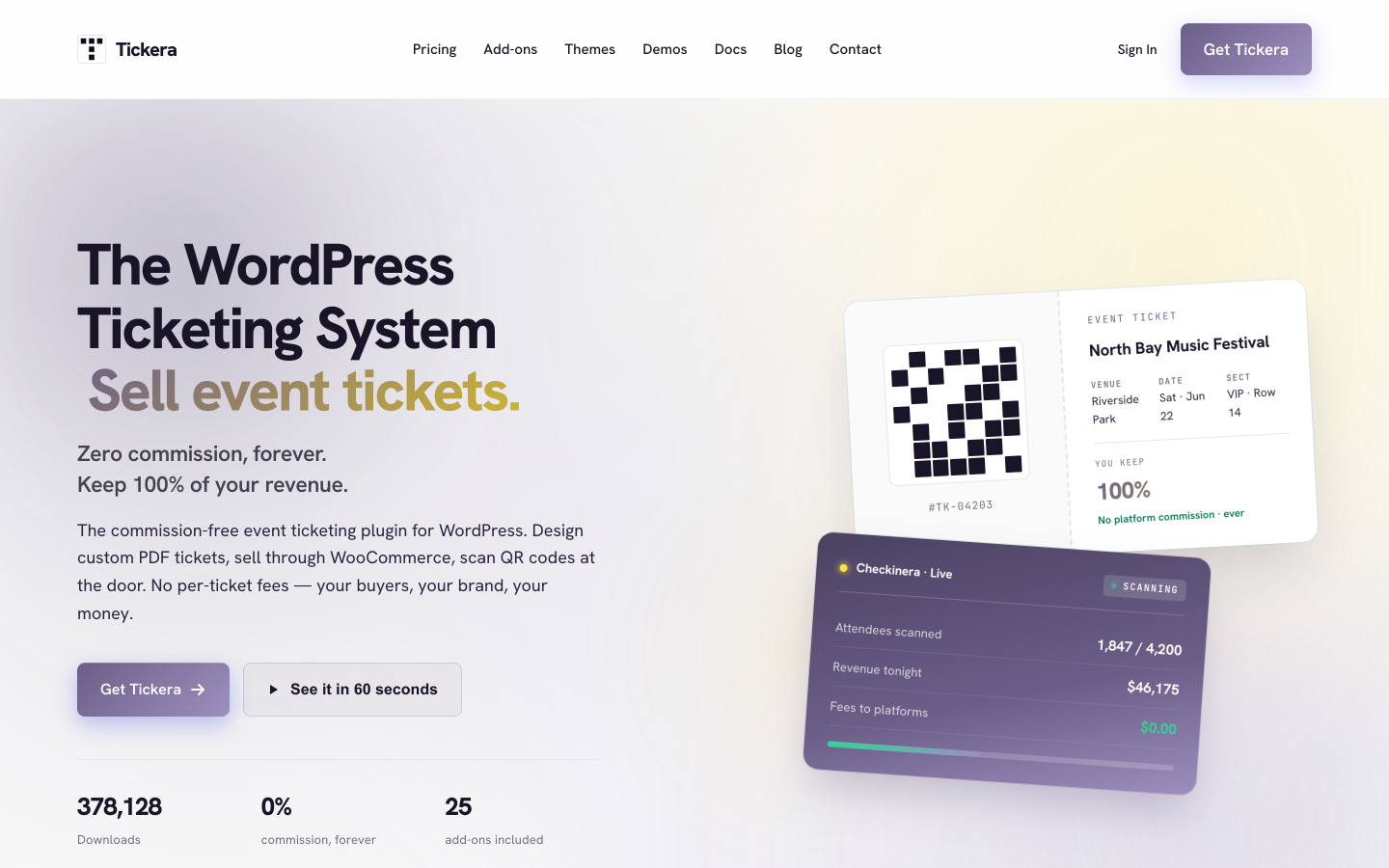
Tickera is built around a single proposition: your payment gateway processes every transaction directly into your account, and Tickera takes nothing from ticket revenue. With 2,000-plus active installs and a 4.5/5 rating from 289 reviews on WordPress.org, it has a focused user base among organizers who prioritize gateway flexibility and zero commission. A limited free version is available on WordPress.org that covers offline and cash payments plus 2Checkout, but Stripe, PayPal, and the mobile check-in apps require a paid plan. The Standard paid plan and above include 19 built-in payment gateways without requiring WooCommerce, PDF tickets with QR codes, and the Checkinera iOS and Android check-in apps across unlimited sites, events, and attendees.
Compared to Event Tickets Plus, Tickera covers more payment gateways natively than TEC's Tickets Commerce, includes QR check-in on every plan without an upgrade, and applies zero commission at every tier. The Standard plan at $149 per year for the first year (renewing at $99 per year after year one) is lower in annual cost than TEC Pro at $399 per year for the same core deliverables. The Bundle plan at $199 per year first year adds WooCommerce gateway support via the Bridge add-on and includes seating charts.
A Lifetime license at $399 covers unlimited sites and every Tickera add-on with no annual renewal. For organizers managing events across multiple WordPress installations, that one-time cost compares favorably to per-domain annual alternatives when calculated over three or more years.
Tickera does not include a polished public event calendar for attendee-facing browsing. Sites that want a visual listing page pair Tickera with a separate calendar plugin. Recurring event support is limited: there is no per-date capacity or pricing variation within a series.
Key features:
- 19 built-in payment gateways, no WooCommerce required
- Zero platform commission on all plans
- Unlimited sites, events, and attendees
- PDF tickets with QR codes and email delivery (all plans)
- Free Checkinera iOS and Android check-in apps (paid plans)
- Seating chart add-on included in Bundle and Lifetime plans
- Discount codes and custom attendee form fields (Bundle)
- WooCommerce Bridge for 100-plus additional gateways (Bundle)
- Lifetime license at $399 (unlimited sites, all add-ons, no renewal)
Pricing: Standard $149/year first year (renews at $99/year). Bundle $199/year first year, includes all 25 add-ons (renews at $149/year). Lifetime $399 one-time (all add-ons, unlimited sites, no renewal). 7-day money-back guarantee.
Limitations: The free WordPress.org version is limited to offline, cash, and 2Checkout payments; Stripe, PayPal, and the Checkinera mobile app require a Standard plan or higher. Seating requires the Bundle plan at $199 per year first year. No per-date recurring event pricing. The 7-day refund window is shorter than most alternatives. No public-facing event calendar frontend is included.
4. Eventin
Best for: conferences, multi-track workshops, and speaker-based events that need session schedule management alongside QR check-in and reserved seating, at an entry cost substantially lower than TEC Pro
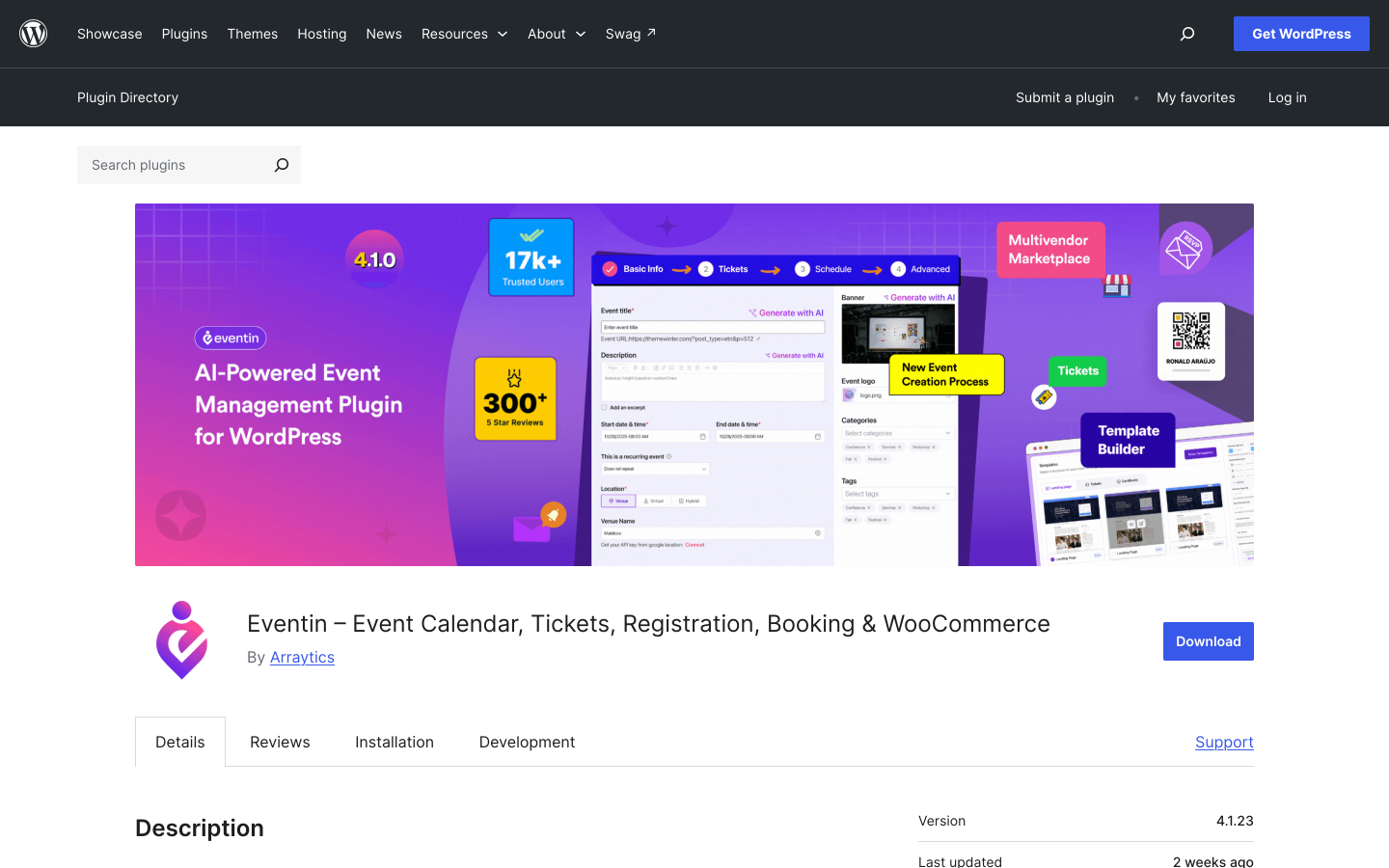
Eventin by Arraytics has 10,000-plus active installs and a 4.7/5 rating from 397 reviews on WordPress.org. It covers multi-tier ticket types with per-tier capacity controls, QR code check-in via a mobile app, visual seat plans, recurring event support, and speaker profile management within a single plugin. The free version provides a basic event calendar. The Standard Pro plan at $89 per year for two domains is the relevant comparison tier.
Compared to Event Tickets Plus, Eventin Standard Pro at $89 per year covers zero commission, QR check-in, and seat maps in a single license, all at less than a quarter of TEC Pro's $399 per year cost for the same features. For organizers running events on two WordPress sites, that cost difference is substantial.
The conference management layer, which covers speaker profiles with photos and bios, session time blocks, event tracks, and agenda filtering, is Eventin's distinctive strength and its primary source of setup overhead for simple ticketing use cases. A yoga studio, cinema, or walking tour operator does not need speaker management, and navigating those configuration steps adds time with no practical benefit. For multi-speaker, multi-session programs where agenda management is as important as ticket sales, Eventin handles that combination better than any other plugin in this comparison.
Key features:
- Multi-tiered ticket types with per-tier capacity and availability windows
- Speaker profiles with photos, bios, and session assignments
- Session time blocks, event tracks, and agenda schedule display
- QR code ticket generation and mobile check-in app (Standard Pro)
- Visual seat plans for assigned-seat events (Standard Pro)
- Recurring event support and RSVP forms (Standard Pro)
- Zero platform commission at all paid tiers
- Standalone checkout, no WooCommerce required
Pricing: Free version on WordPress.org. Standard Pro from $89/year (2 domains). Premium from $149/year (100 domains). Agency from $299/year (unlimited domains). Lifetime plans available. 15-day money-back guarantee. Verify current pricing on the Eventin pricing page before publishing, as promotional rates may vary.
Limitations: All differentiating features require a paid license. Conference management features add setup steps that serve no purpose for pure ticket-selling use cases. Payment gateway range is narrower than WooCommerce-based plugins. No deposits or waiting list at any plan level.
5. Sugar Calendar
Best for: WordPress sites that want a clean, polished calendar display with Stripe ticket selling at a very low entry cost, where QR door scanning is not a requirement
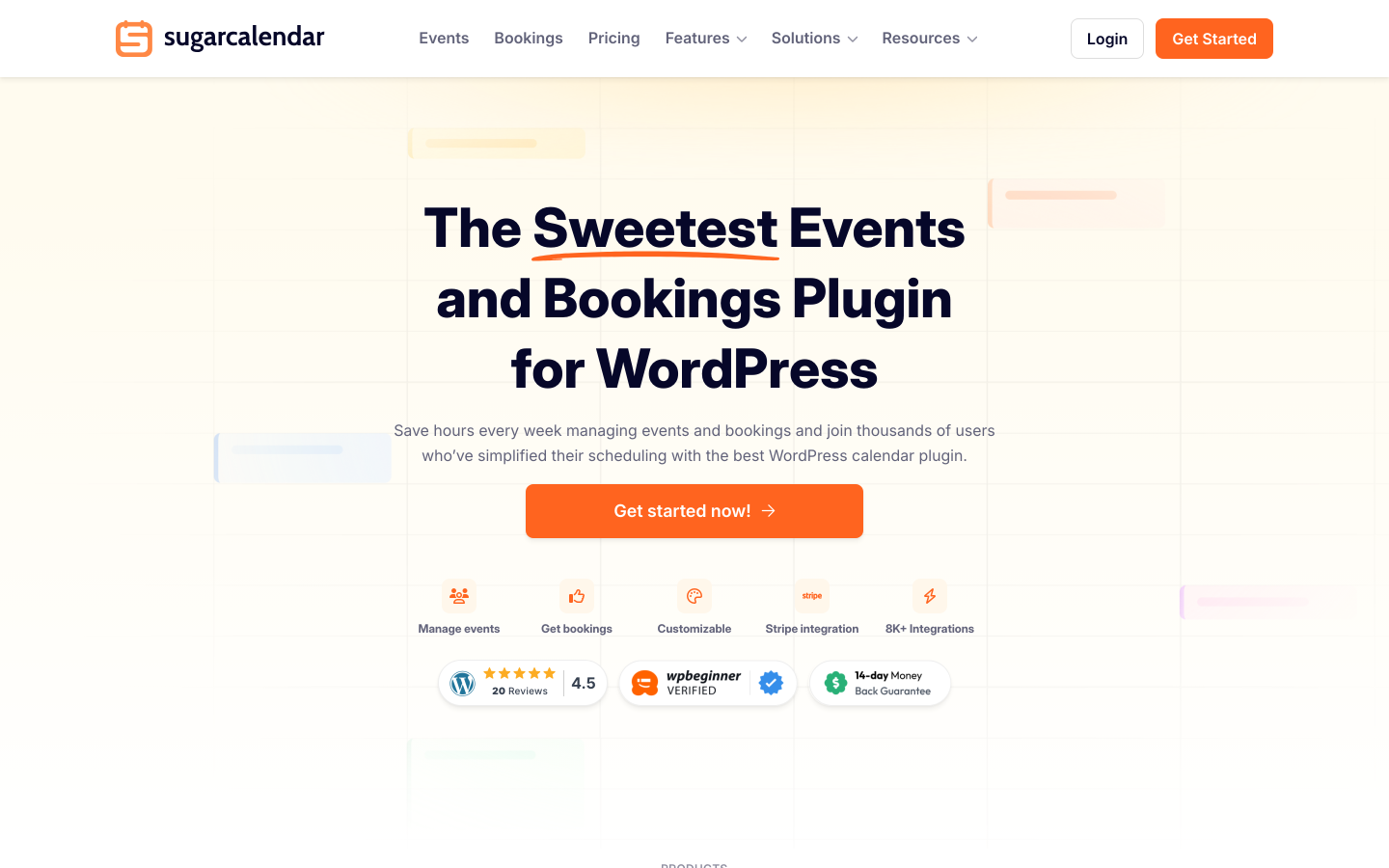
Sugar Calendar approaches event management from the calendar-display perspective first. The free Lite version includes Stripe ticket selling with month and week calendar views via Gutenberg blocks, attendee management with CSV export, Google Maps venue display, iCal/ICS feeds, and Add to Calendar buttons for Google, Outlook, and Apple Calendar. A 3% platform fee applies per Stripe order in the free tier; the Plus plan at $99.50 per year removes this fee and adds recurring events and RSVP management.
Compared to Event Tickets Plus, Sugar Calendar Plus at $99.50 per year removes the commission issue at a lower annual cost than TEC Pro. The calendar frontend is among the cleanest event-display implementations in the WordPress plugin space, which matters for sites where browsable event discovery is part of the goal rather than just the checkout flow.
The gaps are meaningful for organizers who depend on physical door management. Sugar Calendar does not include QR ticket delivery or a scanning interface at any plan level. PDF ticket generation is not available. Setup complexity is low, and the Lite version provides a genuinely functional free starting point, but the missing check-in infrastructure makes Sugar Calendar a partial Event Tickets Plus replacement rather than a complete one.
Key features:
- Stripe ticket selling in the free Lite version (3% platform fee applies)
- 3% fee removed from Plus ($99.50/year) and above
- Month, week, and day calendar views via Gutenberg blocks or shortcodes
- Google Maps venue display and attendee CSV export (free)
- iCal/ICS feeds and Add to Calendar buttons for Google, Outlook, and Apple Calendar (free)
- Recurring events with daily, weekly, and monthly patterns (paid plans)
- RSVP management dashboard (paid plans)
- One-click migration from The Events Calendar
Pricing: Lite free on WordPress.org (Stripe with 3% platform fee). Basic: $49.50/year (3% fee still applies). Plus: $99.50/year (fee removed, recurring events and RSVP added). Pro: $199.50/year (3 sites). Elite: $299.50/year (10 sites). 14-day money-back guarantee.
Limitations: No QR scanner or PDF ticket delivery at any plan level. The 3% fee in Lite and Basic applies on top of Stripe's standard processing rate. No seating at any tier. Recurring events and RSVP require a paid plan. No native iOS or Android check-in app.
6. Event Espresso
Best for: established WordPress sites running complex, multi-day event programs that need a mature registration platform with a deep add-on ecosystem and over a decade of active development behind it
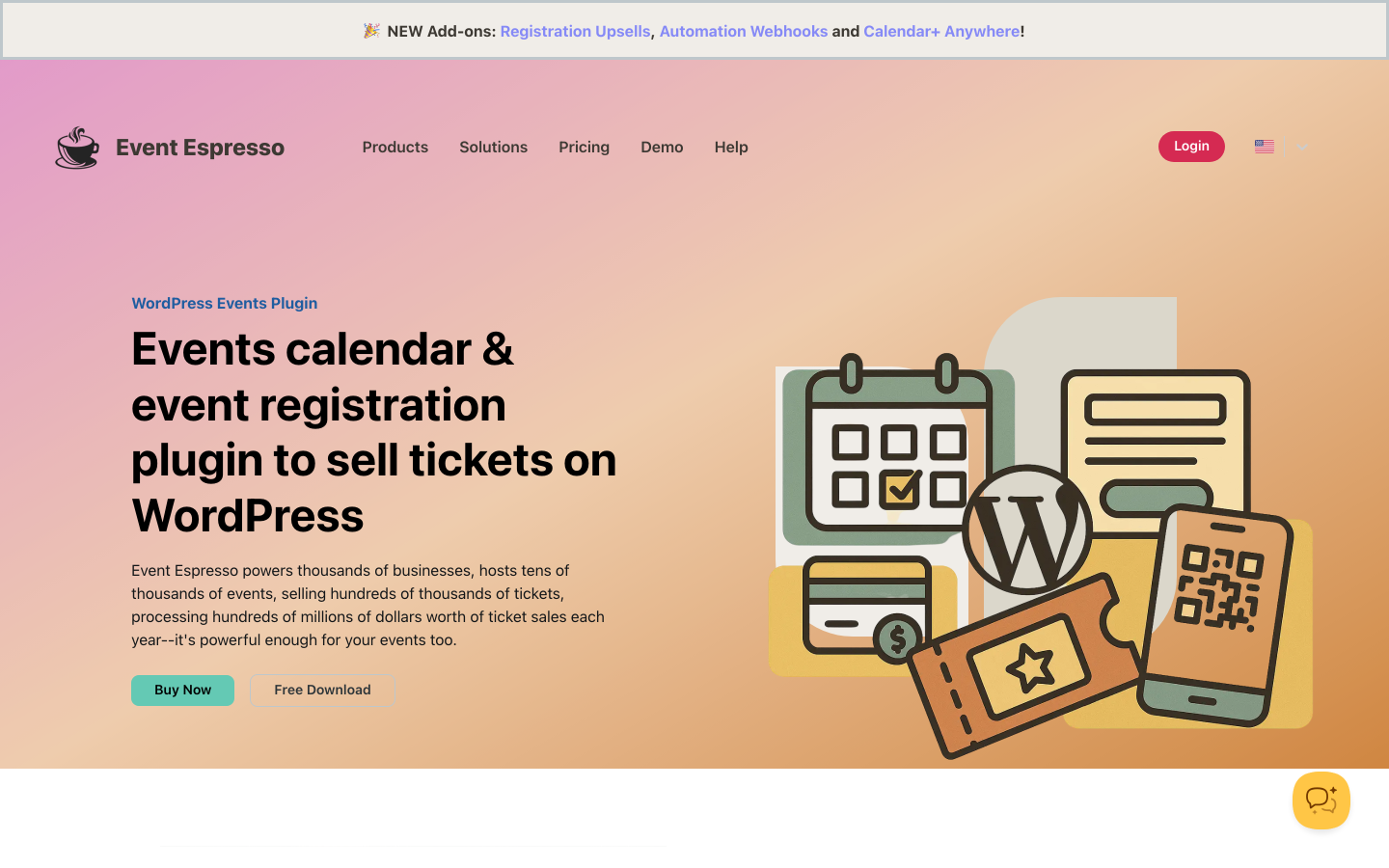
Event Espresso is one of the longest-running dedicated event registration plugins for WordPress. The free Decaf plan covers unlimited events and registrations via PayPal but applies a 3% per-transaction platform fee. The Core plan at $129 per year removes the commission entirely, unlocks 30-plus payment gateway add-ons, multi-day event support, and advanced registration form customization. The All Access plan at $399 per year includes every available add-on.
Compared to Event Tickets Plus, Event Espresso Core at $129 per year is currently lower in annual cost than TEC Pro at $399 per year, removes commission at the Core tier rather than an upgrade tier, and does not require WooCommerce. Multi-day event support, which TEC includes only in paid tiers, is in Event Espresso Core.
The interface reflects its age: functional and reliable, but more configuration-intensive than newer alternatives. QR check-in requires the Barcode Scanner add-on on top of the Core license. Reserved seating is not available at any plan level; Event Espresso explicitly lists seating charts as out of scope with no add-on covering it. For organizations running complex multi-day programs where depth of the add-on ecosystem and a decade-plus track record justify the trade-off in setup time, Event Espresso's maturity is a genuine advantage. For organizers who want a clean, modern setup, the newer alternatives in this list start faster and require fewer configuration decisions.
Key features:
- Unlimited events and registrations on all plans
- PayPal on the Decaf free plan; 30-plus gateway add-ons on Core and above
- Multi-day event support and advanced registration form customization (Core)
- Discount codes, early-bird pricing, and custom ticket types (Core)
- CSV export and attendee management reports
- Mobile check-in app add-on for QR scanning at the door
- 0% commission on Core and All Access plans
Pricing: Decaf (free): PayPal only, 3% platform fee per ticket. Core: $129/year (0% commission, 30-plus add-on compatibility). All Access: $399/year (all add-ons, affiliate module, premium support). 14-day money-back guarantee.
Limitations: The Decaf free plan applies a 3% fee. QR check-in requires the Barcode Scanner add-on on top of the Core license. Reserved seating is not supported at any plan level. The admin interface is more complex than newer alternatives. All Access at $399 per year matches TEC Pro in cost.
7. Events Manager
Best for: community events, recurring class programs, and registration-first workflows where free attendee management is the priority and QR ticketing is an upgrade rather than a baseline requirement
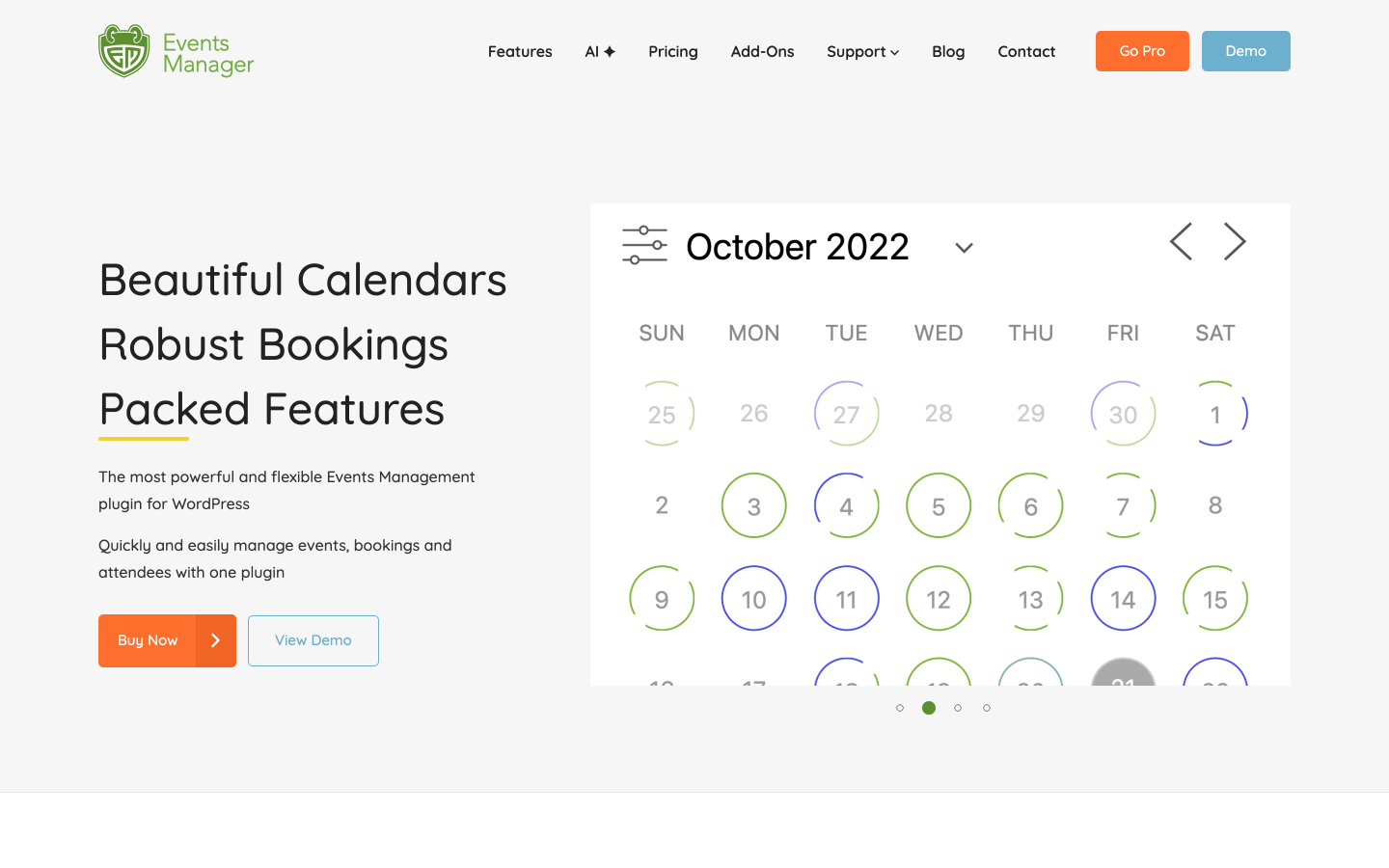
Events Manager provides a strong free event registration foundation with 60,000-plus active installs and a 4.2/5 rating from 548 reviews on WordPress.org. The free plugin covers unlimited recurring events, basic booking management with approval and rejection workflow, attendee capacity controls, Google Maps venue integration, iCal and Google Calendar export, and event display via shortcodes and Gutenberg blocks, all at no cost. Paid gateways (Stripe, PayPal, Authorize.net), PDF tickets with QR codes, waiting lists, webhook and Zapier-style automation, and event imports from Google Sheets, iCal, and Meetup require the Pro license at $99 per year.
Compared to Event Tickets Plus, Events Manager's free tier covers more of the event management workflow at no cost. Unlimited recurring events are available free, without requiring any paid plan. Events Manager Pro at $99 per year delivers Stripe, PayPal, Authorize.net, and QR check-in in a single license. That is less than TEC Essentials at $259, which does not even remove the commission fee, and far below TEC Pro at $399 per year.
The trade-off for Event Tickets Plus users is seating and gateway range. Events Manager does not include visual seating maps at any plan level. Built-in payment gateways are limited to three plus optional WooCommerce checkout. For community programs, class registration, and recurring events where assigned seating is not needed, Events Manager covers the workflow efficiently at the lowest price point in this comparison.
Key features:
- Unlimited recurring events with daily, weekly, and monthly patterns (free)
- Booking management with approval and rejection workflow (free)
- Google Maps venue integration and multi-location support (free)
- iCal and Google Calendar export, RSS feeds, and Add to Calendar buttons (free)
- Event display via shortcodes, widgets, and Gutenberg blocks (free)
- Stripe, PayPal, and Authorize.net payment gateways (Pro)
- PDF ticket generation and QR code delivery (Pro)
- Waiting lists and coupon management (Pro)
- Webhook and Zapier-style automation triggers (Pro)
- Event imports from Google Sheets, iCal, and Meetup (Pro)
- Optional WooCommerce cart checkout for events (Pro)
Pricing: Free core plugin on WordPress.org. Pro from $99/year (1 site, no add-ons) or $129/year (1 site, all add-ons). Multi-site licenses available at higher tiers.
Limitations: Payment gateways, PDF tickets, and QR check-in all require the Pro license. No visual seating maps at any plan level. Built-in gateway range (three) is narrower than WooCommerce-based plugins. The admin interface is visually older than newer alternatives.
When Staying with The Events Calendar Makes Sense
The alternatives above are the better choice for most organizers who find the current TEC pricing structure a barrier. There are genuine reasons to stay in the ecosystem.
Your site already relies on TEC deeply. Hundreds of events using TEC's calendar views, community submission forms, event categories, and custom fields represent significant setup investment. Upgrading to TEC Pro at $399 per year to regain zero commission and QR check-in may be more practical than migrating all of that data to a different platform.
You need community event submissions. TEC's Essentials and higher plans support multi-organizer models where site visitors submit events for moderation and publication. This marketplace architecture is not available in most standalone ticketing plugins. For directory or community calendar sites, TEC's community event submission feature is a genuine differentiator with no direct equivalent among the alternatives in this guide.
You need automatic revenue splitting between co-hosts. TEC Pro and Elite allow organizers to split ticket revenue automatically across co-hosting organizations. None of the seven alternatives in this guide includes revenue splitting at any price point.
You value the largest WordPress event ecosystem. The Events Calendar has 600,000-plus active installs and a large third-party ecosystem of themes, integrations, and developer resources built specifically for TEC. If community-sourced support, certified developers, and third-party integrations matter for your organization, TEC has a scale advantage that newer alternatives cannot match.
For most WordPress event organizers running their own ticket sales on a self-contained site, these scenarios do not apply. The self-hosted alternatives deliver the core workflow at a lower annual cost.
Frequently Asked Questions
Why is Event Tickets Plus no longer available as a separate purchase?
Nexcess (the current owner of The Events Calendar, formerly marketed under StellarWP) retired individual add-on sales in 2026 and replaced them with bundled subscription tiers: Essentials ($259/year), Pro ($399/year), and Elite ($599/year). The features that Event Tickets Plus provided, specifically zero commission, QR check-in, and PDF tickets, are now part of the Pro plan. Existing Event Tickets Plus license holders retain access under their prior terms, but new buyers cannot purchase the old add-on separately.
What is the cheapest way to get zero commission and QR check-in on WordPress in 2026?
Eventnetic Starter at $99 per year first year (renewing at $199 per year) covers zero commission and QR check-in with PDF tickets. Seat maps and per-date pricing are on Pro, at $199 per year for the first year. Eventin Standard at $89 per year for two domains covers zero commission, but QR check-in and seating both start on Eventin Premium at $149 per year. Events Manager Pro at $99 per year covers zero commission and QR check-in but does not include seating maps. Within The Events Calendar ecosystem, the minimum annual spend to reach zero commission is TEC Pro at $399 per year.
Do WordPress event ticketing plugins keep attendee data on my own site?
Yes, that is the foundational advantage of self-hosted plugins. Every booking, attendee name, email, payment record, and ticket lives in your own WordPress database. You can export it at any time, integrate it directly with your CRM, or migrate to a different plugin without requesting a data export from a third-party platform. This is the same data ownership that Event Tickets Plus delivered, and all seven alternatives in this guide maintain it.
Which alternative includes reserved seating without requiring a top-tier license?
Eventnetic (Pro plan, $199/year first year), Tickera (Bundle plan, $199/year first year), and Eventin (Premium, $149/year) all include visual seat maps in their mid-range paid plans. FooEvents includes seating in the Premium Bundle at $249 per year. Events Manager, Sugar Calendar, and Event Espresso do not include seating at any plan level; Event Espresso explicitly states seating charts are out of scope with no add-on covering it. In The Events Calendar, seating requires the Elite plan at $599 per year. For theatres, cinemas, and venues with numbered rows, Eventin Premium at $149 per year is the cheapest entry point with a native seat map. Eventnetic Pro and Tickera Bundle both sit at $199 for the first year, and differ on what else comes with them: Tickera covers unlimited sites, Eventnetic covers five and adds waiting lists, invoices, and custom forms.
Can any alternative support recurring events where each date has its own ticket inventory?
Eventnetic is the only plugin in this comparison that gives each date in a recurring event series its own independent ticket inventory, price, and attendee list. The Events Calendar officially states that "creating tickets for recurring events is not currently supported" across all plan tiers, including Pro and Elite. Events Manager's free plan supports unlimited recurring events but does not support per-date pricing variation. Eventin Pro supports recurring events but without per-date pricing granularity.
Is there a free alternative to the zero-commission workflow Event Tickets Plus provided?
The Events Calendar free tier applies a 2% commission on Stripe and Square, which is exactly the fee Event Tickets Plus removed. Sugar Calendar Lite provides free Stripe ticket selling with a 3% platform fee. Eventnetic's free plan covers unlimited events and bookings with offline and cash payments plus check-in by booking reference, with card payments requiring the Starter license. Events Manager's free core covers unlimited recurring event registration with payments unlocked at the $99 per year Pro tier.
How complex is it to migrate from The Events Calendar to a standalone plugin?
Migration involves creating new events in the replacement plugin and optionally moving historical attendee records. TEC stores events in WordPress custom post types and meta tables; standalone plugins use their own database tables. There is no one-click migration path between TEC and any alternative in this guide. For organizers with a small number of active events and primarily forward-looking needs, the switch is manageable within a few hours of setup. For sites with years of historical event data and complex recurring series, the migration effort is proportionally higher.
Final Verdict
For WordPress organizers who upgraded to Event Tickets Plus to remove the 2% Tickets Commerce fee, gain QR check-in, and keep attendee data on their own site, the new TEC Pro pricing at $399 per year changes the value calculation significantly.
Eventnetic covers every practical goal Event Tickets Plus served, at a lower first-year price, in a single plugin without The Events Calendar as a required dependency. The Starter plan at $99 per year first year includes Stripe and PayPal checkout with zero commission, PDF tickets with individual QR codes, recurring events with independent capacity per date, deposits, and discount codes. Seat maps, per-date pricing, invoices, and waiting lists are on Pro, at $199 per year for the first year. Both tiers keep every attendee record in your own WordPress database. Both also resolve the recurring event ticket limitation that no TEC tier currently addresses. For a broader look at the category, see my roundup of the best WordPress event plugins.
If you need 19 built-in payment gateways without WooCommerce and want the option to pay once with no annual renewal, Tickera's Lifetime plan at $399 is compelling for multi-site operators. If you are already running WooCommerce and want QR check-in included in the entry bundle from day one, FooEvents at $169 per year covers that workflow cleanly. For conference-style events with speaker profiles, session schedules, and multi-tier ticket pricing, Eventin Standard Pro at approximately $89 per year delivers more relevant features than TEC Pro at less than a quarter of the cost. For community programs where free registration management matters more than physical door scanning, Events Manager handles the most complete free workflow available. For sites where calendar display is the priority and QR scanning is not required, Sugar Calendar provides the cleanest calendar frontend with Stripe included in the free tier. Event Espresso is the right fit for long-running programs where a decade-plus track record and a deep add-on ecosystem justify the more complex setup.
For most WordPress event organizers, the Event Tickets Plus workflow that cost approximately $49 per year has a direct replacement starting at $99 per year, without the base plugin dependency, with seat maps included, and with recurring event tickets that actually work.


