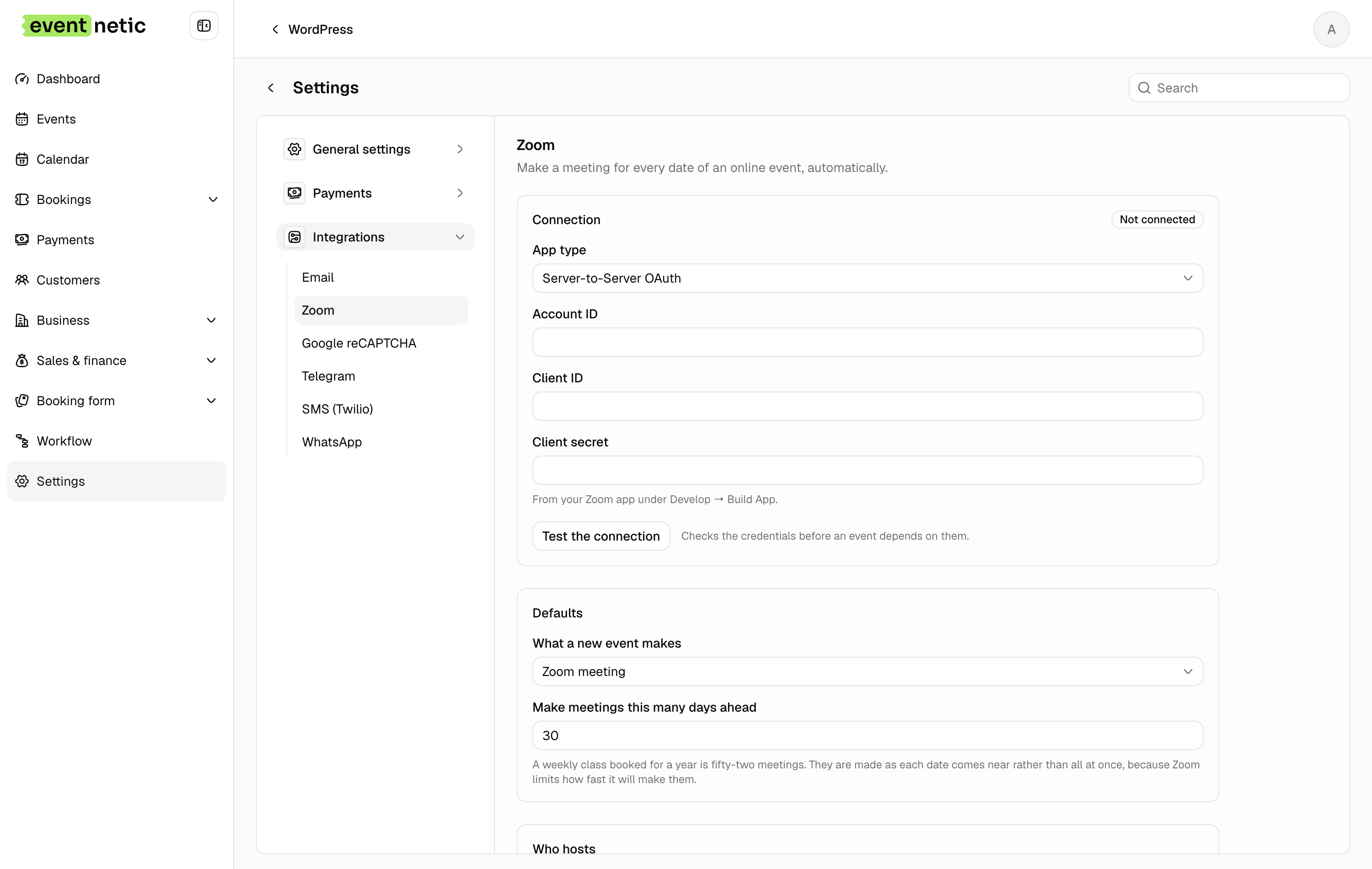
Zoom per date
Connect the account once; every date gets its own meeting automatically.
Connect a Zoom account in the settings and Eventnetic creates the meeting for each date itself, with the right start time and length, and puts the join link where the ticket holders will find it.
Change the time of a date and the meeting follows. Nobody has to copy a link between two tabs.
More in Events and dates
One event carries as many dates as the season needs, and every date stands on its own.
Recurring dates
Daily, weekly or monthly rules make the dates; each one stands on its own.
Editable date list
Move, add or drop a single date without rebuilding the pattern.
Capacity per date
Eighty seats on Friday, forty on Sunday: two numbers, not two events.
Price per date
Charge more for the night with the guest tutor, leave the rest alone.
Cancel or reopen one date
Only the people booked on that date are told; the series is untouched.
Venues
An address and a phone kept once, attached to every event held there.
Staff on events
The tutor, the guide or the host, with their own contact details.
Online events
A meeting link per date, kept off the public page, given to ticket holders.