Customer panel
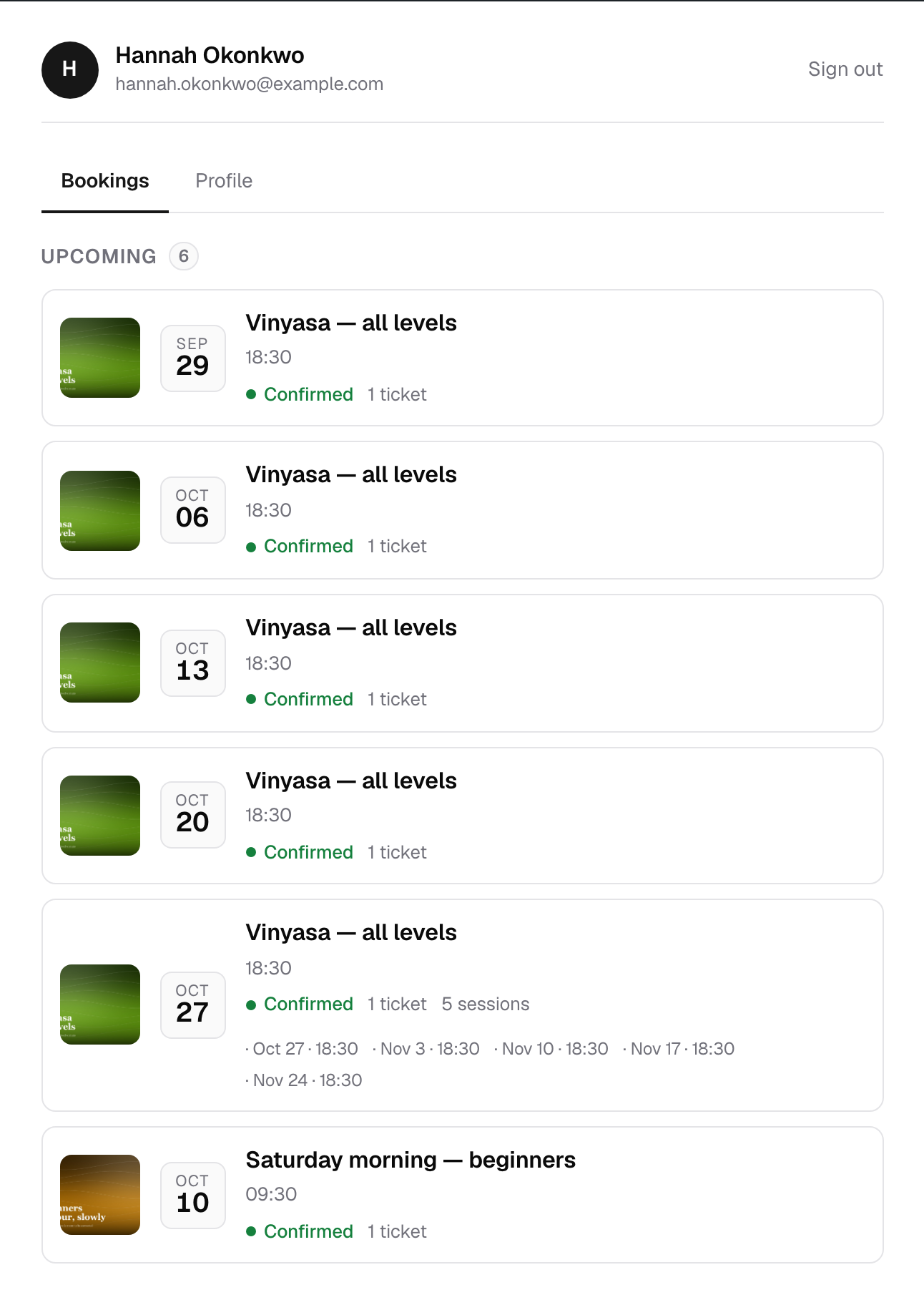
Customers sign in and see every booking they have made, with their tickets and a course's sessions, without typing a code.
A booking code and an email address is the right way to let a guest look up one booking. For somebody who books with you every month, it is a chore.
Every booking in one place
A customer who is signed in opens your My bookings page and sees all their bookings, upcoming first and past after. Each one opens to its tickets and codes. A course lists its sessions, with a tick on the ones already attended.
Their own details
They correct their own name and phone number, and change their password, without writing to you.
Accounts made for them
Switch on one setting and every customer gets a WordPress account when they first book, with the password sent by a workflow you write. Or give an account to one customer from the customers list. An email that already has an account is linked to it rather than duplicated, and an administrator's address is never handed to a customer.
Nothing found by email alone
The panel lists the bookings of the customer the account belongs to. It never goes looking for other bookings by email address, because an address proves nothing about who is signed in. Guests who do not sign in still look a booking up by its code.
In the Pro and Elite plans.
More in Booking
The form your visitors fill in, and everything you can ask them on the way.
The booking form
A shortcode you put on any page: event list, booking form, my bookings and thank-you, on any theme.
Ticket types
Adult, child, concession, early bird: each with its own price, capacity, sale window and per-order limit.
Packages
Several tickets at one price, a family ticket or a table of six, with the room counted once however a seat was sold.
Custom forms
Extra questions on the booking form, with conditional logic: show, hide, require or lock a field based on another answer.
Customer records
Everyone who books gets a record with their whole history, ready to filter and export.