The booking form
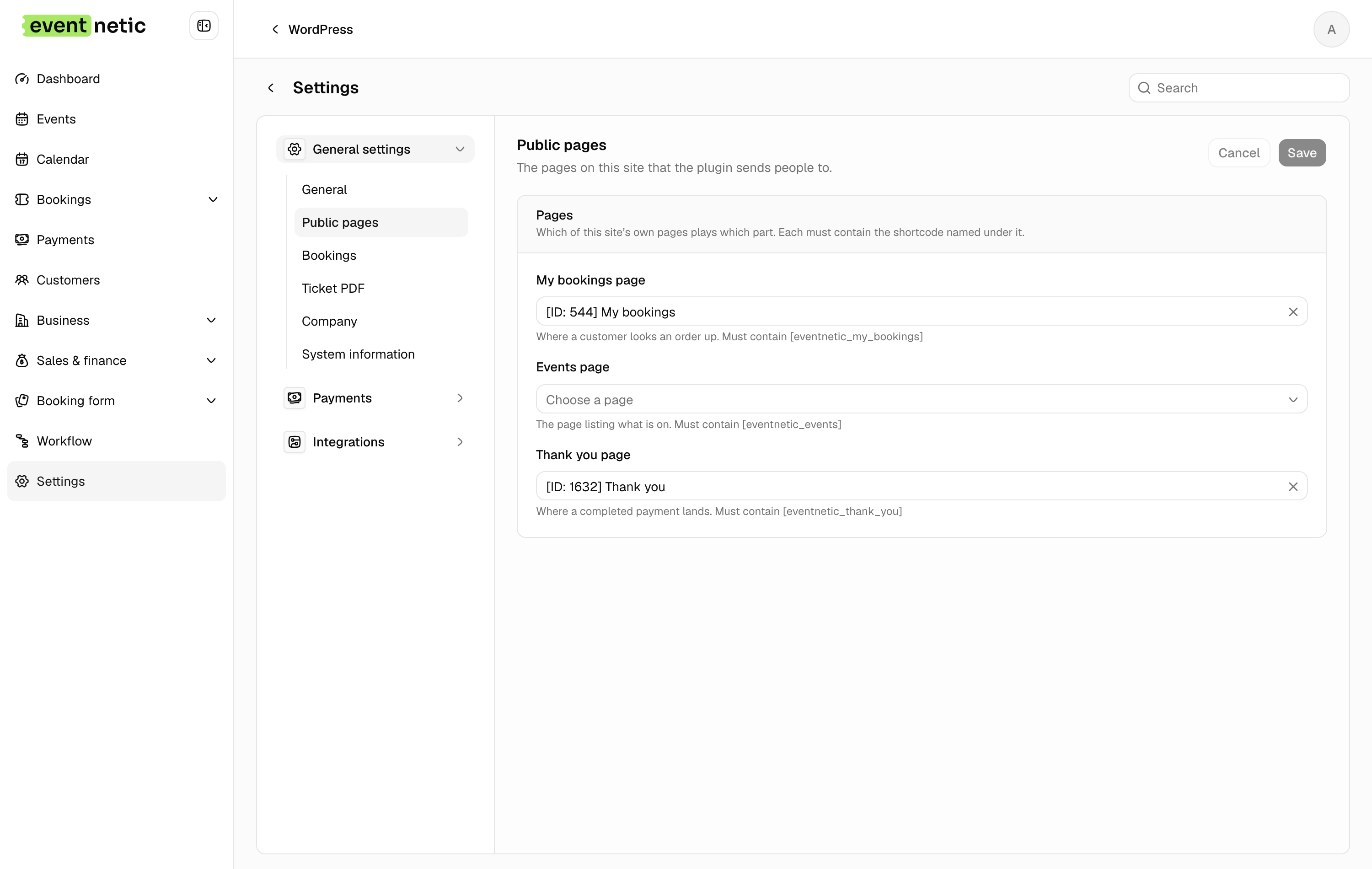
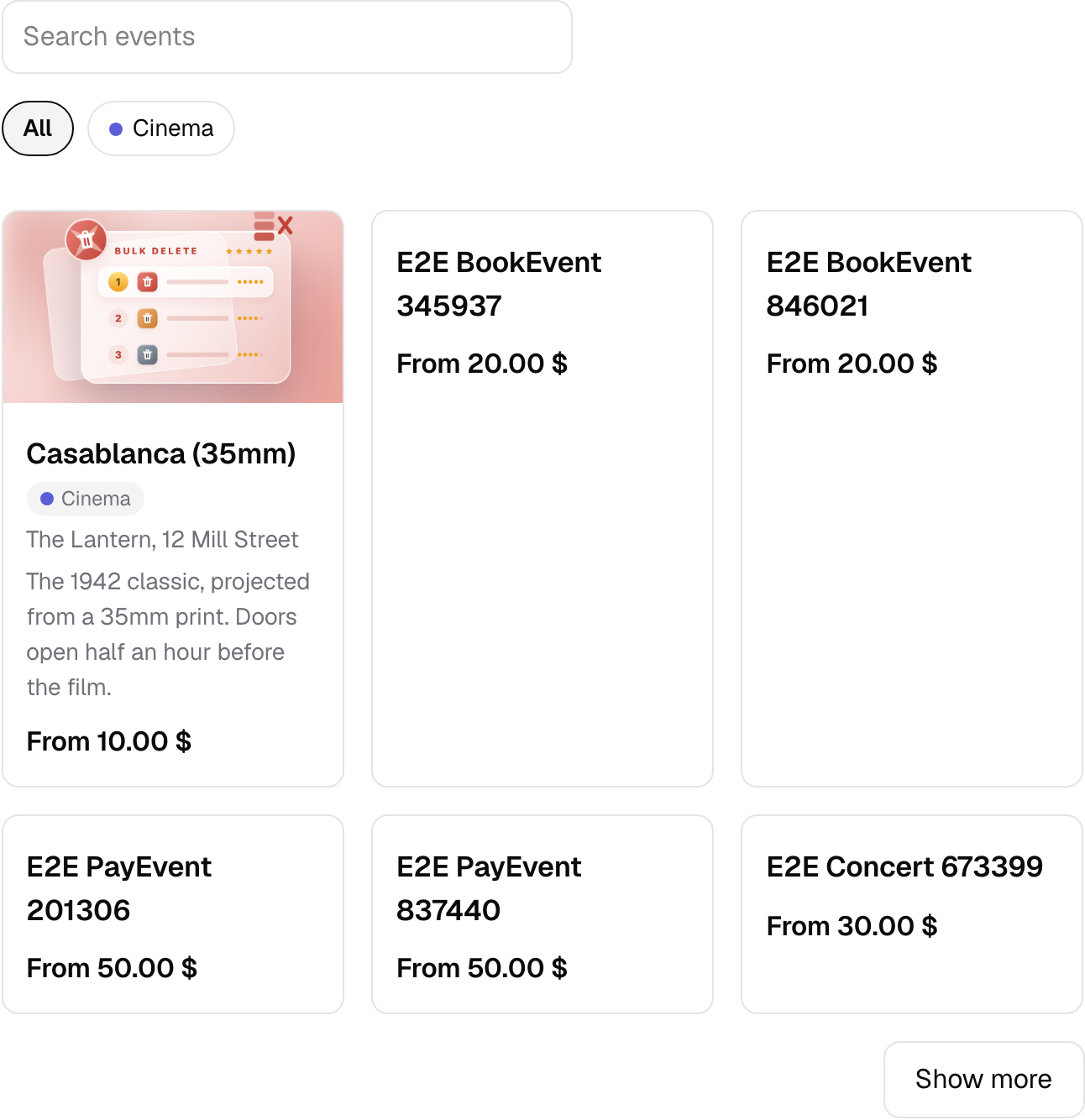
A shortcode you put on any page: event list, booking form, my bookings and thank-you, on any theme.
Four shortcodes: the event catalogue, the booking form, a customer's own bookings, and the thank-you page. Put them where you want them, on the theme you already have.
There are Elementor widgets and Gutenberg blocks for the same four, so nobody has to type a shortcode who would rather not.
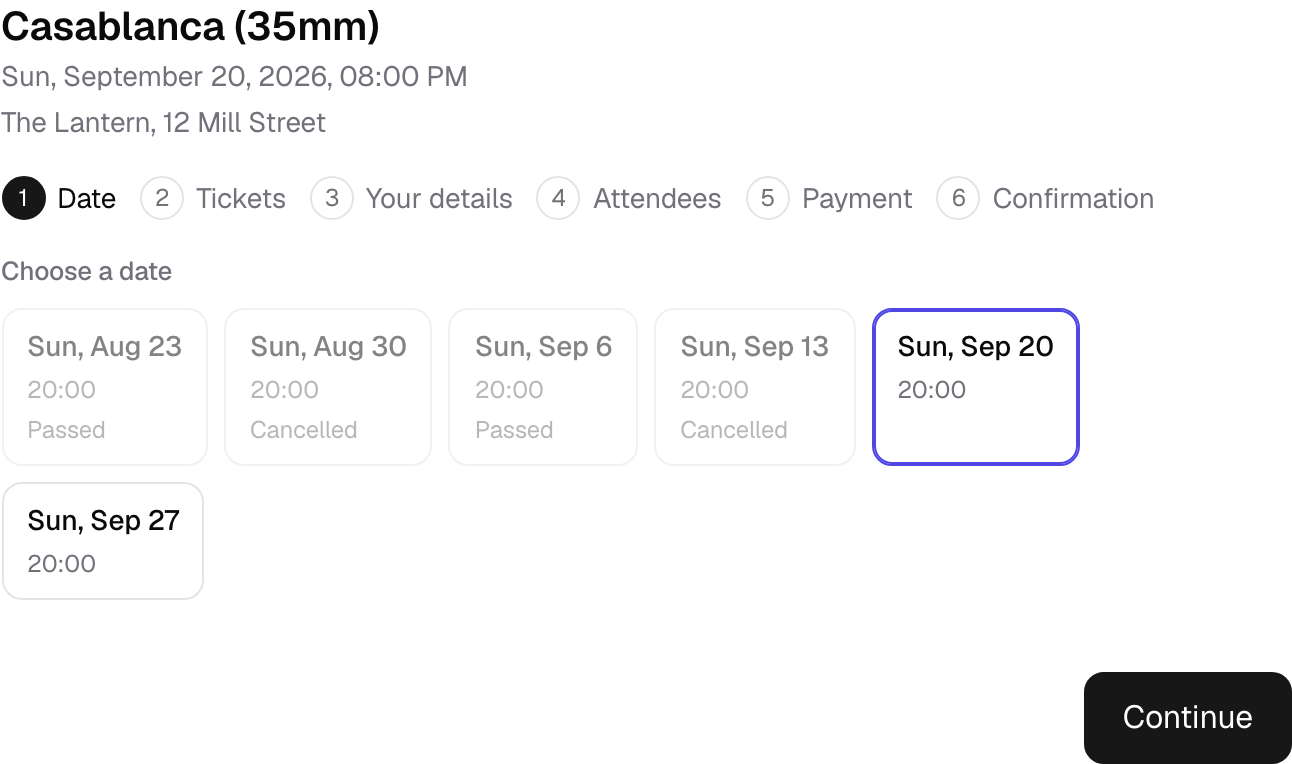
It renders inside a shadow root
The form carries its own styles and the theme cannot reach into it. It looks the same on every theme, and it cannot break anything else on the page.
Several ticket types in one basket
Two adults, one child and a parking space go into one booking, one payment and one confirmation. The customer is not made to check out three times.
Phone numbers that arrive usable
The phone field knows about country codes. However the customer types it, with spaces or without, with a plus or with zeros, what is stored is one consistent number. That is what makes an SMS or a WhatsApp message later actually arrive.
More in Booking
The form your visitors fill in, and everything you can ask them on the way.
Ticket types
Adult, child, concession, early bird: each with its own price, capacity, sale window and per-order limit.
Packages
Several tickets at one price, a family ticket or a table of six, with the room counted once however a seat was sold.
Custom forms
Extra questions on the booking form, with conditional logic: show, hide, require or lock a field based on another answer.
Customer records
Everyone who books gets a record with their whole history, ready to filter and export.
Customer panel
Customers sign in and see every booking they have made, with their tickets and a course's sessions, without typing a code.