
When a platform takes a cut of every ticket you sell, that cost scales with every sold-out night, every packed class, and every successful season. A 4% platform fee on 2,400 tickets at $22 each is more than $2,100 that does not go to the organizer. Self-hosted event ticketing software removes that variable entirely. You install the software on your own server or WordPress site, connect your own payment processor, and every ticket sold goes directly to your account.
The trade-off is responsibility: you manage the installation, updates, and backups. For many organizers, theaters, studios, and venues, that trade-off is straightforward. The detailed breakdown of what Eventbrite fees add up to on a sold-out night illustrates why the self-hosted option has grown in appeal as event volumes increase.
This guide compares eight self-hosted or self-installable event ticketing tools in 2026 across the criteria that matter most to independent organizers: data ownership, fee structure, setup complexity, payment gateway options, QR check-in capability, and post-purchase support. Both WordPress plugins (which run on your existing WordPress site) and standalone open-source platforms (which run on their own server stack) are covered.
For a broader view of the WordPress event ticketing landscape that includes both self-hosted plugins and hosted SaaS alternatives, the best WordPress event plugins roundup covers that wider comparison.
What Makes a Ticketing Tool Truly Self-Hosted
Self-hosted event ticketing software means the application, your event data, your customer records, and your transaction history all live on infrastructure you control. With a WordPress plugin, that infrastructure is your WordPress hosting account. With a standalone open-source platform, it is a VPS or dedicated server you provision and maintain.
The practical implications matter across several areas:
Ownership: All attendee data belongs to you and lives on your own server. There is no third-party platform that holds the customer relationship or could terminate your account.
Fees: Self-hosted tools charge a licence fee, a one-time purchase, or nothing at all. Your payment processor charges its standard rate. No additional percentage is taken per ticket sold.
Privacy and compliance: For organizers who handle personal data under GDPR, HIPAA, or other regulations, keeping data on your own infrastructure often simplifies compliance obligations compared to depending on a third-party cloud processor.
Flexibility: You control the checkout experience, page design, and booking form fields without being constrained by what a hosted platform permits.
The trade-off is that setup requires more initial effort than signing up for a SaaS product. WordPress plugins require a functioning WordPress installation and basic comfort with plugin installation and configuration. Standalone open-source platforms require server provisioning, database setup, and ongoing maintenance.
How These Tools Were Evaluated
Each tool on this list is self-hosted or self-installable: either a WordPress plugin installed on your own WordPress site, or an open-source platform you run on your own server. Hosted SaaS platforms with no self-hosted option were excluded.
The evaluation covered seven criteria from the task brief:
- Ownership: Does the organizer own all customer and booking data outright, with no third-party platform holding it?
- Fees: Does the tool take a commission per ticket sold? If not, what is the licence cost?
- Setup effort: How much technical knowledge does a standard installation require? Is there a setup wizard or documentation?
- Data control: Where does the data live, and can you export it in full at any time?
- Payments: Which gateways are supported? Are any built in, or is WooCommerce required?
- QR check-in: Does the tool issue scannable QR codes per ticket and provide a way to validate them at the door?
- Support: What support options are available? Is there official documentation, a support team, or an active community?
Quick Comparison: Best Self-Hosted Event Ticketing Software in 2026
| Tool | Type | Platform fee | Setup effort | Data control | Payments | QR check-in | Support |
|---|---|---|---|---|---|---|---|
| Eventnetic | WP Plugin | None | Low (wizard) | Full (your WP DB) | Stripe, PayPal, WooCommerce | Yes (Paid) | Docs + email |
| Pretix | Open-source (self-hosted) | None (self-hosted) | High (server setup) | Full (your server) | Many (via plugins) | Yes | Docs + community |
| Tickera | WP Plugin | None | Low-medium | Full (your WP DB) | 19 built-in gateways | Yes (all plans) | Docs + email |
| FooEvents | WP + WooCommerce | None | Medium (needs WC) | Full (your WP DB) | 100+ via WooCommerce | Yes (all plans) | Docs + email |
| The Events Calendar + Event Tickets | WP Plugin | 2% on Stripe/Square (free tier; waived with paid add-on) | Low (existing TEC) | Full (your WP DB) | Stripe, PayPal, Square | Paid add-on | Docs + forums |
| EventPrime | WP Plugin | None | Low | Full (your WP DB) | Stripe, Square, WooCommerce (Professional) | Yes (Professional) | Docs + email |
| Event Espresso | WP Plugin | 3% (Decaf); 0% (paid plans) | Medium | Full (your WP DB) | PayPal (Decaf); many via add-ons | Paid add-on | Docs + email |
| Eventin | WP Plugin | None | Low | Full (your WP DB) | WooCommerce, Stripe, Square (Pro) | Yes (Pro) | Docs + email |
Prices and fee structures listed are approximate based on publicly available information as of mid-2026. Always check each tool's official pricing page before purchasing.
The 8 Best Self-Hosted Event Ticketing Tools in 2026
1. Eventnetic: Best Overall Self-Hosted WordPress Event Ticketing Plugin
Type: WordPress plugin (self-hosted)
Platform fee: None
Setup effort: Low (built-in setup wizard, no WooCommerce required)
Best for: venues, studios, theaters, museums and tour operators that want a complete self-hosted ticketing workflow with zero platform commission
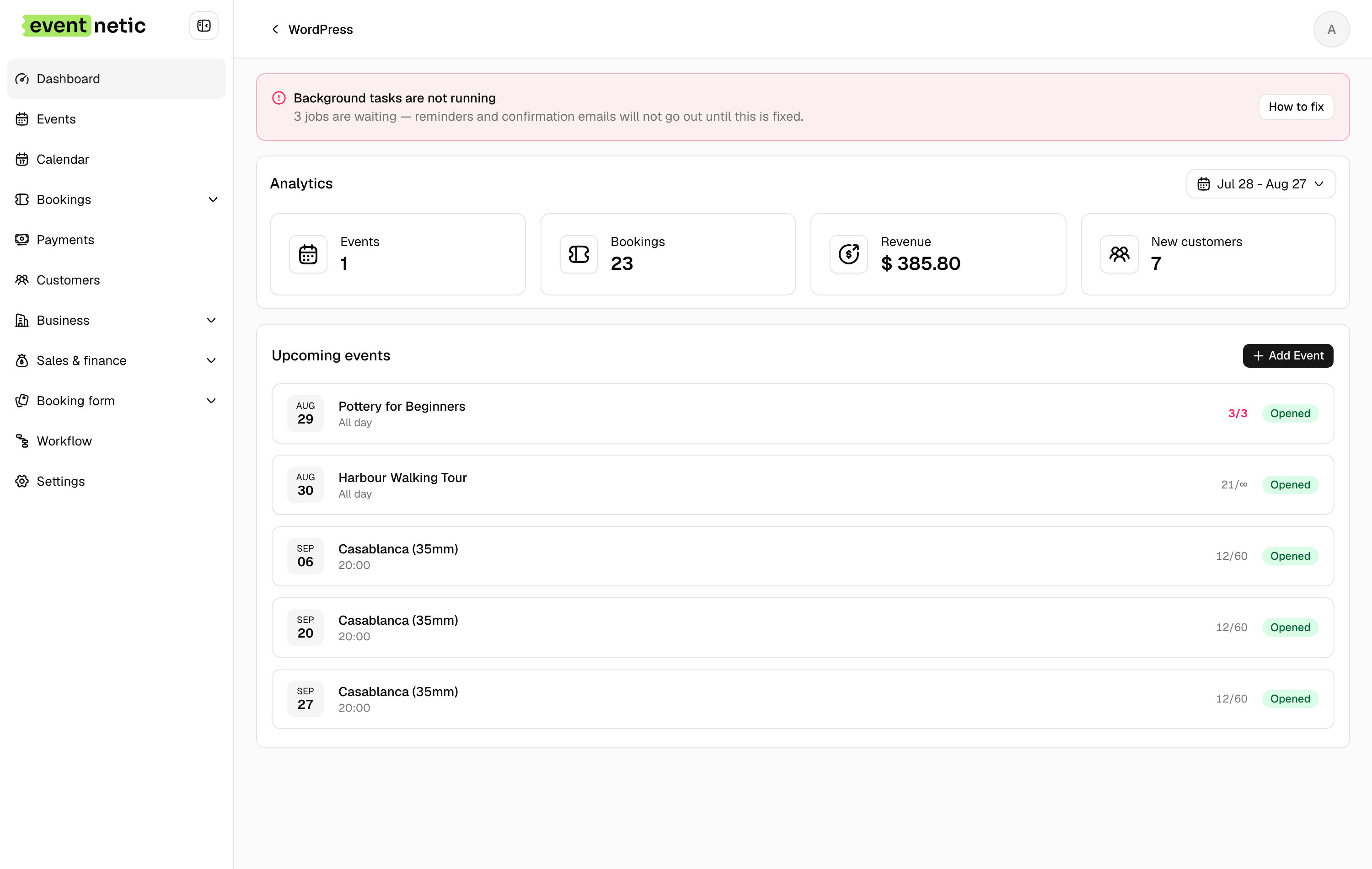
Eventnetic handles the full ticket lifecycle, from event creation to door check-in, inside your own WordPress installation. It needs no WooCommerce, no external checkout and no third-party account. Every booking, attendee record and payment sits in your own database, and the full attendee list is a CSV download from your own admin.
Self-hosting has real requirements and they are worth stating. The plugin needs PHP 8.1 or higher on a normal WordPress host, with no separate server component to run. Backups are your responsibility, which in practice means the host's daily backup covering the WordPress database, since that is where every booking lives. An SSL certificate is required for the checkout, and most hosts issue one at no cost.
The free plan runs unlimited events and bookings with offline payment, ticket types with capacity, check-in by name or reference and 15-trigger email automation. Starter at $99 for the first year adds Stripe and PayPal, PDF tickets with QR codes, a camera scanner and recurring dates. Pro at $199 adds seat maps, per-date pricing, invoices and waiting lists. Nothing is taken as commission at any tier.
Data ownership is the reason most people arrive at a self-hosted plugin, and it is worth being concrete about what it means here. Bookings, attendees, payments and ticket records are rows in your WordPress database. There is no export request, no platform approval and no rate limit on getting them out, and nothing is mirrored to a vendor server. If the license lapses, the paid features stop but the data stays where it is and the free plan keeps running.
Key features:
- Unlimited active events and bookings on the free plan, with no expiry
- Standalone checkout with Stripe and PayPal, no WooCommerce dependency (Starter)
- PDF tickets with a QR code per seat or booking, plus a camera scanner (Starter)
- Recurring series with per-date capacity (Starter) and per-date pricing (Pro)
- Seat maps tied to the venue and reused across events (Pro)
- Timed entry slots with capacity per window (Starter)
- Deposits, discount codes and custom attendee forms (Starter)
- Waiting lists and numbered invoices (Pro)
- Zero platform commission on every plan, free one included
Pricing: Free plan with offline payment and no expiry. Starter $99/yr first year (1 site, renews at $199) or $199 lifetime. Pro $199/yr first year (5 sites, renews at $299) or $399 lifetime, where seating starts. Elite $299/yr (25 sites) or $599 lifetime. 14-day money-back guarantee.
Limitations: Card payments need a paid license. Launched in 2026, so there is no established install count or review history, and the third-party integration ecosystem is still small. Self-hosted only, with no hosted option.
2. Pretix: Best Open-Source Option for Technical Teams
Type: Open-source self-hosted platform (also available as hosted cloud service) Platform fee: None (Community Edition, self-hosted) Setup effort: High (server provisioning, Python/Django stack, database configuration) Best for: technically capable teams, developer-led organizations, universities, conferences, and any group that wants open-source code they can inspect and modify, combined with full server-level data ownership
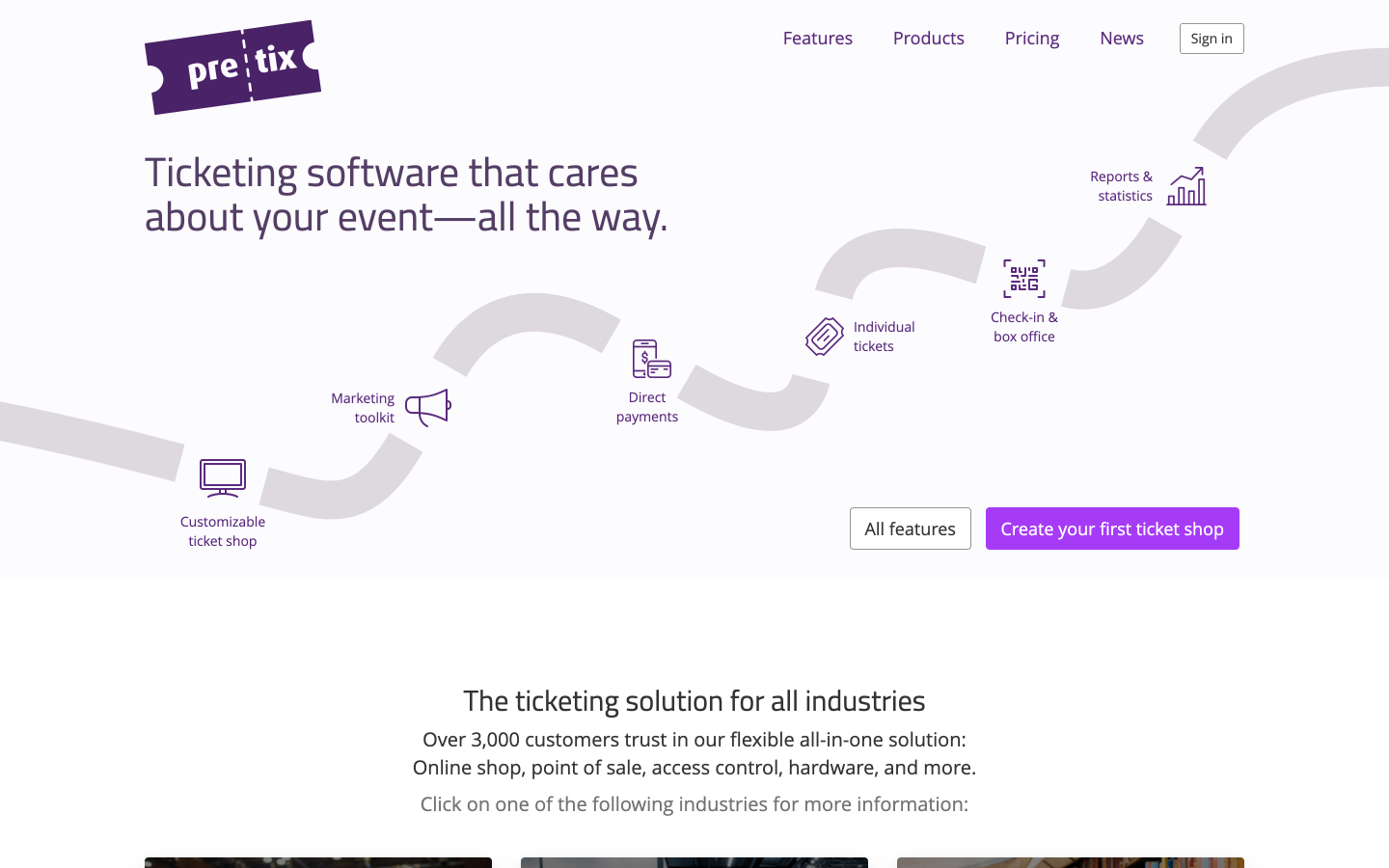
Pretix is a mature open-source event ticketing platform written in Python (Django). The Community Edition is licensed under the AGPL and is free to run on your own server with no per-ticket fee. The source code is publicly available, so developers can audit it, modify it, and deploy it in any infrastructure that meets the requirements.
For organizations where open-source auditability matters alongside self-hosted data control, Pretix offers something none of the WordPress plugins on this list can match: full transparency into the codebase itself. Governments, universities, and enterprises with strict procurement requirements sometimes need this level of visibility.
Ownership and data control
On a self-hosted Pretix installation, all attendee records, event data, and payment logs live on your own server. There is no dependency on Pretix's own infrastructure once the initial installation is running. Export options cover all data in standard formats.
Setup effort
This is Pretix's main trade-off compared to WordPress plugins. A self-hosted installation requires a Linux server running Python, a PostgreSQL or MariaDB database, a web server (nginx or similar), Redis for task queuing, and an SMTP configuration for transactional email. The official documentation is detailed, but the process assumes comfort with server administration. Most organizations deploying Pretix self-hosted have at least one technically experienced staff member or contractor managing the server.
For teams without server administration experience, Pretix also offers a managed hosted version on pretix.eu, which charges a small per-ticket fee (approximately 0.05 EUR per ticket, with a monthly minimum) and handles all server management. That option is included here for completeness, though it is not self-hosted in the strict sense.
Fees
The self-hosted Community Edition has no per-ticket fee beyond your server hosting costs. The hosted cloud version charges per ticket sold.
Payment gateways
Pretix supports payment gateway integration through a plugin system. Available options include Stripe, PayPal, bank transfer, and a range of regional providers. The gateway plugin ecosystem is mature, having been developed over several years alongside the main platform.
QR check-in
Pretix generates tickets with QR codes and provides the Pretix Scan mobile app for iOS and Android, which can operate in offline mode for venues without reliable connectivity at the entrance. The check-in workflow includes duplicate scan detection and supports per-date and per-category scan rules for events with multiple admission tiers.
Reserved seating
Reserved seating with a visual seat map is available in Pretix via the pretix-seating plugin. Section-based pricing is supported.
Support
Official documentation is thorough and publicly available. Community support is available through GitHub Issues and community forums. Commercial support plans are offered by the Pretix team for organizations that require a guaranteed response time.
Key features:
- Open-source codebase (AGPL licence, Community Edition)
- Zero per-ticket fee on self-hosted installation
- Full server-level data ownership
- Wide payment gateway support via plugin ecosystem
- Pretix Scan mobile app with offline QR check-in
- Multiple ticket types, discount codes, and waiting lists
- Reserved seating via the pretix-seating plugin
- Detailed official documentation and active developer community
- Commercial support plans available
Pricing: Community Edition free to self-host (server infrastructure costs are your own). Hosted cloud version: approximately 0.05 EUR per ticket with a monthly minimum. Check pretix.eu for current hosted pricing. Self-hosted deployment costs depend on your server provider.
Limitations: Self-hosted setup requires Linux server administration skills and comfort with Python-based web application deployment. Not suitable as a first-day option for non-technical teams. The admin interface is functional but less visually polished than newer WordPress plugins. The plugin-based architecture means maintaining a self-hosted install involves tracking updates across multiple components.
3. Tickera: Best for WordPress With Wide Built-In Gateway Choice
Type: WordPress plugin (self-hosted) Platform fee: None Setup effort: Low to medium (standard WP plugin install; some configuration for multiple gateways) Best for: event organizers who want zero-commission WordPress ticketing with 19 built-in payment gateways and no WooCommerce dependency, plus an optional lifetime licence to avoid annual renewal costs
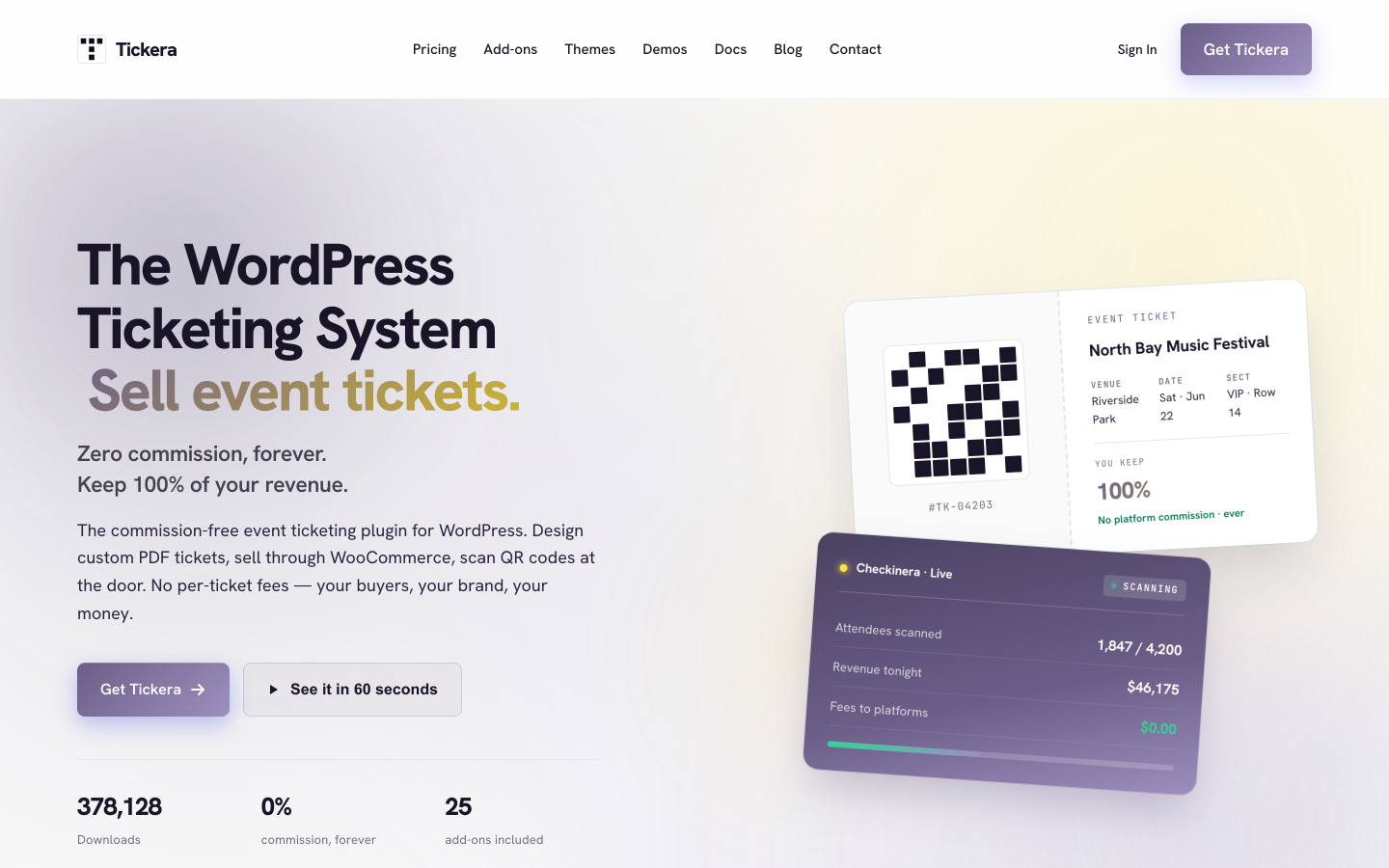
Tickera is one of the most established dedicated WordPress ticketing plugins. Every plan covers unlimited sites, unlimited events, and unlimited attendees, with PDF tickets carrying QR codes and free iOS and Android check-in apps (the Checkinera app) included on all tiers. Nineteen payment gateways are integrated directly into the plugin, covering most major international and regional options without needing WooCommerce.
Ownership and data control
As a self-hosted WordPress plugin, Tickera stores all event data, customer records, and booking information in your WordPress database. Full CSV export is available. No data leaves your infrastructure through Tickera itself.
Setup effort
Installation follows the standard WordPress plugin process. Gateway configuration requires entering API credentials for each processor you use, but no server-level setup is needed. A developer or non-technical organizer comfortable with WordPress can set up Tickera in a standard working session.
Fees
Tickera takes no commission on ticket sales. The licence fee covers the software; your payment processor charges its own standard rate.
Payment gateways
Tickera includes 19 built-in gateways covering Stripe, PayPal, Authorize.net, and a range of regional processors. The Bundle plan adds a WooCommerce Bridge that opens up over 100 additional WooCommerce-compatible payment options for organizers who need a specific gateway only available through WooCommerce.
QR check-in
All Tickera plans include PDF tickets with QR codes and access to the Checkinera iOS and Android apps for door scanning. The check-in app works independently of WooCommerce and does not require an internet connection for offline validation of pre-downloaded attendee lists.
Reserved seating
A seating charts add-on is included in the Bundle and Lifetime plans. Standard plans do not include seating.
Support
Documentation is available on the Tickera website. Email support is included on all plans. The 7-day money-back window is shorter than most competitors on this list.
Key features:
- Zero platform commission
- Full data ownership in your WordPress database
- 19 built-in payment gateways, no WooCommerce required
- Unlimited sites, events, and attendees on all plans
- PDF tickets with QR codes and email receipts
- Checkinera iOS and Android check-in apps (free, all plans)
- Seating charts add-on (Bundle and Lifetime)
- WooCommerce Bridge for 100-plus additional gateways (Bundle)
- Discount codes and custom attendee forms (Bundle)
- Lifetime licence with no renewal fee
Pricing: Standard: $149/year first year ($50 activation included; renews at $99/year). Bundle: $199/year first year (all 25 add-ons including WooCommerce Bridge and seating; renews at $149/year). Lifetime: $399 one-time (all add-ons, unlimited sites, no renewal). 7-day money-back guarantee.
Limitations: No built-in public-facing event calendar for browsing upcoming events. Recurring event handling is limited compared to plugins built around per-date schedules. The 7-day refund window is the shortest on this list. The Standard plan does not include seating.
4. FooEvents for WooCommerce: Best for WooCommerce-First Sites
Type: WordPress plugin (WooCommerce-based, self-hosted) Platform fee: None Setup effort: Medium (requires an existing WooCommerce setup or willingness to install it) Best for: WooCommerce store owners who want to add event ticketing to their existing shop without adopting a separate checkout system
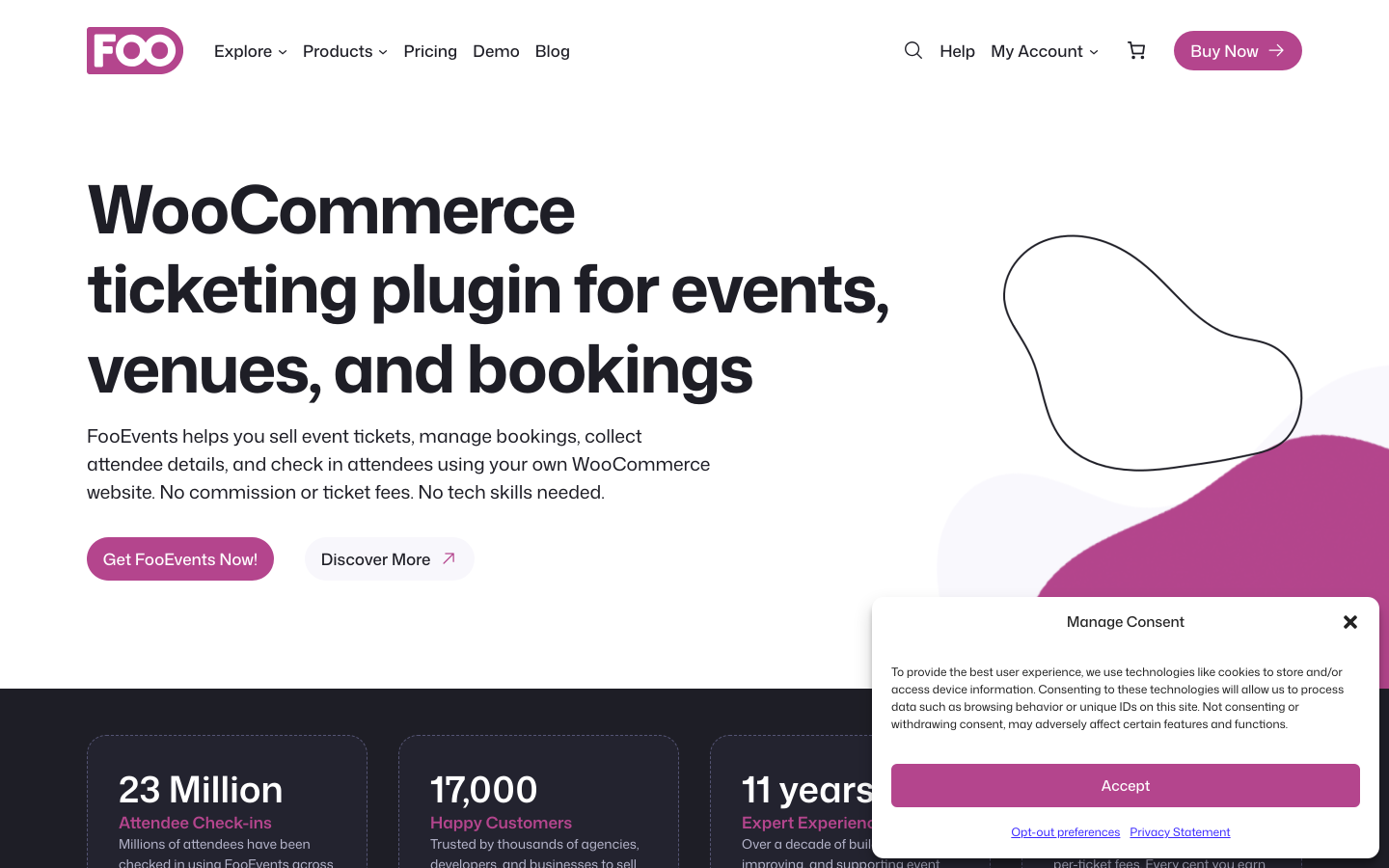
FooEvents turns WooCommerce products into ticketed events. Because it runs on top of WooCommerce, every payment gateway your store already supports becomes available for event ticket sales, covering over 100 options including Stripe, PayPal, Square, and most regional providers, with no per-ticket fee from FooEvents itself.
Ownership and data control
FooEvents stores all event and attendee data in your WordPress and WooCommerce database. The data is entirely on your own hosting infrastructure. WooCommerce order records function as the booking record, so all attendee information appears in your standard WooCommerce order history.
Setup effort
WooCommerce must be installed and configured before FooEvents can function. For sites already running WooCommerce, adding FooEvents is a standard plugin installation. For sites without WooCommerce, this represents meaningful additional configuration: WooCommerce itself requires setup of shop settings, payment gateways, tax rules, and shipping options even if you only plan to sell event tickets. The overhead is real and should factor into the decision.
Fees
FooEvents takes no commission on ticket sales. Your WooCommerce payment gateway handles processing at its own standard rate.
Payment gateways
Any WooCommerce-compatible payment gateway works with FooEvents. This is the plugin's strongest advantage over those with a more limited built-in gateway list: if a regional gateway has a WooCommerce extension, FooEvents supports it.
QR check-in
All FooEvents bundles include custom-branded PDF tickets with QR codes and free iOS and Android check-in apps (FooEvents Check-ins). There is no per-plan restriction on QR functionality.
Reserved seating
Visual seat maps with numbered reserved seats are available from the Premium Bundle upward ($249/year). The Basic and Bookings bundles do not include seating.
Support
Documentation and email support are available. A 14-day money-back guarantee applies.
Key features:
- Zero platform commission
- Full data ownership in WordPress/WooCommerce database
- 100-plus payment gateways via WooCommerce
- Custom-branded PDF tickets with QR codes on all plans
- Free iOS and Android check-in apps on all plans
- Multi-day events, recurring dates, and custom attendee fields
- Visual seat maps for reserved-seat events (Premium Bundle and above)
- Point of sale terminal for walk-up ticket sales (Point of Sale Bundle)
Pricing: Basic Bundle: $169/year (core plugin, PDF tickets, calendar, check-in apps). Bookings Bundle: $199/year (adds custom attendee forms). Premium Bundle: $249/year (adds seating). Point of Sale Bundle: $399/year. 14-day money-back guarantee. WooCommerce is required and not included.
Limitations: WooCommerce is a hard dependency. Sites without WooCommerce must install and configure it before using FooEvents, which adds overhead that may not be justified for ticketing-only use cases. Seating requires the $249/year Premium Bundle. The entry price ($169/year) is higher than several all-in-one alternatives that include their own payment gateways.
5. The Events Calendar with Event Tickets: Best for WordPress Sites Already Using The Events Calendar
Type: WordPress plugin (self-hosted) Platform fee: 2% on Stripe and Square (free tier; waived with paid Event Tickets Plus add-on) Setup effort: Low (for sites already running The Events Calendar) Best for: WordPress sites with an established events calendar in The Events Calendar ecosystem that want to add paid ticket sales without migrating to a different plugin
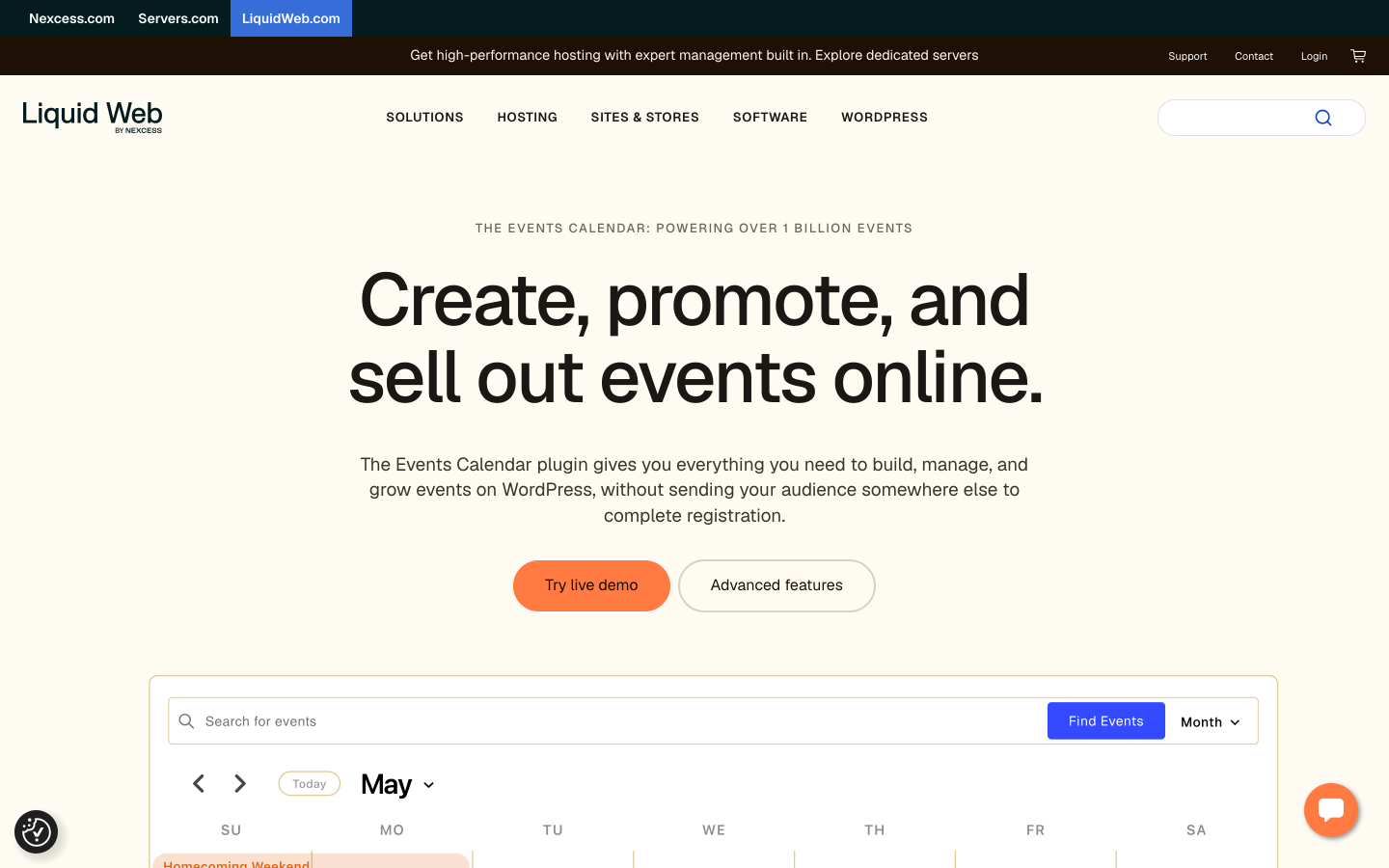
The Events Calendar is the most widely installed WordPress events plugin, with over 700,000 active installs on the core plugin. Event Tickets is a free companion plugin that adds paid ticket sales through Tickets Commerce, supporting Stripe, PayPal, and Square as built-in gateways. The catch in the free tier is a 2% platform fee on Stripe and Square transactions. Installing the paid Event Tickets Plus add-on removes that fee and unlocks QR code check-in, PDF ticket delivery, and WooCommerce cart integration.
Ownership and data control
All event and attendee data is stored in your WordPress database. No data is transmitted to The Events Calendar's infrastructure through the ticket sales workflow. Full export is available from the admin panel.
Setup effort
For sites already running The Events Calendar, adding Event Tickets is as close to zero-friction as WordPress plugin adoption gets. The existing event management workflow continues unchanged; the plugin simply adds a ticket configuration section to existing event records. For fresh WordPress installations focused purely on ticketing, an all-in-one plugin involves fewer separate licensing decisions.
Fees
The free tier applies a 2% fee on Stripe and Square transactions. Removing that fee requires the paid Event Tickets Plus upgrade. PayPal Standard does not carry the same commission in the basic setup. This is the only tool on this list that applies a commission in its free tier without an entirely commission-free self-hosted alternative in the same product line.
Payment gateways
Tickets Commerce supports Stripe, PayPal, and Square in the core plugin. WooCommerce cart integration (for access to 100-plus WooCommerce gateways) is available through the paid Event Tickets Plus add-on.
QR check-in
QR code tickets and a door scanning workflow require Event Tickets Plus. The free tier does not include QR functionality.
Reserved seating
Reserved seating with a visual map is available only on the TEC Elite plan (the highest tier in The Events Calendar's own product line). It is not available at the standard Event Tickets Plus level.
Support
A large community of developers and users is the strongest informal support resource. Official documentation is extensive. Paid support plans are available through the product site.
Key features:
- Over 700,000 active TEC installs: the most widely deployed WordPress event platform
- RSVP and paid ticketing via Tickets Commerce (Stripe, PayPal, Square)
- Zero commission in the free tier for PayPal; 2% on Stripe/Square (waived with Event Tickets Plus)
- QR check-in and PDF tickets (Event Tickets Plus, paid)
- WooCommerce cart integration (Event Tickets Plus)
- Reserved seating (TEC Elite)
- Recurring events (Events Calendar Pro)
- Widest theme and third-party plugin compatibility of any WordPress event platform
Pricing: Event Tickets plugin is free. The 2% Stripe/Square fee is waived with Event Tickets Plus (paid add-on). Check theeventscalendar.com for current pricing on Event Tickets Plus, Events Calendar Pro, and TEC Elite. Multiple licensing purchases may be needed for a fully featured setup.
Limitations: The 2% Stripe/Square fee in the free tier requires a paid upgrade to remove. QR check-in, PDF tickets, WooCommerce cart, recurring events, and reserved seating each require separate paid add-ons or higher plan tiers. Total cost for a fully featured configuration can exceed simpler all-in-one plugins. Sites with no existing TEC install may find a dedicated ticketing plugin simpler to configure.
6. EventPrime: Best Single-Licence Value for QR Tickets, Seating, and WooCommerce in One Plan
Type: WordPress plugin (self-hosted) Platform fee: None Setup effort: Low Best for: WordPress sites that want QR tickets, seating, WooCommerce checkout, Stripe, and Square unlocked in a single Professional plan without separate gateway add-ons
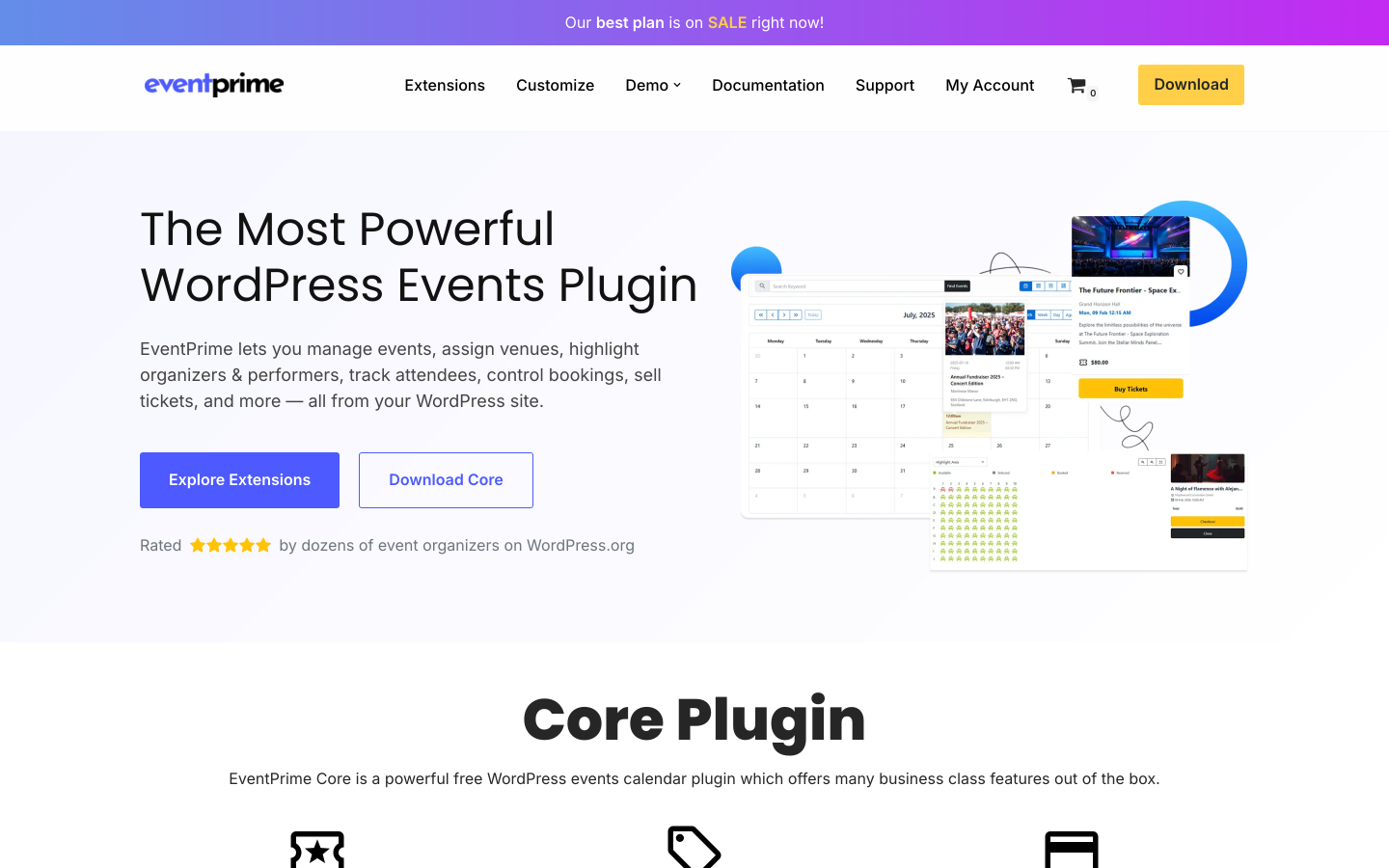
EventPrime is developed by Metagauss and covers event creation, ticketing, bookings, calendar display, venue management, and organizer profiles. With over 7,000 active installs and a 4.5/5 rating from reviews on WordPress.org, it occupies a practical middle ground between lightweight free tools and larger multi-plugin ecosystems.
The Professional plan at $99/year stands out in the self-hosted comparison for consolidating QR tickets, live seating, WooCommerce Checkout, Stripe, Square, discount coupons, invoices, and Zoom integration into a single licence without requiring separate add-on purchases.
Ownership and data control
All data lives in your WordPress database. EventPrime does not transmit attendee or booking data to its own servers outside standard licence validation.
Setup effort
Standard WordPress plugin installation. The event creation interface is guided and does not require technical knowledge beyond familiarity with the WordPress admin panel.
Fees
No platform commission is charged on any plan. Your payment processor charges its own standard rate.
Payment gateways
The free plan includes WooCommerce Integration (connecting EventPrime to WooCommerce data). The Professional plan adds WooCommerce Checkout as a payment method alongside native Stripe and Square integrations, all within the same licence.
QR check-in
QR code tickets and check-in functionality are part of the Professional plan.
Reserved seating
Live Seating with a visual seat map is available in the Professional plan.
Support
Documentation and email support are available. EventPrime frequently runs promotional pricing; the rates above reflect standard pricing.
Key features:
- Zero platform commission
- Full data ownership in WordPress database
- WooCommerce Integration included in free plan
- WooCommerce Checkout, Stripe, and Square in Professional plan
- Event Tickets with QR codes (Professional)
- Live Seating / seat maps (Professional)
- Discount Coupons and Invoices (Professional)
- Zoom Integration (Professional)
- Event calendar, bookings, RSVP, and Google Maps venue display (free)
- 7,000-plus active installs; 4.5/5 WordPress.org rating
Pricing: Free plan (basic calendar, bookings, RSVP, WooCommerce Integration). Essential: $69/year (advanced checkout fields, MailChimp and MailPoet integration, attendee management). Professional: $99/year (WooCommerce Checkout, Stripe, Square, QR tickets, seating, invoices, coupons, Zoom). Business: higher tier for additional enterprise features. Single-site and multi-site options available; check theeventprime.com for current pricing, as promotional discounts are common.
Limitations: Full ticketing and payment features require the Professional plan. The plugin's install base is smaller than The Events Calendar or Event Espresso, meaning fewer third-party theme integrations and community resources. Pricing model has shifted across versions; verify current terms before purchasing.
7. Event Espresso: Best for Complex Multi-Day Programs With an Extensive Add-On Catalog
Type: WordPress plugin (self-hosted) Platform fee: 3% (Decaf free plan); 0% on paid plans Setup effort: Medium (deeper configuration interface than newer plugins) Best for: established WordPress sites with complex event structures, multi-day programs, conference registrations, or a need for an extensive add-on library with long-term community support
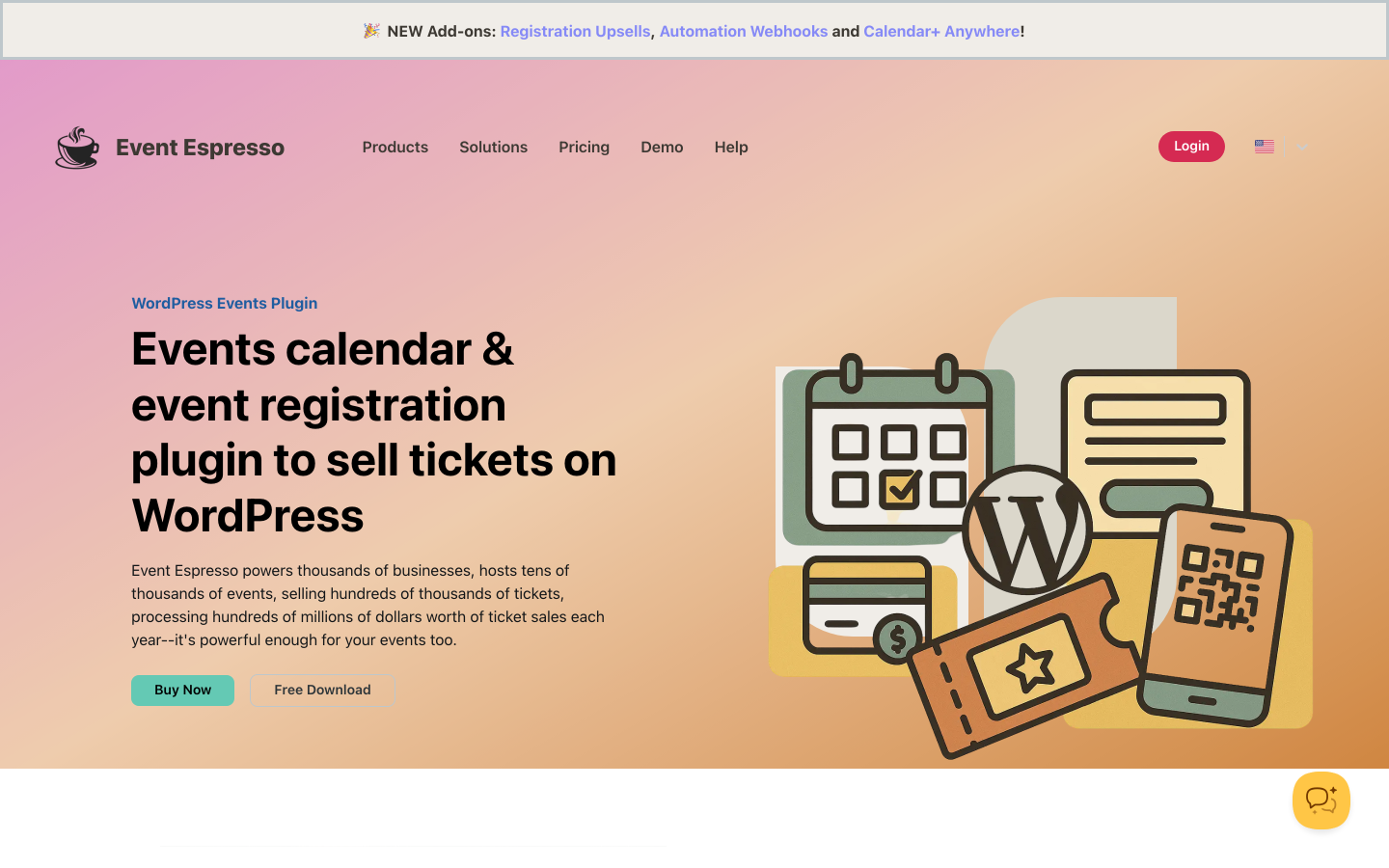
Event Espresso is one of the longest-running dedicated WordPress ticketing platforms. The Decaf (free) plan provides access to the full admin interface with PayPal Standard checkout, but applies a 3% platform fee per paid ticket. The Core plan ($129/year) removes the commission, enables WooCommerce and 30-plus add-on compatibility, and opens up multi-day event support, advanced registration form customization, and access to the mobile app add-on for check-in.
Ownership and data control
All data lives in your WordPress database. A notably detailed set of export options makes Event Espresso one of the stronger tools in this comparison for data portability: per-event, per-attendee, and per-ticket type exports are available from the admin panel.
Setup effort
Event Espresso is more configuration-intensive than newer plugins. The admin interface reflects its long history and provides depth for complex scenarios at the cost of a steeper initial learning curve. For organizers running straightforward single-day events, that depth may be unnecessary overhead.
Fees
The 3% Decaf fee is the most significant drawback at the free tier level. Paid plans remove it entirely. The All Access plan at $399/year is on the higher end compared to other plugins on this list.
Payment gateways
The Decaf plan supports PayPal Standard only. Core and above enable WooCommerce gateway integration and compatibility with 30-plus official add-ons covering additional payment processors, including Stripe and Authorize.net. The All Access plan includes everything in the add-on catalog.
QR check-in
A mobile check-in app is available as a paid add-on. PDF ticket delivery and QR scanning are accessible from Core plan and above via add-ons.
Reserved seating
Reserved seating is not a standard feature. Organizations with reserved-seat requirements are better served by Eventnetic, Tickera, or FooEvents.
Support
A dedicated support team and official documentation are available. The active community of Event Espresso users and developers built over many years provides informal resources beyond official channels.
Key features:
- 0% platform commission on paid plans (Core and above)
- Full data ownership in WordPress database with detailed export options
- PayPal checkout on Decaf; WooCommerce and 30-plus gateway add-ons on Core and All Access
- Multi-day event support and advanced registration form customization (Core and above)
- Custom ticket types, early-bird pricing, and discount codes
- CSV attendee management reports
- Mobile check-in app (add-on)
- Long-established product with a large active community
Pricing: Decaf (free): PayPal Standard, 3% per-ticket fee. Core: $129/year (removes commission, 30-plus add-on compatibility including WooCommerce integration, multi-day events, advanced forms). All Access: $399/year (all add-ons, affiliate module, premium support). 14-day money-back guarantee.
Limitations: 3% commission on the free Decaf tier is the highest fee of any tool on this list. The admin interface is more complex than newer alternatives. Reserved seating is not available. All Access at $399/year is substantially above entry-level competitors.
8. Eventin: Best for Conferences and Multi-Track Events With WooCommerce Payment Integration
Type: WordPress plugin (self-hosted) Platform fee: None Setup effort: Low Best for: conferences, structured workshops, multi-track events, and professional development programs that need speaker profiles, session scheduling, and multi-tiered ticket types alongside WooCommerce payment integration
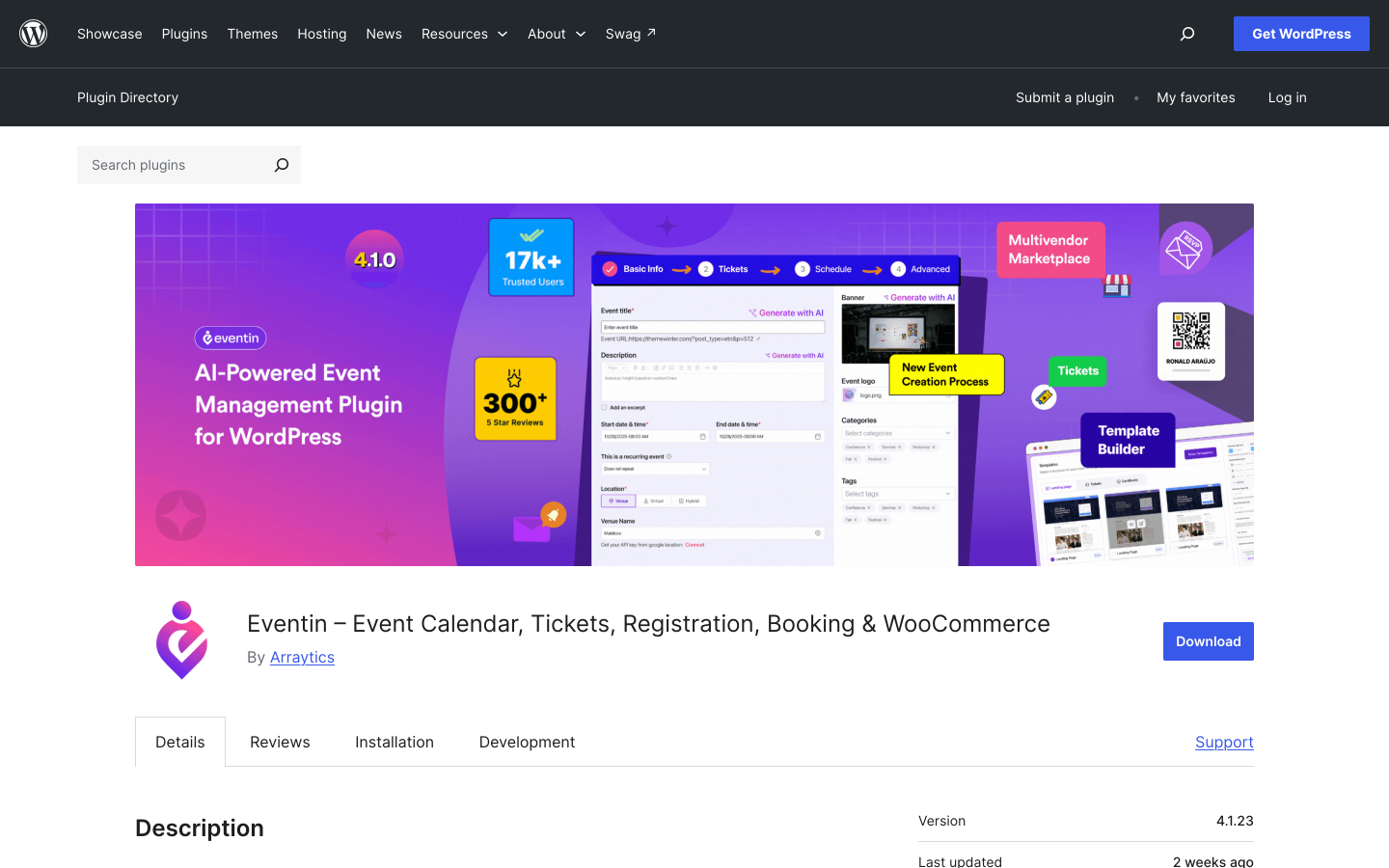
Eventin by Arraytics (ThemeWinter) is the strongest option in this list for conference-style events with structured programs. With over 10,000 active installs and a 4.7/5 rating from more than 397 reviews on WordPress.org, it combines speaker management, session scheduling, event tracks, multi-tiered ticket types, QR check-in, and seat maps in a single plugin. WooCommerce payment integration is available on Pro plans.
Ownership and data control
All event, attendee, and speaker data lives in your WordPress database. Standard WordPress admin export options apply.
Setup effort
Installation follows the standard WordPress plugin process. The conference management features (speaker profiles, session schedules, tracks) add configuration steps that are more involved than a basic ticketing-only setup, but are guided by the plugin's own admin interface.
Fees
No platform commission on any plan. Your WooCommerce payment gateway charges its own standard processing rate.
Payment gateways
WooCommerce, Stripe, and Square are available on Pro plans. The free version does not include paid ticket sales or payment gateway integration.
QR check-in
QR code ticket generation and mobile check-in are available on Pro plans.
Reserved seating
Visual seat plans for assigned-seat events are available on Pro plans.
Support
Documentation is available on the ThemeWinter website. Email and support forum access are provided. The strong WordPress.org review count reflects an active user base.
Key features:
- Zero platform commission (paid plans)
- Full data ownership in WordPress database
- Multi-tiered ticket types with per-tier capacity and availability windows (Early Bird, VIP, General, Group, and custom)
- Speaker profiles with photos, bios, and session assignments
- Session schedule with time blocks, tracks, and filtering
- QR code tickets and mobile check-in (Pro)
- Visual seat plans for assigned-seat events (Pro)
- WooCommerce, Stripe, and Square payment integration (Pro)
- RSVP forms and recurring event support (Pro)
- 4.7/5 rating from 397-plus WordPress.org reviews
Pricing: Free version on WordPress.org (basic calendar, no paid ticketing). Pro Standard: approximately $89/year (2 domains). Pro Small Business: approximately $165/year (100 domains). Pro Agency: approximately $179/year (unlimited domains). Lifetime options available. Promotional discounts of up to 70% are frequently active; verify current pricing at themewinter.com/eventin/pricing.
Limitations: Speaker management, multi-tier ticketing, seating, and WooCommerce payment integration require a Pro licence. For events that do not need speaker profiles or session scheduling, the additional complexity may be unnecessary overhead. The free version is limited to event display only, with no paid ticket sales.
How to Choose the Right Self-Hosted Ticketing Tool
The right choice depends on your platform, your technical comfort, and which comparison criteria matter most for your use case.
Choose Eventnetic if you run WordPress and want a complete dedicated ticketing workflow with zero commission, a low-friction setup, full data ownership, direct Stripe and PayPal connection, PDF tickets, QR check-in, reserved seating, and recurring event management in one licence. It is the strongest all-around self-hosted option for most WordPress-based venues, studios, theaters, and class-based businesses.
Choose Pretix if you need an open-source codebase you can inspect, fork, and modify, and you have a server administrator available to manage the installation. It is the only tool on this list that gives you full auditability of the software itself alongside full server-level data ownership.
Choose Tickera if you want a proven WordPress ticketing plugin with 19 built-in payment gateways covering most international and regional options, and you prefer a lifetime licence to avoid annual renewal costs.
Choose FooEvents if WooCommerce is already central to your site and you want event tickets to integrate naturally into your existing WooCommerce product catalog, order management, and gateway setup.
Choose The Events Calendar with Event Tickets if your WordPress site already runs on The Events Calendar ecosystem and you want the lowest-friction path to adding paid ticket sales inside your existing event publishing workflow.
Choose EventPrime if you want QR tickets, live seating, WooCommerce Checkout, Stripe, and Square all unlocked in a single Professional licence without purchasing separate add-ons.
Choose Event Espresso if you have complex multi-day event structures, a large existing attendee database in the Event Espresso format, or a specific requirement from the platform's extensive add-on catalog.
Choose Eventin if you run conferences, professional development programs, or multi-track workshops where speaker management, session scheduling, and multi-tiered ticket types are as important as the payment and check-in workflow.
Frequently Asked Questions
What is the best self-hosted event ticketing software in 2026?
For WordPress users, Eventnetic is the strongest all-around choice. It needs no WooCommerce dependency, takes zero commission, and includes Stripe and PayPal directly. It generates PDF tickets with QR codes, supports reserved seating and recurring events, and stores all data in your own WordPress database. For organizations that need an open-source codebase they can fully audit and modify on their own server, Pretix is the strongest non-WordPress alternative.
Is self-hosted event ticketing software hard to set up?
It depends on the tool and your technical background. WordPress plugins like Eventnetic, Tickera, EventPrime, and Eventin install in minutes through the standard WordPress plugin manager and include configuration wizards or guided setup. A non-technical WordPress user can be selling tickets within an hour of installation. Standalone open-source platforms like Pretix require Linux server administration skills and significantly more setup time. FooEvents and The Events Calendar with Event Tickets require an existing WooCommerce or TEC installation as a prerequisite.
Can self-hosted ticketing software issue QR code tickets?
Yes. Every tool on this list supports QR code tickets in some form. For WordPress plugins, QR ticket generation is typically part of the first or second paid tier. Eventnetic, Tickera, FooEvents, and Eventin all include QR check-in apps or web-based scanning on their paid plans. The Events Calendar requires the paid Event Tickets Plus add-on for QR functionality. Pretix provides the Pretix Scan mobile app for offline QR validation at the door.
Do self-hosted ticketing tools support reserved seating?
Several do. Eventnetic includes a seat map module from the Pro plan, at $199 per year for the first year, with maps tied to venues so they are reused across every event at that space. Tickera includes seating in the Bundle and Lifetime plans. FooEvents adds seating in the Premium Bundle. EventPrime includes Live Seating in the Professional plan. Pretix supports seating via the pretix-seating plugin. The Events Calendar supports seating only on the highest TEC Elite plan. Eventin includes seat maps on Pro plans. Event Espresso does not offer reserved seating.
Who owns the customer data with self-hosted ticketing software?
With any self-hosted WordPress plugin, all customer records, booking history, payment data, and attendee information live in your own WordPress database on your own hosting account. No data is shared with the plugin vendor outside of licence validation. With Pretix self-hosted, the same applies at the server level. This is the fundamental advantage of self-hosted software over SaaS ticketing platforms, where customer data lives on the platform provider's servers and is subject to their data retention and account termination policies.
What is the difference between a platform fee and a payment processing fee?
A platform fee is an additional percentage taken by the ticketing software vendor on each ticket sold, on top of any payment processing fee. For example, if a platform charges 3.5% and your payment processor charges 2.9%, a $50 ticket costs the organizer $3.20 in total fees. Self-hosted tools on this list (with the exception of Event Espresso's Decaf plan and The Events Calendar's free tier Stripe/Square transactions) take no platform fee. Your payment processor charges its own standard processing rate regardless of which ticketing tool you use.
Which self-hosted tools work without WooCommerce?
Eventnetic, Tickera, EventPrime (Professional), Pretix, and Eventin all operate without WooCommerce as a dependency. FooEvents requires WooCommerce. The Events Calendar with Event Tickets does not require WooCommerce for core Stripe, PayPal, and Square checkout, but WooCommerce cart integration is available as an add-on. Event Espresso requires WooCommerce for most payment gateway options beyond PayPal Standard.
Is Pretix free to self-host?
Yes. The Pretix Community Edition is free and open-source (licensed under the AGPL). Self-hosting means you pay for your own server infrastructure (a VPS typically ranges from a few dollars to tens of dollars per month depending on provider and capacity), but no per-ticket fee is charged by Pretix itself on self-hosted installations. The learning curve is significantly higher than WordPress plugins, and a technical administrator is effectively required for ongoing maintenance.
Can I try self-hosted ticketing software before buying?
Eventnetic offers a free plan with no time limit, covering unlimited events, unlimited bookings, and cash or offline payments before upgrading to a paid licence. The free WordPress event ticketing guide explains exactly what is available on the free plan and where the paid boundary sits. Pretix Community Edition can be installed and evaluated at no cost (server provisioning aside). EventPrime has a capable free tier. Event Espresso's Decaf plan allows full use of the admin interface, though the 3% commission applies from the first ticket sold. Tickera and FooEvents do not offer free plans but both provide money-back guarantees.
Final Verdict
Self-hosted event ticketing software is the right choice for any organizer who wants full data ownership, no per-ticket commission beyond payment processing fees, and the ability to keep the entire booking experience on their own website.
For WordPress users, Eventnetic is the strongest starting point in 2026. The free plan allows unlimited event configuration before committing to a paid licence, and the Starter plan at $99/year unlocks direct Stripe and PayPal payments, PDF tickets with QR codes, recurring dates, and automation. Reserved seat maps, waiting lists and invoices are on Pro at $199 for the first year. There is zero commission on any ticket sold. All customer and booking data stays in your own WordPress database.
For organizations that need an open-source codebase with full auditability, Pretix provides server-level ownership, an active developer community, and a wide gateway ecosystem, at the cost of meaningful setup and maintenance complexity.
For WordPress sites where WooCommerce is already central, FooEvents integrates ticket sales naturally into the existing WooCommerce product and order flow, with access to over 100 payment gateways and no per-ticket fee.
For conference and multi-track event management where speaker profiles and session schedules are as important as the ticketing workflow, Eventin offers the most structured conference management features among the WordPress plugins on this list.
Whatever tool you choose, confirm the total cost before committing. Licence fees, payment processing fees, required add-ons, and renewal pricing all contribute to the actual annual cost. The tool that appears cheapest at the headline level may involve more total spend once add-ons for QR check-in, seating, or recurring events are factored in. Always check each tool's current pricing page before purchasing.


