
Eventin (officially WP Event Solution) by Arraytics is one of the most feature-rich WordPress event plugins on the market. With 10,000-plus active installs, a 4.7/5 rating from 397 reviews on WordPress.org, and a major v4.0 rewrite in 2024 that overhauled its event creation flow, it has earned its reputation in the conference and multi-track event space. Speaker profiles, session schedules, RSVP tracking, and an AI-assisted event description tool are genuinely strong. For organizers running multi-speaker, multi-track programs where agenda management matters as much as ticket sales, Eventin handles that specific combination better than most plugins in its category.
The reasons organizers look for Eventin alternatives cluster around a few consistent friction points.
The first is the WooCommerce dependency for free-tier paid tickets. Eventin's free version cannot process a single paid ticket without WooCommerce installed, configured, and maintained alongside it. The live plugin admin confirms this directly: the Tickets step in event creation shows "Payment method not enabled. To sell paid tickets, please enable a payment method first." without WooCommerce active. For a site whose only goal is selling event tickets, that means running two complex plugin systems before the first ticket can go on sale.
The second is the one-gateway-at-a-time limitation. Eventin's architecture allows only one payment method active at once. Running WooCommerce and a direct Stripe connection simultaneously is not supported. Organizers who want cash and card options side by side, or who need to migrate between gateways without interruption, run into this constraint at every tier.
The third is the seat map dependency. Reserved seating in Eventin Pro requires WP Timetics, a third-party plugin. Organizers running a theater or cinema program who need per-date seat availability tracked across an ongoing series are adding another plugin into their stack rather than getting a native feature.
The fourth is feature complexity for simple ticketing use cases. Eventin's speaker profiles, session tracks, certificate builder, and multivendor marketplace mode are powerful for conferences but add configuration overhead that serves no purpose for a yoga studio, a cinema, or a walking tour operator. A plugin built for simpler ticketing removes that overhead.
This guide covers eight WordPress plugins that work as practical Eventin alternatives in 2026. I ranked them across five dimensions: WooCommerce independence, QR check-in without extra add-ons, seat reservations at the entry paid tier, per-date recurring event support, and how useful the free plan is.
What Separates a Good Eventin Alternative
Replacing Eventin means matching what it does well while fixing the specific gap that sent you searching. Before comparing plugins, be clear about which limitation matters most.
Standalone checkout with no WooCommerce required. Eventin's free tier requires WooCommerce for all paid ticket processing. Plugins with their own built-in checkout and direct gateway integrations eliminate that dependency entirely. Plugins that also require WooCommerce for payments are a lateral move for this specific problem, not a solution.
QR check-in included in the base paid plan. Eventin requires a Pro license for QR code ticket generation and check-in. Alternatives that include QR ticket delivery and door scanning at the same or lower entry price are a material improvement for organizers where door management is central to every event. For a closer look at scanning tools specifically, see the guide to WordPress event plugins.
Native seat maps. Eventin's seat maps depend on WP Timetics. Alternatives where a visual seat map builder is fully native, and where the map belongs to the venue and reuses across events automatically, reduce setup overhead significantly for regular programs at fixed locations.
Per-date recurring event support. Eventin handles recurring events, but the free/Pro boundary on this feature is ambiguous in ThemeWinter's own documentation. The clearest alternative architecture is one event with independent dates, each carrying its own capacity, its own price, and its own attendee list, with the ability to cancel a single date without affecting the rest of the series.
Useful free plan. Eventin's free version provides a capable event calendar with RSVP, speaker management, and schedule building, but all paid ticket processing requires WooCommerce. Alternatives where the free plan includes meaningful self-contained value, even with card payments gated behind an upgrade, are easier starting points. For more options with a genuinely useful free tier, see the roundup of free WordPress ticketing plugins.
Simpler setup for pure ticketing. Eventin's conference management layer adds complexity that serves no practical purpose for a fitness studio, a cinema, or a community event organizer. Alternatives purpose-built for ticketing remove that overhead.
Quick Comparison: Eventin Alternatives
| Plugin | Free plan | Entry paid plan | WooCommerce required | QR tickets | Seat reservations | Recurring events | Commission |
|---|---|---|---|---|---|---|---|
Eventnetic | Yes (unlimited events, offline payments) | $99/ | No (optional via Pro) | Starter | Starter (native, venue-level) | Starter (capacity); Pro (pricing) | None |
Event Tickets (TEC) | Yes (2% fee on Stripe/ | Free; fee waived via Event Tickets Plus (paid) | No | Event Tickets Plus (paid) | TEC Elite (paid) | Events Calendar Pro (paid) | 2% on Stripe/ |
FooEvents | No | $169/ | Yes (required) | All plans | Premium Bundle ($249/ | All plans | None |
Tickera | No | $149/ | No | All plans (Checkinera app) | Bundle ($199/ | Limited | None |
Modern Events Calendar | Yes (limited; not on WP.org) | $99/ | No | Ticket add-on ($119/ | Seat add-on ($119/ | Pro | None |
Sugar Calendar | Yes (3% fee on Stripe) | $49.50/ | No | No native scanner | No | Paid plans | 3% on Lite/ |
Event Espresso | Yes (PayPal, 3% fee) | $129/ | No | Via mobile add-on (extra cost) | Via add-on (extra cost) | Core | 0% on paid plans |
Events Manager | Yes (registration only) | $99/ | No | Pro | No | Free | None |
8 Best Eventin Alternatives for WordPress
1. Eventnetic
Best for: WordPress organizers who want a standalone ticketing workflow with seat maps and per-date recurring events, and no WooCommerce anywhere in it
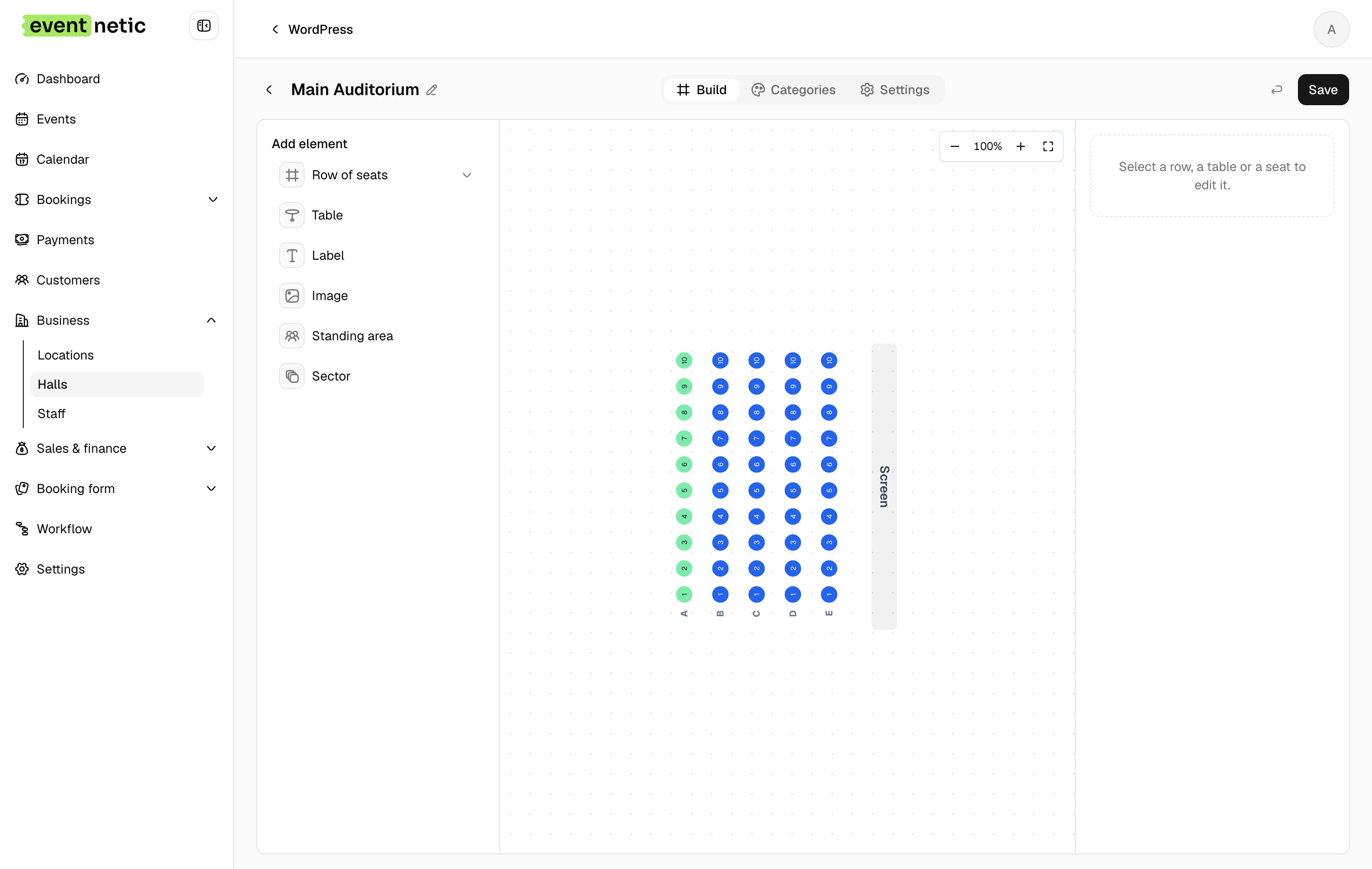
Eventnetic is built for the cases where Eventin's conference-management architecture is overhead rather than value. Checkout, payments, attendee database and admin all live in one plugin, and WooCommerce is not required at any tier. The free plan runs unlimited events and bookings with offline payment, ticket types with capacity, door-list check-in, 15-trigger email automation and an analytics dashboard, with no configuration step before the first ticket goes on sale.
Starter at $99/yr adds Stripe and PayPal, PDF tickets with QR codes, recurring dates with per-date capacity, custom forms, taxes, deposits and discount codes. Pro at $199 adds seat maps, a price per date, invoices, a waiting list and Zoom, and Elite at $299 adds WooCommerce and SMS, WhatsApp and Telegram messages. Pro at $199 adds seat maps, per-date pricing, invoices and waiting lists.
Seat maps belong to the venue rather than the product: draw the layout once and it reuses across every event held there, with per-date availability tracked separately. A cinema running three screenings a week never reconfigures the map. Recurring events work the same way, one listing holding unlimited dates, each with its own capacity, price and attendee list, so cancelling one date leaves the rest untouched.
Key features:
- Unlimited active events and bookings on the free plan, with no expiry
- Standalone checkout with Stripe and PayPal, WooCommerce never required
- PDF tickets with a QR code per seat or booking, checked in with a barcode scanner or code entry (Starter)
- Recurring series with per-date capacity (Starter) and per-date pricing (Pro)
- Seat maps tied to the venue and reused across events (Pro)
- Timed entry slots with capacity per window (Starter)
- Deposits, discount codes and custom attendee forms (Starter)
- Zero platform commission on every plan, free one included
Pricing: Free plan with offline payment and no expiry. Starter $99/yr first year (1 site, renews at $199) or $199 lifetime. Pro $199/yr first year (5 sites, renews at $299) or $399 lifetime, where seating starts. Elite $299/yr (25 sites) or $599 lifetime. 14-day money-back guarantee.
Limitations: Card payment requires a paid Starter license. Eventnetic launched in 2026, so it has no install count, WordPress.org listing, or established review history. QR check-in runs in the browser with a barcode scanner or code entry rather than a dedicated native iOS or Android app, and there is no built-in camera scanner. WooCommerce checkout requires Elite, not Starter. No conference management features: no speaker profiles, no session schedules, no certificate builder, no multivendor marketplace. Organizers who need those conference-specific tools will find Eventin more appropriate. See our full Eventnetic vs Eventin comparison for a detailed side-by-side.
2. Event Tickets by The Events Calendar
Best for: WordPress sites already running The Events Calendar that want to add Stripe, PayPal, and Square ticket sales without WooCommerce, accepting the 2% platform fee in the free tier or removing it with a paid upgrade
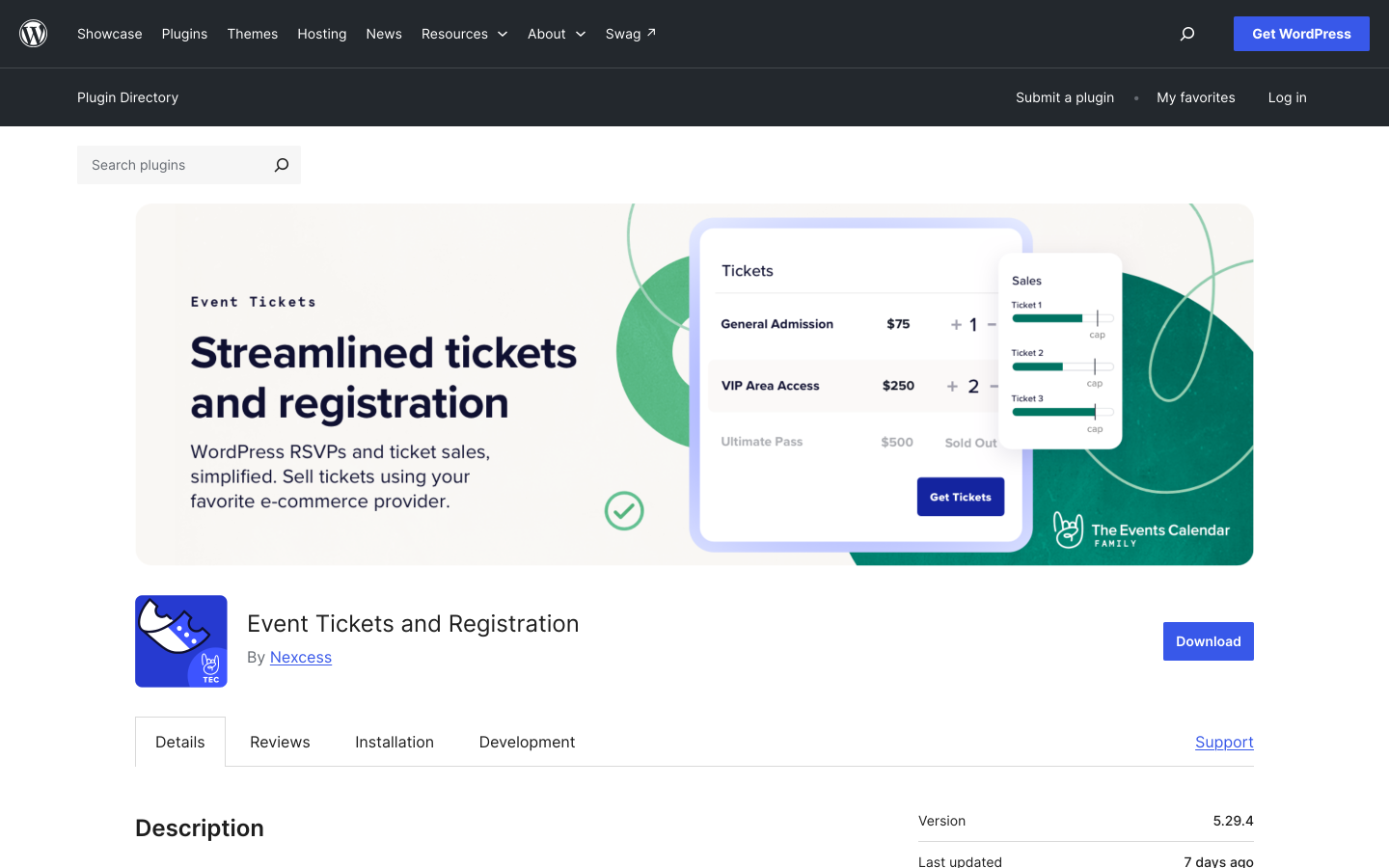
Event Tickets by StellarWP is the most widely deployed WordPress ticketing companion plugin, running alongside The Events Calendar which has 700,000-plus active installs. The core Event Tickets plugin is free and adds RSVP collection and paid ticket sales via Tickets Commerce, connecting to Stripe, PayPal, and Square without requiring WooCommerce. A 2% platform fee applies per Stripe and Square transaction in the free tier. This fee is removed when the paid Event Tickets Plus add-on is installed.
Compared to Eventin, Event Tickets removes the WooCommerce dependency for basic payment processing. Stripe and PayPal sales start without a WooCommerce configuration step. The trade-off is the 2% Tickets Commerce fee in the free tier, which adds to gateway processing costs until an upgrade. The free tier sends a basic email ticket confirmation that buyers can display at the door; a dedicated QR scanning app requires Event Tickets Plus.
QR code scanning and PDF ticket delivery require Event Tickets Plus. Recurring events require Events Calendar Pro. Assigned seating requires TEC Elite. Each is a separate purchase. For organizers who need the full feature set Eventin Pro offers in a single license, the combined TEC add-on cost can exceed that of an all-in-one alternative. The platform is strongest for sites that already run The Events Calendar and want to bolt on ticketing without a separate plugin stack.
Key features:
- RSVP and paid ticket sales via Tickets Commerce (free plugin)
- Stripe, PayPal, and Square without WooCommerce (free tier)
- 2% platform fee on Stripe and Square in the free tier, waived with Event Tickets Plus
- QR check-in mobile app and PDF ticket delivery (Event Tickets Plus, paid)
- Attendee management and basic order tracking (free)
- Reserved seating (TEC Elite)
- Recurring events (Events Calendar Pro)
- Largest combined install base of any WordPress event plugin family
Pricing: Event Tickets plugin is free. Tickets Commerce applies a 2% fee on Stripe and Square in the free tier. Event Tickets Plus removes the 2% fee and adds the QR check-in mobile app and PDF ticket downloads. Events Calendar Pro and TEC Elite are separate purchases for recurring events and seating. Check theeventscalendar.com for current pricing.
Limitations: QR scanning, PDF tickets, recurring events, and reserved seating each require separate paid purchases. The combined add-on cost for full feature parity may exceed a single-license all-in-one alternative. The 2% Stripe and Square fee applies in the free tier. Sites with no existing Events Calendar install may find the plugin stack more complex to configure than a standalone ticketing plugin. No conference management features (speaker profiles, session schedules) at any tier.
3. FooEvents for WooCommerce
Best for: WordPress sites already running WooCommerce that want to convert existing products into ticketed events using their current payment gateway setup, with QR check-in apps included from day one
FooEvents for WooCommerce transforms WooCommerce products into ticketed events. Because ticketing runs through WooCommerce, buyers check out using whatever gateway the store already supports: Stripe, PayPal, Square, and 100-plus other WooCommerce-compatible gateways, with no FooEvents commission on any transaction. Every paid plan includes custom branded PDF tickets with QR codes and free iOS and Android check-in apps that work offline.
Compared to Eventin, FooEvents is a lateral move on the WooCommerce dependency: both require WooCommerce for payment processing in their standard configurations. The difference is that FooEvents assumes WooCommerce is already in place and treats it as an advantage, inheriting the full gateway ecosystem. For organizers who already run WooCommerce for other purposes, that assumption holds and the 100-plus gateway range is genuinely useful. For organizers whose only goal is selling event tickets, both plugins require WooCommerce overhead. FooEvents includes QR check-in apps with offline capability in every paid bundle, which is a practical advantage over Eventin's free tier where QR tools require a Pro upgrade.
Seating maps for numbered reserved-seat events require the Premium Bundle at $249 per year. Recurring date support is included on all plans but does not include per-date independent pricing variation. Eventin's conference features (speaker profiles, session schedules) are not replicated in FooEvents, which focuses narrowly on ticketing, check-in, and seat management. For a broader comparison of WooCommerce-based ticketing options, see the roundup of WooCommerce event ticket plugins.
Key features:
- WooCommerce products become ticketed events
- 100-plus payment gateways via WooCommerce (no FooEvents commission)
- Custom branded PDF tickets with QR codes (all paid plans)
- Free iOS and Android offline-capable check-in apps (all paid plans)
- Multi-day events, recurring dates, and custom attendee forms (all plans)
- Seating maps for assigned reserved-seat events (Premium Bundle)
- Point of sale terminal for walk-up ticket sales (Point of Sale Bundle)
Pricing: Basic Bundle $169/year (core plugin, PDF tickets, calendar display, check-in app). Bookings Bundle $199/year (adds customizable attendee forms). Premium Bundle $249/year (adds seating). Point of Sale Bundle $399/year (adds on-site POS sales, seating, all add-ons). 14-day money-back guarantee. WooCommerce is required and not included.
Limitations: WooCommerce is a hard dependency. No free plan or trial period. Seating requires the $249/year Premium Bundle. No per-date pricing variation in recurring series. No speaker profiles, session schedules, or conference management features.
4. Tickera
Best for: event organizers who want zero-commission ticket sales, 19 built-in payment gateways without WooCommerce, and a one-time lifetime license option that removes annual renewal entirely
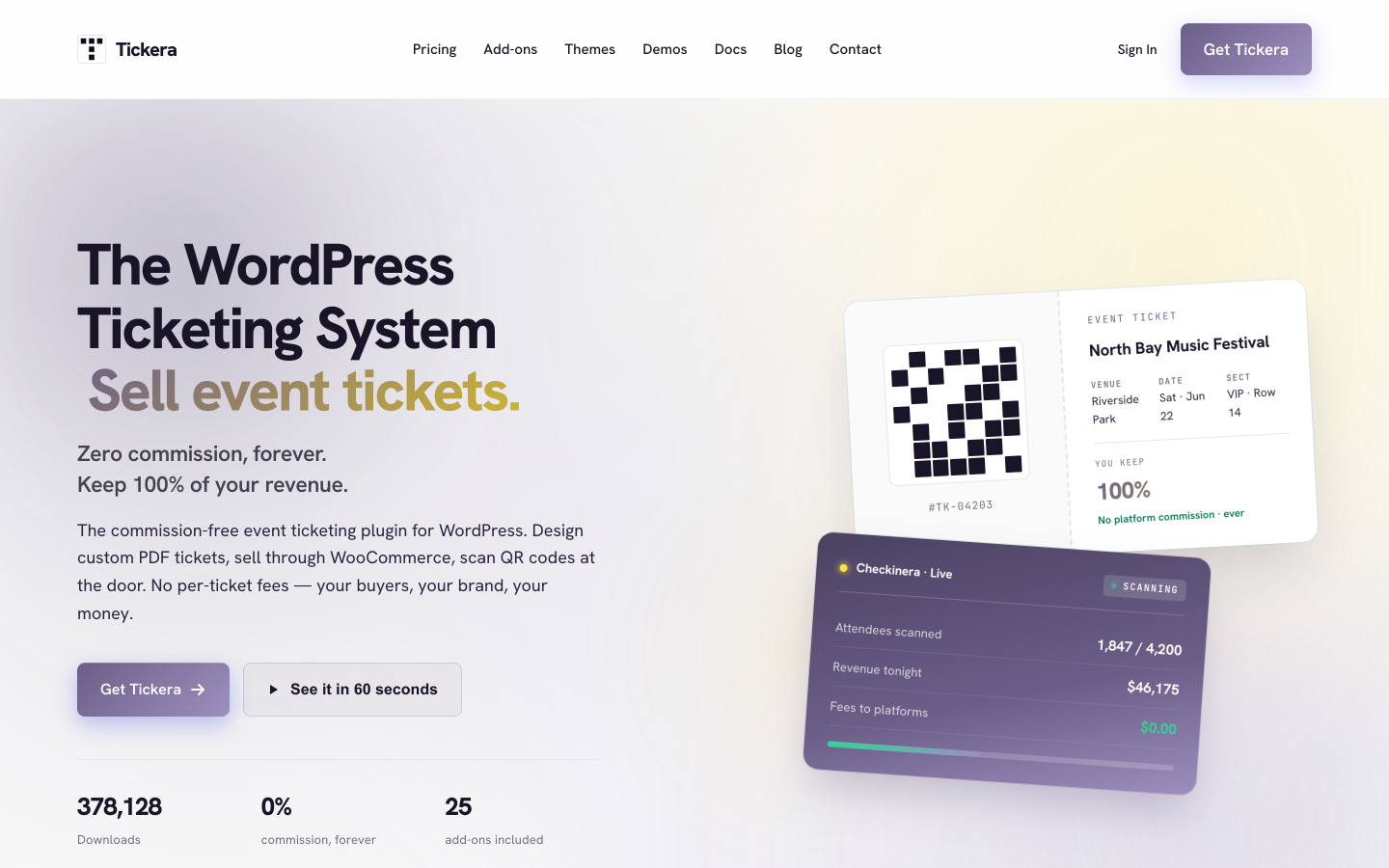
Tickera is a standalone WordPress ticketing plugin with a clear core promise: every transaction goes from the buyer's card to your payment account and Tickera takes nothing from ticket revenue. With 2,000-plus active installs and a 4.5/5 rating from 286 reviews on WordPress.org, it has a focused user base. Nineteen payment gateways are built into the plugin without any WooCommerce installation required. Every Tickera plan covers unlimited sites, unlimited events, unlimited attendees, PDF tickets with QR codes, and free iOS and Android check-in apps (the Checkinera app) from the entry tier.
Compared to Eventin, Tickera removes the WooCommerce dependency and provides working QR check-in from the Standard plan without the need for a Pro tier upgrade. The 19 built-in gateways is a broader native range than Eventin's direct integrations (Stripe and PayPal at Pro) while remaining independent of WooCommerce. The Lifetime plan at $399 covers unlimited sites and every Tickera add-on with no annual renewal, which directly addresses agency and multi-site cost concerns.
Seating maps for assigned-seat events require the Bundle plan at $199 per year. Recurring event support is limited: Tickera handles single-occurrence events cleanly but does not provide the per-date capacity and pricing architecture needed for weekly or monthly series programs. No public-facing event calendar frontend is included, so sites that need a browsable event listing page typically pair Tickera with a calendar plugin.
Key features:
- 19 built-in payment gateways, no WooCommerce required
- Zero platform commission on all plans
- Unlimited sites, events, and attendees on all plans
- PDF tickets with QR codes and email receipts
- Free Checkinera iOS and Android check-in apps on all plans
- Seating charts add-on (Bundle and Lifetime)
- Discount codes and custom attendee form fields (Bundle)
- WooCommerce Bridge add-on for 100-plus additional gateways (Bundle)
- Lifetime license at $399 (unlimited sites, all add-ons, no annual renewal)
Pricing: Standard $149/year first year (renews at $99/year). Bundle $199/year first year, includes all 25 add-ons (renews at $149/year). Lifetime $399 one-time (all add-ons, unlimited sites, no renewal). 7-day money-back guarantee.
Limitations: No free plan. Seating requires the Bundle plan. Recurring event support is limited: no per-date capacity or per-date pricing within a series. The 7-day refund window is shorter than most alternatives. No public-facing event calendar frontend included. No conference management features.
5. Modern Events Calendar
Best for: WordPress sites that prioritize design-forward calendar displays with multiple view styles, prepared to pay separately for QR ticketing and seat reservation add-ons on top of the Pro base license
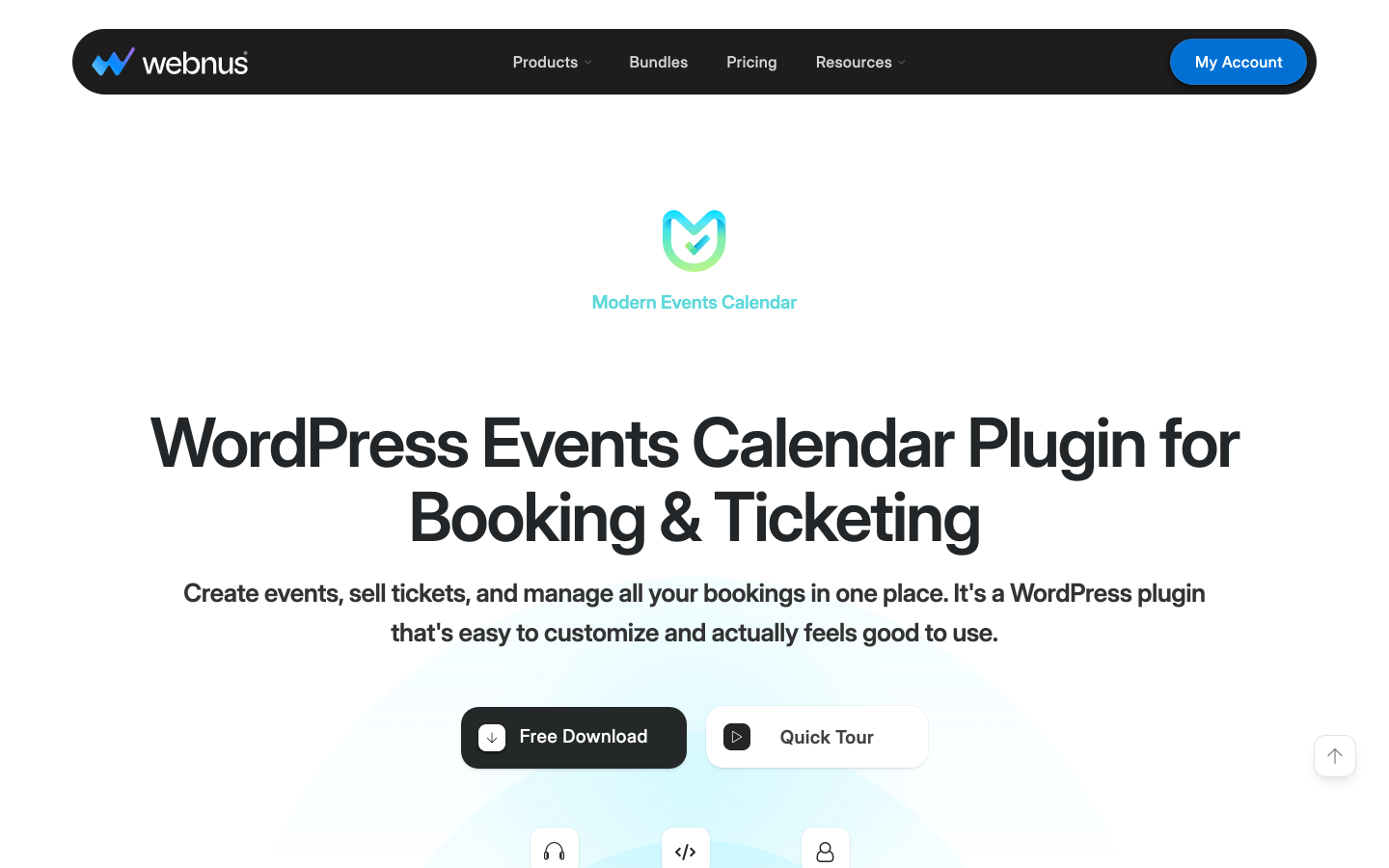
Modern Events Calendar (MEC) by Webnus is one of the most visually polished event calendar plugins available for WordPress, with over 200,000 claimed users and a broad range of calendar view styles including monthly, weekly, list, masonry grid, and custom skin options. MEC delivers the most flexible event presentation layer of any plugin in this comparison. The free Lite version handles basic event creation and calendar display with no payment processing. The Pro license adds booking and direct payment processing without a WooCommerce dependency.
Compared to Eventin, MEC does not require WooCommerce for its built-in payment handling. The calendar display is substantially more configurable, with multiple view types and layout skins that Eventin's calendar does not match. For organizers whose primary need is a visually rich public event listing page with browsable views, MEC offers more frontend design flexibility.
There are two critical caveats. First is the add-on model: QR code scanning and PDF ticket delivery require the Ticket and Invoice add-on at $119 per year on top of the Pro license. Reserved seating requires the Seat add-on at another $119 per year. For a single site needing full ticketing with QR check-in and seat maps, the minimum annual cost is MEC Pro ($99) plus Ticket add-on ($119) plus Seat add-on ($119), totaling $337 per year before any multi-site licensing. By comparison, Eventnetic Starter at $99 per year includes all three in a single license.
Second is the WordPress.org status. MEC Lite was permanently removed from the WordPress.org plugin directory in May 2022 due to a guideline violation and has not returned. This means users cannot discover or install it through the standard WordPress admin search, automatic update notifications do not appear in the WordPress dashboard, and there is no public review history on WordPress.org. For organizations that rely on the WordPress.org directory for plugin discovery and update management, this is a material trust and maintenance consideration that distinguishes MEC from every other plugin in this guide.
Key features:
- Multiple calendar view styles: monthly, weekly, list, masonry grid, full calendar, countdown (free and Pro)
- Event creation with categories, tags, venues, and organizers
- Direct booking and payment processing built into the Pro license (no WooCommerce required)
- Recurring events with daily, weekly, monthly, and custom patterns (Pro)
- QR code scanning and PDF ticket delivery (Ticket and Invoice add-on, $119/yr separately)
- Reserved seating with visual canvas seat map builder (Seat add-on, $119/yr separately)
- Zoom and Webex integration (separate add-ons)
- 30-day refund policy
Pricing: Lite (free): basic calendar, no booking or ticketing; not available on the WordPress.org plugin directory. Pro: $99/year (1 site), $199/year (5 sites), $999/year (unlimited sites). QR tickets and PDF delivery require the Ticket and Invoice add-on ($119/yr). Seating requires the Seat add-on ($119/yr). Most supplementary features sold as individual add-ons on top of the Pro license. No lifetime license available.
Limitations: Not listed on the WordPress.org plugin directory (removed May 2022). QR tickets and reserved seating require separate paid add-ons even on the Pro license, making total cost for full ticketing significantly higher than all-in-one competitors. No speaker profile system or conference management features.
6. Sugar Calendar
Best for: WordPress sites that want a clean calendar display and Stripe ticket selling at the lowest possible upfront cost, accepting the 3% platform fee in the free tier or removing it at $99.50 per year
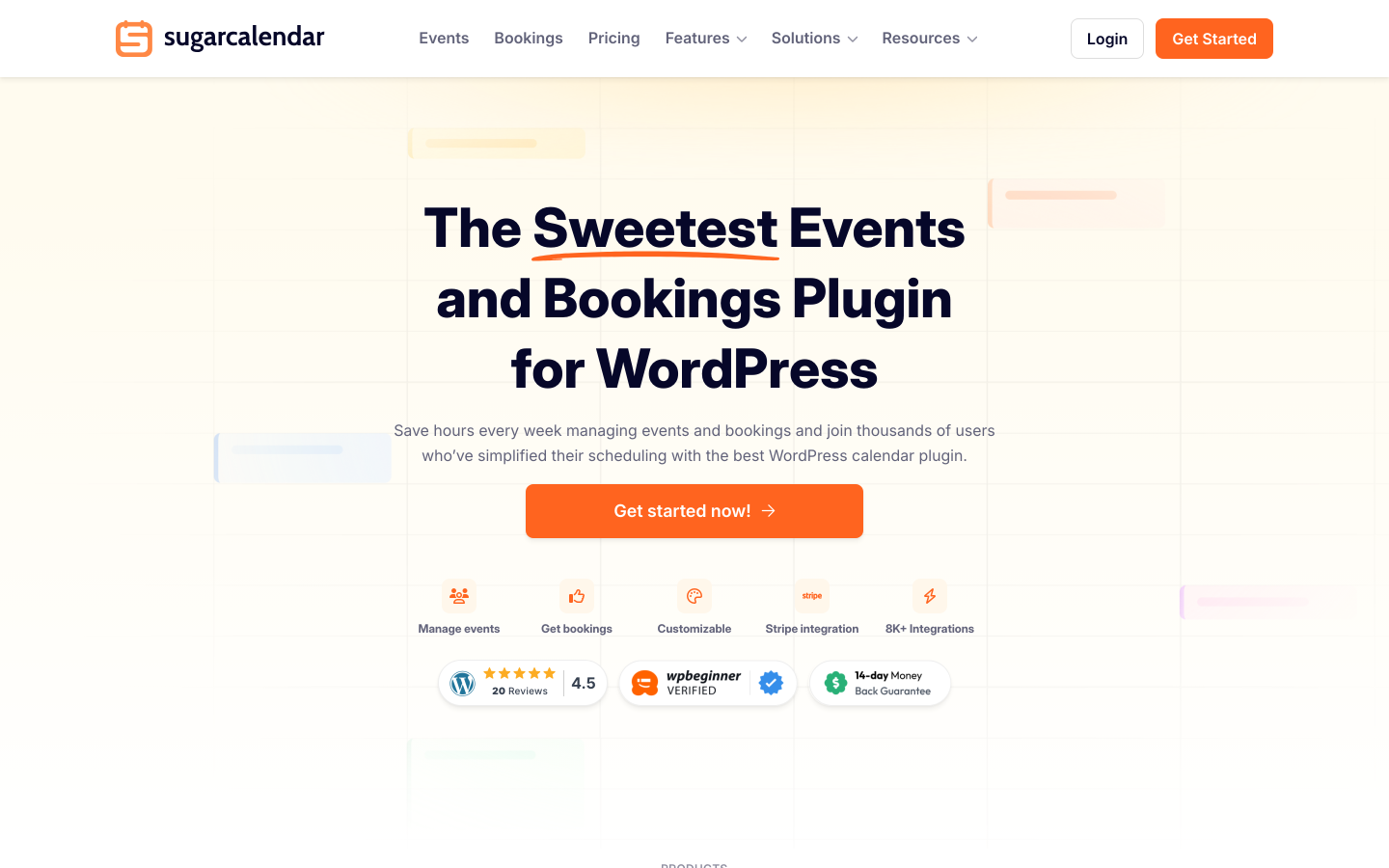
Sugar Calendar approaches event management from the calendar-first perspective. The free Lite version includes Stripe ticket selling, month and week calendar views via Gutenberg blocks, Google Maps venue display, attendee management with CSV export, iCal feeds, and Add to Calendar buttons for Google, Outlook, and Apple Calendar. A 3% platform fee applies per Stripe order in the Lite tier on top of Stripe's standard processing rate. This fee is removed on the Plus plan at $99.50 per year, which also adds recurring events and RSVP management.
Compared to Eventin, Sugar Calendar removes the WooCommerce dependency entirely and provides a working Stripe checkout in the free version without requiring any paid license. For event organizers testing the waters before committing, that zero-cost Stripe entry point is genuinely useful. The calendar presentation via Gutenberg blocks is clean and modern, filling the public-facing display gap that Eventin's admin-heavy approach sometimes leaves.
The gaps are significant for organizers who need door-scanning infrastructure. Sugar Calendar does not include QR code ticket delivery, PDF ticket generation, or a physical check-in interface at any plan level. For events where scanning a ticket at the door matters, this is a disqualifying limitation. Sugar Calendar is strongest for simple community or online events where a clean calendar display and a low-friction Stripe checkout matter more than physical check-in workflows.
Key features:
- Stripe ticket selling in the free Lite version (3% platform fee applies)
- 3% platform fee removed from the Plus plan ($99.50/year) and above
- Month, week, and day calendar views via Gutenberg blocks or shortcodes
- Google Maps venue display (requires Google Maps API key)
- Attendee management and CSV export (free)
- iCal/ICS feeds and Add to Calendar buttons for Google, Outlook, and Apple Calendar (free)
- Recurring events with daily, weekly, monthly, and custom patterns (paid plans)
- RSVP management with attendee dashboard (paid plans)
- One-click migration from The Events Calendar
Pricing: Lite is free on WordPress.org (Stripe selling with 3% platform fee). Basic: $49.50/year (1 site, 3% fee still applies). Plus: $99.50/year (1 site, fee removed, recurring events and RSVP added). Pro: $199.50/year (3 sites). Elite: $299.50/year (10 sites). 14-day money-back guarantee.
Limitations: No QR scanner or PDF ticket delivery at any plan level. The 3% fee on Lite and Basic applies on top of Stripe's standard processing rate. Recurring events and RSVP require a paid plan. No reserved seating at any tier. No conference management features. Gateway range is limited to Stripe in the standard tiers.
7. Event Espresso
Best for: established WordPress organizations running complex, multi-day event programs that need a mature registration platform with a deep add-on ecosystem and over a decade of active development
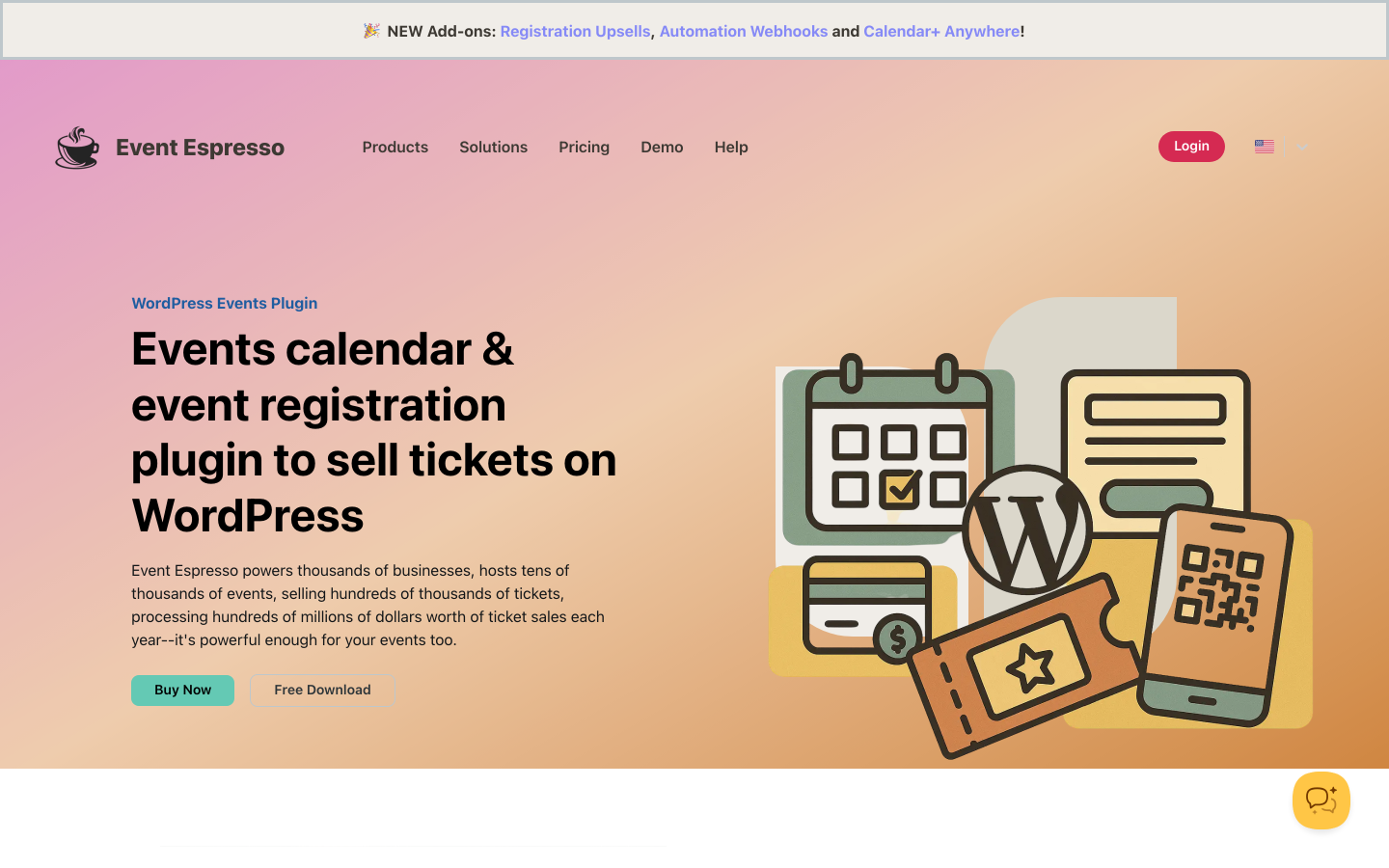
Event Espresso is one of the longest-running dedicated event registration plugins for WordPress. The free Decaf plan includes unlimited events and registrations with PayPal payments, but applies a 3% per-transaction platform fee. The Core plan at $129 per year removes the commission, unlocks compatibility with 30-plus payment gateway add-ons, adds multi-day event support, and enables advanced registration form customization. The All Access plan at $399 per year includes every available add-on.
Compared to Eventin, Event Espresso does not require WooCommerce. Its Decaf plan provides real event registration immediately without a WooCommerce prerequisite, which is an improvement over Eventin's free tier for organizers who want to collect registrations before committing to a paid license. Multi-day event support is included in Core, so complex programs spanning multiple calendar dates are handled without a separate add-on purchase. The commission drops to 0% from the Core tier upward.
The trade-offs are admin complexity and add-on costs for specific features. Event Espresso's interface reflects its history: functional and reliable, but more configuration-intensive than newer tools. QR check-in and reserved seating each require separate paid add-on purchases on top of the Core or All Access license. For organizers new to the platform, the learning curve is steeper than Eventin or Eventnetic. For existing Event Espresso users running complex multi-day programs, the maturity and depth of the add-on ecosystem are genuine assets.
Key features:
- Unlimited events and registrations on all plans
- PayPal on the Decaf free plan; 30-plus gateway options via add-ons on Core and above
- Multi-day event support and advanced registration form customization (Core)
- Custom ticket types, early-bird pricing, and discount codes
- CSV export and attendee management reports
- 0% commission on Core and All Access plans
- Mobile check-in app for QR scanning at the door (available for All Access via add-on)
Pricing: Decaf (free): PayPal only, 3% per-transaction platform fee, unlimited events and registrations. Core: $129/year (0% commission, 30-plus add-on compatibility, multi-day support). All Access: $399/year (all add-ons, affiliate module, premium support). 14-day money-back guarantee.
Limitations: 3% fee applies on the free Decaf plan. QR check-in and reserved seating each require separate add-on purchases beyond the Core license. The admin interface is more complex than newer alternatives. All Access at $399 per year is significantly higher than entry-level competitors for comparable full-feature coverage. No dedicated conference management features (speaker profiles, session schedules).
8. Events Manager
Best for: community events and recurring class programs where free registration with attendee management is the primary need and ticket payments are secondary
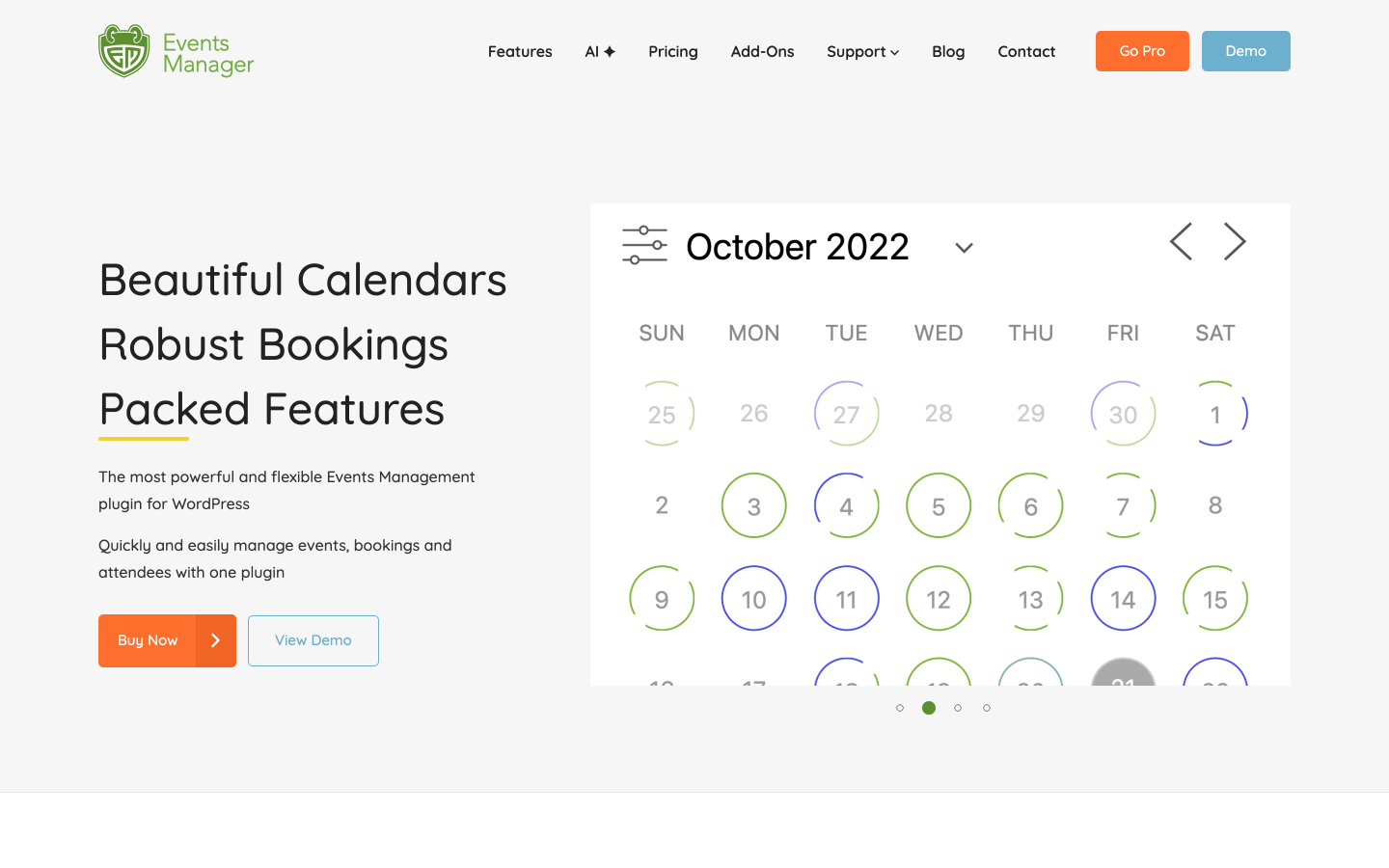
Events Manager offers the most complete free event registration workflow of any plugin in this comparison. The free plugin has 70,000-plus active installs and a 4.2/5 rating from 547 reviews on WordPress.org. It covers booking management, unlimited recurring events, Google Maps venue integration, attendee limit controls, and custom confirmation emails. It also includes waiting list support, Zapier integration, and CSV import from Google Sheets, iCal, Zoom, and Meetup, all at no cost. Payment processing via Stripe, PayPal, or Authorize.net and PDF tickets with QR code delivery require the Pro license at $99 per year.
Compared to Eventin, Events Manager includes unlimited recurring events in the free version without the WooCommerce prerequisite for registration-only workflows. For organizations running regular free events or low-barrier signups, Events Manager delivers more in the free tier than Eventin's WooCommerce-dependent free plan. Events Manager Pro at $99 per year delivers the full payment and QR ticket workflow in a single license purchase without a WooCommerce layer.
The gaps relevant to Eventin comparisons are reserved seating and conference management. Events Manager does not include visual seating maps at any plan level. Speaker profiles, session schedules, and certificate generation are not features of this plugin. Gateway coverage is three built-in options plus optional WooCommerce integration, narrower than Tickera's 19 built-in gateways or the WooCommerce ecosystem.
Key features:
- Booking management and attendee tracking (free)
- Unlimited recurring events with daily, weekly, and monthly patterns (free)
- Google Maps venue integration and multi-location support (free)
- Zapier and webhook automation for CRM sync (free)
- CSV import from Google Sheets, iCal, Zoom, and Meetup (free)
- Waiting list support (free)
- Stripe, PayPal, and Authorize.net payment gateways (Pro)
- PDF ticket generation with QR code delivery (Pro)
- Optional WooCommerce cart checkout for events (Pro)
Pricing: Free core plugin on WordPress.org. Events Manager Pro from $99/year (1 site, no add-ons) or $129/year (1 site, all add-ons). Multi-site licenses at higher tiers. Check wp-events-plugin.com for current pricing.
Limitations: Payment gateways, PDF tickets, and QR check-in all require the Pro license. No visual seating maps at any plan level. Gateway range (three built-in options) is narrower than Eventin's WooCommerce ecosystem. No speaker profiles, session schedules, or conference management features. The admin interface is visually older than newer tools.
When Eventin Is Still the Right Choice
The alternatives in this guide address real limitations, but Eventin remains a strong option in specific scenarios. Switching is not always justified.
You organize multi-speaker, multi-track conferences and need agenda management. Eventin's speaker profile system, session scheduling with time blocks and tracks, and program-level agenda builder are the best-implemented version of those features in the WordPress plugin space at this price range. If running a conference where attendees browse session tracks, view speaker bios, and filter the agenda matters as much as the ticket sale itself, Eventin handles that combination more completely than any alternative in this guide.
You already run WooCommerce for other purposes. If your WordPress site runs an online store or a membership program on WooCommerce, Eventin's WooCommerce dependency is not a cost: events become part of a system you already maintain. All your existing payment gateways, customer accounts, tax configuration, and order history apply to event sales automatically. Eventin's free tier inherits that infrastructure rather than requiring a separate checkout setup.
You need a multivendor marketplace where multiple organizers manage their own events. Eventin supports Dokan and WCFM multivendor integration at the Pro tier, allowing multiple organizers to create and manage events from a single WordPress installation. No alternative in this guide offers a comparable multivendor architecture. For platforms that aggregate events from many independent organizers, this capability is specific to Eventin.
You need RSVP tracking alongside paid ticketing. Eventin provides dedicated RSVP management (Going, Not Going, Maybe responses with a tracking dashboard) separate from paid ticket sales. For events where knowing attendee intent before the event day matters alongside ticket counts, this functional feature is not replicated in most pure ticketing alternatives.
You need WPML multilingual support on a multilingual WordPress site. Eventin added WPML support in v4.1.14 (June 2026). If your event management site serves audiences in multiple languages and relies on WPML for translation, Eventin's compatibility is a specific advantage over several alternatives in this guide.
You want AI-assisted event content generation. Eventin Pro includes OpenAI-powered event description, schedule, and FAQ generation. If your workflow involves creating large volumes of event content and AI assistance speeds up that process meaningfully, this is a Pro feature none of the alternatives in this guide replicates natively.
Frequently Asked Questions
What is the best Eventin alternative that does not require WooCommerce?
Eventnetic is the most complete standalone alternative. It has its own checkout with Stripe and PayPal built in, and a free plan with unlimited events and bookings. The Starter license at $99 per year for the first year adds QR check-in, PDF tickets, recurring dates with per-date capacity, taxes, and deposits. Seat maps, per-date pricing, invoices, and waiting lists sit on Pro at $199 for the first year. Tickera is a strong second option with 19 built-in gateways and zero commission at every plan. Event Tickets (TEC) offers free Stripe, PayPal, and Square ticket sales without WooCommerce, with a 2% platform fee on Stripe and Square in the free tier removed by upgrading to Event Tickets Plus. Events Manager provides free unlimited recurring event registration with payment gateways unlocked at $99/year Pro.
Which Eventin alternative includes QR code tickets at the lowest plan cost?
Eventnetic Starter at $99 per year first year includes PDF tickets with individual QR codes and scanner-based check-in. Tickera Standard at $149 per year first year includes QR code tickets and the Checkinera iOS and Android scanning apps. Events Manager Pro at $99 per year includes PDF tickets with QR code delivery. Event Tickets (TEC) requires the paid Event Tickets Plus add-on for a dedicated QR scanning app. Eventin itself requires a Pro license for QR check-in and PDF ticket generation, with Standard Pro at $89 per year at current sale pricing.
Can I use reserved seating with an Eventin alternative?
Yes. Eventnetic includes a full native seating chart module on the Pro plan, $199 per year for the first year. Maps belong to venues and are reused across every event held there, and per-date seat availability is tracked independently. Tickera Bundle ($199/yr) includes a seating chart add-on. FooEvents Premium Bundle ($249/yr) includes a seat map for assigned-seat events. Modern Events Calendar requires the Seat add-on ($119/yr extra, on top of Pro) for reserved seating. Event Espresso supports seating via a paid add-on. Events Manager does not include seating at any plan level. Sugar Calendar does not include seating at any plan level.
Do any Eventin alternatives support recurring events with per-date pricing?
Eventnetic is the clearest implementation. One event holds an unlimited number of dates; each date carries its own capacity, its own price, and its own attendee list. Cancelling a single date sends notifications only to that date's ticket holders. This architecture handles weekly yoga classes, monthly dinners, or walking tours with multiple departure dates cleanly without creating separate products per occurrence. Events Manager (free) supports unlimited recurring events but does not support per-date price variation. Most other alternatives handle basic recurring scheduling without independent per-date pricing granularity.
Is there a free Eventin alternative with no WooCommerce dependency?
Several. Eventnetic's free plan covers unlimited active events and bookings with offline and cash payments, 15-trigger email automation, and door-list check-in, all without WooCommerce. Card payments require the Starter plan. Events Manager's free core plugin covers unlimited recurring events, booking management, Zapier integration, and waiting lists, with card payments and QR tickets unlocked via the $99/year Pro license. Event Tickets (TEC) provides free Stripe, PayPal, and Square ticket sales without WooCommerce, with a 2% platform fee removed by upgrading to Event Tickets Plus. Sugar Calendar Lite provides free Stripe selling with a 3% platform fee per order, removed from the Plus plan at $99.50/year.
Does Eventin's seat map feature require a separate plugin?
Yes. As of the current version (v4.1.22 tested hands-on in September 2026), Eventin's visual seat map depends on WP Timetics, a third-party plugin, rather than being a fully native feature. Organizers who need reserved seating without a third-party seat map dependency will find Eventnetic's native venue-level seat maps and Tickera's Bundle seating chart more self-contained.
How does Eventin's pricing compare to the alternatives?
Eventin Standard Pro is listed at $89 per year for two domains at its current sale price (regular price is $99 per year; ThemeWinter runs permanent discounts). Verify current pricing at themewinter.com/eventin/pricing before making decisions based on cited figures. Eventnetic Starter is $99 per year first year for one site, renewing at $199 per year. Events Manager Pro starts at $99 per year for one site. Tickera Standard is $149 per year first year. FooEvents Basic Bundle is $169 per year for one domain. Modern Events Calendar Pro is $99 per year for one site plus add-on costs for QR tickets and seating. Event Espresso Core is $129 per year. Sugar Calendar Plus is $99.50 per year. For two sites, Eventin Standard Pro is the least expensive entry in this comparison. For one site where QR tickets and native seat maps are both needed, Eventnetic Pro covers both at $199 per year for the first year, and Eventin Premium does the same at $149.
Final Verdict
For most WordPress organizers looking for an Eventin alternative, the right choice depends on which specific limitation is driving the search.
If the WooCommerce dependency is the core issue, Eventnetic is the clearest direct replacement. The free plan works without any WooCommerce configuration. The Starter license at $99 per year first year covers QR tickets, recurring dates with per-date capacity, taxes, and deposits. Seat maps, per-date pricing and waiting lists are on Pro at $199 for the first year. Neither tier charges commission, and neither needs a third-party plugin for any of it. For simple ticketing, cinema scheduling, venue operations, and fitness studios, the Eventnetic feature set covers the practical workflow without the conference management overhead Eventin adds by default. For a broader look at the category, see the roundup of the best WordPress event plugins.
If you use The Events Calendar and want to add ticketing without switching your whole event setup, Event Tickets is the natural bolt-on for free Stripe, PayPal, and Square sales in the existing TEC ecosystem. Upgrading to Event Tickets Plus removes the 2% fee and adds QR scanning. FooEvents is the right pick for WooCommerce stores that already have a gateway configured and want to sell event tickets through their existing store infrastructure. Tickera serves organizers who want 19 built-in gateways, zero commission, and the option of a one-time lifetime license with unlimited sites.
Modern Events Calendar is worth evaluating when the main need is a design-forward public event calendar with multiple view styles. Two caveats apply. QR tickets and seating are separate add-on purchases, and the plugin is not listed on the WordPress.org directory. Sugar Calendar works for simple events where a clean calendar display and a low-cost Stripe entry point matter more than physical door-scanning infrastructure. Event Espresso suits complex multi-day programs where the depth of the add-on ecosystem and a decade-plus track record justify the price and configuration investment. Events Manager is the strongest free registration platform when payment processing and QR check-in are secondary to managing recurring event attendance. For a wider view of registration-focused tools generally, see the guide to event plugins.
If speaker profiles, session scheduling, RSVP tracking, and multivendor marketplace capability are central to how you run events, Eventin handles that combination more directly than any alternative in this guide.


