
When someone searches for a WooCommerce event ticket plugin, they are usually looking for one of two different things. The first is a plugin that builds events directly on top of WooCommerce: events become WooCommerce products, ticket types become product variations, and buyers check out through the WooCommerce cart. The second is a dedicated event ticketing plugin that handles the whole ticketing workflow on its own but supports WooCommerce as an optional payment method for stores that already run it.
Those are meaningfully different architectures. One route leverages WooCommerce's massive gateway ecosystem and familiar cart flow. The other gives you purpose-built event features, like per-date capacity, visual seat maps, QR code tickets, and recurring schedules, at the cost of having a platform dependency.
This guide covers eight plugins across both categories. Each entry notes exactly how WooCommerce fits into its architecture, what the plugin does well beyond payment, and which setup genuinely suits which kind of event organizer. Running Eventbrite fees on a year of sold-out events adds up faster than most organizers expect; a self-hosted WordPress ticketing solution keeps that revenue in your account regardless of which plugin model you choose.
WooCommerce-Native vs. Dedicated Ticketing Plugins: What the Difference Means in Practice
WooCommerce is an excellent e-commerce engine. It handles product listings, cart management, order history, and gateway integrations for hundreds of payment providers worldwide. That breadth is why event ticket plugins have been built on top of it.
The trade-off is that WooCommerce was designed for products, not dated events. A product in WooCommerce has a price and a stock count. An event ticket needs per-date capacity, because each show has its own limit. It needs per-seat assignment, so row A, seat 12 goes to one specific buyer. It needs date-specific pricing, because Saturday evening rates differ from Tuesday matinees. It needs recurring schedules, such as a weekly yoga class that runs for 12 weeks. And it needs a QR code that admits exactly one person to exactly one date.
Handling those requirements in WooCommerce means stacking extensions: one for event dates, another for seating, another for ticket delivery, another for scanning. The result works, but each added plugin increases maintenance overhead, can introduce conflicts, and still may not match the purpose-built logic of a dedicated ticketing plugin.
When WooCommerce-native makes sense
- You already run a WooCommerce store and want event tickets in the same cart as physical products.
- You need a specific regional payment gateway that is only available through WooCommerce's ecosystem.
- Your events are simple: single-date, general admission, with no seat assignments or recurring schedules.
- Your buyers are familiar with the WooCommerce checkout flow and you want consistency.
When a dedicated ticketing plugin with optional WooCommerce support is better
- Your events are recurring (weekly classes, monthly evenings, touring shows).
- You need reserved seating with a visual map your buyers can click to pick a seat.
- You need per-seat QR codes and a mobile scanning app for door staff.
- Timed entry slots matter: museums, guided tours, and attractions where you limit attendance per time window.
- Deposits or partial payments are part of your booking model.
- You want no extra platform commission beyond normal payment gateway fees.
- You do not want to add WooCommerce overhead to a site that only sells tickets.
Several plugins below sit in the middle: they are purpose-built for event ticketing and add WooCommerce as one payment option rather than a core dependency. That is often the best of both worlds for organizers who need proper ticketing features but want WooCommerce checkout available for their existing customer base.
How These Plugins Were Evaluated
Each plugin was assessed on:
- WooCommerce integration: Is WooCommerce required, optional, or absent? What does the WooCommerce connection add?
- Ticketing workflow: Multiple ticket types, per-date capacity, order management, and tracking.
- Payment gateways: Which gateways are built in, which require WooCommerce, and does the plugin take a commission?
- Ticket delivery: PDF tickets, QR codes, and mobile check-in support.
- Recurring events: Weekly or monthly series without recreating each date manually.
- Seating: Visual seat maps with assigned seats and per-section pricing.
- Free plan: What works at no cost and where the paid boundary sits.
- Pricing and value: What the lowest entry plan actually unlocks for a real organizer.
Plugins that only handle RSVP or free registration without any payment workflow were excluded.
Quick Comparison: WooCommerce Event Ticket Plugins
| Plugin | WooCommerce role | Free plan | Entry paid plan | Commission |
|---|---|---|---|---|
Eventnetic |
Optional (Elite plan and above) |
Yes, unlimited events and bookings (offline/ |
$99/ |
None |
FooEvents |
Required |
No |
$169/ |
None |
Event Tickets (TEC) |
Optional add-on (Event Tickets Plus) |
Yes (Stripe/ |
Free with 2% fee; paid add-on removes fee |
2% on Stripe/ |
EventPrime |
Included in free; WooCommerce Checkout in Professional |
Yes |
$99/ |
None |
Eventin |
Yes (Pro) |
Basic calendar only |
$89/ |
None |
Tickera |
Bridge add-on (Bundle) |
No |
$149/ |
None |
Events Manager |
Optional (Pro) |
Yes (registration only, no payments) |
$99/ |
None |
Event Espresso |
Via add-on catalog (Core and above) |
Decaf only (PayPal, 3% fee) |
$129/ |
0% on paid plans; 3% on Decaf |
The 8 Best WooCommerce Event Ticket Plugins (Ranked)
1. Eventnetic
Best for: WordPress sites that want a dedicated ticketing workflow with zero commission, plus optional WooCommerce checkout if the store is already there
WooCommerce role: Optional payment integration, available on the Elite plan. Not required for any other feature.
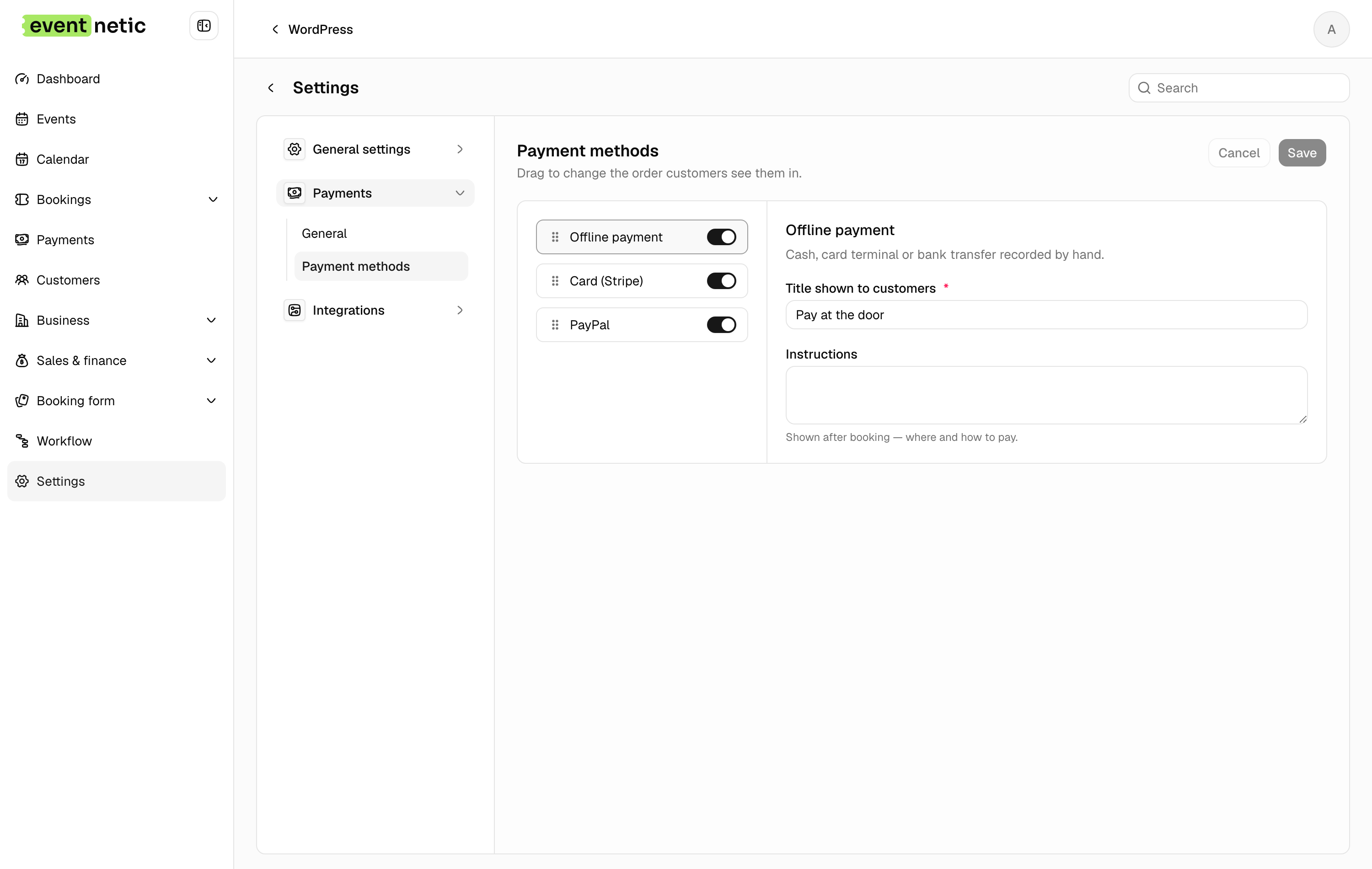
Eventnetic runs its own checkout with Stripe and PayPal built in, so WooCommerce is never a dependency. Sites that already run a store can enable WooCommerce as a payment method on Elite and route ticket purchases through the same cart, but nothing else in the plugin needs it.
The difference from a WooCommerce-based plugin is what a ticket is. Here it is an event object with per-date capacity, per-seat assignment and a QR code bound to one date, not a product with a stock number. Starter at $99 for the first year covers Stripe, PayPal, QR tickets and recurring dates with per-date capacity. Pro at $199 adds seat maps, per-date pricing, invoices and waiting lists.
Key features:
- Unlimited active events and bookings on the free plan, with no expiry
- Standalone checkout with Stripe and PayPal, no WooCommerce dependency (Starter)
- PDF tickets with a QR code per seat or booking, checked in with a barcode scanner or code entry (Starter)
- Recurring series with per-date capacity (Starter) and per-date pricing (Pro)
- Seat maps tied to the venue and reused across events (Pro)
- Timed entry slots with capacity per window (Starter)
- Deposits, discount codes and custom attendee forms (Starter)
- Waiting lists and numbered invoices (Pro)
Pricing: Free plan with offline payment and no expiry. Starter $99/yr first year (1 site, renews at $199) or $199 lifetime. Pro $199/yr first year (5 sites, renews at $299) or $399 lifetime, where seating starts. Elite $299/yr (25 sites) or $599 lifetime. 14-day money-back guarantee.
Limitations: Card payments need a paid license, and WooCommerce checkout needs Elite rather than Starter. Launched in 2026, so it has none of the install history of the WooCommerce-based plugins here. Tickets are not WooCommerce products, so WooCommerce-specific extensions do not apply to them.
2. FooEvents for WooCommerce
Best for: WooCommerce stores that want to turn existing product pages into ticketed events, using the same cart and gateway setup the store already runs
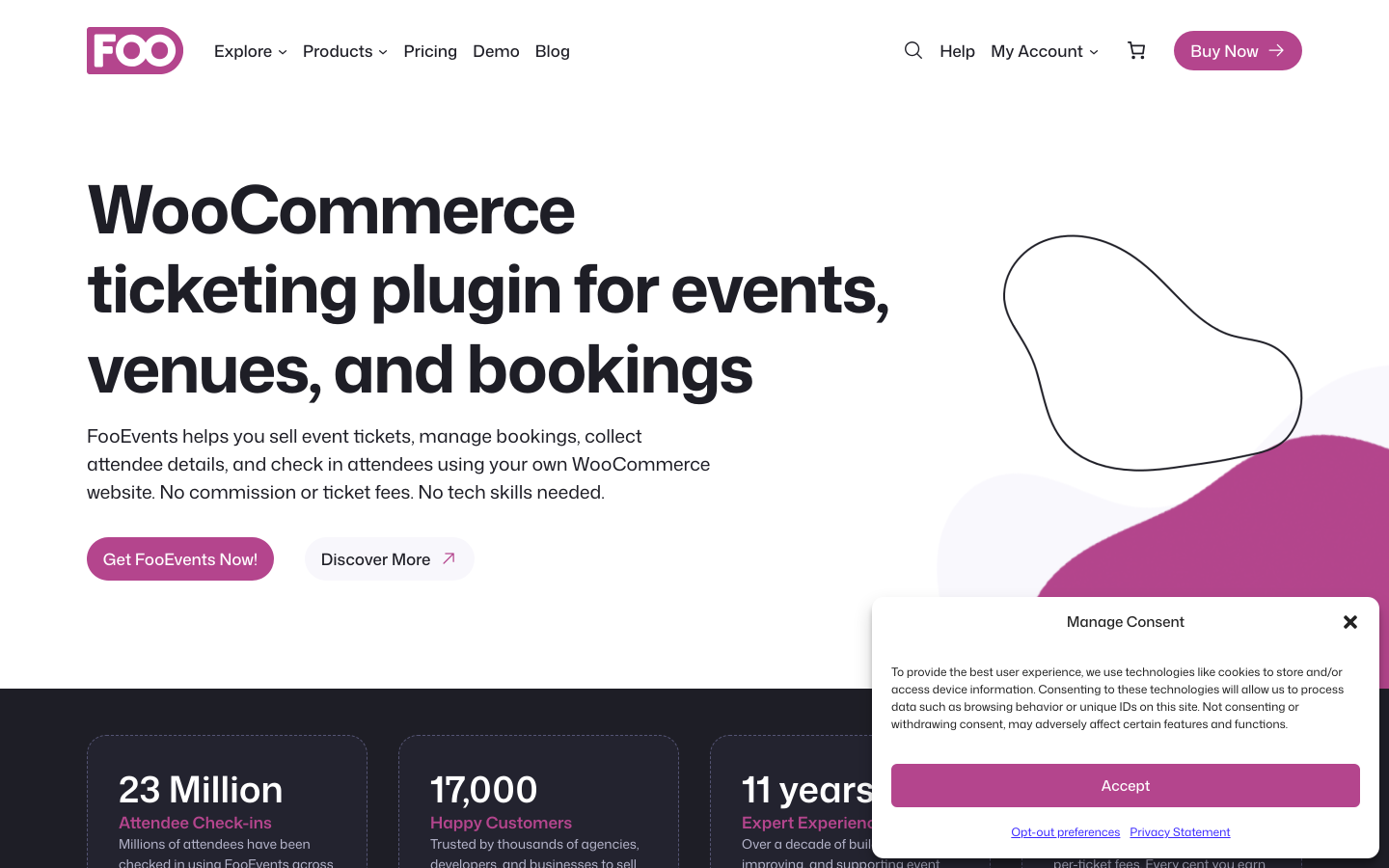
WooCommerce role: Required. FooEvents cannot operate without WooCommerce installed.
FooEvents for WooCommerce is the most WooCommerce-native option on this list. Events are created as WooCommerce products, ticket types are product variations, capacity is managed through WooCommerce stock controls, and checkout uses the WooCommerce cart. Because payment is handled entirely by WooCommerce, buyers can use any of the 100-plus WooCommerce-compatible gateways: Stripe, PayPal, Square, and most regional providers are all available with no per-ticket commission to FooEvents.
Every FooEvents bundle includes custom-branded PDF tickets with QR codes and free iOS and Android check-in apps (the FooEvents Check-ins app). No separate scanning tool subscription is needed. Multi-day events, attendee field collection, and a calendar display add-on are included in most bundles. Visual seat maps for numbered reserved-seat events are available from the Premium Bundle upward.
The main consideration is the WooCommerce requirement. For sites already running WooCommerce for an online store, adding FooEvents is straightforward: events live alongside products, buyers use the cart they already know, and WooCommerce handles all reporting. For sites that only want event ticketing with no existing WooCommerce setup, adding WooCommerce solely to support FooEvents introduces meaningful configuration overhead, additional hosting load, and ongoing maintenance of two plugin layers.
There is no free plan and no free trial. FooEvents offers a 14-day money-back guarantee in place of a trial.
Key features:
- WooCommerce products become ticketed events; ticket types are product variations
- 100-plus payment gateways via WooCommerce (no FooEvents commission on ticket revenue)
- Custom-branded PDF tickets with QR codes on all plans
- Free iOS and Android check-in apps included on all plans
- Multi-day events, recurring dates, and custom attendee forms
- Visual seat maps for numbered reserved-seat events (Premium Bundle and above)
- Point of sale terminal for walk-up ticket sales (Point of Sale Bundle)
- Calendar display add-on included in most bundles
Pricing: Basic Bundle $169/year (core plugin, PDF tickets, calendar, check-in app, express check-in). Bookings Bundle $199/year (adds bookings and custom attendee fields). Premium Bundle $249/year (adds seating). Point of Sale Bundle $399/year (adds POS system, seating, and all add-ons). 14-day money-back guarantee. WooCommerce is required and not included.
Limitations: WooCommerce is a hard dependency. The entry price ($169/year) is higher than several alternatives that include payment gateways. Seating requires the $249/year Premium Bundle. No free plan or trial. See our full Eventnetic vs FooEvents comparison for a detailed pricing and feature breakdown.
3. Event Tickets (by The Events Calendar)
Best for: WordPress sites already using The Events Calendar that want to add Stripe and PayPal ticket sales, with an optional WooCommerce cart integration via the paid Event Tickets Plus add-on
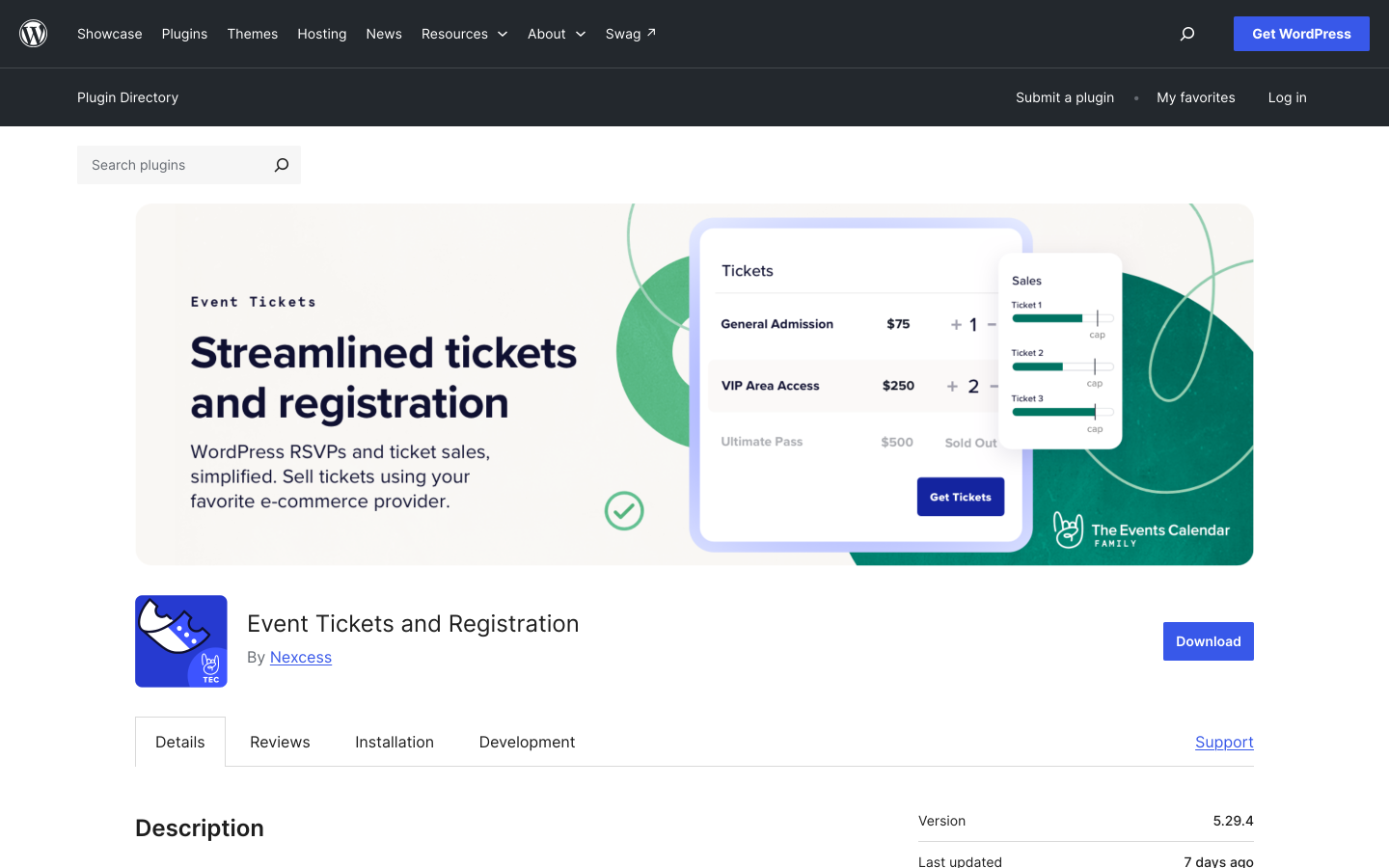
WooCommerce role: Optional, via the paid Event Tickets Plus add-on. Not required for core ticket sales.
Event Tickets is a free companion plugin for The Events Calendar (TEC), now maintained by Nexcess (formerly marketed under the StellarWP umbrella). The core plugin adds ticket sales via Tickets Commerce, which supports Stripe, PayPal, and Square as built-in gateways. A 2% platform fee applies on Stripe and Square transactions processed through the free tier; this fee is waived when the paid Event Tickets Plus add-on is installed. PayPal Standard does not carry the same commission in the basic setup.
WooCommerce enters the picture through Event Tickets Plus. Installing the paid add-on unlocks WooCommerce cart integration for events, letting buyers add event tickets to a shared WooCommerce cart alongside other products. Event Tickets Plus also removes the 2% Tickets Commerce fee, adds QR code check-in, and adds advanced attendee management and custom registration fields. Recurring events require Events Calendar Pro (a separate paid add-on). Reserved seating requires TEC Elite.
With 700,000-plus active installs across The Events Calendar ecosystem, this is the most widely deployed WordPress event platform by a significant margin. Theme compatibility and third-party integrations are broader than any newer alternative.
Key features:
- Free ticket sales via Tickets Commerce (Stripe, PayPal, Square); 2% fee on Stripe/Square, waived with Event Tickets Plus
- WooCommerce cart integration (Event Tickets Plus, paid)
- QR code check-in and custom registration fields (Event Tickets Plus)
- Reserved seating (TEC Elite, paid)
- Recurring events (Events Calendar Pro, paid)
- Widest install base and theme compatibility of any WordPress event platform
Pricing: Event Tickets plugin is free. Tickets Commerce is free but applies a 2% platform fee on Stripe and Square transactions. Event Tickets Plus (paid) removes the fee and adds WooCommerce cart, QR check-in, and advanced ecommerce. Check liquidweb.com/software/the-events-calendar for current pricing on Event Tickets Plus, Pro, and Elite.
Limitations: The 2% Stripe/Square fee in the free tier requires a paid upgrade to remove. QR scanning, PDF tickets, recurring events, WooCommerce cart, and reserved seating each require separate paid licenses on top of the base plugin. Sites with no existing TEC install may find an all-in-one plugin simpler to configure.
4. EventPrime
Best for: WordPress sites that want WooCommerce integration included in the free plan, with a single Professional license unlocking WooCommerce Checkout, Stripe, Square, and seat maps together
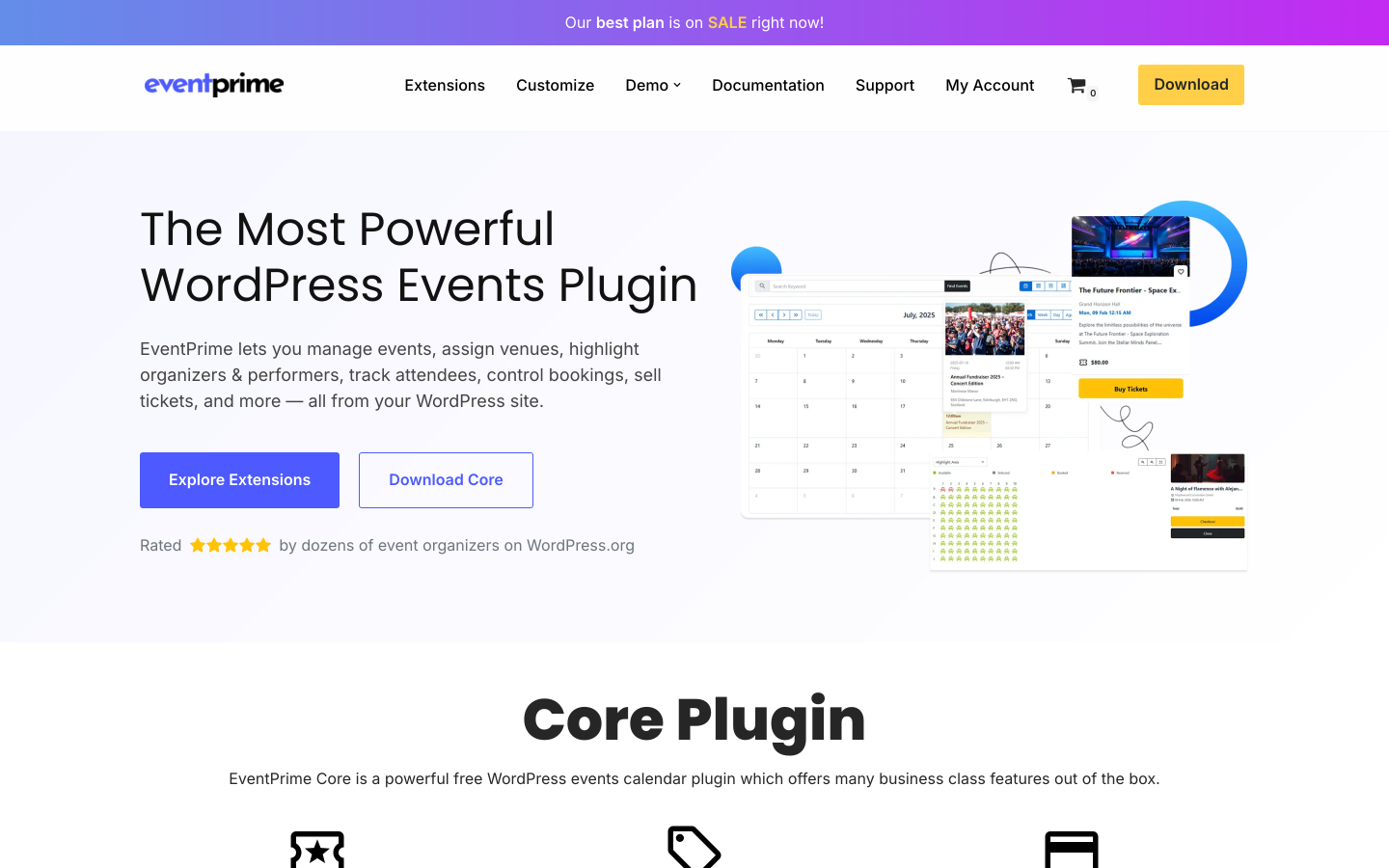
WooCommerce role: WooCommerce Integration is included in the free plan. WooCommerce Checkout as a payment gateway is part of the Professional plan ($99/year).
EventPrime is developed by Metagauss and covers event creation, ticketing, bookings, calendar display, venue and organizer management, recurring events, and a flexible extension system. It has 7,000-plus active installs on WordPress.org with a 4.5/5 rating.
EventPrime is notable in this comparison for including WooCommerce Integration at the free tier. This means even without paying, EventPrime can connect to WooCommerce data and settings. Upgrading to the Professional plan ($99/year) unlocks WooCommerce Checkout as a payment method, alongside native Stripe Payments, Square Payments, Discount Coupons, Invoices, Event Tickets with QR codes, and Live Seating. That is a meaningful set of features unlocked at a single price point without requiring separate gateway add-ons.
The free plan covers the event calendar, basic event creation, bookings, RSVP, Google Maps venue display, and the WooCommerce Integration extension. The Essential plan ($69/year) adds advanced checkout fields, guest bookings, MailChimp and MailPoet integration, and attendee management. The full ticketing and payment workflow sits in the Professional plan.
EventPrime runs frequent promotional sales; the prices listed above reflect the standard rates, which may be discounted at the time you check the official plans page.
Key features:
- WooCommerce Integration included in the free plan
- WooCommerce Checkout, Stripe Payments, and Square Payments in the Professional plan
- Event Tickets with QR codes (Professional)
- Live Seating / seat maps (Professional)
- Discount Coupons and Invoices (Professional)
- Zoom Integration (Professional)
- Event calendar, bookings, RSVP, and Google Maps venue display (free)
- 7,000-plus active installs; 4.5/5 from 84 WordPress.org reviews
Pricing: Free (WooCommerce Integration, basic calendar, bookings, RSVP). Essential: $69/year (advanced checkout fields, MailChimp, attendee list). Professional: $99/year (WooCommerce Checkout, Stripe, Square, Event Tickets, Seating, Invoices, Coupons, Zoom). Business: higher tier for additional enterprise features. Single-site and multi-site options available; check theeventprime.com for current pricing, as sale prices are common.
Limitations: Full ticketing and payment features require the Professional plan; the free plan covers event display and basic bookings without paid ticket sales. Pricing model has shifted to annual subscriptions; verify before purchasing. Recurring promotional discounts mean listed prices change frequently.
5. Eventin
Best for: Conferences, workshops, and structured events that need speaker profiles, multi-tier ticket types, and session schedules alongside ticketing, with WooCommerce payment integration available on paid plans
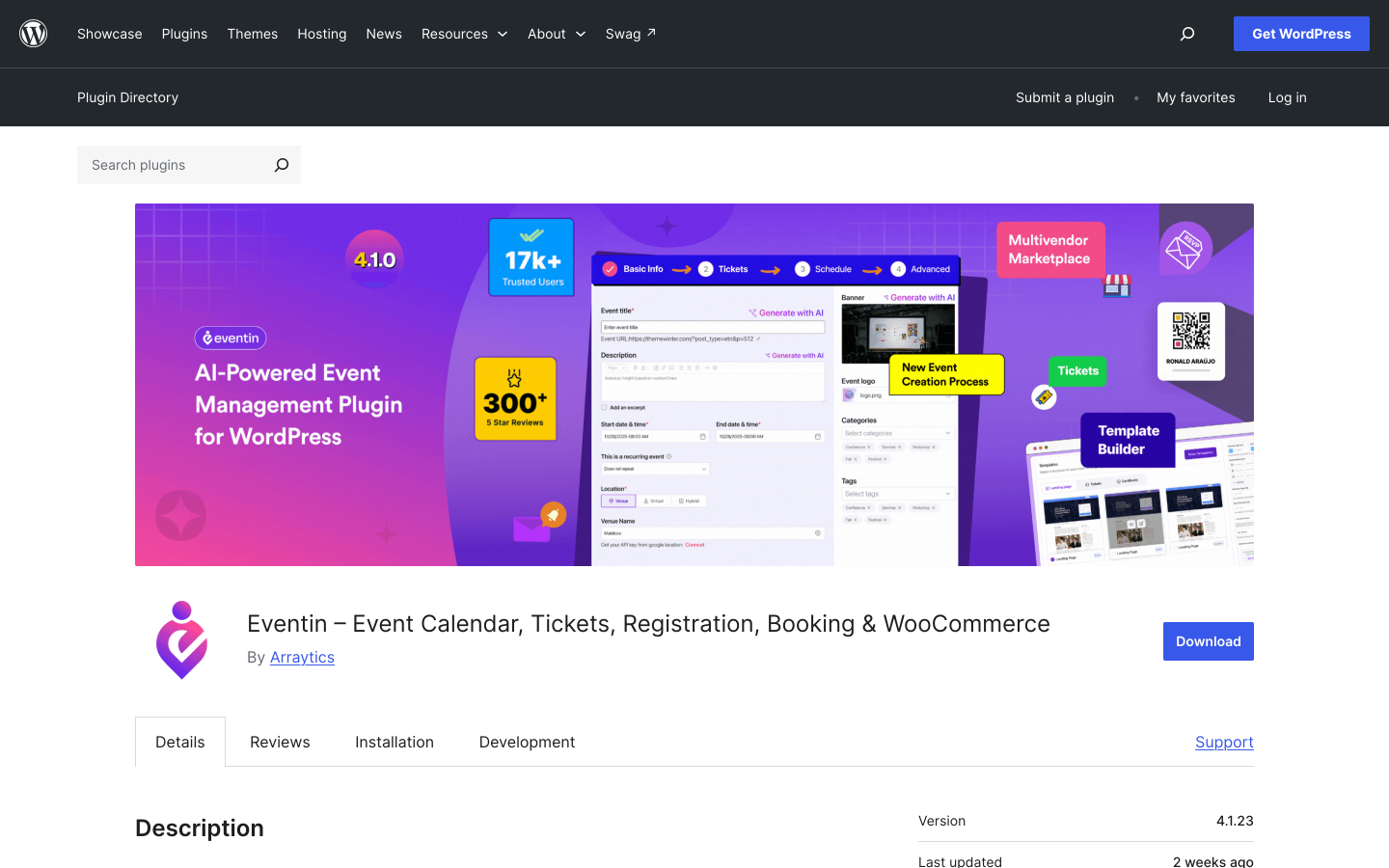
WooCommerce role: Available on paid plans. WooCommerce is not required for the core event and ticketing workflow.
Eventin by Arraytics (ThemeWinter brand) is the strongest option in this list for conference-style and multi-track event management. With 10,000-plus active installs and a 4.7/5 rating from 397 reviews on WordPress.org, it combines speaker management, session scheduling, event tracks, multi-tiered ticket types, QR code check-in, and seat maps in a single plugin. WooCommerce payment integration is available on Pro plans for organizers who want WooCommerce as a checkout option.
Multi-tiered ticket types are a key differentiator: Early Bird, VIP, General Admission, Group, and custom tiers each carry their own price, capacity, and availability window. Per-tier limits mean a venue can sell 50 Early Bird tickets, then switch to 200 General Admission automatically as each tier sells out.
The free version provides a basic event calendar. The features that differentiate Eventin from a simple calendar plugin (multi-tier ticketing, QR check-in, seat maps, and WooCommerce payment) require a Pro license.
Key features:
- Multi-tiered ticket types with per-tier capacity and availability windows
- Speaker profiles with photos, bios, and session assignments
- Event schedule with session time blocks, tracks, and filtering
- QR code ticket generation and mobile check-in
- Visual seat plans for assigned-seat events (Pro)
- WooCommerce payment integration (Pro)
- RSVP forms and recurring event support (Pro)
- AI-assisted event description generation
- 4.7/5 rating from 397 WordPress.org reviews
Pricing: Free version on WordPress.org (basic calendar). Pro Standard: from $89/year (2 domains). Pro Small Business: from $165/year (100 domains). Pro Agency: from $179/year (unlimited domains). Lifetime options available. Promotional discounts of up to 70% off are frequently active; verify current pricing at themewinter.com/eventin/pricing.
Limitations: Speaker management, multi-tier ticketing, seating, and WooCommerce integration require a Pro license. For events that do not need speaker profiles or session schedules, the additional complexity may be unnecessary overhead. Gateway range is narrower than Tickera or FooEvents without WooCommerce.
6. Tickera
Best for: Event organizers who want 19 built-in payment gateways without requiring WooCommerce, plus optional WooCommerce Bridge for 100-plus additional gateway options, with a lifetime license available
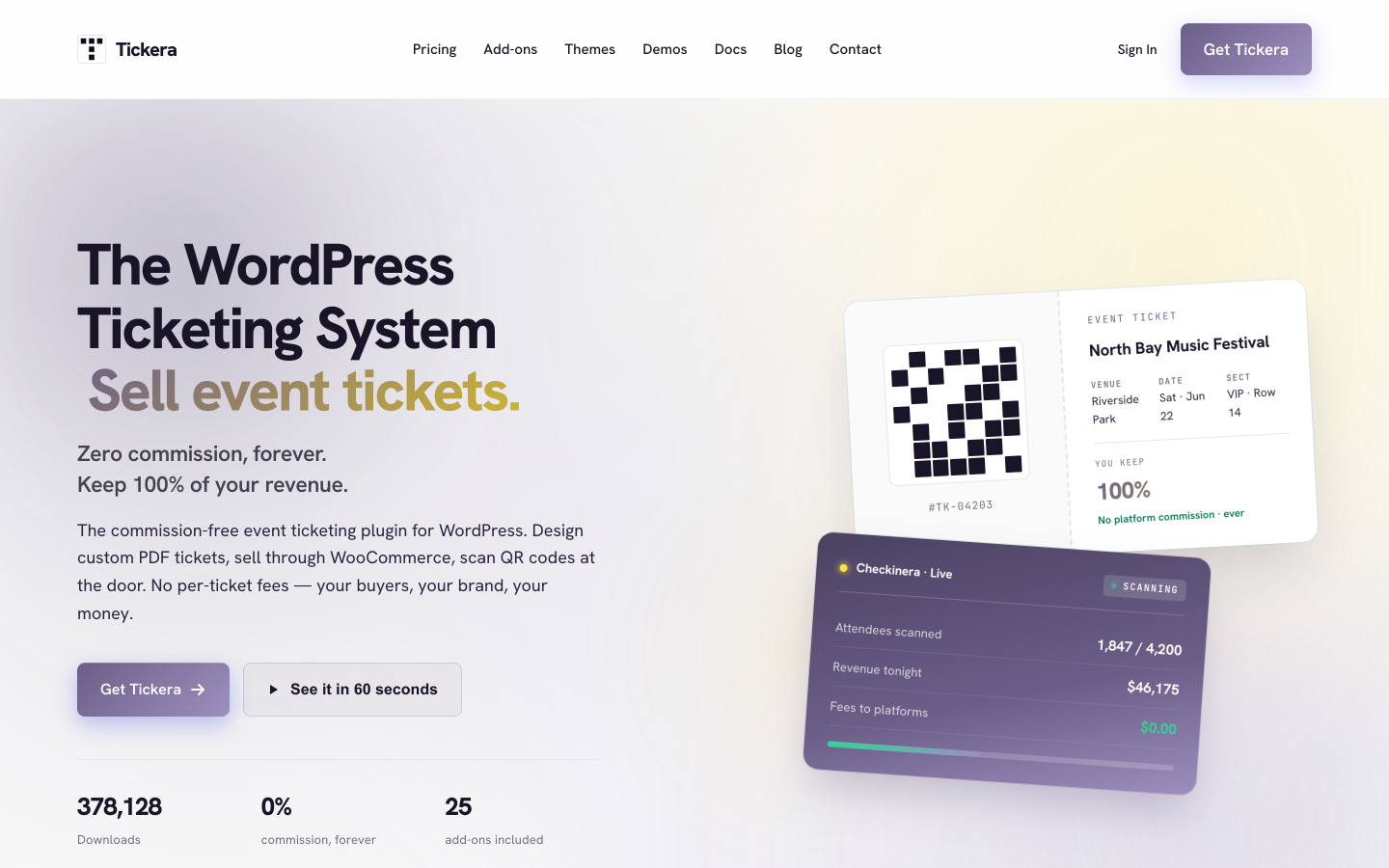
WooCommerce role: Optional via the WooCommerce Bridge add-on (included in Bundle and Lifetime plans).
Tickera is built around a gateway-first premise: 19 payment gateways are included directly in the plugin, so basic ticket sales do not require WooCommerce at all. Adding the WooCommerce Bridge (available in the Bundle and Lifetime plans) connects Tickera to the full WooCommerce gateway ecosystem, covering 100-plus additional options including Square, Klarna, and regional providers. This makes Tickera particularly useful for organizers who need a specific regional gateway that is only practical through WooCommerce but who do not want to build their entire event workflow on WooCommerce.
Every Tickera plan covers unlimited sites, unlimited events, unlimited attendees, PDF tickets with QR codes and email receipts, and free iOS and Android check-in apps (the Checkinera app). Zero platform commission applies at every tier. A Lifetime license ($399 one-time, unlimited sites, all add-ons) is available for organizers who prefer a one-time purchase over a subscription.
Tickera does not include a public-facing event calendar for browsing upcoming events the way dedicated calendar plugins do. Sites that need a searchable event listing page typically pair Tickera with a separate calendar plugin.
Key features:
- 19 built-in payment gateways, no WooCommerce required for core ticket sales
- WooCommerce Bridge adds 100-plus additional gateways (Bundle and Lifetime plans)
- Zero platform commission on all plans
- Unlimited sites, events, and attendees on all plans
- PDF tickets with QR codes and email receipts
- Checkinera iOS and Android check-in apps (free, all plans)
- Seating Charts add-on (Bundle and Lifetime)
- Discount codes and custom attendee forms (Bundle)
- Lifetime license available
Pricing: Standard $149/year first year (renews at $99/year, 1 year activation included). Bundle $199/year first year (renews at $149/year, all 25 add-ons including WooCommerce Bridge). Lifetime $399 one-time (all add-ons, unlimited sites, no renewal). 7-day money-back guarantee.
Limitations: No built-in event calendar frontend for public event listings. Recurring event support is limited compared to dedicated event management plugins. The 7-day refund window is the shortest of any plugin on this list.
7. Events Manager
Best for: Event organizers who need the most complete free event registration and management workflow in WordPress, with WooCommerce cart checkout available as an optional add-on for paid ticket sales
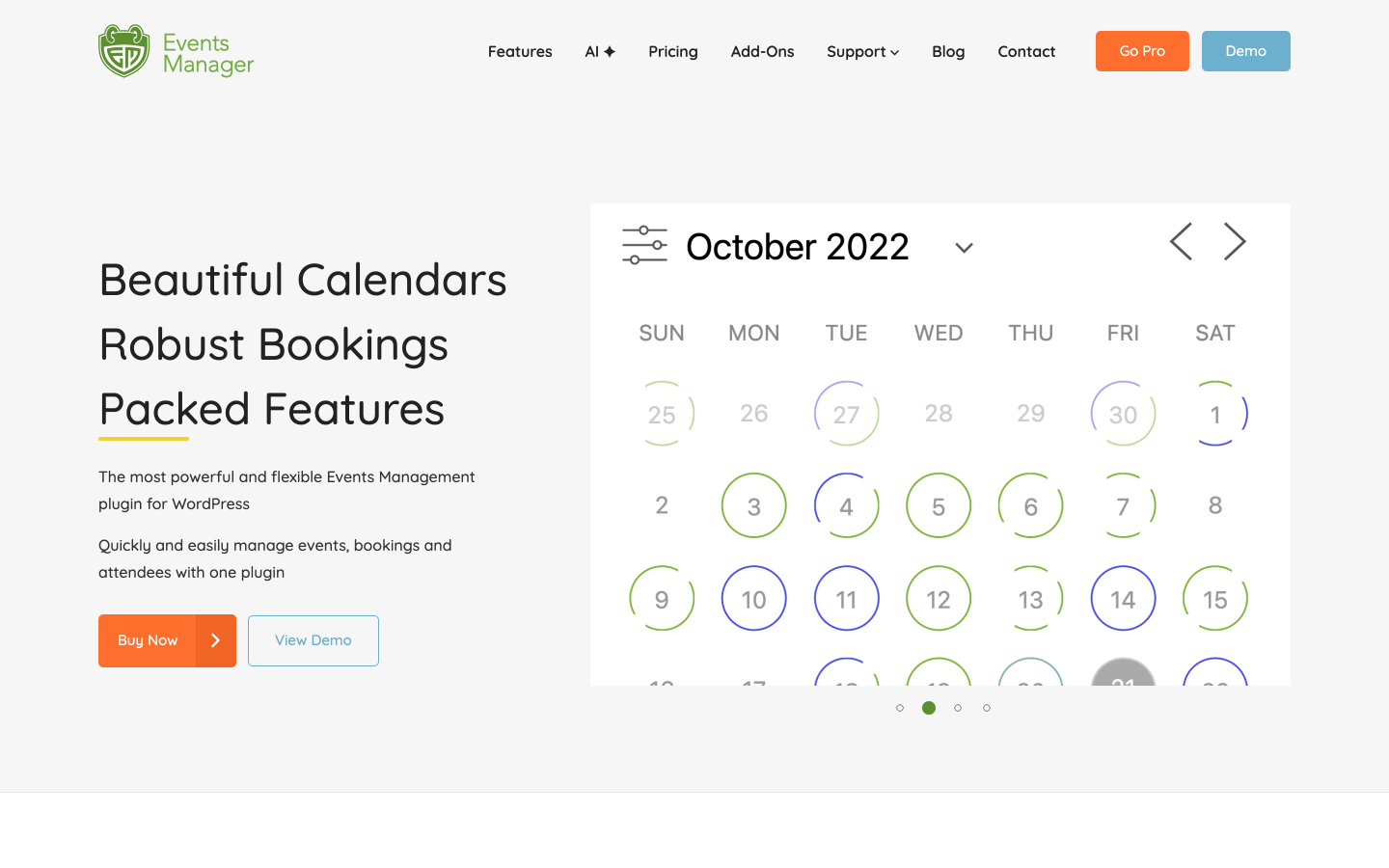
WooCommerce role: Optional (Pro). WooCommerce cart checkout for events is a Pro feature.
Events Manager offers the most generous free version of any registration-focused plugin in this list. The free plugin has 70,000-plus active installs and a 4.2/5 rating from 547 reviews on WordPress.org. It covers booking management, unlimited recurring events, Google Maps integration, and attendee limit controls. Custom confirmation emails, waiting list support, and Zapier and webhook integration for CRM sync all come at no cost too.
Payment processing (Stripe, PayPal, Authorize.net) and WooCommerce cart checkout require the Pro license. The WooCommerce integration in Events Manager Pro lets buyers add event bookings to a WooCommerce cart, useful for stores that want events and products in the same transaction. PDF QR code tickets also require Pro.
For organizers whose primary need is free event registration with payment as a secondary requirement, Events Manager's free version covers more ground than almost any competing free plugin.
Key features:
- Booking management and attendee tracking (free)
- Unlimited recurring events with daily, weekly, and monthly patterns (free)
- Google Maps venue integration and multi-location support (free)
- Zapier and webhook automation for CRM sync (free)
- WooCommerce cart checkout for event bookings (Pro)
- Stripe, PayPal, and Authorize.net payment gateways (Pro)
- QR code ticket generation and PDF ticket delivery (Pro)
- 70,000-plus active installs; 4.2/5 from 547 WordPress.org reviews
Pricing: Free core plugin on WordPress.org. Pro from $99/year (1 site, core features) or $129/year (1 site, all add-ons). Multi-site licenses at higher tiers. Check wp-events-plugin.com for current pricing.
Limitations: Payment gateway support, PDF tickets, QR codes, and WooCommerce cart checkout all require the Pro license. Seating maps and timed entry are not available even in Pro. The admin interface is visually older than more recent plugins.
8. Event Espresso
Best for: Established WordPress sites that want a mature ticketing and registration platform with multi-day event support, a long add-on ecosystem, and WooCommerce integration available through the All Access plan
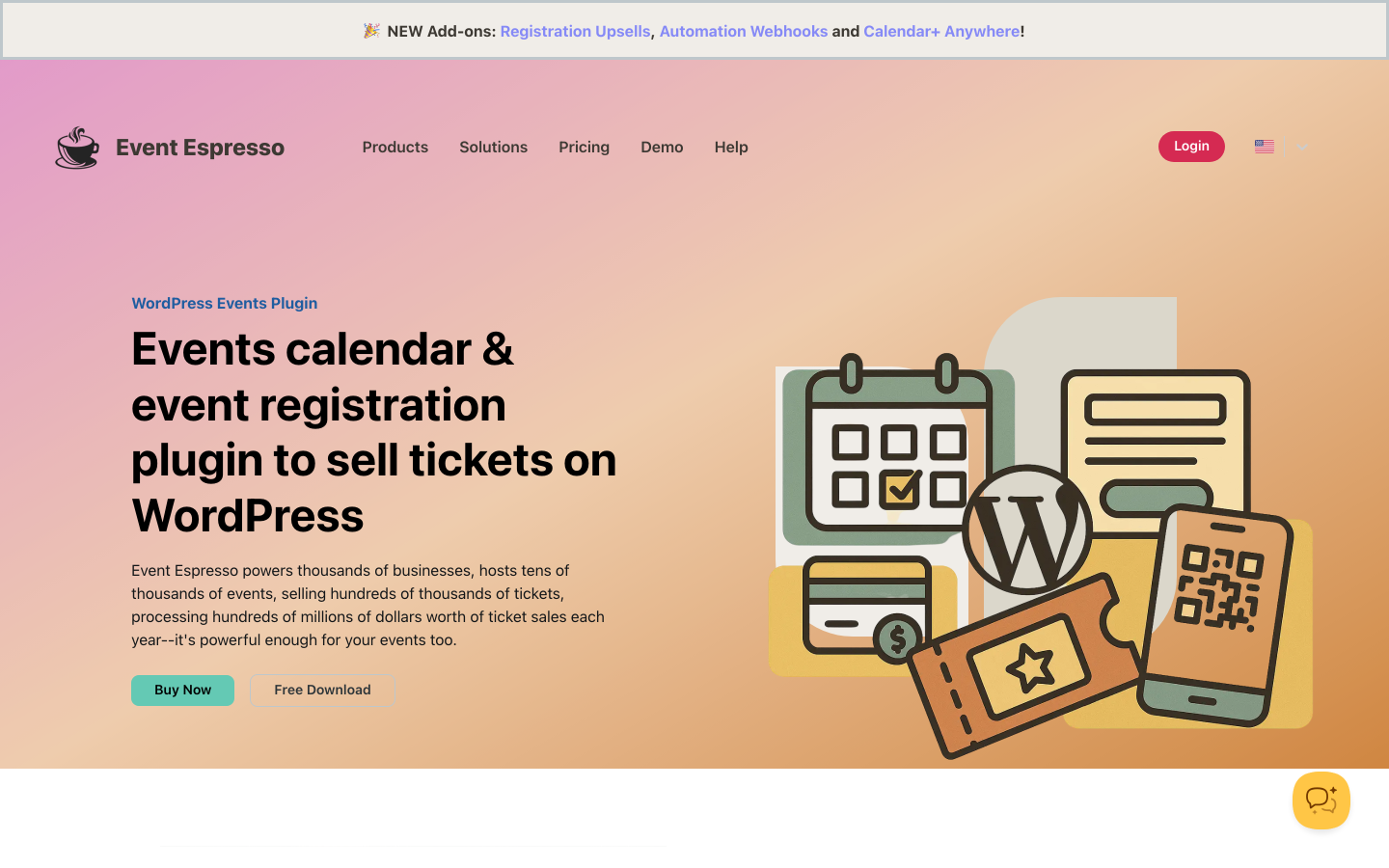
WooCommerce role: Available via the add-on catalog on the Core and All Access plans.
Event Espresso is one of the longest-running dedicated event ticketing plugins for WordPress. The Decaf (free) plan includes unlimited events and registrations with PayPal checkout, but applies a 3% platform fee per ticket. The Core plan ($129/year) removes the commission, enables compatibility with 30-plus add-ons including WooCommerce integration, adds multi-day event support, and opens up advanced registration form customization. The All Access plan ($399/year) unlocks every available add-on, including additional payment gateways, an affiliate module, and mobile app branding.
Event Espresso is more configuration-intensive than newer plugins and its admin interface reflects its age. For organizations with complex event structures, multi-day programs, and a need for an extensive add-on catalog, it provides a comprehensive platform. The WooCommerce integration is part of the add-on ecosystem available from the Core plan upward.
Key features:
- Unlimited events and registrations on all plans
- PayPal payments on Decaf (free); WooCommerce and 30-plus gateway add-ons on Core and All Access
- Multi-day event support and advanced form customization (Core and above)
- Custom ticket types, early-bird pricing, and discount codes
- CSV export and attendee management reports
- Mobile app (add-on) for check-in and on-site management
- 0% commission on Core and All Access plans
Pricing: Decaf (free): PayPal only, 3% per-ticket platform fee. Core: $129/year (0% commission, 30-plus add-on compatibility, WooCommerce integration available). All Access: $399/year (all add-ons, affiliate module, premium support). 14-day money-back guarantee.
Limitations: Decaf plan applies a 3% fee per ticket. Admin UI is more complex than newer alternatives. All Access at $399/year is significantly higher than entry-level competitors for comparable functionality.
Frequently Asked Questions
Is WooCommerce required to sell event tickets on WordPress?
No. Most plugins on this list include their own checkout without WooCommerce. Eventnetic integrates Stripe and PayPal directly into its checkout from the Starter plan, and WooCommerce on Elite. From Starter plan ($99/year). Tickera includes 19 built-in payment gateways with no WooCommerce dependency. Event Espresso includes PayPal on its free Decaf plan. Events Manager Pro supports Stripe, PayPal, and Authorize.net independently.
The exception is FooEvents, which requires WooCommerce to function. If you do not already run WooCommerce, FooEvents is not a practical starting point for event ticketing.
When does a dedicated event ticketing plugin outperform a WooCommerce-based approach?
A dedicated ticketing plugin is the better choice when your events involve any of the following. Recurring dates, such as weekly classes or monthly screenings, with per-date capacity and pricing. Reserved seating with a visual seat map buyers click to pick their seats. QR code tickets where one code admits exactly one person to one specific date. Timed entry slots that cap attendance per time window. Or deposits that take partial payment now and the rest closer to the event.
WooCommerce handles product sales well, but these event-specific requirements either need stacked extensions in WooCommerce or are handled natively by dedicated ticketing plugins. For a deeper look at event-specific features beyond the WooCommerce angle, the best WordPress event plugins guide covers the full picture.
Which plugin gives me both WooCommerce checkout and a full ticketing feature set?
Eventnetic provides ticketing from its Starter plan ($99/year for one site). It is purpose-built for event ticketing: QR check-in, recurring dates, deposits and timed entry on Starter, seat maps and per-date pricing on Pro. WooCommerce is available as an optional payment method on Elite, alongside Stripe and PayPal. WooCommerce store owners can route ticket purchases through their existing WooCommerce checkout while still using Eventnetic's native ticketing engine. The Pro plan ($199/year) extends coverage to five sites.
EventPrime's Professional plan ($99/year) also combines WooCommerce Checkout with Stripe, Square, Event Tickets, and seat maps in one license. FooEvents makes WooCommerce checkout central, but requires WooCommerce as a dependency rather than treating it as one optional payment option among several.
What is the difference between an event ticketing plugin and an appointment booking plugin?
An event ticket plugin sells fixed-date, fixed-capacity access to an event: a concert on Saturday at 8pm has 200 seats, and each buyer gets a ticket for that specific show. An appointment booking plugin routes an individual customer to a specific staff member during an available time slot, as used by salons, clinics, and consulting services.
The workflows are distinct: event ticketing is about filling a shared capacity on a fixed date, while appointment booking is about matching one person to one available provider slot. If your site needs both, a dedicated appointment booking plugin handles the appointment side, while Eventnetic handles the event ticketing side. You can run both plugins on the same WordPress site.
Which plugin on this list has the best free plan?
Eventnetic's free plan is the most complete for event ticketing: it includes unlimited active events, unlimited bookings, multiple ticket types at custom prices, 15-trigger email automation, check-in by name or booking code, and a full analytics dashboard. Paid plans add online card payments (Stripe, PayPal, and WooCommerce), recurring dates with per-date pricing, seat maps, PDF tickets with QR check-in, custom attendee forms, deposits, invoices, waiting lists, and messaging notification channels via Twilio (exact plan allocation at eventnetic.com/pricing).
Events Manager's free plugin is the strongest for event registration without ticketing: unlimited recurring events, booking management, Google Maps, Zapier, and waiting lists are all free, though payment gateways and QR tickets require Pro. EventPrime's free plan includes WooCommerce Integration and a capable event calendar but reserves ticketing and payment gateways for paid tiers.
Final Verdict
For most WordPress sites selling event tickets, Eventnetic is the clearest starting point regardless of WooCommerce status. The free plan handles unlimited events and bookings with offline payment, and the Starter upgrade ($99/year) adds Stripe and PayPal, PDF tickets, QR check-in and recurring dates, with zero platform commission. Seat maps and waiting lists are on Pro at $199. For WooCommerce stores that want event tickets to flow through the existing WooCommerce checkout, WooCommerce is available on Elite as an optional payment method from the same $99/year Starter plan, with no higher tier required.
FooEvents is the right choice if WooCommerce is already central to your site and you want events treated as WooCommerce products with access to 100-plus gateways. The WooCommerce dependency is a feature, not a limitation, for stores built around the WooCommerce ecosystem.
EventPrime's Professional plan stands out for organizers who want WooCommerce Checkout, Stripe, Square, seat maps, and event tickets in a single license at $99/year. Tickera is the best option for organizers who want maximum gateway choice across 19 built-in options and the ability to add WooCommerce via the Bridge add-on without making WooCommerce core to the setup.
Event Tickets (TEC) is the natural choice for sites already running The Events Calendar. Eventin suits conferences and multi-track events where speaker management and structured session schedules matter as much as ticket sales. Events Manager is the strongest free registration platform when payment is a secondary concern and WooCommerce cart checkout is a Pro add-on rather than a requirement. Event Espresso works for complex, multi-day programs where the depth of the add-on catalog justifies the price.
The WooCommerce question comes down to one practical test: does your site already run WooCommerce for other purposes? If yes, a plugin that integrates with WooCommerce checkout gives buyers a familiar flow. If not, adding WooCommerce purely for event tickets introduces more overhead than the benefit justifies, and a standalone dedicated plugin with its own checkout is the faster, simpler path to selling your first ticket.


