Check-in
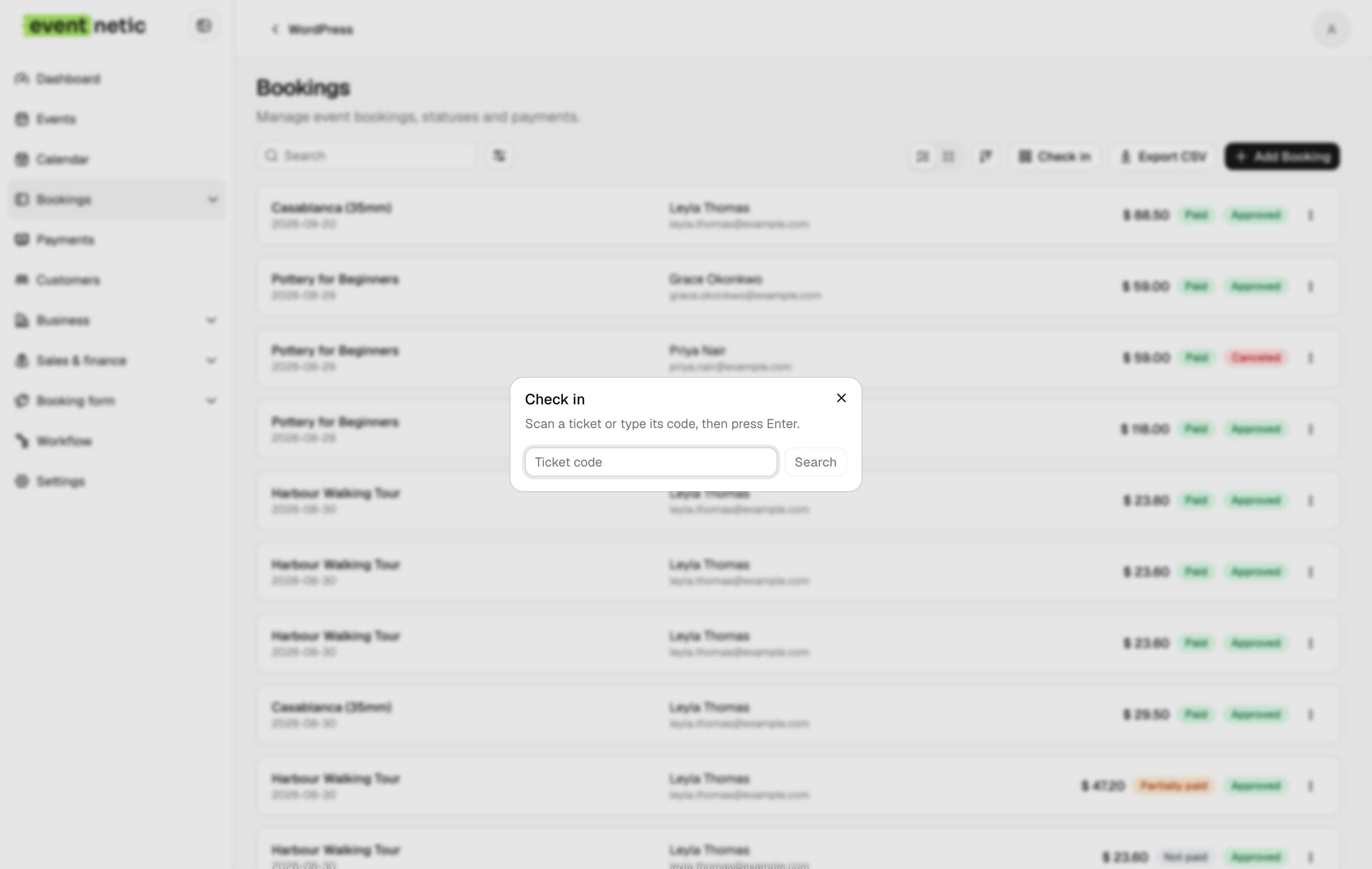
Scan a ticket or search a name: the door looks the ticket up first, admits on a second press, and counts who is inside.
The door is where a booking system is judged, and it is usually judged in the rain with a queue forming.
By name or booking code
The door list has its own place in the menu and opens on tonight's date. It is a search box: type part of a name, an email address or a booking code and tick the person off. No app, no hardware, and it works when somebody has left their ticket at home, which they will.
By scan
The check-in field takes a code from any barcode scanner that types, or from a phone camera app that reads the QR code on the ticket. It looks the ticket up first and shows whose it is, then admits on a second press, so a code typed one character wrong never uses up somebody else's ticket. Each code admits one person.
Once per evening
A course or a pass is let in once on each of its dates. When the scan cannot tell which evening somebody is arriving for, it asks. Most tickets cover one date and answer for themselves.
Who is inside
A running count of how many have arrived against how many were sold, per event and per date. It is the number the fire officer asks for, and the number that tells you whether to wait another ten minutes before starting.
Checking somebody in can fire a workflow, so a message can go out the moment they arrive.
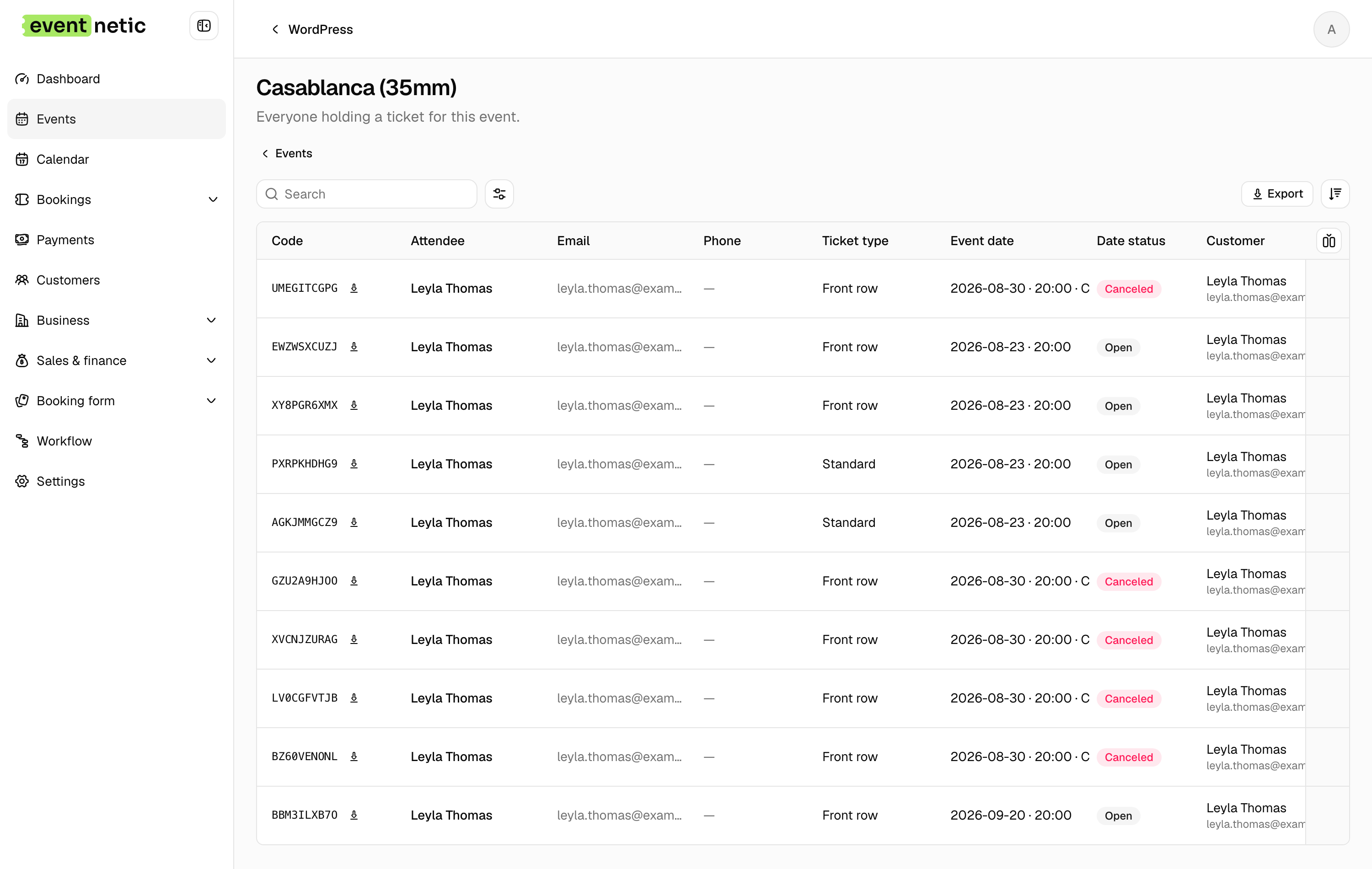
More in Tickets and check-in
What the customer arrives holding, and how you get them through the door.