PDF tickets
Branded PDF tickets with a QR code per seat, designed in the editor and attached to the confirmation email.
The customer arrives holding something of yours, not a booking number in an email.
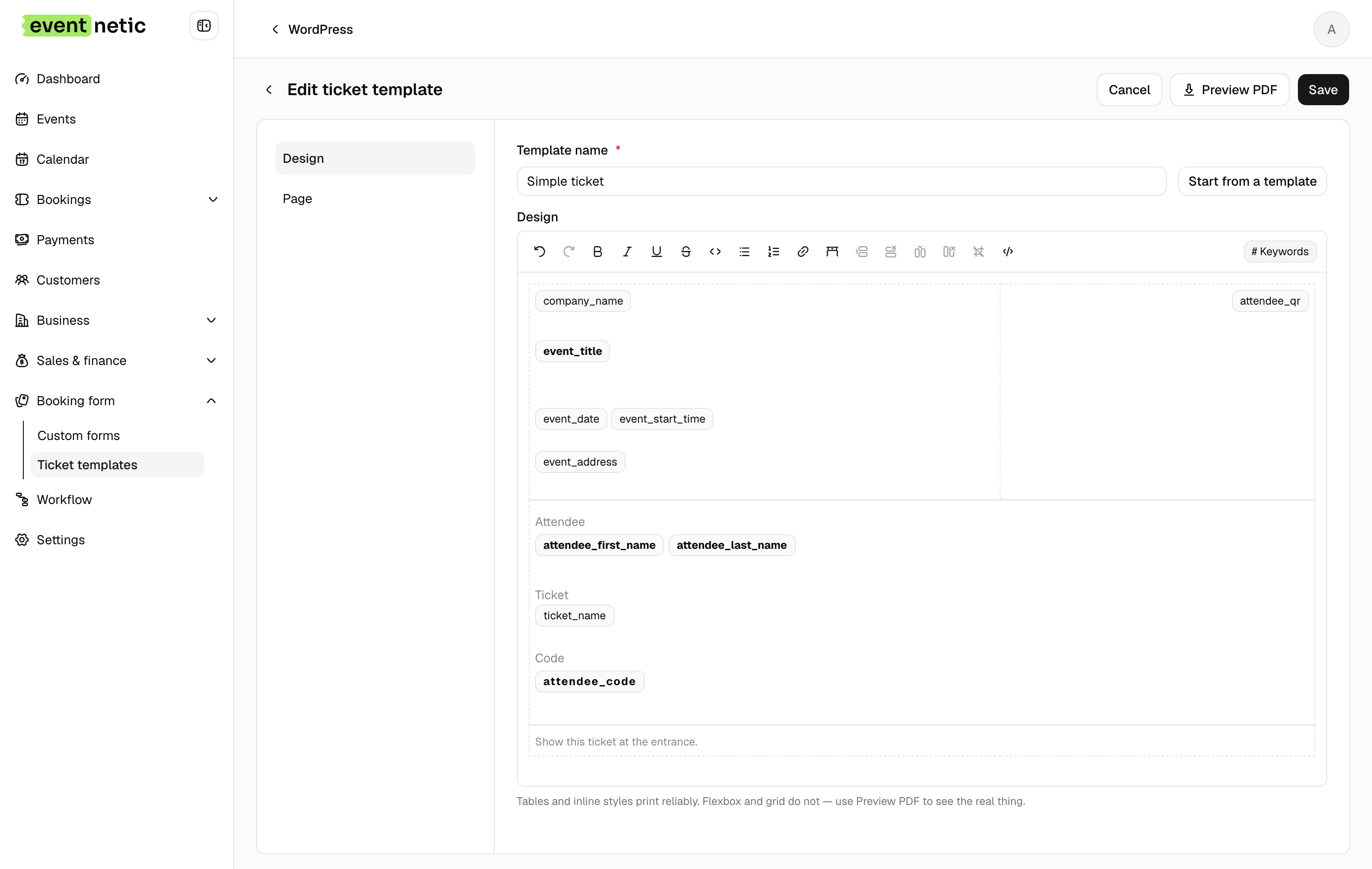
Designed, not configured
The template editor is a page you lay out: your logo, your wording, your colours. Start from a preset and change it, or start from nothing.
Paper size A4, A5, A6 or Letter, portrait or landscape. Placeholders drop in the event, the date, the venue, the seat, the customer and the price, and the editor previews them with sample values so you can see the finished thing while you work.
Templates are chosen per ticket type, so the VIP pass does not have to look like the standing ticket.
A code per seat, not per booking
A booking for four produces four codes. Each admits one person, which is what lets a group arrive separately and still get in one at a time.
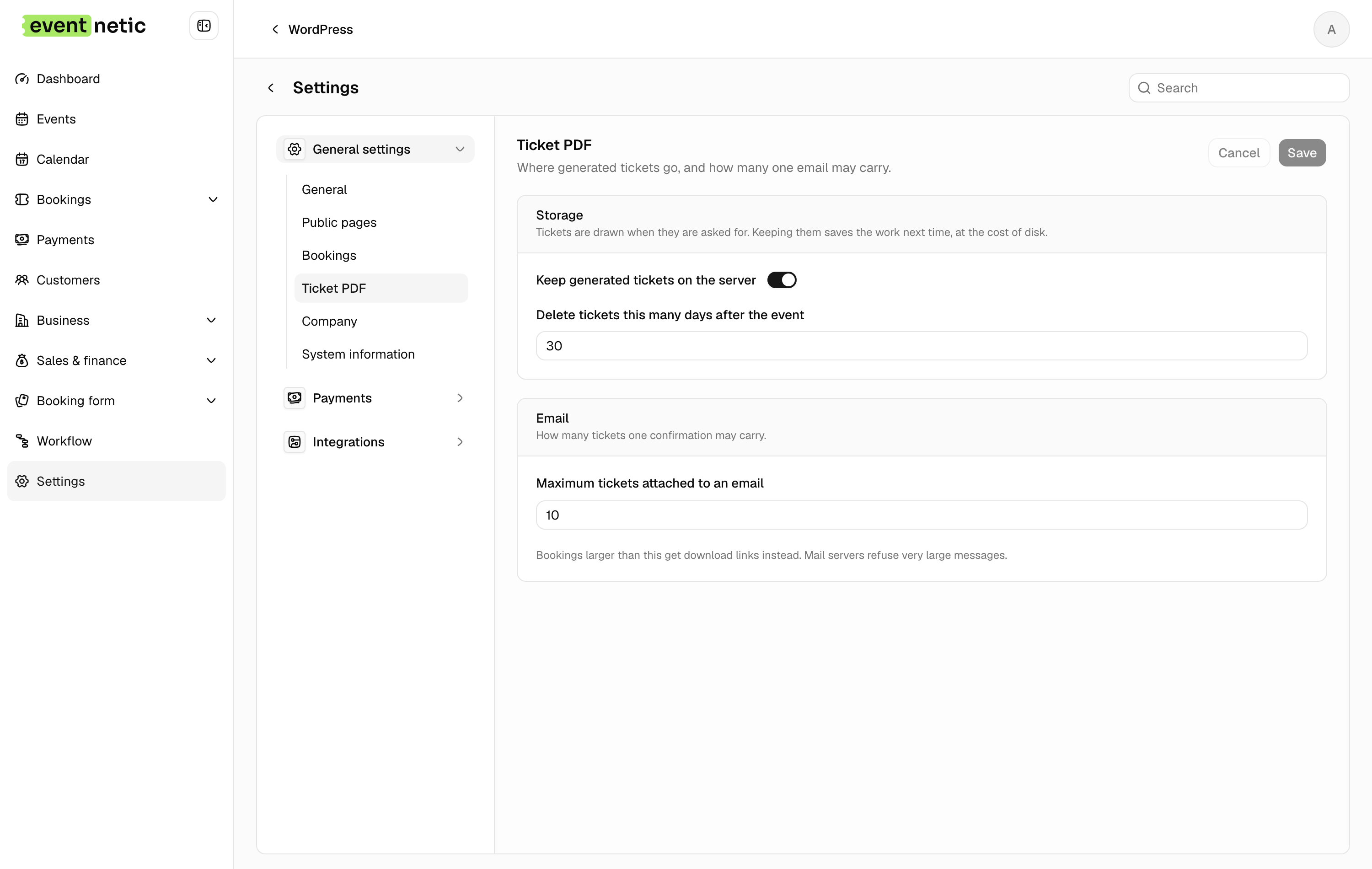
The PDF is attached to the confirmation email automatically, and the customer can fetch it again from their own bookings page.
More in Tickets and check-in
What the customer arrives holding, and how you get them through the door.