Payments
Stripe, PayPal and WooCommerce, or cash at the door: money goes into your own accounts, with deposits and part payments.
The money goes from your customer to your account. We never see it and never take a percentage of it.
Cash, transfer, terminal
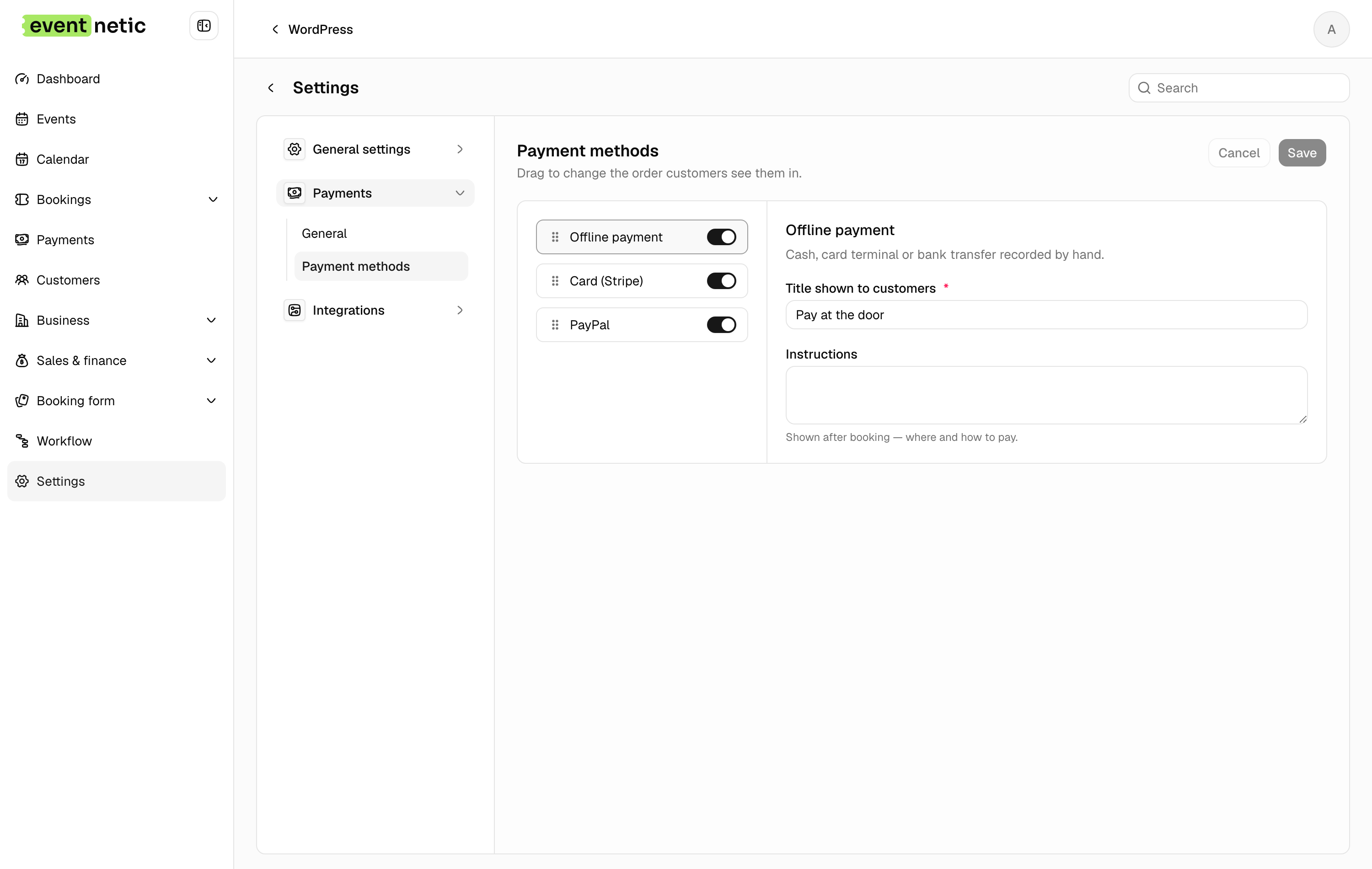
Included in the free plugin. The booking is made, marked as owing, and settled when the money arrives. Payment instructions of your own are shown on the confirmation page and can go out with the confirmation email, so a bank transfer arrives with a reference you can recognise.
A bank transfer can take a deposit too. The confirmation page says how much to send now, and messages can say it with a placeholder, so the first transfer secures the booking and the rest follows.
Money taken at the desk is recorded with the booking as you save it: see the box office.
Cards
Stripe and PayPal, connected to your own accounts. WooCommerce too, if you already sell through it and would rather keep one basket and one set of orders.
No commission from us on any sale, on any plan.
A different set for one event
Every event offers the methods switched on in your settings, unless it says otherwise. A trip paid weeks ahead can take bank transfer only, a one-night show card only. An event can even use a method switched off for the rest of the site.
Deposits and part payments
Take a fixed amount or a percentage now and the rest on the night. The booking shows what has been paid and what is still owed, the balance is chased by a workflow rather than by you, and the customer can pay it from their own bookings page.
It is what makes an expensive booking possible for somebody who cannot pay for all of it in March.
More in Payments
Money into your own accounts, with the paperwork that goes with it.
Taxes
VAT or sales tax, percentage or fixed, included in the price or added on top, per event, category or venue.
Discount codes
Percentage or fixed discounts, limited by date, by number of uses, by customer, by event or by ticket type.
Invoices
Numbered PDF invoices from a series of your own, with prefixes, padding and a yearly reset.
Extras sold with the ticket
Sell a glass of champagne, a parking space or a programme alongside the ticket, for the whole booking or for each guest, each with its own price and its own stock.