
A WordPress calendar plugin is not the same as a WordPress event plugin. The distinction matters before you install anything. Event plugins are built around the checkout workflow: ticket creation, payment processing, PDF ticket delivery, and door check-in. Calendar plugins are built around display and browsing: a month or week grid where visitors can see what is happening, filter by category, and add events to their own Google Calendar or Apple Calendar. Many sites need one of these. Some need both, and run them together.
This guide covers the best WordPress calendar plugins for display, scheduling, and event browsing: month/week/day views, recurring event display, iCal export, Google Calendar feeds, sidebar widgets, category filters, and mobile-friendly calendar design. If your primary need is selling tickets, collecting registrations, or managing attendees, see the guide to best WordPress event plugins for that workflow.
All features and pricing reflect publicly documented information as of 2026. Verify current pricing at each plugin's official site before purchasing.
What Makes a Good WordPress Calendar Plugin?
Not all calendar plugins cover the same display scenarios. Some are built as month-grid widgets; others render full-page agenda views with filtering and discovery features. The criteria used to evaluate each plugin in this list:
- Calendar views: Does the plugin include month, week, day, and list/agenda views? Can visitors switch between them on the frontend?
- Recurring event display: How does the plugin render a recurring event across multiple dates? Does each occurrence appear correctly on the calendar, or do you see only the first date?
- Widgets and blocks: Does the plugin include a Gutenberg block, classic widget, or Elementor/Divi integration for embedding a calendar in a sidebar or page section?
- Category and tag filters: Can visitors filter events by category, tag, location, or event type without a page reload?
- iCal export and import: Can visitors export events to their own calendar app (Google Calendar, Apple Calendar, Outlook)? Can the plugin import events from an iCal feed?
- Google Calendar sync: Can the plugin pull events from a Google Calendar feed and display them on the WordPress calendar?
- Mini calendar widget: Does the plugin include a compact mini-calendar for sidebars or footers, linking each date to event listings?
- Mobile responsiveness: Does the calendar render correctly on phones and tablets, where date cells are narrow?
- Design customization: Can you change calendar colors, typography, and layout without custom CSS?
- Free plan utility: What calendar display features are available without paying?
Quick Comparison: Best WordPress Calendar Plugins
| Plugin | Month view | Week view | iCal export | Google Calendar feed | Recurring display | Free plan |
|---|---|---|---|---|---|---|
| The Events Calendar | Yes (free) | Pro (paid) | Yes (free) | Yes (via import) | Pro (paid) | Yes |
| Sugar Calendar | Yes (free) | Yes (free) | Yes (free) | No native | Plus (paid) | Yes (Lite) |
| Modern Events Calendar | Yes | Yes | Yes | Yes (import) | Yes | No (premium only) |
| Event Organiser | Yes (free) | No | Yes (free) | CSV/iCal import | Yes (free) | Yes |
| Simple Calendar by Feedzy | Yes | No | No | Yes (core feature) | Via feed | Yes |
| WP Event Manager | Add-on | Add-on | Add-on | No native | Yes | Yes (listing view) |
| Amelia | Yes | Yes | Add to Calendar | Google Calendar sync (paid) | Yes | Yes (limited) |
| Eventnetic | No (grid/list only) | No | No | No | Yes | Yes |
The Best WordPress Calendar Plugins
1. The Events Calendar
Best for: sites that need the most widely deployed WordPress calendar with strong theme compatibility, a solid free month-grid view, and a growing ecosystem of add-ons
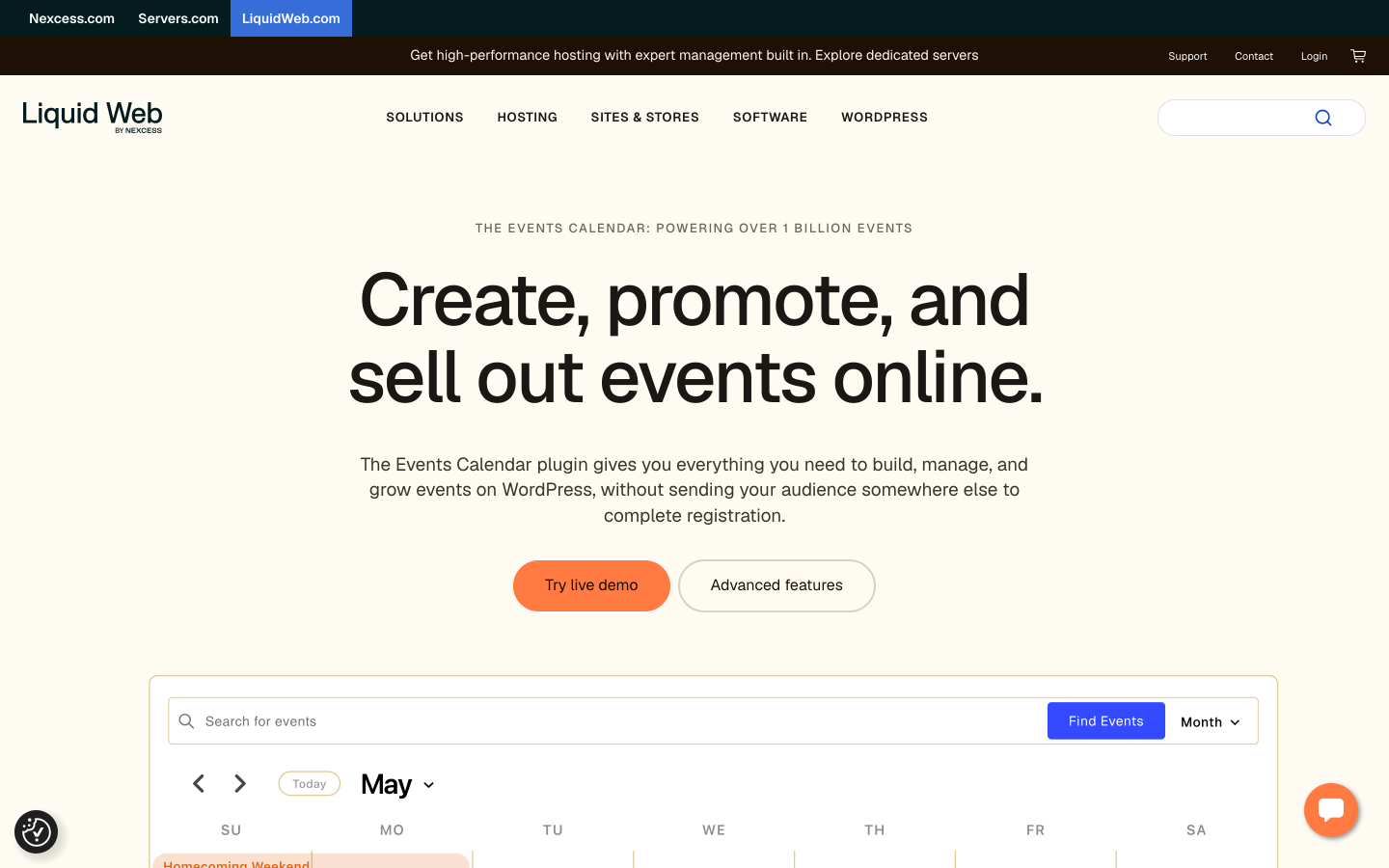
The Events Calendar, now published by Liquid Web after StellarWP was retired in April 2026, is the most installed WordPress event calendar plugin by a significant margin: over 700,000 active installs, 4.2/5 from more than 2,400 reviews on WordPress.org. The free plugin covers everything most sites need for calendar display. That means a month view with day navigation, a list view of upcoming events, and venue and organizer pages. It also adds Google Maps on event detail pages and iCal export, so visitors can subscribe from their own calendar app. Events can be filtered by category, venue, and organizer in the frontend listing.
The free plugin's calendar display is solid and production-ready for many use cases. Week view, additional calendar views (photo, map, summary, countdown), and recurring event support are in the paid Events Calendar Pro add-on. For sites that need public calendar browsing of non-ticketed events, the free Events Calendar core plugin is often sufficient without any paid upgrade.
Calendar display features:
- Month grid view with single-day event detail navigation (free)
- List/agenda view of upcoming events, filterable by category and venue (free)
- Venue pages with Google Maps and organizer profile pages (free)
- iCal feed export and Subscribe to Calendar buttons (free)
- Category color coding for visual distinction of event types (free)
- Week view, day view, photo grid, and map view (Events Calendar Pro, paid)
- Recurring event display with weekly, monthly, and custom patterns (Events Calendar Pro, paid)
- Mini calendar widget for sidebars (free)
- Gutenberg blocks, classic widgets, and shortcodes (free)
- Import from CSV, iCal, Google Calendar, and Facebook Events (free importer plugin)
Pricing: The Events Calendar core plugin is free on WordPress.org. Events Calendar Pro pricing is listed on theeventscalendar.com; verify current rates before purchasing.
Limitations: Week view and recurring events are not in the free plugin. The free calendar frontend looks functional but plain without custom CSS or a compatible theme. For sites that need the full calendar experience from day one, upgrading to Pro is necessary.
2. Sugar Calendar
Best for: WordPress sites using the block editor that want a clean, modern calendar look with minimal configuration and built-in iCal export
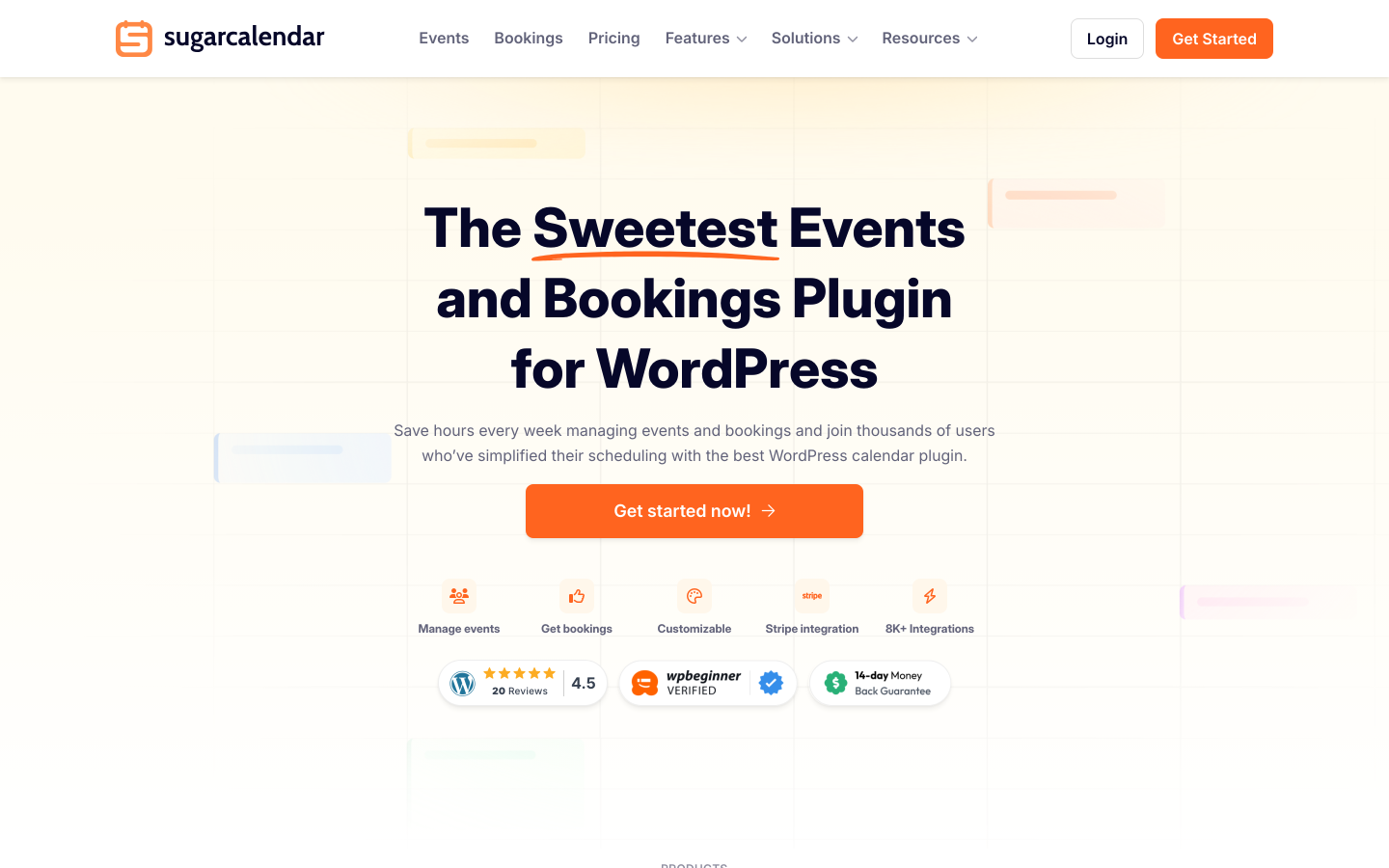
Sugar Calendar is backed by the WPBeginner team and positions itself as the lightweight, well-designed alternative to the feature-heavy Events Calendar. The free Lite version has 10,000-plus active installs and a 4.4/5 rating from 23 reviews on WordPress.org. It includes month, week, and day calendar views, a mini calendar widget for sidebars, and iCal/ICS feed export. You also get Add to Calendar buttons for Google, Outlook, and Apple Calendar, event categories with color coding, and CSV export. These are all available in the free tier.
The Lite version also includes Stripe ticket selling (with a 3% platform fee per order), which is unusual for a free calendar plugin. For sites where calendar display is the main need and ticket sales are a secondary feature, Sugar Calendar Lite covers both without a paid plan. Recurring events and RSVP management require upgrading to the Plus plan ($99.50/year).
Calendar display features:
- Month, week, and day views via Gutenberg blocks, Elementor, or shortcodes (free Lite)
- Mini calendar sidebar widget (free Lite)
- iCal/ICS feed export and Add to Calendar buttons for Google, Outlook, and Apple Calendar (free Lite)
- Event categories with color coding (free Lite)
- Recurring events with daily, weekly, monthly, and custom patterns (Plus and above)
- RSVP management dashboard (Plus and above)
- One-click migration from The Events Calendar
- Mobile-responsive calendar display included
Pricing: Sugar Calendar Lite is free. Basic: $49.50/year (1 site). Plus: $99.50/year (1 site, recurring events and RSVP). Pro: $199.50/year (3 sites). Elite: $299.50/year (10 sites). 14-day money-back guarantee.
Limitations: Recurring events are not in the free version; Plus is required. No native Google Calendar feed integration (it reads iCal, not a live Google Calendar API connection). Smaller add-on ecosystem than The Events Calendar.
3. Modern Events Calendar
Best for: sites that need the richest variety of calendar display formats out of the box, including masonry grids, sliders, timelines, and geolocation maps
Modern Events Calendar (MEC) by Webnus is a premium-only plugin (the free Lite version was removed from WordPress.org in 2022) that offers the most display formats of any calendar plugin in this list. Out of the box, MEC renders events in: monthly grid, list, agenda, tile/masonry, timeline, slider/carousel, photo grid, and geolocation map views. Visitors can switch between views on the frontend. This breadth makes MEC the strongest choice for event directories, venues, and tourism organizations where visual variety and discovery matter.
Recurring events are supported with daily, weekly, monthly, and custom scheduling patterns, and each occurrence displays correctly across all calendar views. Events can be imported from Google Calendar, iCal feeds, and Facebook Events. Elementor, Divi, and Beaver Builder widgets are included. The geolocation map view and location-based filtering are particularly useful for city-wide event listings or multi-venue organizations.
Calendar display features:
- Monthly grid, list, agenda, masonry, timeline, slider, photo grid, and geolocation map views
- Frontend view switcher so visitors can choose their preferred display format
- Recurring events with daily, weekly, monthly, and custom patterns
- Category and location filters with Ajax filtering (no page reload)
- Geolocation map view for location-based event browsing
- Import from Google Calendar, iCal feeds, and Facebook Events
- iCal export and Add to Calendar for visitors
- Elementor, Divi, and Beaver Builder widgets included
- Color coding by category across all view types
- Shortcodes and widgets for sidebar mini-calendars
Pricing: From $89/year for a single-site license (no free version). Verify current pricing at webnus.net as promotional rates are frequently updated.
Limitations: No free version. Premium-only means a cost commitment before testing on your site (though a demo is available at webnus.net). Configuration depth for multiple view types can take time to set up correctly.
4. Event Organiser
Best for: multilingual sites and European organizers who need robust recurring event display with 40-plus built-in language support in the free plugin
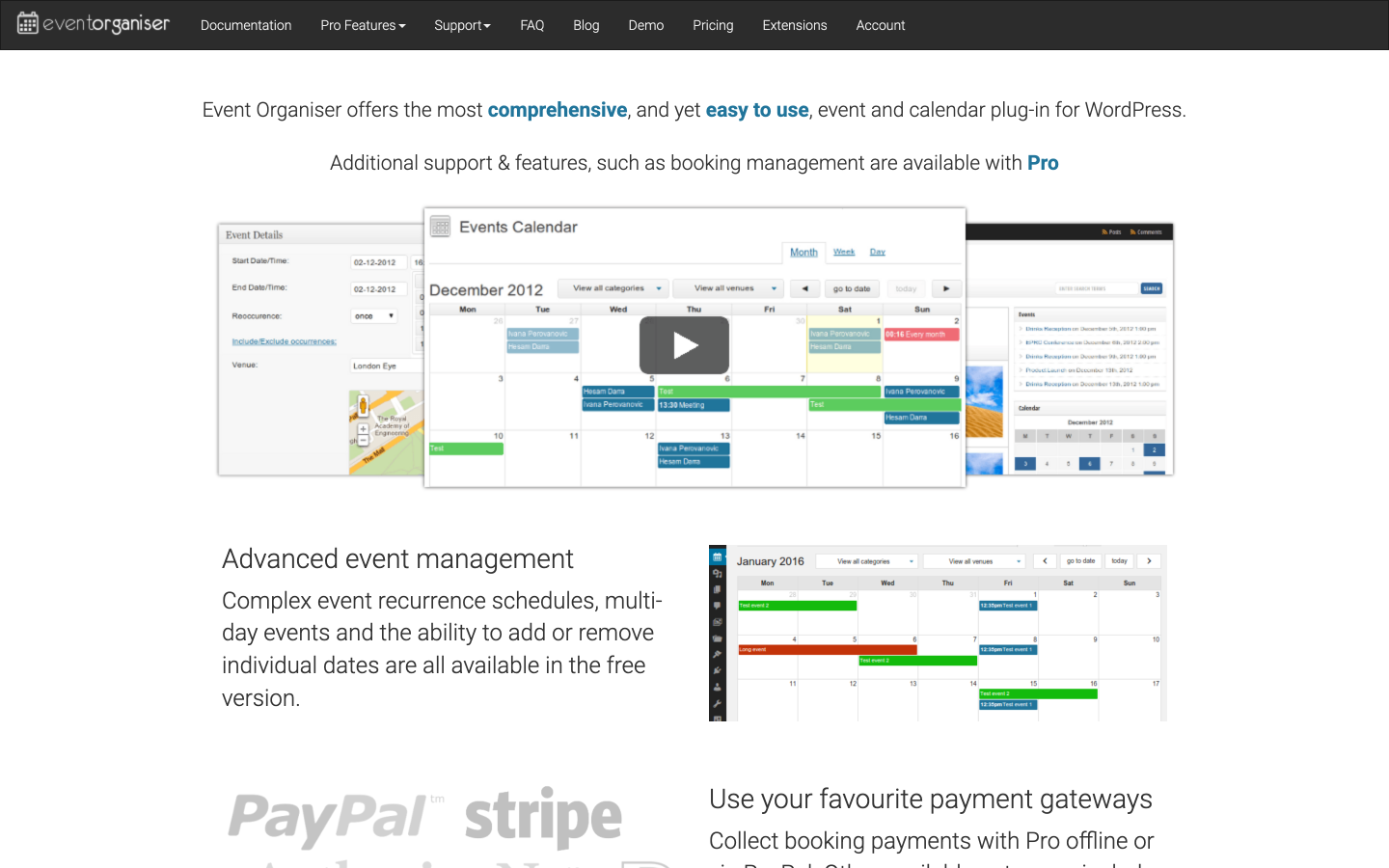
Event Organiser is one of the highest-rated event plugins on WordPress.org (4.6/5 from 139 reviews, 20,000-plus active installs) and one of the few where recurring event support is completely free. The free version handles recurring events with granular scheduling rules (every N days, weeks, months, with exclusion dates and occurrence limits), venue management with dedicated pages, a frontend calendar shortcode with month-grid and list views, and CSV import/export. iCal feed export is also in the free version, so visitors can subscribe to your events from their calendar app without any paid upgrade.
The plugin natively supports over 40 languages without requiring WPML or Polylang, making it particularly valuable for European event organizers running multilingual WordPress sites. The Pro version adds Stripe payments, customizable booking forms, discount codes, and iCal sync. For sites where calendar display and recurring event scheduling are the primary need, Event Organiser covers both without a paid plan.
Calendar display features:
- Month-grid and list calendar views via shortcode or widget (free)
- Recurring events with daily, weekly, monthly, and custom rules (free)
- Venue pages with Google Maps (free)
- iCal feed export for visitor calendar subscriptions (free)
- CSV import and export for event data (free)
- 40-plus built-in language support, no WPML required (free)
- iCal sync with external calendars (Pro, Business license)
- Venue map markers on calendar pages (Pro, Business license)
Pricing: Free core plugin on WordPress.org. Pro: Personal from £50/year (1 site); Business from £90/year (5 sites, iCal sync and venue markers); Developer from £120/year (10 sites, all extensions). The plugin continues to work after license expiry; renewal at a discount restores updates and support.
Limitations: The frontend calendar design looks older than Sugar Calendar or Modern Events Calendar. Week view is not included. The admin interface reflects the plugin's age, though it is reliable and well maintained.
5. Simple Calendar (Google Calendar Feed) by Feedzy
Best for: sites that already manage events in Google Calendar and want to display them on a WordPress page without re-entering event data
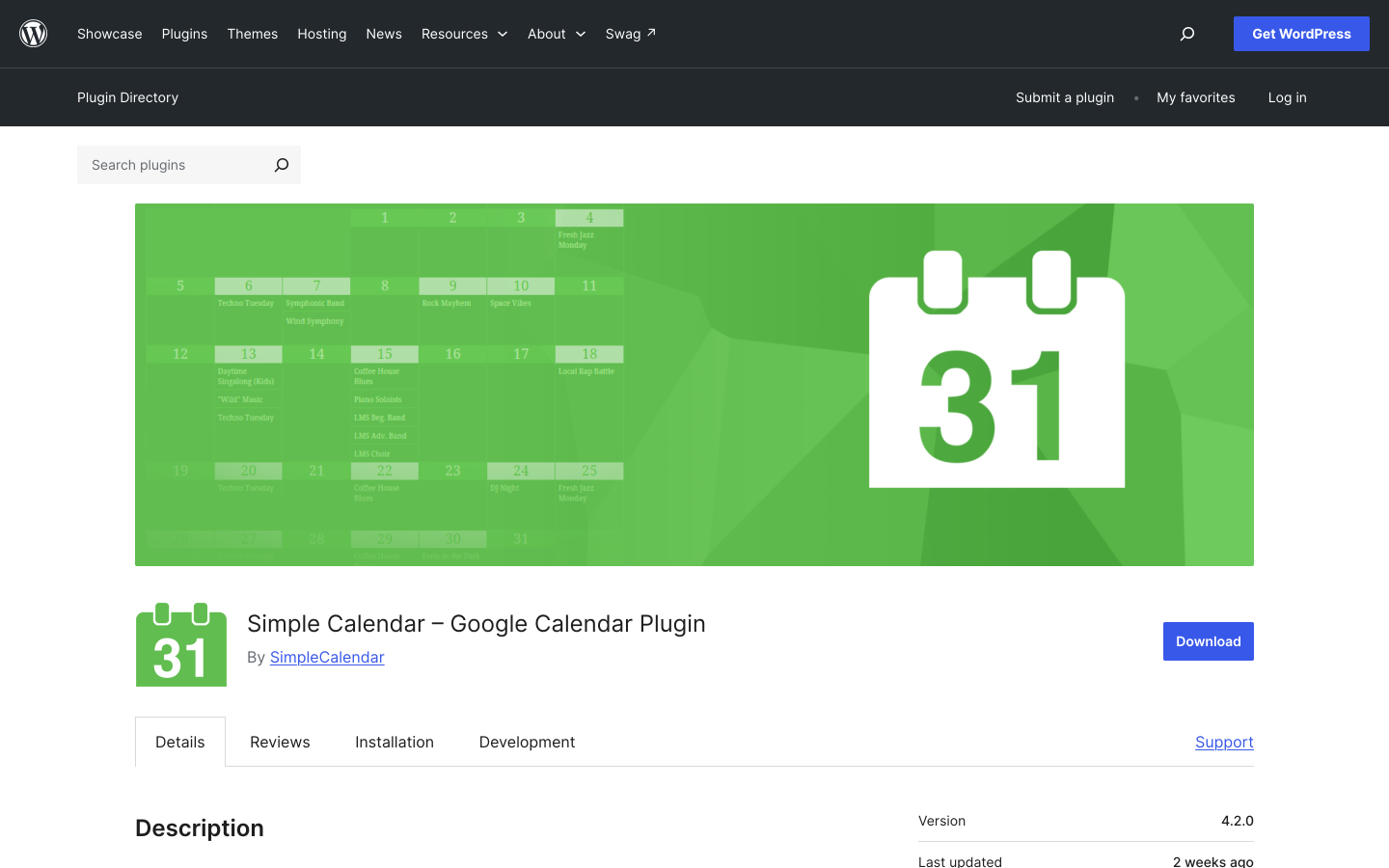
Simple Calendar, formerly Google Calendar Events and now maintained by Feedzy, takes a different approach from every other plugin in this list. It does not create events inside WordPress. It pulls them from an existing Google Calendar feed and displays them on your site. With 70,000-plus active installs and a 4.3/5 rating from 353 reviews on WordPress.org, it is the most widely used WordPress plugin for this specific use case.
The free version connects to any public or private Google Calendar, reads the event feed, and renders it in a monthly grid or list view. No duplicate data entry is required: update the event in Google Calendar and the WordPress calendar updates automatically. Recurring events in Google Calendar are displayed correctly because they are inherited from the feed. The Pro version adds agenda view, advanced filtering by calendar color/tag, customizable event cards, and multiple display templates.
Calendar display features:
- Connects directly to Google Calendar public or private feeds (free)
- Monthly grid and list views rendered from the Google Calendar data (free)
- Recurring events displayed automatically via the Google Calendar feed (free)
- Events update in real time as you edit them in Google Calendar (free)
- Shortcode and block for embedding the calendar in any page or widget area (free)
- Agenda view and advanced filtering (Simple Calendar Pro)
- Multiple display templates and customizable event card design (Simple Calendar Pro)
Pricing: Free core plugin on WordPress.org. Simple Calendar Pro pricing is on the Feedzy/Simple Calendar website; verify current rates before purchasing.
Limitations: This plugin is only useful if you are willing to manage events in Google Calendar. If you want to create events inside WordPress, this is not the right tool. No native iCal export for visitors (events are displayed, not exported). Ticket sales, registration, and attendee management are out of scope for this plugin.
6. WP Event Manager
Best for: event directory sites that need fast Ajax-based filtering for large event listings, with a calendar add-on available for those who need a grid view
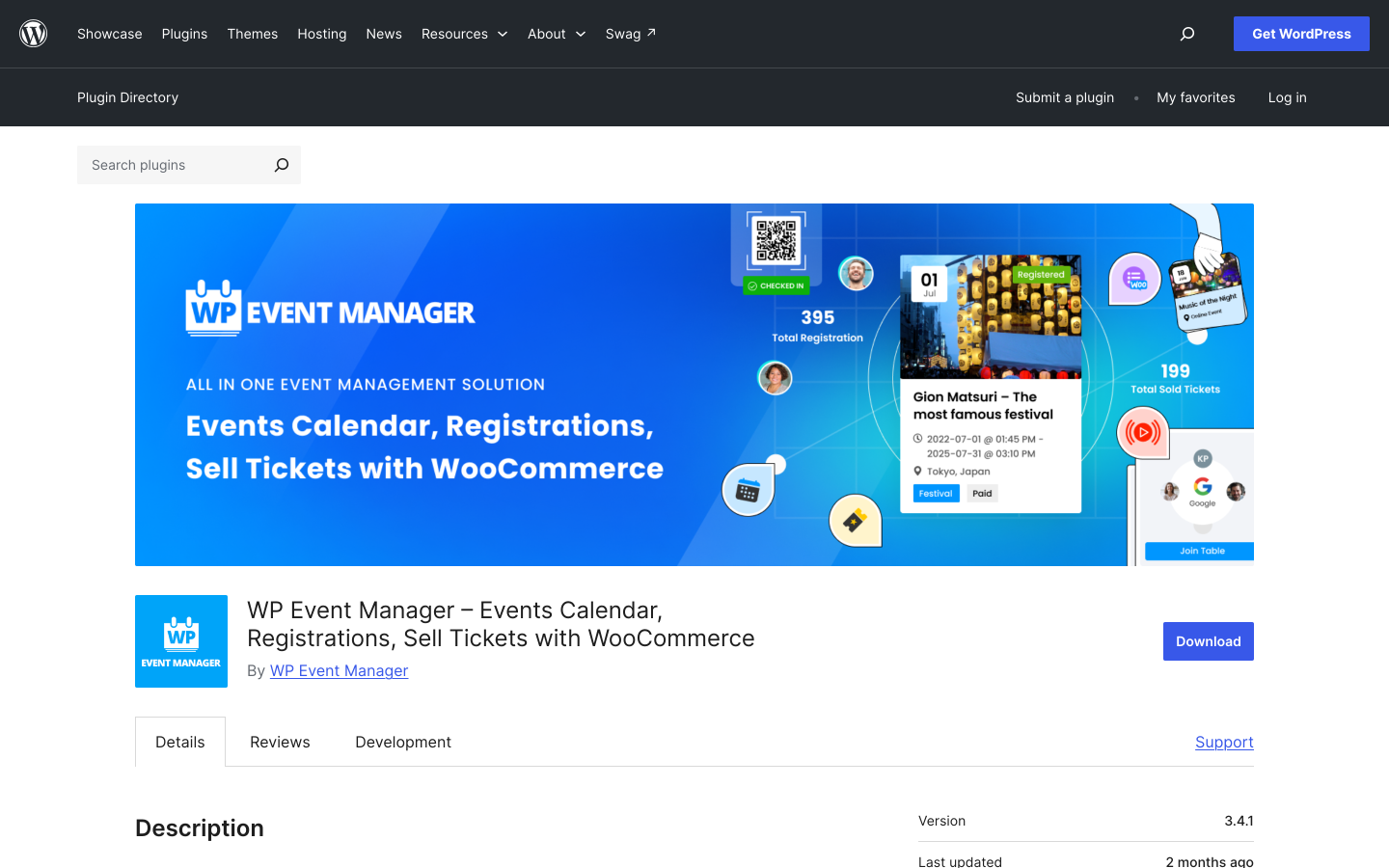
WP Event Manager takes a job-board-style approach to events: the free plugin provides an event listing frontend with Ajax-based filtering by location, category, and keyword. With 20,000-plus active installs and a 4.0/5 rating from 246 reviews on WordPress.org, it has a strong niche as a fast, filterable event directory engine. The calendar view (monthly grid) is available as a paid add-on rather than in the free plugin.
For sites building an event directory where fast filtering by location and category is more important than a traditional month-grid calendar, WP Event Manager is a practical choice. Frontend event submission by registered users or guests is included in the free version, making it suitable for community event directories where organizers add their own events. Recurring events and iCal export are supported.
Calendar display features:
- Ajax-powered event listing with location, category, and keyword filtering (free)
- Frontend event submission by users or guests (free)
- Recurring events and multi-day event support
- iCal feed export (add-on)
- Calendar grid view (paid add-on)
- Google Maps venue display (paid add-on)
Pricing: Free core plugin on WordPress.org. Add-on packs: Plus $99/year, Pro $199/year (includes most add-ons), All Pro $399/year. Check the official website for current pricing.
Limitations: The calendar grid view requires a paid add-on, not included in the free plugin. If a month-grid calendar is the primary requirement, The Events Calendar or Sugar Calendar are more direct choices. WP Event Manager is strongest as a listing and directory engine rather than a visual calendar.
7. Amelia
Best for: service businesses and class studios that need a booking calendar for appointments and group sessions with a built-in scheduling interface
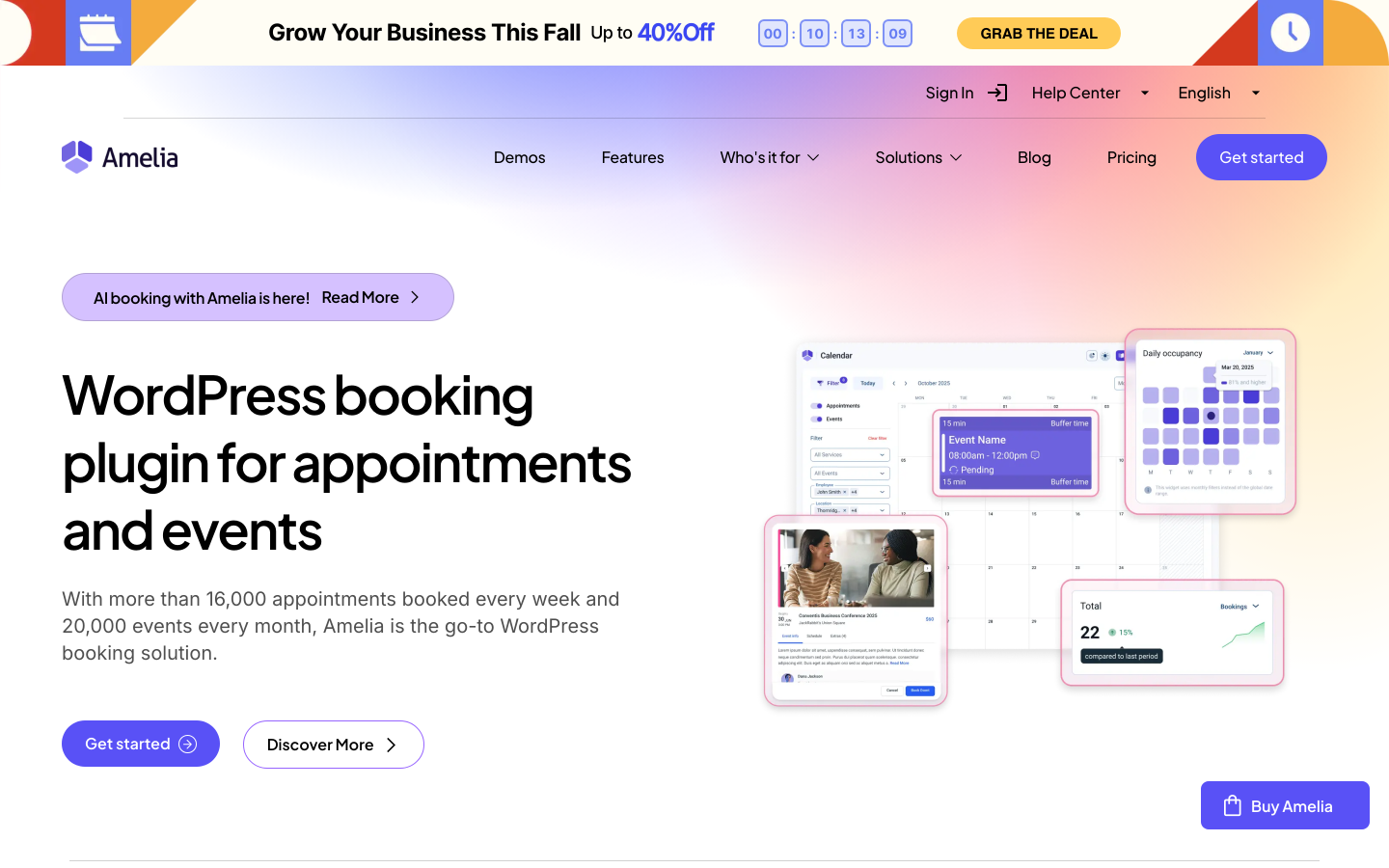
Amelia is primarily a booking and appointment plugin, but its calendar views are relevant for a specific use case: businesses that run scheduled services or classes and need a public-facing calendar where customers can browse available slots and book directly. The plugin includes month and week views, group class scheduling with capacity limits, recurring class support, and Google Calendar two-way sync (paid plans). Unlike pure calendar display plugins, Amelia is built around the booking flow, so the calendar is the entry point to a checkout rather than a read-only display.
For yoga studios, fitness centers, cooking schools, or service businesses where visitors need to see a schedule and book a spot in one flow, Amelia covers both the calendar display and the booking transaction in a single plugin. For sites where calendar display is purely informational (no booking), other options in this list are better fits.
Calendar display features:
- Month and week calendar views for browsable service/class schedules
- Group class scheduling with capacity limits and recurring support
- Google Calendar two-way sync (paid plans)
- Add to Calendar buttons for confirmed bookings
- Category and service filtering on the frontend calendar
- Mobile-responsive booking calendar interface
- Gutenberg blocks and shortcodes for embedding
Pricing: Amelia Lite is free on WordPress.org (limited features). Basic plan from $59/year (1 site). Pro: $109/year (3 sites). Developer: $209/year (unlimited sites). Check wpamelia.com for current pricing. 30-day money-back guarantee.
Limitations: Amelia is a booking plugin first. If you need a read-only public event calendar with no booking flow, the Amelia interface may be more than you need. Google Calendar sync requires a paid plan.
8. Eventnetic
Best for: event organizers who want a filterable event discovery grid alongside a full ticketing workflow, without a traditional month-grid calendar
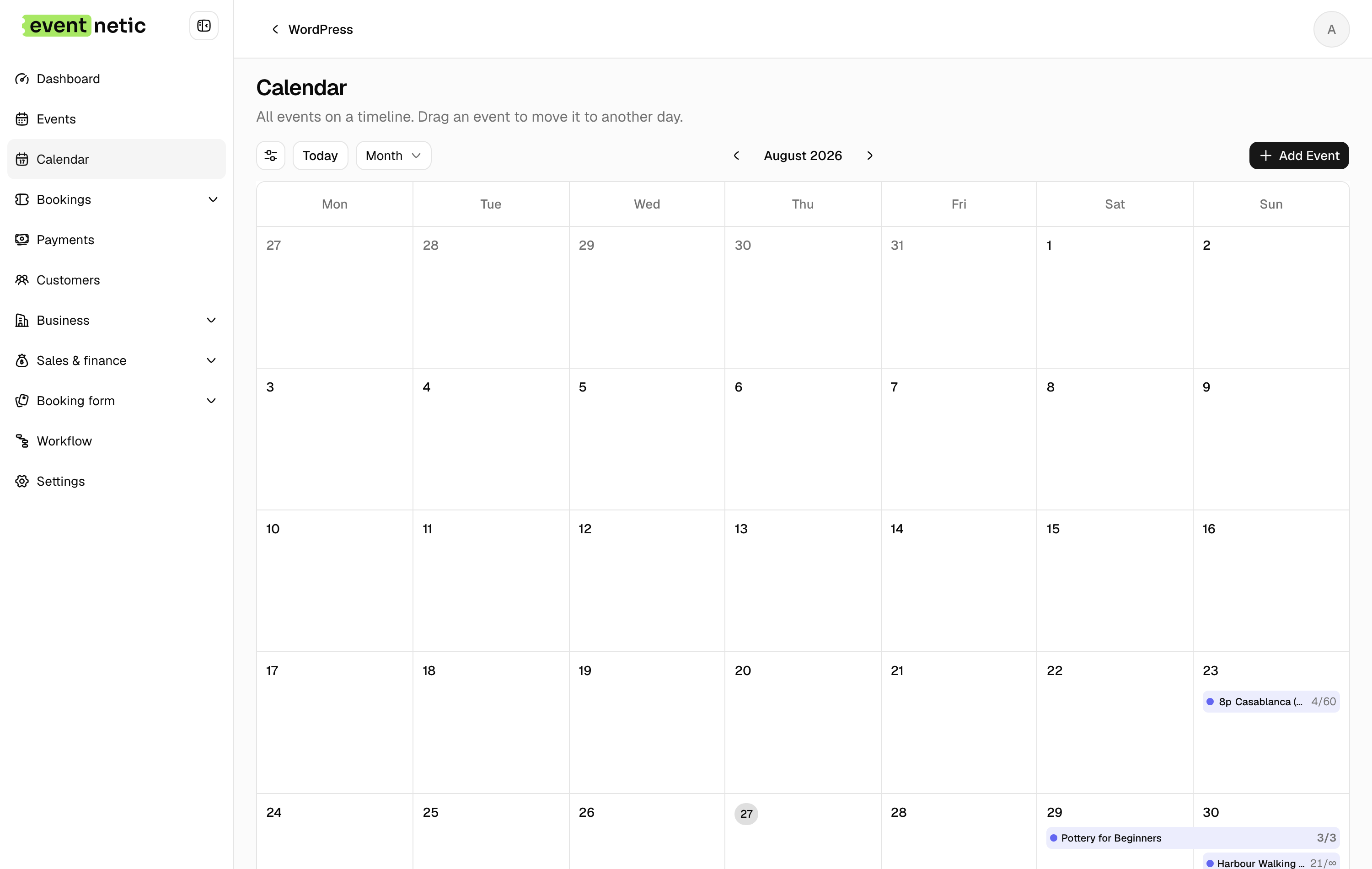
Eventnetic is included here for one specific reason: its [eventnetic_events] shortcode renders upcoming events in a filterable grid or list, which functions as a browsable event discovery surface for site visitors. Visitors can filter by event type, date range, and other criteria. This covers the event-discovery and browsing use case that many sites assign to a calendar, without a month-grid view.
Eventnetic does not ship a month-grid or week-view calendar. If your requirement is a traditional date-based calendar grid where visitors navigate between months and see events pinned to dates, Eventnetic is not the right calendar tool. Where it fits is as a ticketing platform that also handles event discovery, combining the browsable listing with the full checkout workflow in one plugin. For detailed ticketing, registration, seat reservation, and QR check-in features, see the guide to best WordPress event plugins.
Calendar/listing display features:
- Filterable event grid via
[eventnetic_events]shortcode - Filter by event category, date range, and custom fields
- Recurring event occurrences displayed per date
- Inline event detail without page reload
- No traditional month-grid or week-view calendar included
Pricing: Free plan with unlimited events. Starter: $99/year, adds Stripe, PayPal, PDF tickets, QR check-in, and recurring dates. Pro at $199 adds seat maps and per-date pricing; Elite adds WooCommerce checkout. 14-day money-back guarantee.
The practical split is worth stating. If visitors arrive knowing roughly when something is on and want to browse a month at a glance, a calendar plugin is the right tool and this is not it. If they arrive wanting to find an event and buy a place in the same visit, the grid plus checkout is fewer steps than a calendar handing off to a separate ticketing plugin. Sites that need both usually pair a calendar for display with this for the transaction.
Choosing a Calendar Plugin by Use Case
You manage events in Google Calendar and want to display them on WordPress
Simple Calendar by Feedzy is the direct answer: it pulls your Google Calendar feed and renders it on any WordPress page, no re-entry needed. Events stay in sync as you update them in Google Calendar.
You need a traditional month-grid calendar for free, with good theme compatibility
The Events Calendar free plugin is the most widely deployed choice. Month grid, list view, iCal export, and venue pages are all in the free tier. For week view and recurring events, upgrade to Events Calendar Pro.
You want a clean, block-editor calendar with iCal export and minimal setup
Sugar Calendar Lite includes month, week, and day views, mini calendar widget, iCal export, and category color coding for free. Recurring events require the Plus plan. One of the cleaner options for sites built with the Gutenberg block editor.
You run recurring events (weekly classes, monthly programs) and need them free
Event Organiser handles recurring events with the most complete scheduling rules (every N days/weeks/months, with exclusion dates) in its free plugin. iCal export is also free. Payment processing is in the Pro tier.
You need the richest variety of calendar display formats
Modern Events Calendar offers the most views (grid, list, timeline, masonry, slider, map, agenda) and lets visitors switch between them. No free version, but the paid entry price covers all display modes for a single site.
You are building a community event directory with user-submitted events
WP Event Manager is the strongest for filterable event directories with frontend submission. The Ajax-based filtering is fast for large event volumes. Add the calendar add-on if you also need a month-grid view.
You run a class or service schedule where visitors need to book a spot
Amelia is designed for this: a browsable calendar where each slot is bookable. It handles group classes, individual appointments, recurring schedules, and capacity limits in one interface. Not a pure display calendar, but the display and booking are unified.
Frequently Asked Questions
What is the difference between a calendar plugin and an event plugin?
A calendar plugin is built around display: showing events in a month, week, or list view so visitors can browse upcoming events, filter by category, and add them to their own calendar app. An event plugin is built around the transaction: creating ticket types, collecting payment, generating PDF tickets with QR codes, and managing attendees. Many sites need both, and the plugins in each category can coexist. The Events Calendar (calendar display) can work alongside a separate ticketing plugin, for example.
Can I display Google Calendar events on my WordPress site?
Yes. Simple Calendar by Feedzy is the most widely used WordPress plugin for this: it connects to a Google Calendar feed and renders the events in a monthly grid or list on any WordPress page. Events stay in sync as you update them in Google Calendar. Alternatively, Modern Events Calendar and Events Manager Pro support iCal feed import, which can pull from Google Calendar's iCal URL.
Which WordPress calendar plugin is best for recurring events?
Event Organiser handles the most complete recurring event display rules in its free plugin: every N days, weeks, months, with exclusion dates and occurrence limits. The Events Calendar free plugin shows recurring events but recurring event support requires Events Calendar Pro. Modern Events Calendar includes recurring display in all paid plans. Sugar Calendar requires the Plus plan for recurring events.
Do I need both a calendar plugin and an event ticketing plugin?
Not always. If you only need to display events without selling tickets, a calendar plugin alone is sufficient. If you only need to sell tickets and do not need a month-grid calendar, an event plugin alone works. Many sites that sell tickets also want a browsable calendar frontend. Two approaches work. Pair The Events Calendar for display with its Event Tickets companion plugin. Or use Eventnetic for ticketing and listing, and add a separate calendar plugin if you specifically need a month-grid view. See the guide to best WordPress event plugins for the ticketing side.
Which calendar plugin works best with the Gutenberg block editor?
Sugar Calendar is designed with the block editor as the primary interface: the calendar is embedded via a Gutenberg block, and events are created in a clean block-editor experience. The Events Calendar has Gutenberg blocks for embedding views. Modern Events Calendar includes Elementor and Divi widgets alongside block support. All three are reasonable choices for Gutenberg-first workflows.


