Workflows
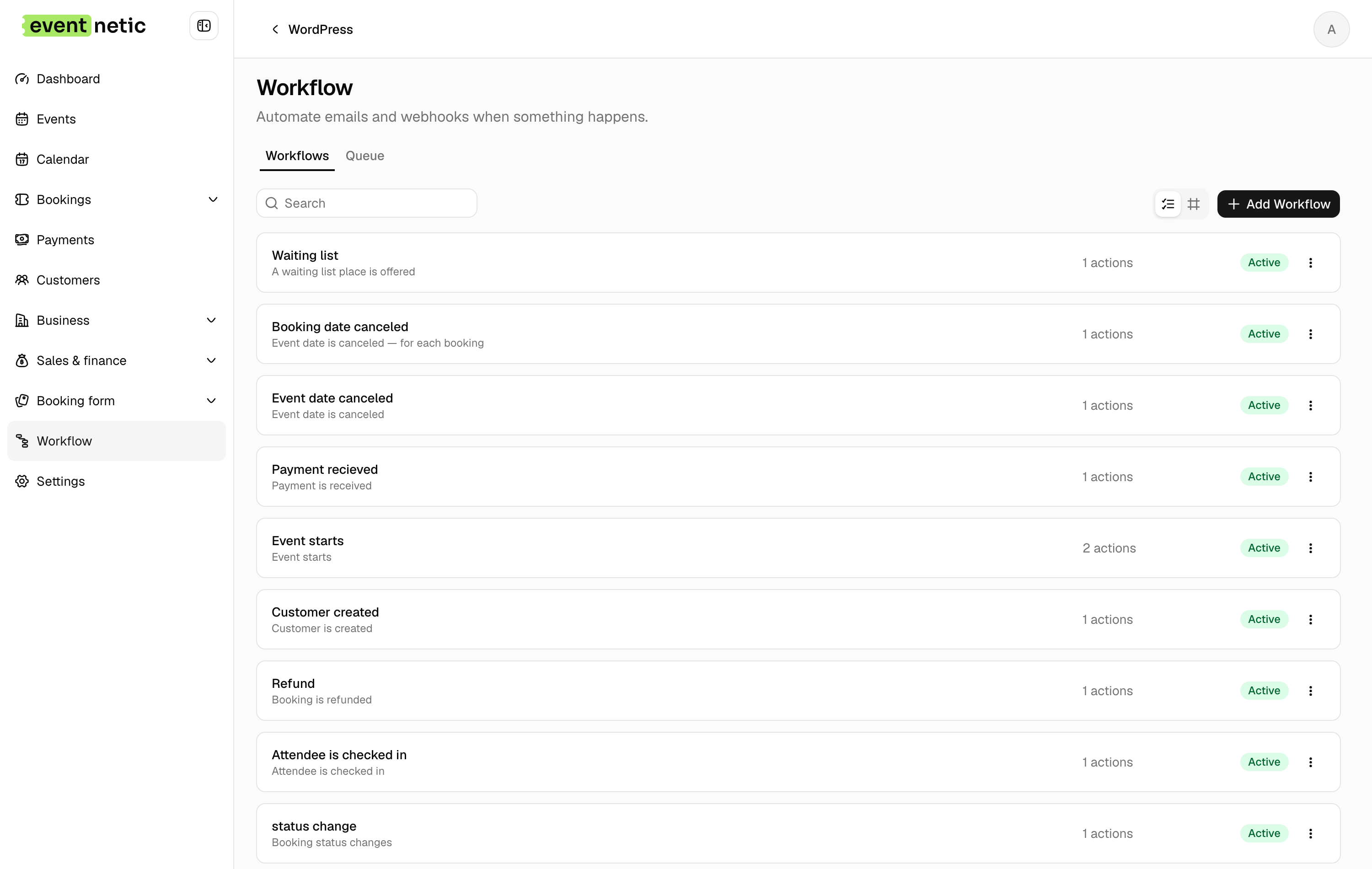
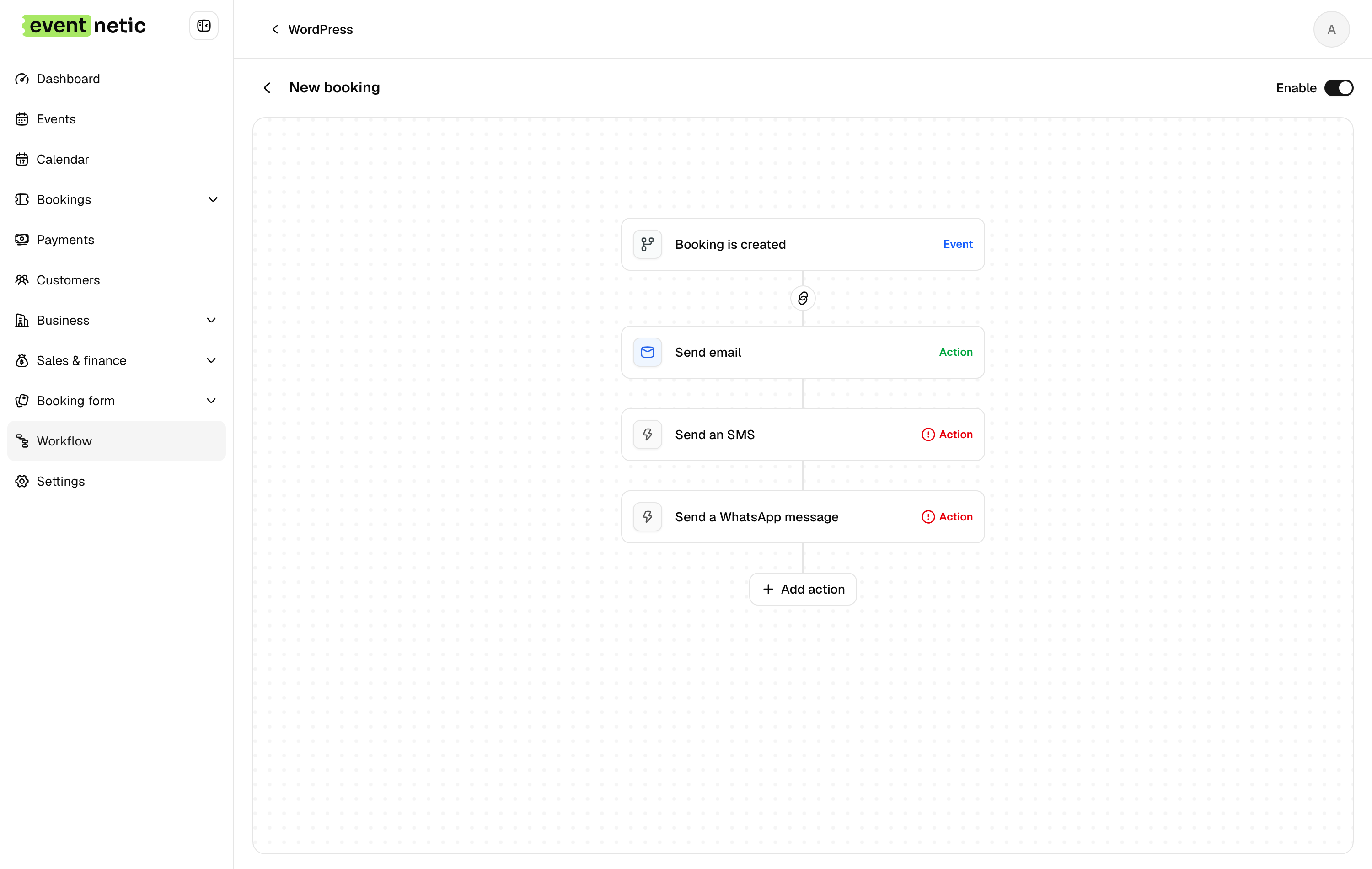
Automatic messages on fifteen triggers, timed before or after, and filtered by payment status, payment method or booking status.
The messages you would send if you had time, sent without you.
Fifteen things that can start one
A booking is created. Its status changes. A payment is received. A booking is refunded. An attendee is checked in. An event starts, or ends. A date is cancelled, or reopened. An event is added to the catalogue. Among others.
Two of them are worth naming separately: event starts fires once for the date, for you and your team, and event starts, for each booking fires once per customer, which is the one that sends the reminder.
Timed
A workflow runs at the moment, or an offset from it: two days before the event, an hour after it ends, five days after the booking was made. Offsets are what turn a trigger into a reminder.
Filtered
Only bookings that are not paid yet. Only ones that paid a deposit and still owe the rest. Only payments that came through Stripe. The filter is what stops the deposit reminder going to the people who paid in full.
A delayed message asks its filters again when it comes due, so somebody who paid on day three does not get the day-five reminder, and nobody whose booking was cancelled is reminded of it.
Placeholders
Over thirty of them: the event, the date, the venue and its phone number, the ticket list as a table, the amount paid and the amount outstanding, the payment instructions, a link to the booking, and a calendar file the customer can add to their diary.
There are action links too, so an email to you can carry an approve button and a set-to-pending button that work from the message itself.
More in Automation
Messages that send themselves, on the events that matter.